
About Fullview
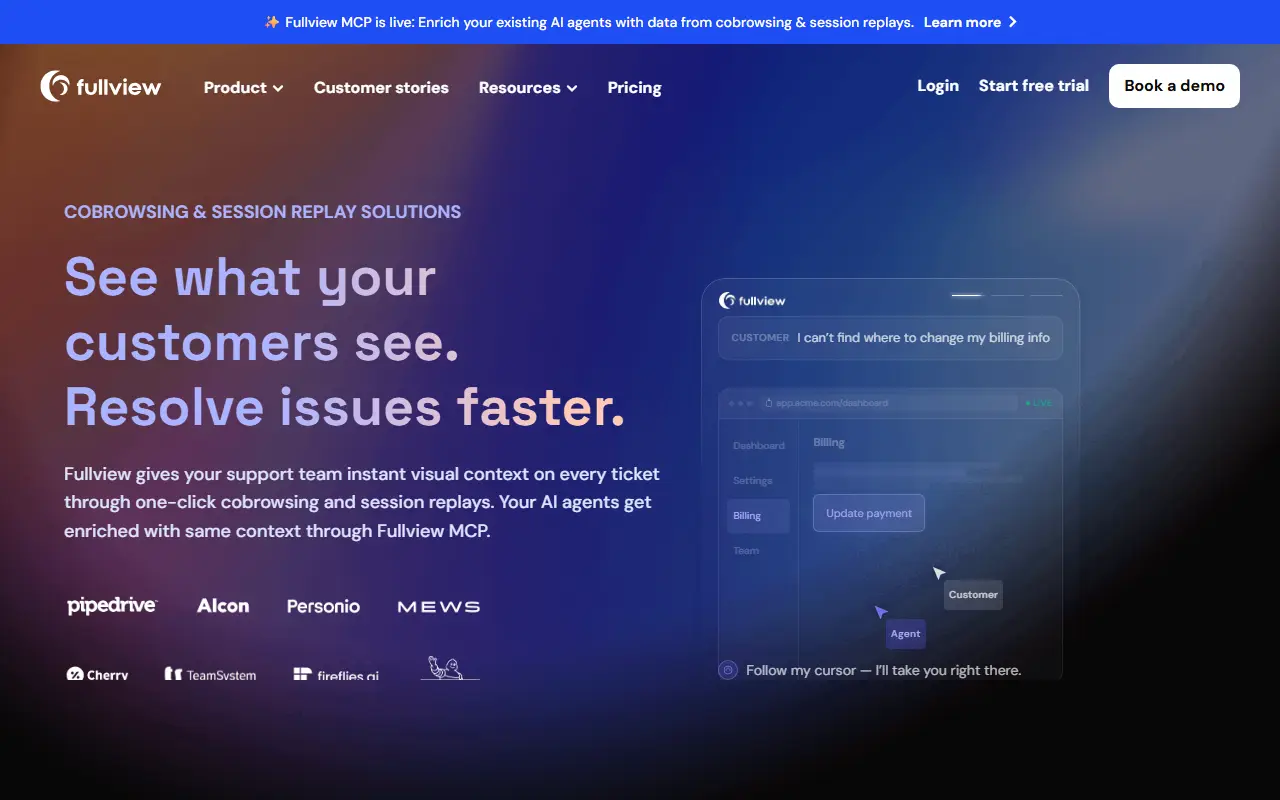
Fullview is a commercial tool for customer support teams that combines cobrowsing with session replay. Agents can see and control a customer's screen in real time, and they can replay what the user did earlier, so customers no longer have to describe a problem from memory.
The product line includes cobrowsing, session replays covering clicks, scrolls and frustration moments, a console view of network and console logs for each issue, and team analytics showing how the support team performs. Fullview MCP exposes this session context, such as page visits, rage clicks and console errors, to AI agents used for support, coding and analysis.
Fullview is hosted software with integrations, a knowledge base, a security page, a free trial and a pricing page. It suits support, success and engineering teams that want to diagnose problems faster and resolve them in fewer touches.
Key features
- One-click cobrowsing with screen control
- Session replays with frustration moments
- Network and console logs per issue
- Support team analytics
- MCP access to session context for AI agents
Good fit for
- →Diagnosing customer issues without back-and-forth
- →Giving engineers real session context for bugs
- Tags
- cobrowsing
- session-replay
- customer-support
- console-logs
- debugging
- saas
Fullview: questions and answers
- What is Fullview used for?
- Fullview is a cobrowsing and session replay tool that lets customer support teams see user screens, replay sessions and read console logs to fix issues. It is a good fit for diagnosing customer issues without back-and-forth and giving engineers real session context for bugs.
- How much does Fullview cost?
- Fullview doesn't publish fixed prices; pricing is quoted on request. A free trial is available. No prices are published. Fullview gives a custom quote based on team size and monthly session volume after a demo; a 14-day free trial is offered.
- Is Fullview open source?
- No. Fullview is proprietary (closed-source) software. Open-source alternatives to Fullview include OpenReplay.
- What are some alternatives to Fullview?
- Fullview competes with Upscope, Surfly and FullStory. For open-source options, see Enlisted's ranked list of open-source Fullview alternatives.
Open-source alternatives to Fullview
See all
OpenReplay
Session Replay
Session replay, cobrowsing and product analytics you can self-host. Best for reproducing i
OSSvs Hotjar★ 13k
Chatwoot
Customer Support
Find answers on Chatwoot Help Center. Read product documentation, self-hosted installation
OSSvs Intercom★ 37k
UVdesk
Customer Support
UVdesk Open Source Community Helpdesk is a comprehensive ticketing support system designed
OSL-3.0vs Zendesk★ 20k
Zammad
Customer Support
Zammad is a web based open source helpdesk/customer support system.
AGPL-3.0vs Zendesk★ 6k
FreeScout
Customer Support
FreeScout — Free self-hosted omnichannel AI-powered helpdesk & shared mailbox
AGPL-3.0vs Help Scout★ 4.6k
Frappe Helpdesk
Customer Support
Modern, Streamlined, Free and Open Source Customer Service Software
AGPL-3.0vs Zendesk★ 3.4k
SaaS alternatives to Fullview
See all
Upscope
Customer Support
Cobrowsing and screen sharing software for customer support and sales teams
SaaS
Surfly
Customer Support
Cobrowsing software that lets agents browse websites together with customers
SaaS
FullStory
Session Replay
Digital experience analytics with session replay, heatmaps and funnels
SaaS
LogRocket
Session Replay
Session replay combined with error tracking and front-end performance monitoring
SaaS
Aircall
Customer Support
Cloud phone system for sales and support teams with CRM integrations
SaaS
Chatbase
Customer Support
Train a support chatbot on your own documents and embed it on your website
SaaS