6,598 open-source and SaaS tools, with GitHub stats refreshed every day.

31 alternatives ranked by real activity

Open-source Obsidian alternatives

A curated, ranked list of the 31 best open-source alternatives to Obsidian.

The best open-source alternative to Obsidian is SiYuan. If that doesn't suit you, other good options are Logseq, Trilium Notes, Foam and Zettlr.

Obsidian alternatives are mainly Note Taking tools, but some are also CMS. 21 of them shipped code in the last 30 days, 31 can be self-hosted, and 13 use a permissive licence.

Last updated October 2, 2026 · ranked by GitHub stars, growth and recent commits

SiYuan

A privacy-first, self-hostable personal knowledge management system with block-level references, Markdown WYSIWYG editing, flashcards and optional AI chat.

GitHub stars
47k
Last commit
yesterday
Latest release
v3.8.6
Licence
AGPL-3.0
Self-hosted
Yes
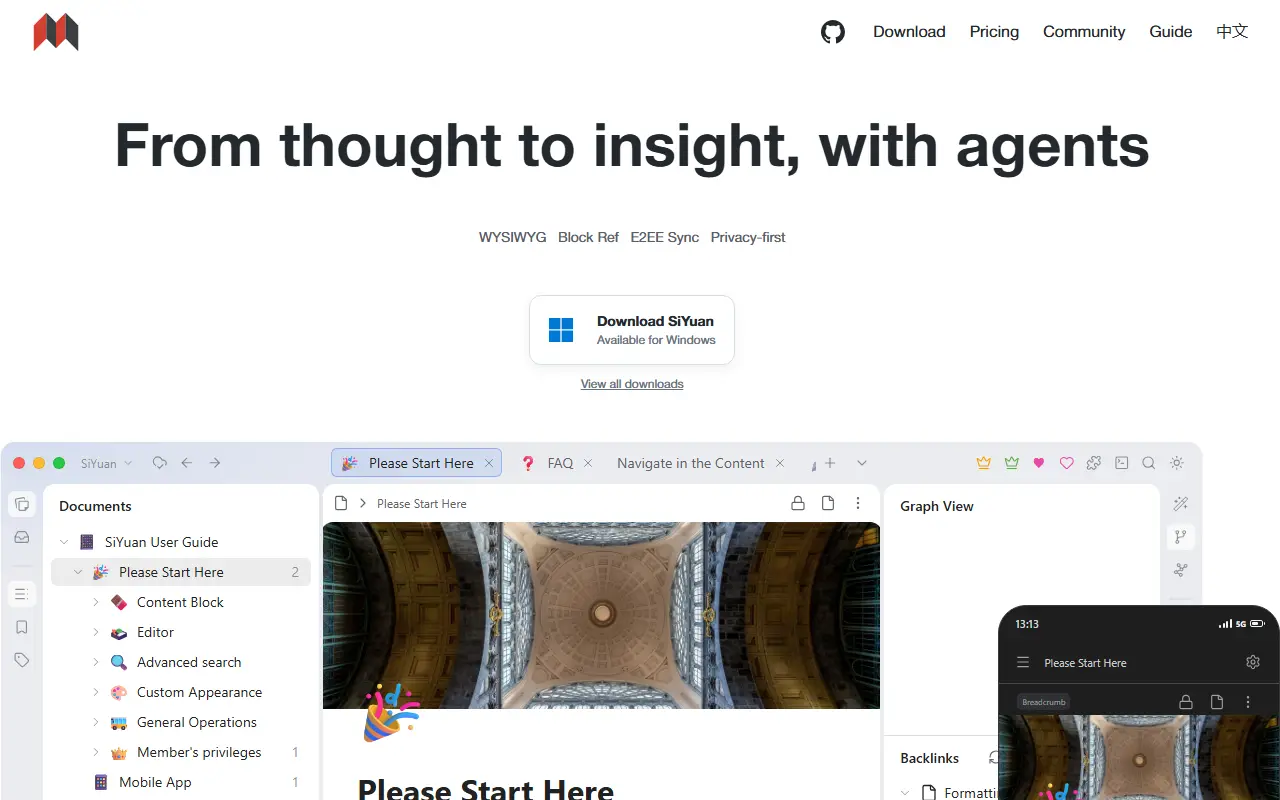
b3log.orgSiYuan homepage screenshot

SiYuan is an open-source, privacy-first personal knowledge management system. Its distinctive feature is fine-grained, block-level referencing: any block can be linked to or embedded elsewhere, with two-way links, custom attributes and SQL query embeds. Editing is Markdown WYSIWYG, and the project describes itself as a workspace where humans and AI agents work together. It is local-first and self-hostable.

The editor supports block-style writing, list outlines, block zoom-in, very large documents, math formulas, charts, flowcharts and Gantt charts. Web clipping, PDF annotation links, flashcards with spaced repetition, a database table view, Tesseract OCR and multi-tab split-screen layouts are included. You can export blocks and embeds, standard Markdown with assets, or PDF, Word and HTML. AI writing and Q and A chat can use the OpenAI API, and template and JavaScript or CSS snippets allow customization.

SiYuan is AGPL-3.0 licensed and available as desktop apps, mobile apps for Android, iOS and HarmonyOS, an installation package, a package manager, and Docker, Kubernetes, Unraid and TrueNAS hosting. A command line interface and an app market for extensions exist. Most features are free, even for commercial use.

Key features

  • Block-level references and two-way links
  • Markdown WYSIWYG editor
  • Flashcards with spaced repetition
  • SQL query embeds and database table views
  • Export to Markdown, PDF, Word and HTML
  • AI writing and Q and A chat
  • Docker, Kubernetes and mobile apps

Pricing: Most features are free, even for commercial use; check the project FAQ for any paid options.

Logseq

A privacy-first, local-first knowledge management app built around linked, outliner-style notes in Markdown or Org-mode, with a graph view and plugin support.

GitHub stars
45k
Last commit
today
Latest release
2.0.1
Licence
AGPL-3.0
Self-hosted
Yes
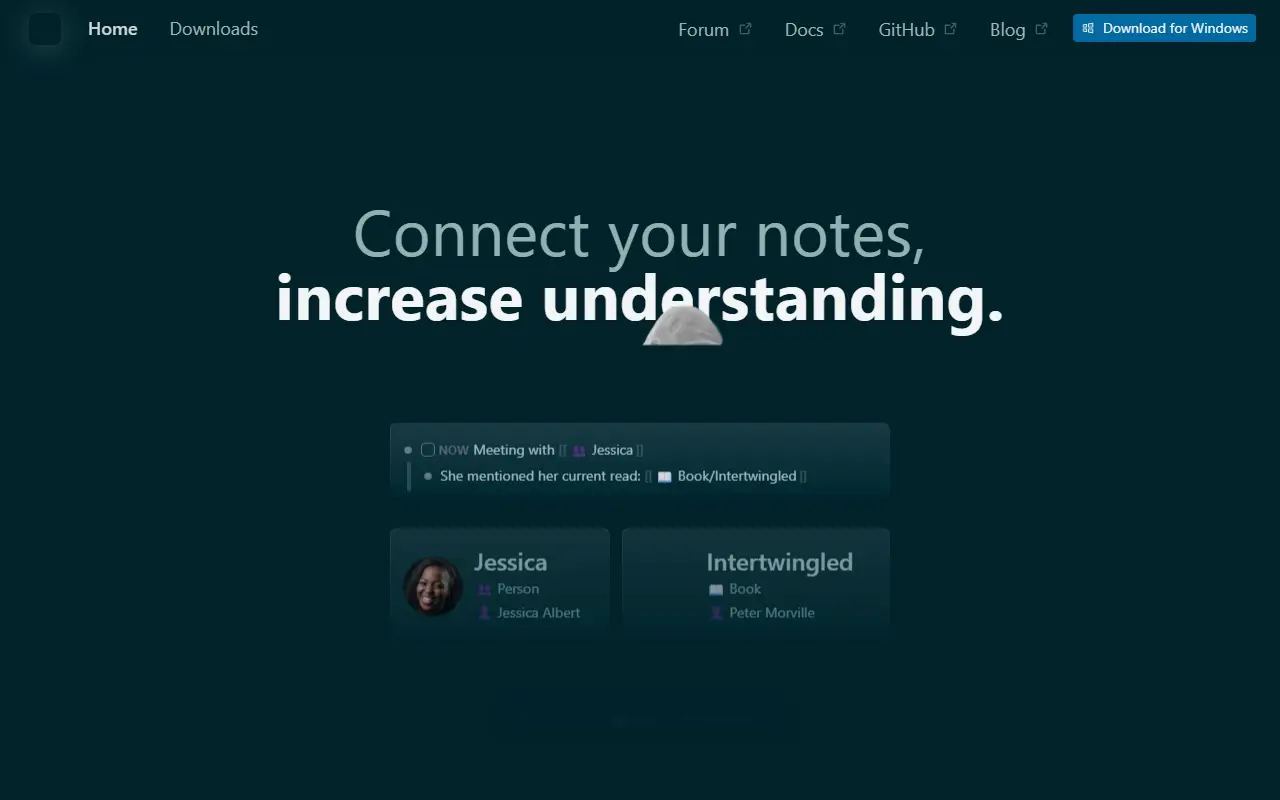
logseq.comLogseq homepage screenshot

Logseq is an open-source platform for knowledge management and collaboration that puts privacy and local storage first. Notes are organized as linked blocks in an outliner, forming a knowledge graph, and topics show it works with both Markdown and Org-mode files and can be backed by Git.

The project is moving toward a database-backed version that introduces DB graphs. That version is in beta, comes with a new iOS mobile app in alpha and a Real Time Collaboration approach to syncing graphs across devices or working with others, also in alpha. Because data loss is possible while these features mature, the maintainers recommend automated backups. A plugin API, themes and a public roadmap round out the ecosystem.

Logseq is written in Clojure and ClojureScript under the AGPL-3.0 license, and desktop builds are available from the releases page. It appeals to researchers, students and knowledge workers who want a personal wiki with bidirectional links and full ownership of their files.

Key features

  • Outliner-style linked notes
  • Markdown and Org-mode support
  • Knowledge graph of connected pages
  • Local-first storage with Git compatibility
  • Plugin API and themes
  • Real Time Collaboration sync in alpha

Pricing: Free and open source under the AGPL-3.0 license.

Trilium Notes

A cross-platform hierarchical note-taking app for building large personal knowledge bases, with a rich editor, note cloning, versioning and scripting.

GitHub stars
38k
Last commit
today
Latest release
v0.106.0
Licence
AGPL-3.0
Self-hosted
Yes
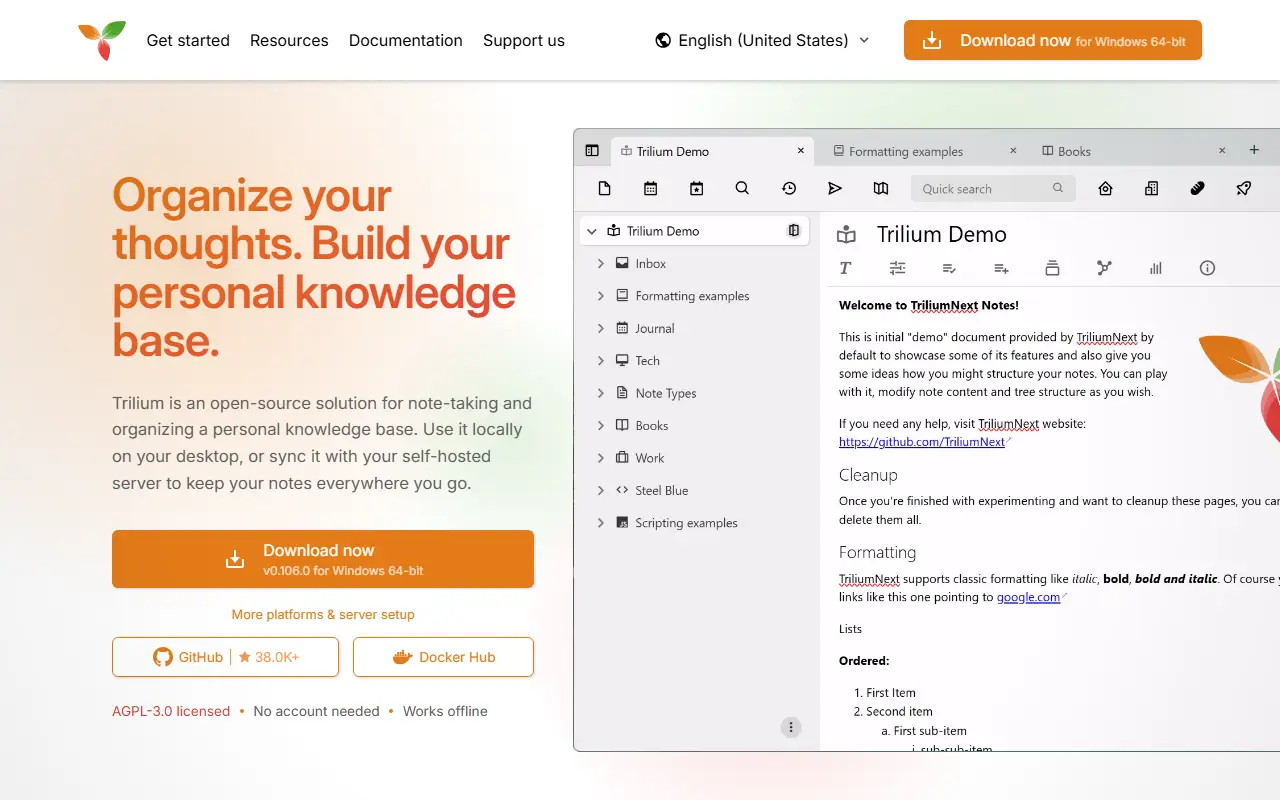
triliumnotes.orgTrilium Notes homepage screenshot

Trilium Notes is a free, open-source, cross-platform note-taking application focused on building large personal knowledge bases. Notes are arranged in a tree of arbitrary depth, and a single note can be cloned into several places in the tree, which lets you organize the same material along different lines without duplicating it.

The editor is a rich WYSIWYG one with tables, images, math and Markdown autoformatting, and there is also support for source code notes with syntax highlighting. Navigation relies on fast jumps between notes, full-text search and note hoisting. Notes are versioned automatically, and attributes can be used to organize, query and script notes. The interface is available in several languages, and built-in documentation opens with F1.

The project, now maintained as TriliumNext, is AGPL-3.0 licensed and built with TypeScript and Electron. It provides desktop builds as well as a server setup with Docker, so you can keep your notes on your own hardware. Stable releases are recommended, with nightly builds available for those who want the newest changes.

Key features

  • Arbitrarily deep note tree with cloning
  • WYSIWYG editor with tables, images and math
  • Code notes with syntax highlighting
  • Full-text search and note hoisting
  • Automatic note versioning
  • Attributes and scripting for advanced use
  • Docker server setup

Pricing: Free and open source under the AGPL-3.0 license.

Foam

A notes and knowledge-sharing system that lives in VS Code and GitHub, with wikilinks, a link graph and optional web publishing.

GitHub stars
17k
Last commit
2 days ago
Latest release
vscode@0.46.0
Self-hosted
Yes
foam.mdFoam homepage screenshot

Foam is a personal knowledge management system that lives inside Visual Studio Code and GitHub. It is intended for organizing research, keeping notes you can rediscover, writing long-form content and, if you want, publishing it to the web. The notes are plain Markdown files you own, so you can share and collaborate on them with anyone.

Its features center on linking notes together. A graph visualization shows how notes connect, link autocompletion helps create connections and placeholders, and links are updated automatically when a file is renamed. Foam supports files with the same name in different folders by using the shortest identifier needed, and it helps find and fix ambiguous wikilinks. Link preview, go to definition and peek references let you see where a note is mentioned. Topics include Zettelkasten and PKM workflows.

Foam is a free, open-source VS Code extension written in TypeScript, and its license is listed as 'Other' on GitHub. It requires VS Code, so it suits developers and technical writers already comfortable in that editor who want a notes workflow built on files and Git instead of a separate app.

Key features

  • Graph visualization of linked notes
  • Autocompletion for wikilinks and placeholders
  • Automatic link updates on file rename
  • Link preview and peek references
  • Markdown files in a Git repository
  • Optional publishing to the web

Zettlr

Markdown editor for researchers and writers with citation management, Pandoc exports and Zettelkasten-style note linking.

GitHub stars
14k
Last commit
4 days ago
Latest release
v4.8.0
Licence
GPL-3.0
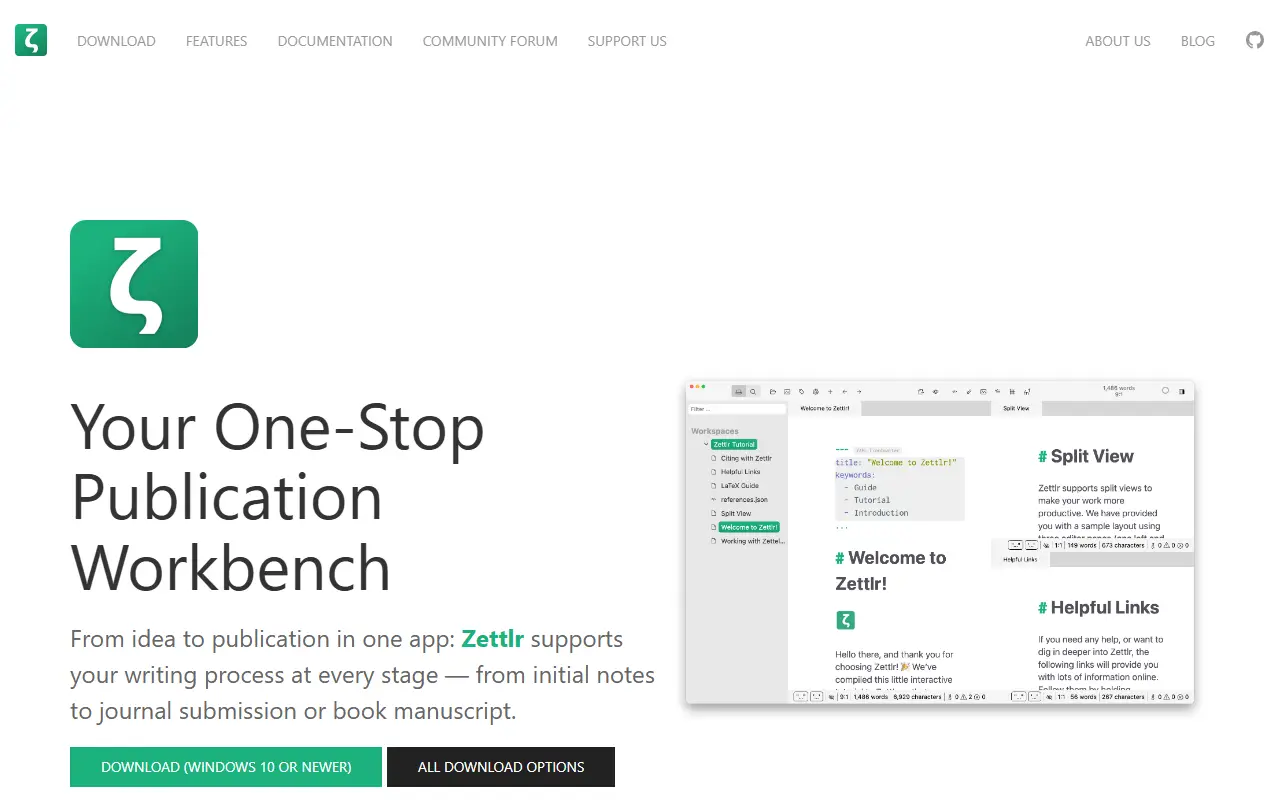
zettlr.comZettlr homepage screenshot

Zettlr is a desktop Markdown editor aimed at academic and long-form writing. It presents itself as a publication workbench, combining note-taking, drafting, reference management and export in one application, with a focus on keeping your notes private and stored as ordinary files on your own computer.

Citations integrate with reference managers such as Zotero and JabRef, and exports rely on Pandoc, LaTeX and Textbundle, with support for LaTeX and Word templates. Other capabilities include snippets for boilerplate text, themes with dark modes and custom CSS, code highlighting, full-text search, and techniques from the Zettelkasten knowledge management method. The interface is translated into over a dozen languages.

Zettlr is built with TypeScript, Electron and Node.js and released under GPL-3.0. Installers are provided for macOS, Windows and most Linux distributions, and the repository documents building from source, command-line switches and contribution workflows. The project is also reachable through a community forum, Discord and Mastodon.

Key features

  • Markdown editor with a distraction-free writing focus
  • Citation support for Zotero and JabRef
  • Export via Pandoc, LaTeX and Textbundle
  • Zettelkasten-style linking and full-text search
  • Snippets, themes and custom CSS
  • Installers for macOS, Windows and Linux

Pricing: Free and open source under the GPL-3.0 license.

VNote

A free, Qt-based note-taking application written in C++ that focuses on Markdown editing and note management on Linux, Windows and macOS.

GitHub stars
13k
Last commit
yesterday
Latest release
v4.8.0
Licence
LGPL-3.0
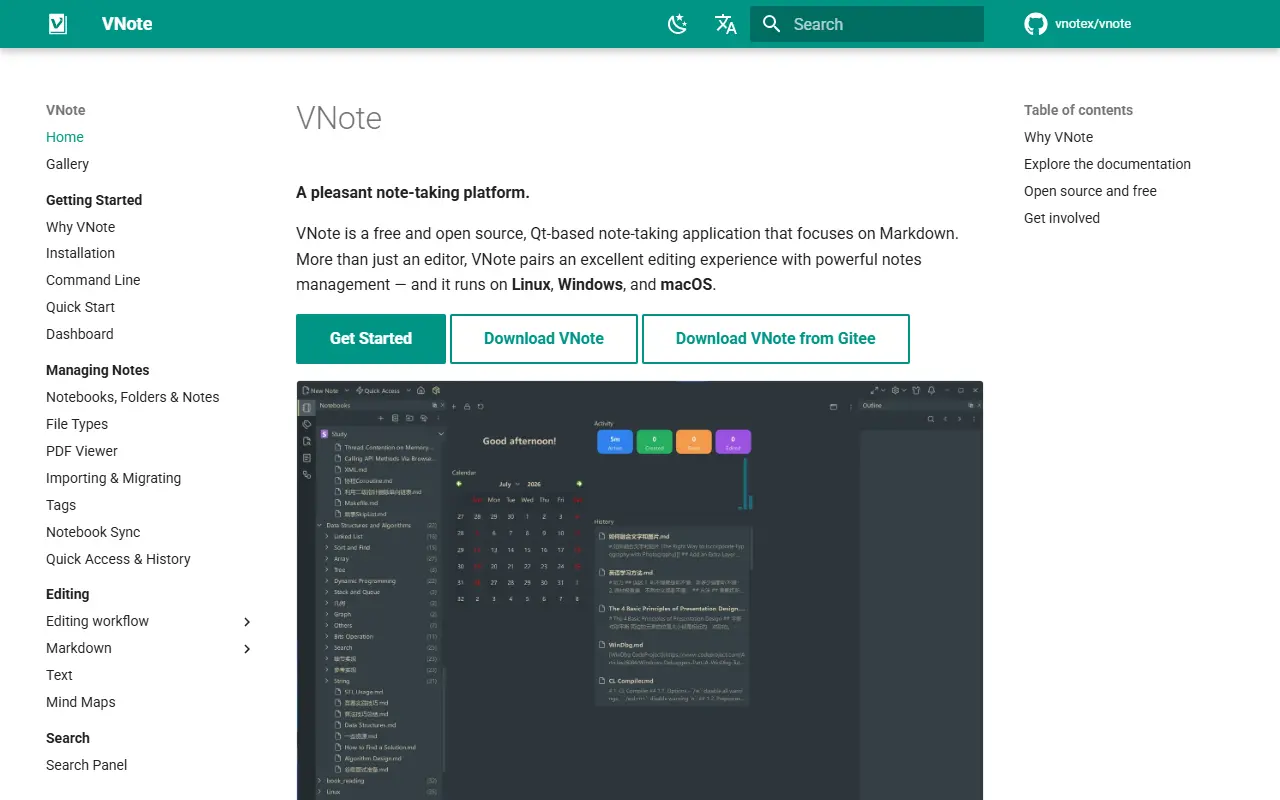
docs.vnote.funVNote homepage screenshot

VNote is a free, open-source note-taking application built with Qt and written in native C++. It currently focuses on Markdown, and aims to offer a pleasant editing experience while also providing notes management, so it is more than a simple Markdown editor.

Because it uses Qt, the same application runs on Linux, Windows and macOS. The project topics reference Vim-style editing, UML diagrams and MathJax math rendering, and the maintainers say that formats beyond Markdown are planned. Continuous builds from the master branch and stable releases are published on GitHub and Gitee.

VNote is licensed under LGPL-3.0, with bundled third-party icon sets recorded in a separate notices file. It is a desktop application that runs locally rather than a hosted service. It suits people who want local Markdown notes organized in notebooks, and developers who prefer a native editor over an Electron-based one.

Key features

  • Native C++ and Qt desktop application
  • Markdown editing focus
  • Notes management and notebooks
  • Vim mode support
  • UML and MathJax rendering
  • Runs on Linux, Windows and macOS

Pricing: Free and open source under the LGPL-3.0 licence.

NoteGen

A local-first Markdown note-taking app built with Tauri that collects scattered information and uses AI to turn it into organized notes.

GitHub stars
13k
Last commit
2 days ago
Latest release
note-gen-v0.38.0
Licence
GPL-3.0
Self-hosted
Yes
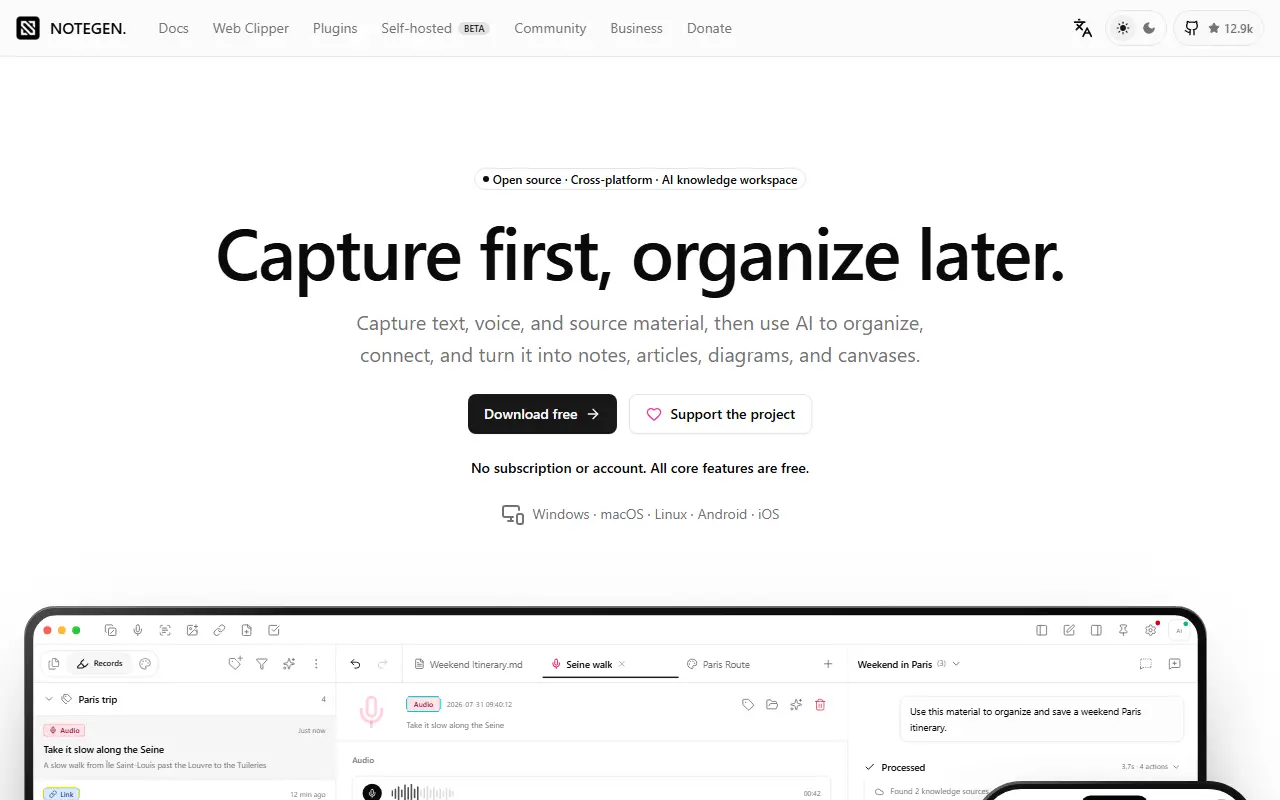
notegen.topNoteGen homepage screenshot

NoteGen is a local-first Markdown note-taking app built around the idea of capturing first and organizing later. It helps collect scattered snippets, records and clippings and then uses AI to arrange them into clear notes, acting as a personal knowledge base.

It is a desktop application built with Tauri and Next.js. The project topics point to Markdown editing, WebDAV sync, retrieval augmented generation, MCP and agent features, and the README describes configurable model settings with an OpenAI-compatible interface for conversations, note organization, writing assistance, translation and summarization. Knowledge base features reference embeddings, reranking, OCR and speech.

NoteGen is licensed under GPL-3.0, and downloads, documentation, a business offering and community discussions are linked from the repository. Since it is a local app, you keep notes on your own machine and choose which model provider to connect, which suits people building a personal knowledge management system.

Key features

  • Local-first Markdown editor
  • AI-assisted note organization
  • OpenAI-compatible model configuration
  • Knowledge base with retrieval support
  • WebDAV sync support
  • Desktop app built with Tauri

Pricing: Free and open source under the GPL-3.0 licence.

Anytype

Anytype Desktop is the official client for Anytype, a local-first, end-to-end encrypted knowledge base for notes, tasks, wikis and custom data types.

GitHub stars
8.9k
Last commit
today
Latest release
v0.57.3
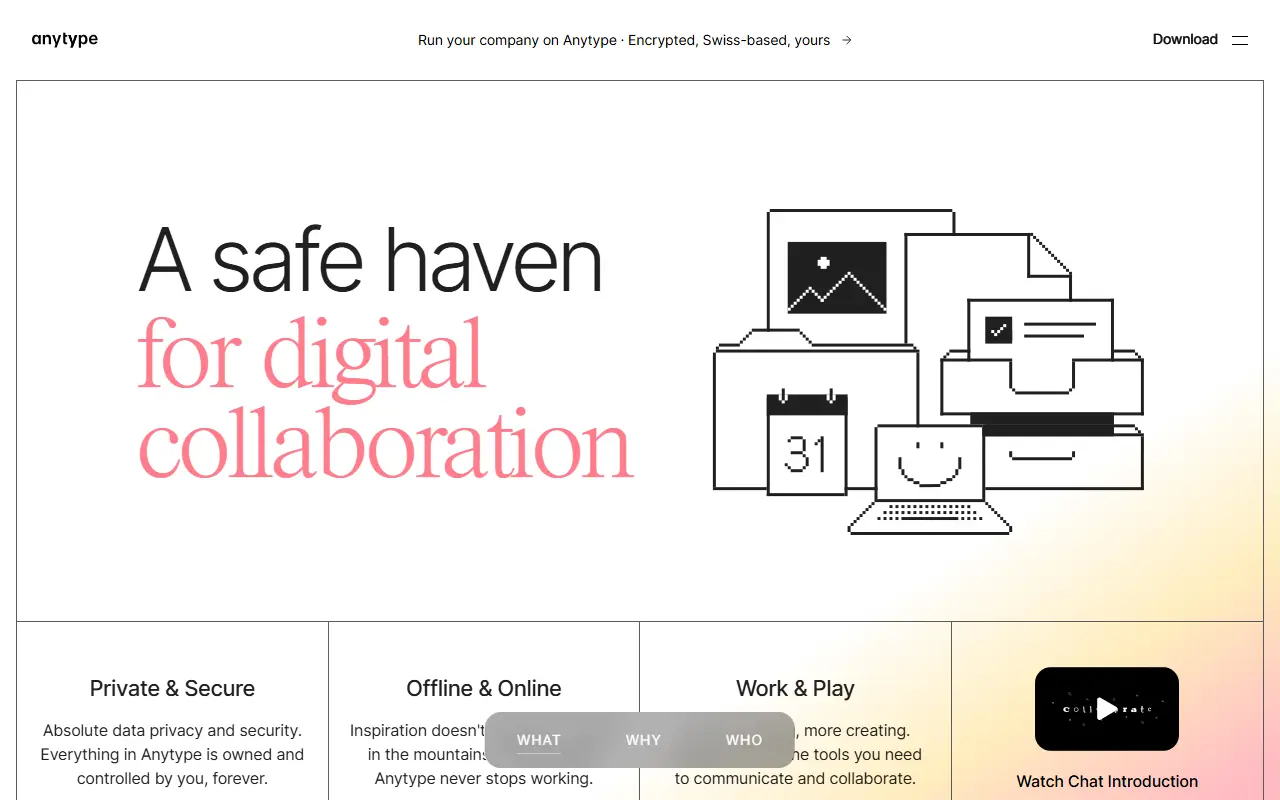
anytype.ioAnytype homepage screenshot

Anytype Desktop is the official desktop client for Anytype, a personal knowledge base for macOS, Windows and Linux. It lets you collect pages, tasks, wikis and journals and link them together, while keeping data stored locally and encrypted across your devices.

The client is built around composable blocks such as text, databases, kanban boards and calendars, and you can define your own Types to shape the data model. Storage is offline-first with optional peer-to-peer sync, and encryption relies on the any-sync protocol. It is an Electron application written in TypeScript, and it can be extended through a gRPC API and AI agents described in the repository.

Sign-in uses an Any-ID, and installers are published on the releases page and the download site. The code is published under the Any Source Available License 1.0 rather than a standard open-source licence, and the README includes instructions for building from source and updating the middleware.

Key features

  • Offline-first local storage
  • Optional peer-to-peer sync
  • End-to-end encryption through any-sync
  • Block-based pages, databases, kanban and calendar
  • Custom Types for your own data model
  • gRPC API for extensions

SilverBullet

SilverBullet is a self-hosted, browser-based Markdown knowledge base with wiki links, a built-in query language and Lua scripting.

GitHub stars
6.2k
Last commit
today
Latest release
2.11.1
Licence
MIT
Self-hosted
Yes
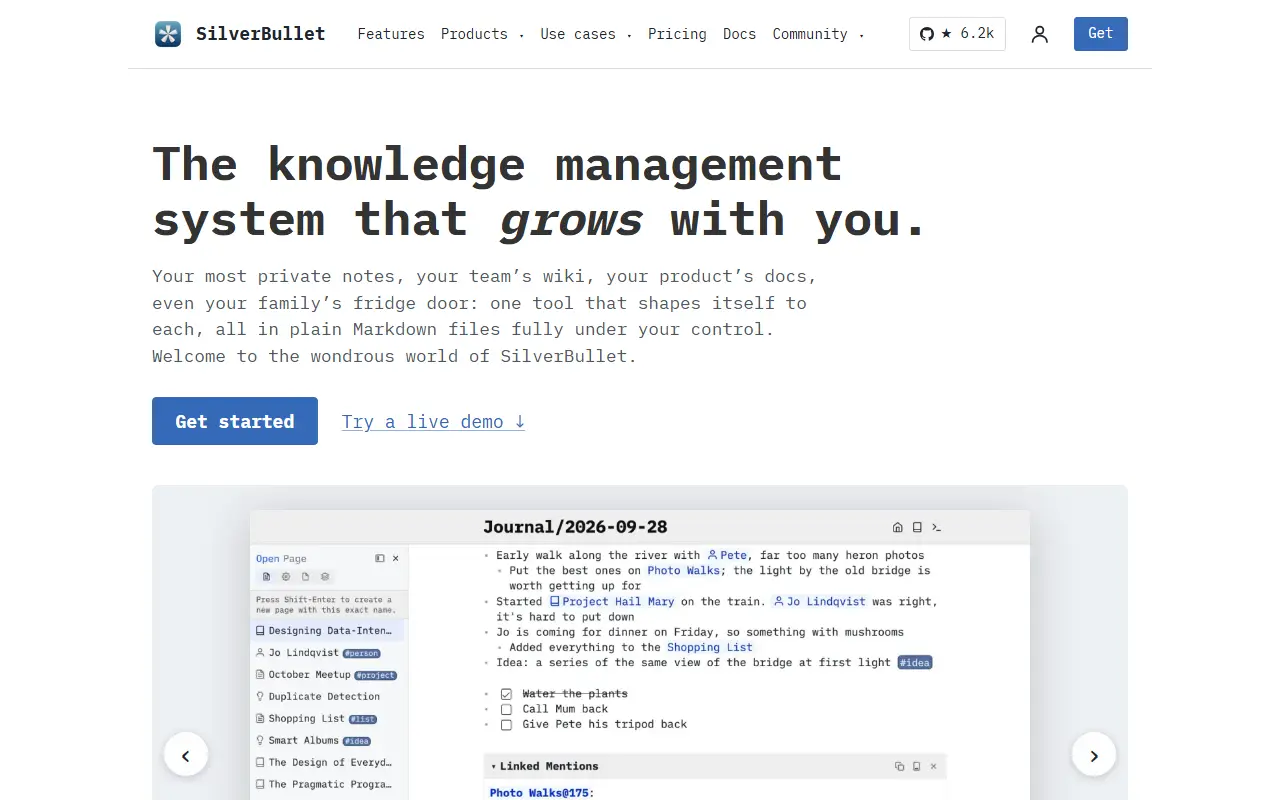
silverbullet.mdSilverBullet homepage screenshot

SilverBullet is a personal knowledge base that runs in the browser and is hosted on your own server. Your content is stored as Markdown pages grouped into a Space, which you can open from a page picker as in a classic notes app, or reach through two-way wiki-style links. The project describes itself with a tongue-in-cheek phrase as a notes app on steroids.

What sets it apart is that notes can be programmed. A live-preview editor is paired with an integrated database and query syntax, and a Lua scripting environment called Space Lua lets you extend the system, build custom views and automate tasks. Repository topics highlight knowledge management, personal knowledge management, note taking and end-user programming.

SilverBullet is written in TypeScript and licensed under MIT. Because it is designed for self-hosting and plain Markdown files, it suits individuals and small teams who want a private, hackable wiki and are comfortable with a little scripting. There is no hosted service from the project.

Key features

  • Markdown pages with live preview editor
  • Bi-directional wiki-style links
  • Built-in database and query language
  • Space Lua scripting environment
  • Page picker for fast navigation
  • Self-hosted and browser-based

Pricing: The server and personal desktop app are free. Desktop Pro for work use costs $50 per user per year; hosted Cloud on PikaPods starts at $2 per month.

nb

Command-line and local web tool (nb) for plain-text notes, bookmarks, and archiving, with tagging, wiki-style links, search, and Git-backed sync in one script.

GitHub stars
8.4k
Last commit
1 mo ago
Latest release
7.25.5
Licence
AGPL-3.0
Self-hosted
Yes
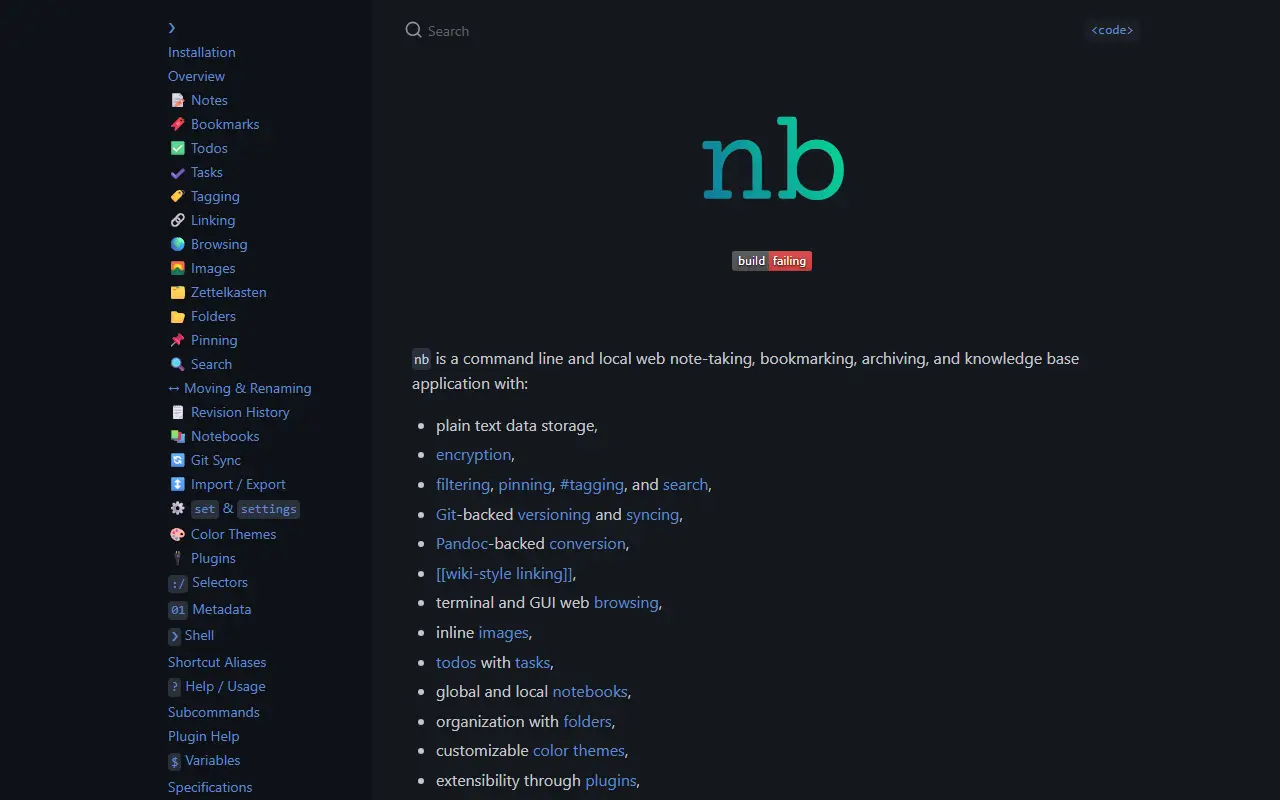
xwmx.github.ionb homepage screenshot

nb is a note-taking, bookmarking, archiving, and knowledge-base tool that runs in the terminal and through a locally served web interface. It keeps everything as plain text, mainly Markdown, Org, LaTeX, and AsciiDoc files, so notes stay readable and portable without a proprietary database. It is delivered as one portable shell script under the AGPL-3.0 license.

Notes can be tagged, pinned, filtered, searched, and cross-linked with wiki-style links, and todos with tasks are supported. Every change is recorded in Git in the background, which gives versioning and syncing between machines. Bookmarks are downloaded, cleaned up, and saved as Markdown documents with full-text search over the cached page content, and notes can be password-protected with encryption.

Pandoc handles conversion to and from many document formats, and plugins and color themes allow customization. nb works on Linux and Unix systems, including macOS and Windows through WSL, MSYS, or Cygwin, and you can edit notes in whichever editor you prefer, such as Vim, Emacs, or VS Code. It suits developers and command-line users who want a private, scriptable notebook.

Key features

  • Plain-text notes in Markdown, Org, and other formats
  • Git-backed versioning and syncing
  • Tagging, pinning, filtering, and full-text search
  • Wiki-style linking between notes
  • Bookmark archiving with cached page content
  • Encrypted, password-protected notes
  • Local web interface alongside the CLI
  • Pandoc-based document conversion

Pricing: Free and open source under the AGPL-3.0 license.

Read more about nbWebsite GitHub

21 more Obsidian alternatives

Obsidian alternatives: questions

What is the best open-source alternative to Obsidian?
SiYuan is the top-ranked open-source alternative to Obsidian on Enlisted: A privacy-first, self-hostable personal knowledge management system with block-level references, Markdown WYSIWYG editing, flashcards and optional AI chat. Other strong options are Logseq, Trilium Notes, Foam and Zettlr.
Are these Obsidian alternatives free?
All 31 are open source, so the code is free to use under its licence, and 31 of them can be self-hosted on your own server. 4 also offer a paid or managed cloud version if you'd rather not host it yourself.
How is this list of Obsidian alternatives ranked?
By a score built from GitHub stars, star growth over the last 30 days and how recently the code changed. 21 of these projects shipped code in the last 30 days. Data is refreshed daily, and nobody can pay to move up.

People also look for alternatives to…

View all