
About Archivy
Archivy is a self-hostable knowledge repository meant to help individuals learn and retain information in their own personal, extensible wiki. It is aimed at people building a 'digital brain' or personal knowledge base who want full control over their data rather than relying on a cloud note service.
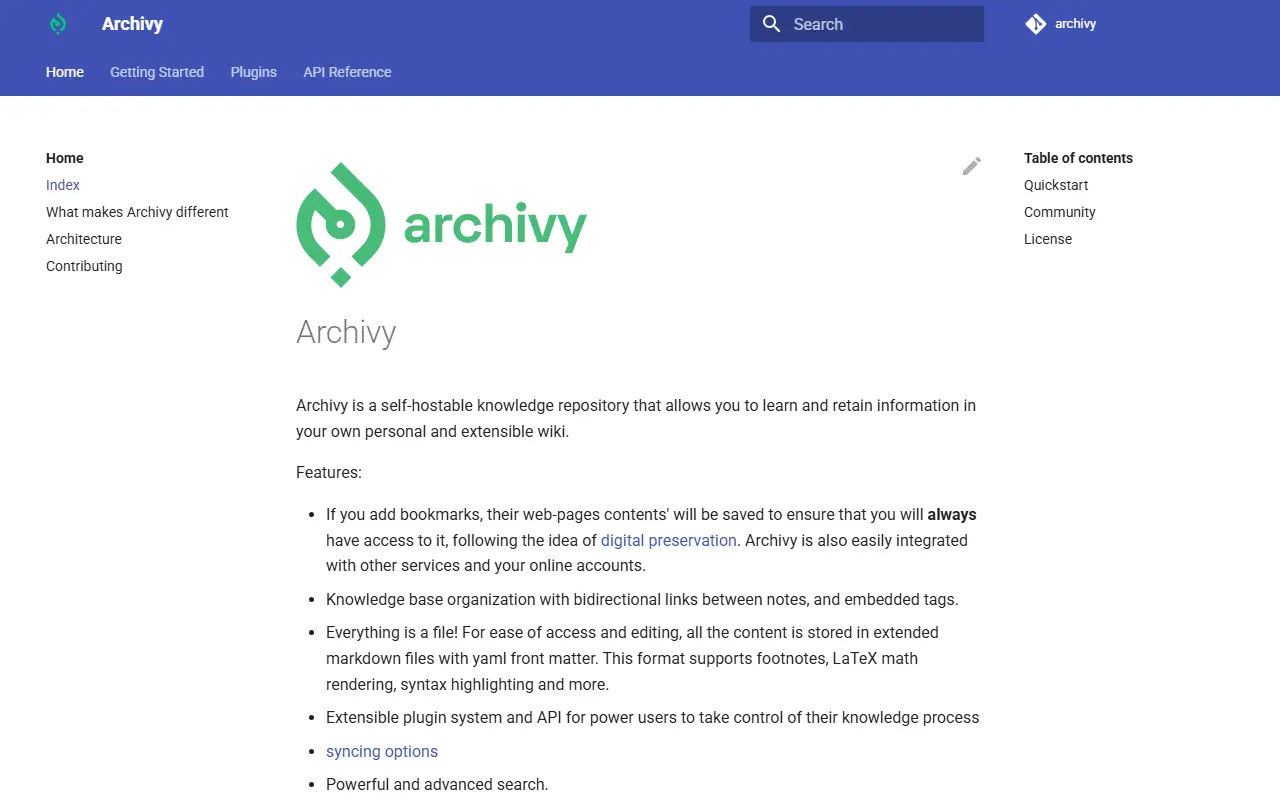
Bookmarked web pages have their content saved for digital preservation, and notes support bidirectional links and embedded tags for organizing the knowledge base. Everything is stored as extended markdown files with YAML front matter, which supports footnotes, LaTeX math, syntax highlighting and other markdown extensions, and content can be searched with the help of Elasticsearch. An extensible plugin system and API let power users customize their workflow, and sync options and image upload are also supported.
Archivy is installed with pip or Docker, after which an init command and a CLI-created user account get it running locally on port 5000. It is written in Python and released under the MIT license. The roadmap mentions annotations and a multi-user permission system as upcoming features.
Key features
- Bidirectional links between notes
- Bookmark content preservation
- Markdown files with YAML front matter
- Elasticsearch-powered full-text search
- Extensible plugin system and API
- Image upload support
Good fit for
- →Personal knowledge base and digital brain
- →Self-hosted bookmark and note archiving
- Built with
- Python
- Tags
- knowledge-base
- self-hosted
- note-taking
- wiki
- python
- elasticsearch
- digital-brain
Archivy: questions and answers
- What is Archivy used for?
- Archivy is a free, MIT-licensed, self-hostable Python knowledge base and wiki with bidirectional links, bookmark archiving and full-text search via Elasticsearch. It is a good fit for personal knowledge base and digital brain, and self-hosted bookmark and note archiving.
- Is Archivy open source?
- Yes. Archivy is open source under the MIT licence. Its source code is on GitHub at archivy/archivy and is written mainly in Python.
- Is Archivy free?
- Yes. Archivy is open source, so the software itself is free to use.
- Can I self-host Archivy?
- Yes. Archivy can be self-hosted on your own server or infrastructure; there is no official hosted version.
- What is Archivy an alternative to?
- Archivy is an open-source alternative to Obsidian, Roam Research, Reflect and Matter. Other open-source alternatives to Obsidian include Inkstone, Logseq and mdSilo.
- Is Archivy actively maintained?
- The most recent commit to Archivy was on 25 July 2023, and the latest release is v1.7.4, published on 17 January 2023. The project has 3.3k stars on GitHub.
Open-source alternatives to Archivy
See allInkstone
Note Taking
A self-hosted Markdown notebook that runs entirely on Cloudflare Workers.
OSSvs Obsidian★ 1.1k
Logseq
Note Taking
A privacy-first, open-source platform for knowledge management and collaboration. Download
AGPL-3.0vs Notion★ 45k
mdSilo
Note Taking
Lightweight Knowledge Base and Feed Reader.
AGPL-3.0vs Obsidian★ 854
Notabase
Note Taking
A second brain for your knowledge, thoughts, and ideas.
AGPL-3.0vs Roam Research★ 913
Foam
Note Taking
A personal knowledge management and sharing system for VSCode
OSSvs Roam Research★ 17k
Tangent
Note Taking
The Tangent monorepo.
Apache-2.0vs Obsidian★ 561
SaaS alternatives to Archivy
See all
Obsidian
Note Taking
Obsidian is a free, flexible note-taking app for private notes, with plugins, linked notes and optional paid Sync and Publish services.
SaaS
Roam Research
Note Taking
Roam Research is a note-taking tool for networked thought that links notes into a graph while feeling like a simple bulleted outline.
SaaS
Reflect
Note Taking
Networked notes app with backlinks, calendar integration and AI features
SaaS
Matter
Productivity
Reading app that brings newsletters, feeds and read-later into one place with highlights
SaaS
Amplenote
Note Taking
Notes and tasks app with backlinks and calendar scheduling
SaaS
Supernotes
Note Taking
Card-based note app with real-time collaboration
SaaS