7,363 open-source and SaaS tools, with GitHub stats refreshed every day.

25 alternatives ranked by real activity

Open-source Dashlane alternatives

A curated, ranked list of the 25 best open-source alternatives to Dashlane.

The best open-source alternative to Dashlane is Vaultwarden. If that doesn't suit you, other good options are KeePassXC, Bitwarden, KeePassDX and MacPass.

Dashlane alternatives are mainly password managers. 19 of them shipped code in the last 30 days, 24 can be self-hosted, and 2 use a permissive licence.

Last updated October 2, 2026 · ranked by GitHub stars, growth and recent commits

Vaultwarden

A lightweight, unofficial Bitwarden-compatible server written in Rust for self-hosting, working with the official Bitwarden clients.

GitHub stars
68k
Last commit
7 days ago
Latest release
1.37.3
Licence
AGPL-3.0
Self-hosted
Yes

Vaultwarden is a Rust server that reimplements the Bitwarden Client API as an alternative to the official service, and it works with the official Bitwarden clients. It was formerly known as bitwarden_rs and is released under the AGPL-3.0 license. It is aimed at people who self-host and find the official server too heavy to run themselves.

The project implements most of the Bitwarden Client API, including personal vaults, Send, attachments, website icons and personal API keys, as well as organizations, with collections, shared passwords, member roles, groups, event logs and policies. Multi-factor authentication covers authenticator apps, email, FIDO2 WebAuthn, YubiKey and Duo, and emergency access is supported. An admin backend and a modified web vault client are included.

Vaultwarden is distributed as a Docker image and the code is on GitHub. The project is unofficial, and its maintainers ask users to report problems to them rather than to Bitwarden's official support channels. It suits individuals, families and small teams who want to host their own password manager while keeping the familiar Bitwarden apps and browser extensions.

Key features

  • Bitwarden Client API-compatible server
  • Works with official Bitwarden clients
  • Organizations with collections and member roles
  • Multi-factor authentication including FIDO2 and YubiKey
  • Emergency access and Send support
  • Admin backend for server management

Pricing: Free and open source under the AGPL-3.0 license.

Read more about VaultwardenGitHub

KeePassXC

A cross-platform, community-driven password manager that stores credentials and notes in an encrypted offline database file, compatible with KeePass.

GitHub stars
29k
Last commit
3 days ago
Latest release
2.7.12
Self-hosted
Yes
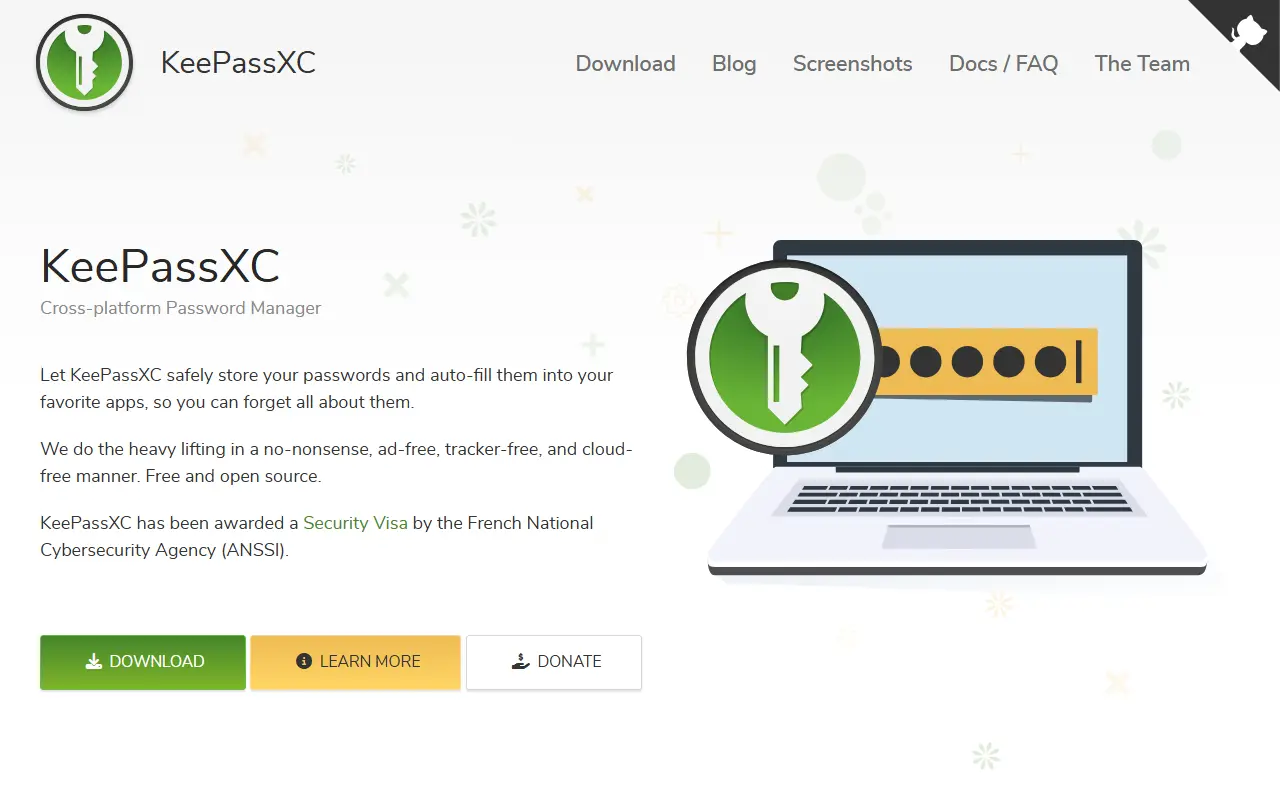
keepassxc.orgKeePassXC homepage screenshot

KeePassXC is a modern, open-source password manager for Windows, macOS and Linux. It began as a community port of the Windows program KeePass Password Safe and is aimed at people with demanding requirements for managing sensitive personal data securely.

It stores usernames, passwords, URLs, attachments and notes in an encrypted file that works offline and can live anywhere, including private or public cloud storage that you sync yourself. Entries have custom titles and icons and are sorted into customizable groups, and a search function supports advanced patterns. A built-in password generator can create strings with any mix of characters or easy-to-remember passphrases, and topics mention YubiKey support.

The app is written in C++ and has a quick-start guide plus pre-compiled binaries on the downloads page. Its license is listed as 'Other' on GitHub, so confirm the terms for your use. Because there is no vendor account or server, it is a good fit for users who want local control of their password database instead of a hosted password service.

Key features

  • Encrypted offline password database
  • Windows, macOS and Linux apps
  • Groups, custom icons and attachments
  • Advanced search patterns
  • Password and passphrase generator
  • Hardware key support with YubiKey

Bitwarden

This is the Bitwarden server: the API, database and Docker-based infrastructure behind the Bitwarden password manager's client apps.

GitHub stars
20k
Last commit
today
Latest release
v2026.9.2
Self-hosted
Yes
Hosted version
Available
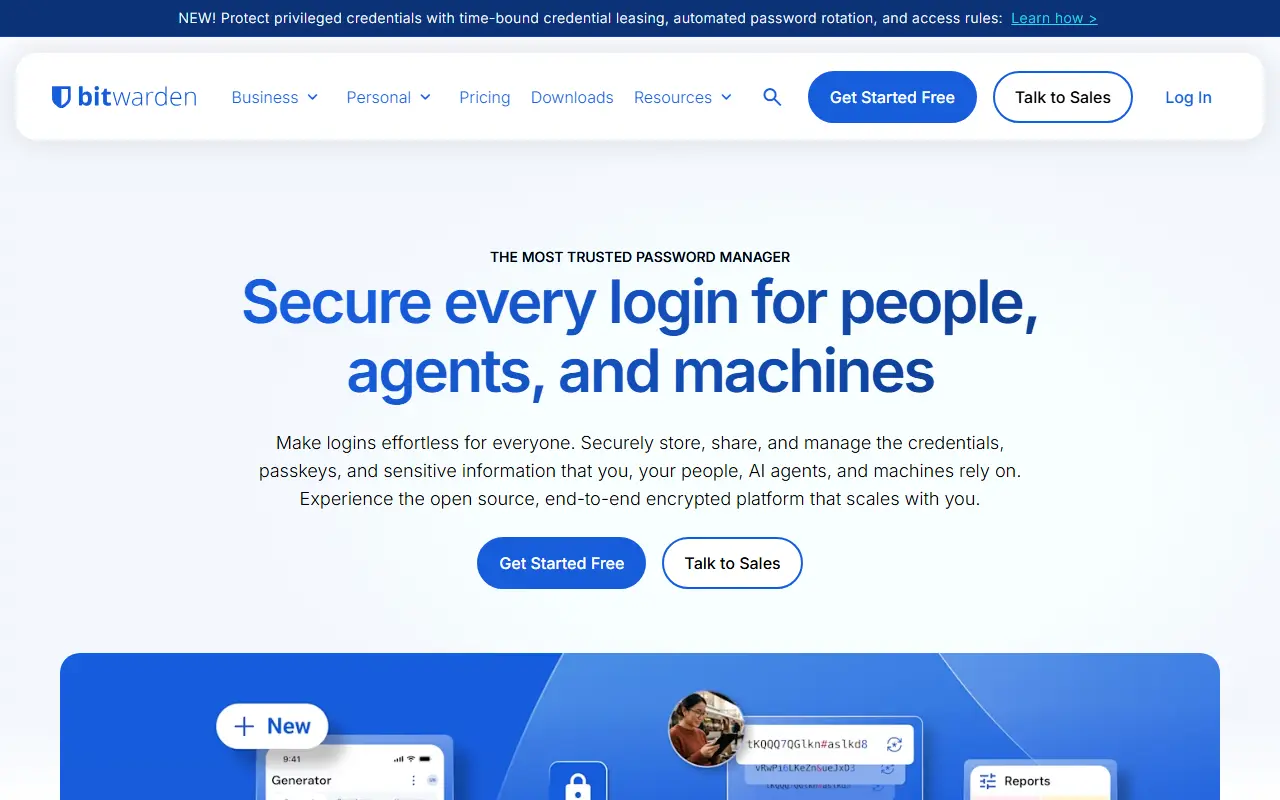
bitwarden.comBitwarden homepage screenshot

Bitwarden is a password manager, and this repository contains its server side: the APIs, database and other core infrastructure that all Bitwarden client applications connect to. The code is written in C# on .NET Core with ASP.NET Core, and the database layer is written in T-SQL for SQL Server.

The server can be developed, built, run and deployed on Windows, macOS and Linux. For deployment, the project provides Docker containers along with PowerShell and Bash scripts that bootstrap an installation, and the images are published on GitHub Container Registry. The services include Admin, API, Billing, Events, Identity, Notifications, SCIM and SSO components.

Organizations that want to keep their vaults on their own infrastructure can follow the on-premise install guide in the Bitwarden help center, which requires Docker and Docker Compose. Bitwarden also runs managed cloud clusters in the US and EU. The repository lists its license as 'Other', so check the license files for the exact terms.

Key features

  • APIs used by all Bitwarden client apps
  • Identity, SCIM and SSO services
  • SQL Server database layer
  • Docker-based on-premise deployment
  • Install scripts for Windows, macOS and Linux
  • Admin and event processing services

Pricing: A free personal plan exists. Premium is $1.65 a month, Families $3.99 a month for six users, Teams $4 and Enterprise $6 per user per month, all billed annually.

Bitwarden

Source repository for the Bitwarden web vault, browser extension, desktop app and command-line client for the Bitwarden password manager.

GitHub stars
14k
Last commit
today
Latest release
desktop-v2026.9.1
bitwarden.comBitwarden homepage screenshot

This repository holds the client applications of Bitwarden, the password manager, except for the mobile apps. It contains the web app, the browser extension, the desktop application and the command-line tool, which together are the interfaces people use to store and fill in their credentials.

The code is written mostly in TypeScript, with Angular for the web interfaces, Electron for the desktop app and Node.js for the CLI. Browser extensions cover Chrome, Firefox and Safari. The clients talk to the Bitwarden server, which lives in a separate repository and covers the API, database and Docker deployment, while the iOS and Android apps each have their own repositories.

The repository is published under a custom Bitwarden license rather than a standard SPDX identifier. Contribution guidance, build instructions and recommended tooling are kept in Bitwarden's contributing documentation, and the project welcomes security audits and reports through its issue tracker or private email for sensitive findings.

Key features

  • Web vault client for Bitwarden
  • Browser extension for Chrome, Firefox and Safari
  • Electron-based desktop application
  • Command-line client for scripting access
  • TypeScript and Angular codebase

Pricing: A free personal plan exists. Premium is $1.65 a month, Families $3.99 a month for six users, Teams $4 and Enterprise $6 per user per month, all billed annually.

KeePassDX

A lightweight Android password and passkey manager that opens KeePass-format database files, with biometric unlock, autofill and one-time password support.

GitHub stars
7.4k
Last commit
8 days ago
Latest release
4.5.5
Licence
GPL-3.0
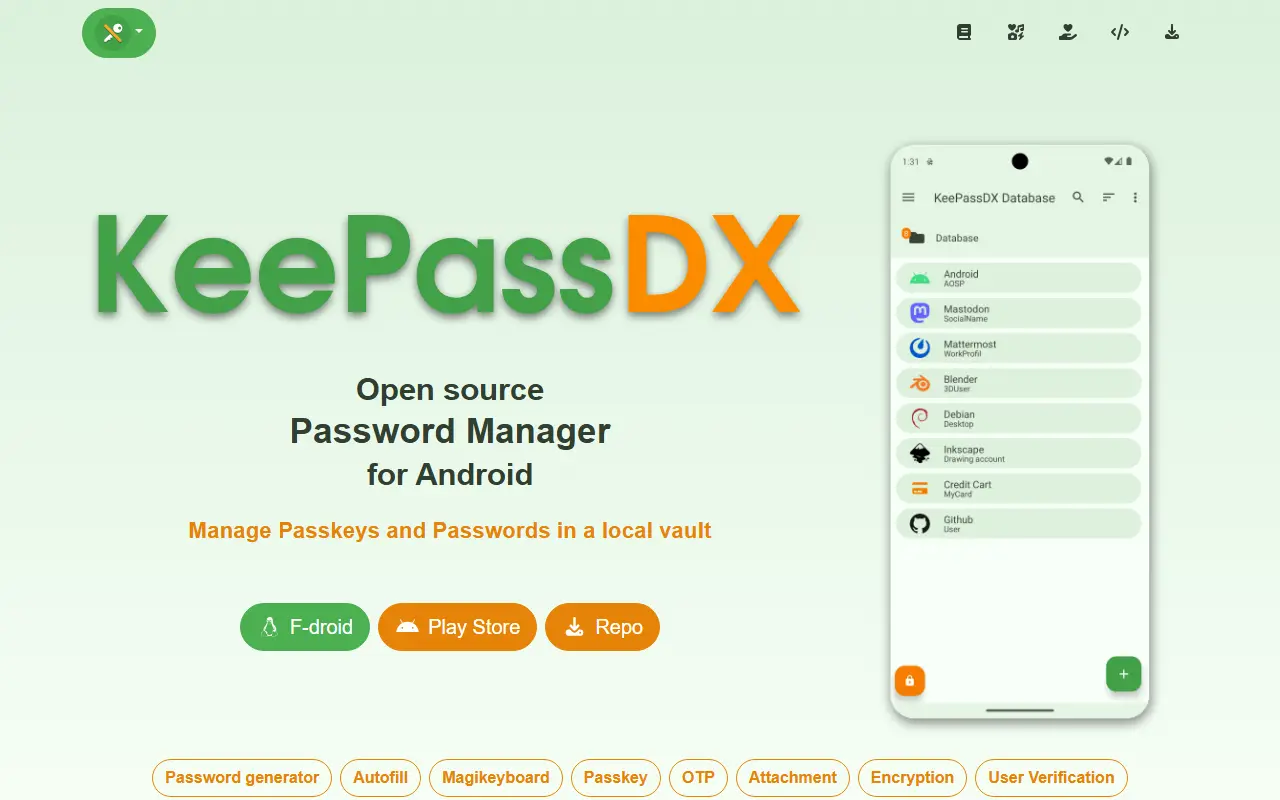
keepassdx.comKeePassDX homepage screenshot

KeePassDX is a password safe for Android that edits encrypted data kept in a single file in KeePass format and fills in forms securely. It is a local manager, so your credentials live in a database locked with a master key, a keyfile or both, and you only need to remember one master password.

Features include passkeys for authentication with local storage of private keys, biometric unlocking, one-time password management for HOTP and TOTP, autofill, a Magikeyboard for entering fields, creation of encrypted database files, entries organized in group trees, dynamic templates, entry history and Material Design themes. It supports kdb and kdbx files, versions 1 to 4, with AES, Twofish, ChaCha20 and Argon2, and is compatible with KeePass, KeePassXC and KeeWeb.

KeePassDX is described as open source and ad-free, written natively in Kotlin, Java, JNI and C, and licensed under GPL-3.0. Because the file is yours, you choose how to sync it between devices. It suits Android users who want a private password manager that stays interoperable with desktop KeePass tools.

Key features

  • KeePass kdb and kdbx database support
  • Passkey storage and authentication
  • Biometric unlock with fingerprint or face
  • HOTP and TOTP one-time passwords
  • Autofill and Magikeyboard input
  • Entry groups, templates and history
  • Compatible with KeePass and KeePassXC

Pricing: Free and open source under the GPL-3.0 licence, described as ad-free.

MacPass

A native macOS client for KeePass password databases, written in Objective-C with auto-type and plugin support.

GitHub stars
6.9k
Last commit
9 days ago
Latest release
0.8.2
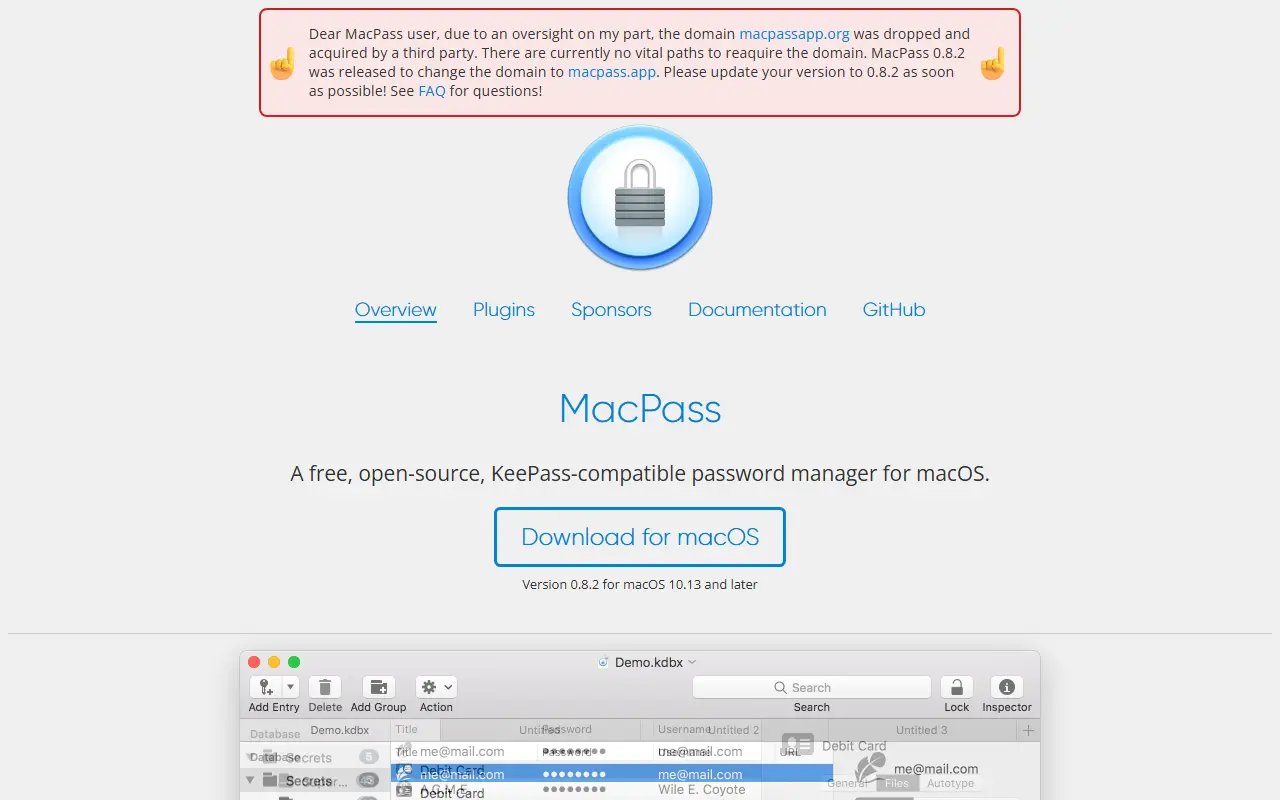
macpass.appMacPass homepage screenshot

MacPass is a native macOS client for KeePass databases in the kdbx format. It started as an attempt to provide a good-looking, feature-complete KeePass client for the Mac, and its author says no other native macOS client is fully open source. After a period with few updates, the maintainer says they hope to revive it.

Topics mention auto-type, kdbx and plugins. The README includes security notes: users should upgrade to version 0.8.2 or later, disable automatic plugin updates on older versions, and keep the default setting that refuses unsigned or wrongly signed plugins. Releases should be taken only from the official GitHub page, since an old website domain was dropped and the site now lives at macpass.app.

Pre-built releases and an unsigned continuous build are available on GitHub, and building from source needs Carthage and Xcode. MacPass is written in Objective-C, and the repository lists the license as Other, so check the licence file. It suits Mac users who keep their passwords in a KeePass-compatible file.

Key features

  • Native macOS KeePass client
  • Support for kdbx databases
  • Auto-type for filling credentials
  • Signed plugin system
  • Continuous builds on GitHub
  • Open-source Objective-C codebase

Pricing: Free to use; the repository lists the license as Other.

Keepass2Android

Keepass2Android is an open-source Android password manager that opens KeePass 2.x databases and aims to make syncing between devices simple.

GitHub stars
6.3k
Last commit
16 days ago
Latest release
v1.15-r4
Licence
GPL-3.0
Self-hosted
Yes
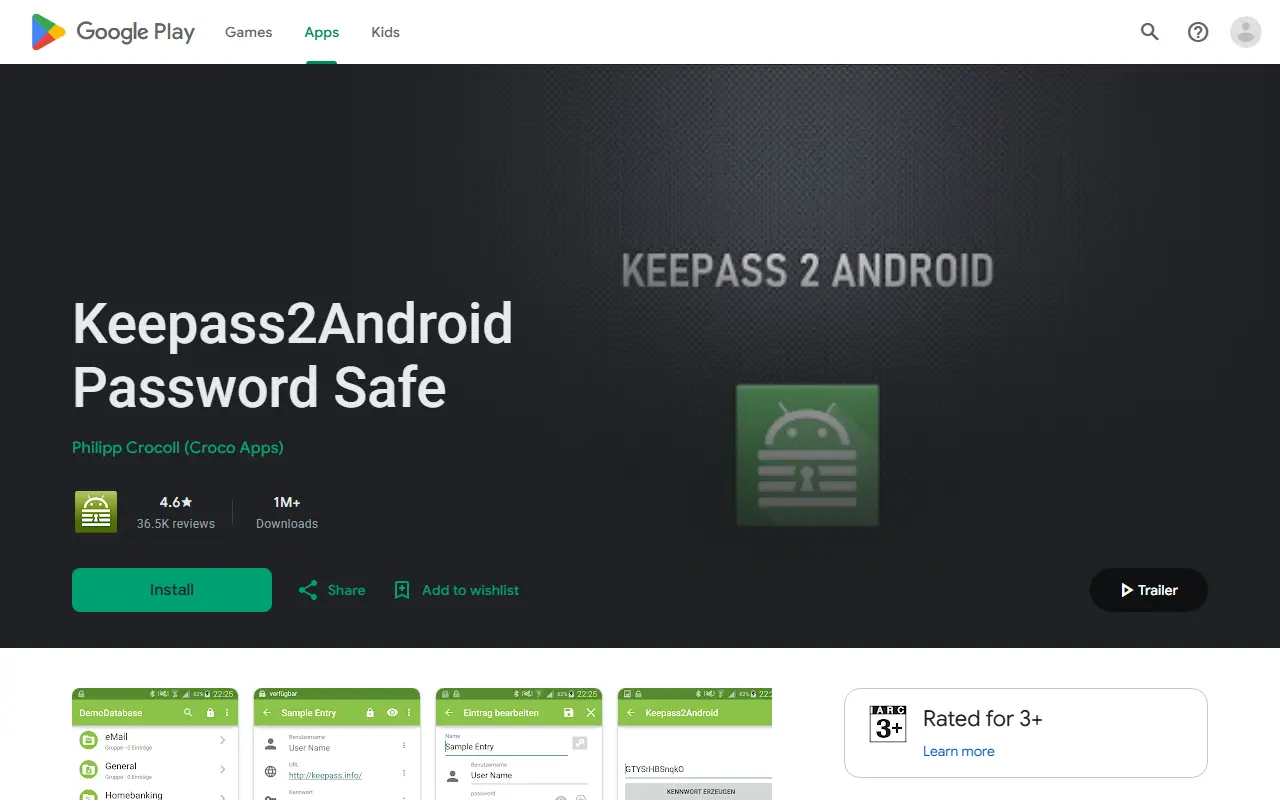
play.google.comKeepass2Android homepage screenshot

Keepass2Android is a password manager app for Android that reads the same database format as KeePass 2.x, the well-known Windows password safe. You keep your credentials in an encrypted database file that you control, instead of handing them to a vendor-run service, and open it on your phone with the app.

The project aims at simple synchronization between devices, so a database edited on a desktop KeePass client can be used on Android and vice versa. It is built on the .NET stack and distributed through the Google Play Store, where it is published by an individual developer. Its repository tags it with the keepass and password-manager topics.

Keepass2Android is licensed under GPL-3.0. Because the database is a file you hold yourself, it fits people who already use KeePass on other platforms or who want a password manager without a hosted account. There is no vendor-operated cloud service for it.

Key features

  • Opens KeePass 2.x password databases
  • Designed for syncing databases between devices
  • Native Android app built on .NET
  • Compatible with desktop KeePass clients
  • Encrypted local password storage
  • Distributed through Google Play

Pricing: Free and open source under GPL-3.0.

LessPass

LessPass is a stateless open-source password manager that generates site passwords from a master password, so there is no vault to sync.

GitHub stars
6.1k
Last commit
4 days ago
Licence
GPL-3.0
Self-hosted
Yes
Hosted version
Available
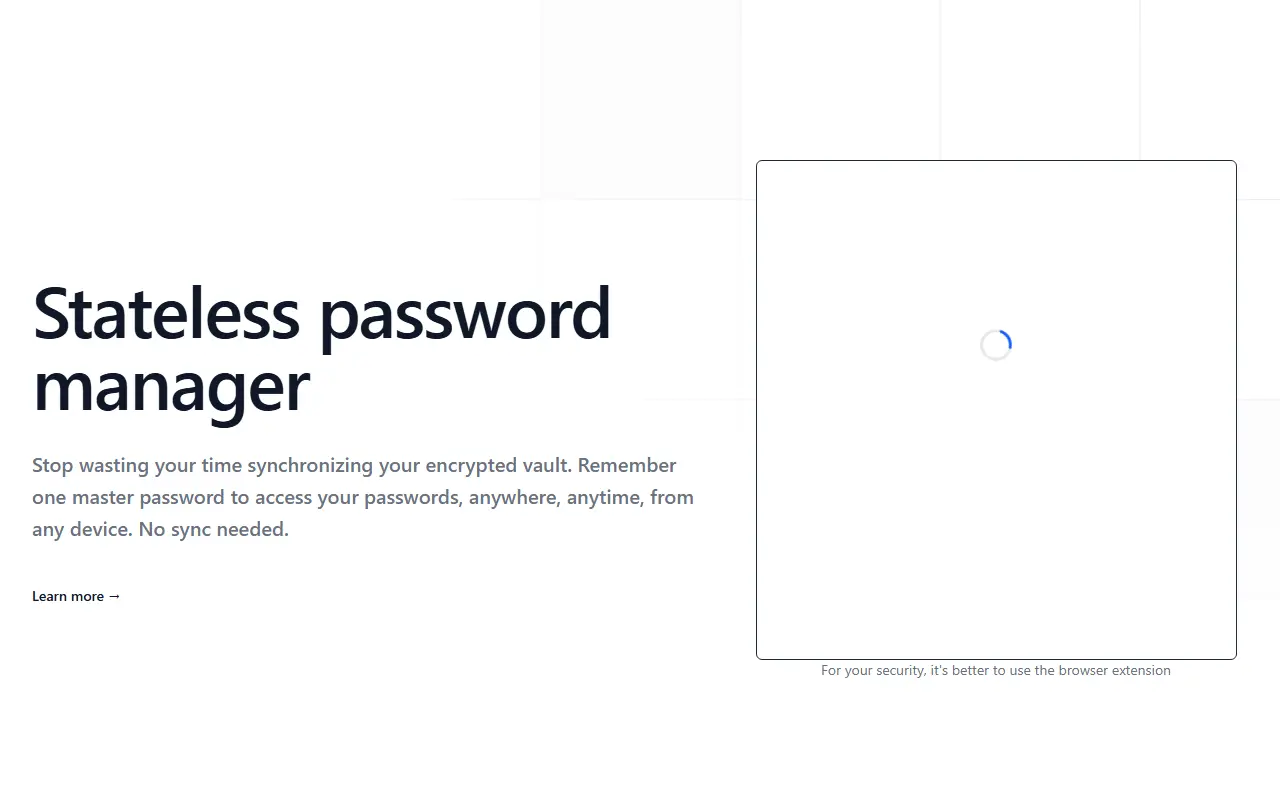
lesspass.comLessPass homepage screenshot

LessPass is a stateless password manager. Instead of storing an encrypted vault that has to be synchronized between devices, it derives each password from the website, your login and a single master password. Because nothing is stored, you can generate the same password anywhere you can run LessPass, without managing a database.

It is used through web extensions for Chrome and Firefox, where a keyboard shortcut opens the form next to a password field, and you fill in your login and master password to copy the result to the clipboard. A command-line client installs with pip for terminal use, and a hosted demo is available on the project website. Repository topics also mention privacy and self-hosting.

LessPass is written in TypeScript and licensed under GPL-3.0. It suits people who like the idea of generating passwords on demand and avoiding a stored vault, though it requires keeping the site and login settings consistent for each account.

Key features

  • Stateless password generation
  • No vault synchronization needed
  • Chrome and Firefox web extensions
  • Command-line client installable with pip
  • Single master password
  • Online demo available

Pricing: Free and open source under GPL-3.0.

NodeWarden

NodeWarden is a Bitwarden-compatible password manager server that runs on Cloudflare Workers, using D1 and R2 for storage.

GitHub stars
3.8k
Last commit
7 days ago
Latest release
v1.8.0
Self-hosted
Yes
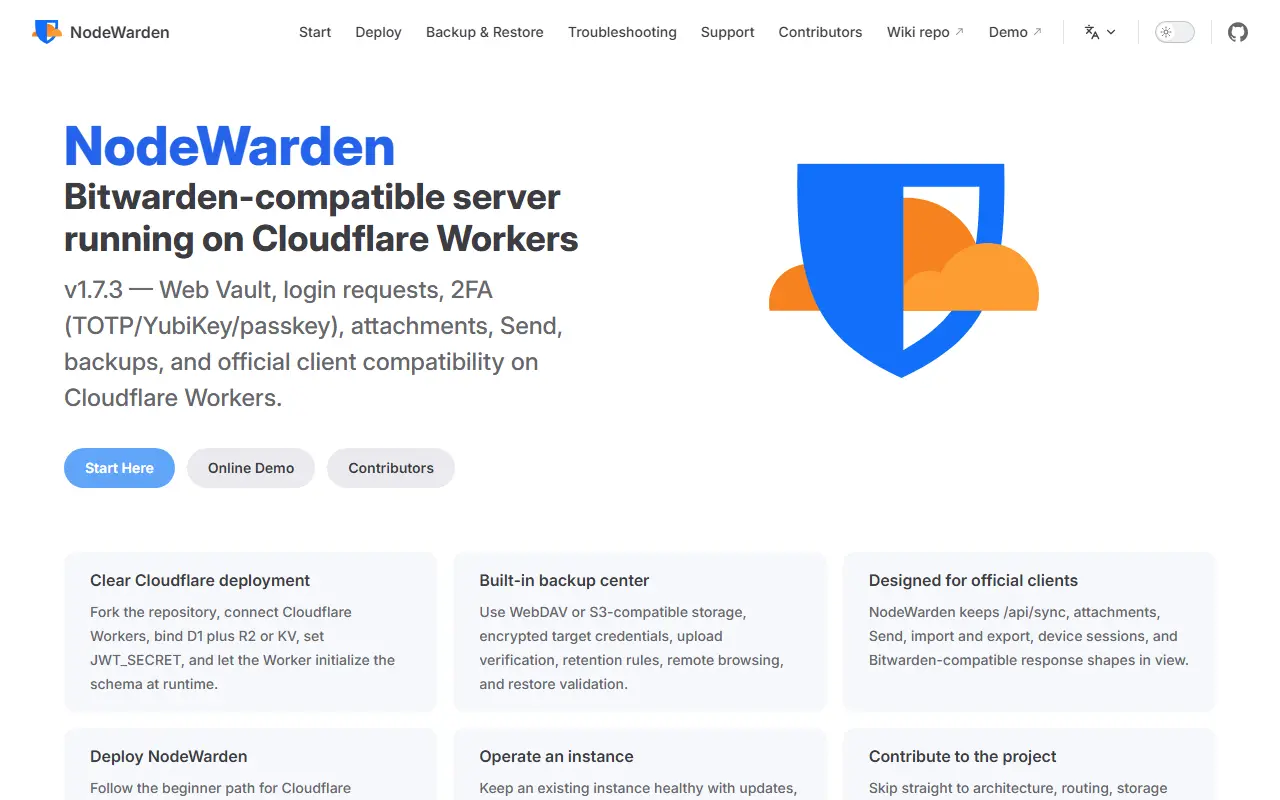
nodewarden.appNodeWarden homepage screenshot

NodeWarden is a server that is compatible with the Bitwarden clients and runs serverlessly on Cloudflare Workers, with data kept in Cloudflare D1 and R2. It lets you operate your own password vault backend inside your Cloudflare account without managing a traditional server, and it keeps end-to-end encryption and a zero-knowledge model.

The README includes a feature comparison with the official Bitwarden server. It includes the original web vault interface, TOTP with steam:// support, an installable offline-capable PWA, passkey login and API keys, among other features. The code is TypeScript with a Preact interface. The authors state that the project is for learning and discussion, that users should back up their vault regularly, and that it is not affiliated with Bitwarden.

The license appears as 'Other' on GitHub, so check the terms. NodeWarden is self-hosted on your own Cloudflare account. It suits technically comfortable users who want a low-maintenance Bitwarden-compatible vault and accept the risks of an unofficial implementation.

Key features

  • Bitwarden client compatibility
  • Runs on Cloudflare Workers
  • Data stored in D1 and R2
  • Web vault and installable PWA
  • TOTP with Steam support
  • Passkey login and API keys

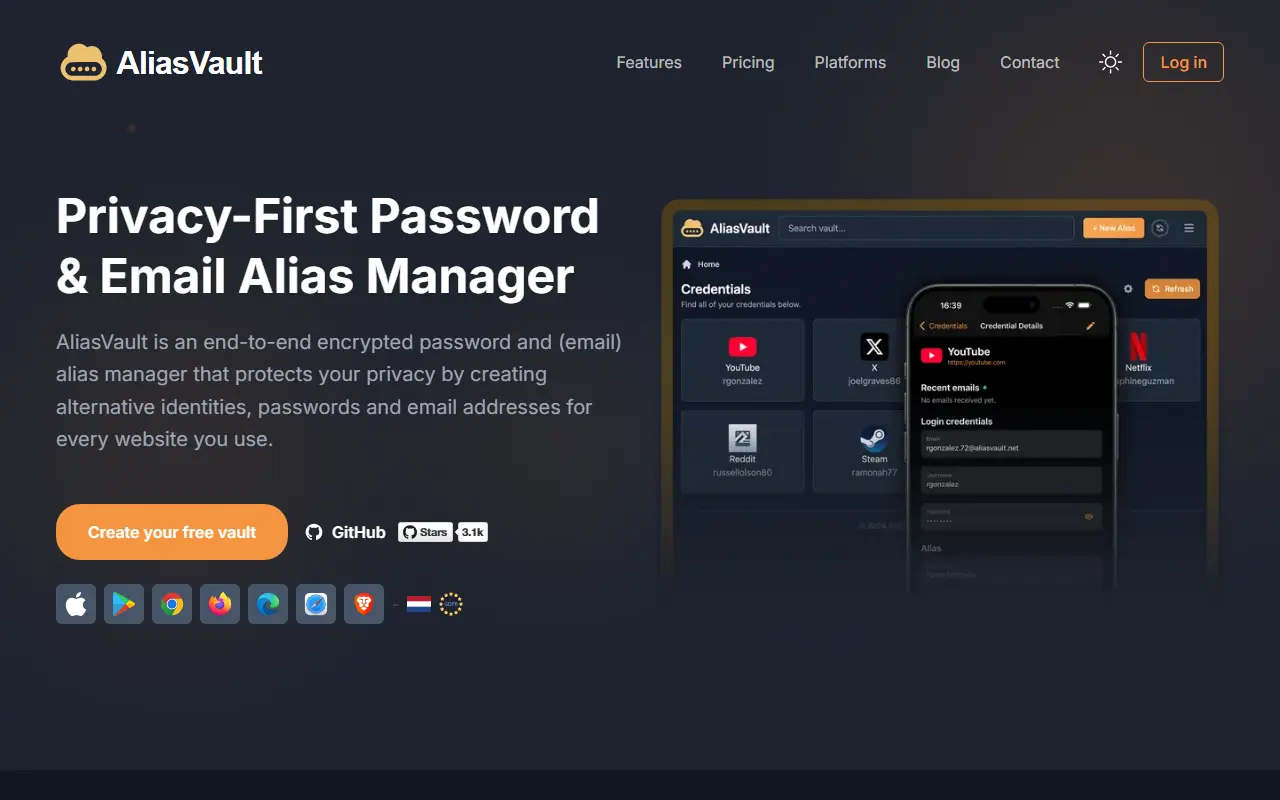
AliasVault

End-to-end encrypted password manager with built-in email aliasing and its own email server, available as a cloud service or self-hosted.

GitHub stars
3.1k
Last commit
today
Latest release
0.30.7
Licence
AGPL-3.0
Self-hosted
Yes
Hosted version
Available
aliasvault.comAliasVault homepage screenshot

AliasVault is a privacy-focused password manager that also creates unique identities and random email aliases for each website you sign up to. Data is end-to-end encrypted, and the product includes its own email server with no third-party dependencies. It is released under the AGPL-3.0 license and describes itself as an independent, community-driven alternative to closed-source password managers.

You can use it as a responsive web app, through browser extensions for Chrome, Firefox, Edge, and Safari, and with native iOS and Android apps. The technology list includes Argon2id key derivation, the SRP authentication protocol, and a .NET Blazor client using WebAssembly, with a React front end for some parts.

The official cloud version runs at app.aliasvault.com, and self-hosting is supported with Docker on a 64-bit Linux server, with modest requirements of one vCPU, 1 GB of RAM, and 16 GB of disk. It suits privacy-conscious individuals and small teams who want to reduce tracking and spam by giving every site a separate email address.

Key features

  • End-to-end encrypted password vault
  • Random email aliases for every website
  • Built-in email server for receiving alias mail
  • Browser extensions for major browsers
  • Native iOS and Android apps
  • Docker-based self-hosting

Pricing: Everything is free today: a cloud tier with fair-use limits and a self-hosted option. Optional Premium and Family cloud plans are announced as coming soon, without prices.

15 more Dashlane alternatives

Dashlane alternatives: questions

What is the best open-source alternative to Dashlane?
Vaultwarden is the top-ranked open-source alternative to Dashlane on Enlisted: A lightweight, unofficial Bitwarden-compatible server written in Rust for self-hosting, working with the official Bitwarden clients. Other strong options are KeePassXC, Bitwarden, KeePassDX and MacPass.
Are these Dashlane alternatives free?
All 25 are open source, so the code is free to use under its licence, and 24 of them can be self-hosted on your own server or computer. 5 also offer a paid or managed cloud version if you'd rather not host it yourself.
How is this list of Dashlane alternatives ranked?
By a score built from GitHub stars, star growth over the last 30 days and how recently the code changed. 19 of these projects shipped code in the last 30 days. Data is refreshed daily, and nobody can pay to move up.

People also look for alternatives to…

View all