 TrackMedia
 TrackRev

 Zoho Vault
 Sticky Password
 Password Boss
 TeamPassword
 Passwork
 Passwordstate
 ManageEngine Password Manager Pro
 Devolutions
 Securden
 Google Password Manager
 Avira Password Manager
 Steganos Password Manager
 mSecure
 Codebook
 pCloud Pass
 Bitdefender SecurePass
 Apple Passwords
 heylogin
 Passpack
 SplashID
 ESET Password Manager
 Password Depot
 Passportal
 Intuitive Password
 CyberArk
 Doppler
 Google Secret Manager
 Akeyless
 AWS Secrets Manager
 Azure Key Vault
 Hudu
 Proton Pass
 Norton Password Manager
 Microsoft Authenticator
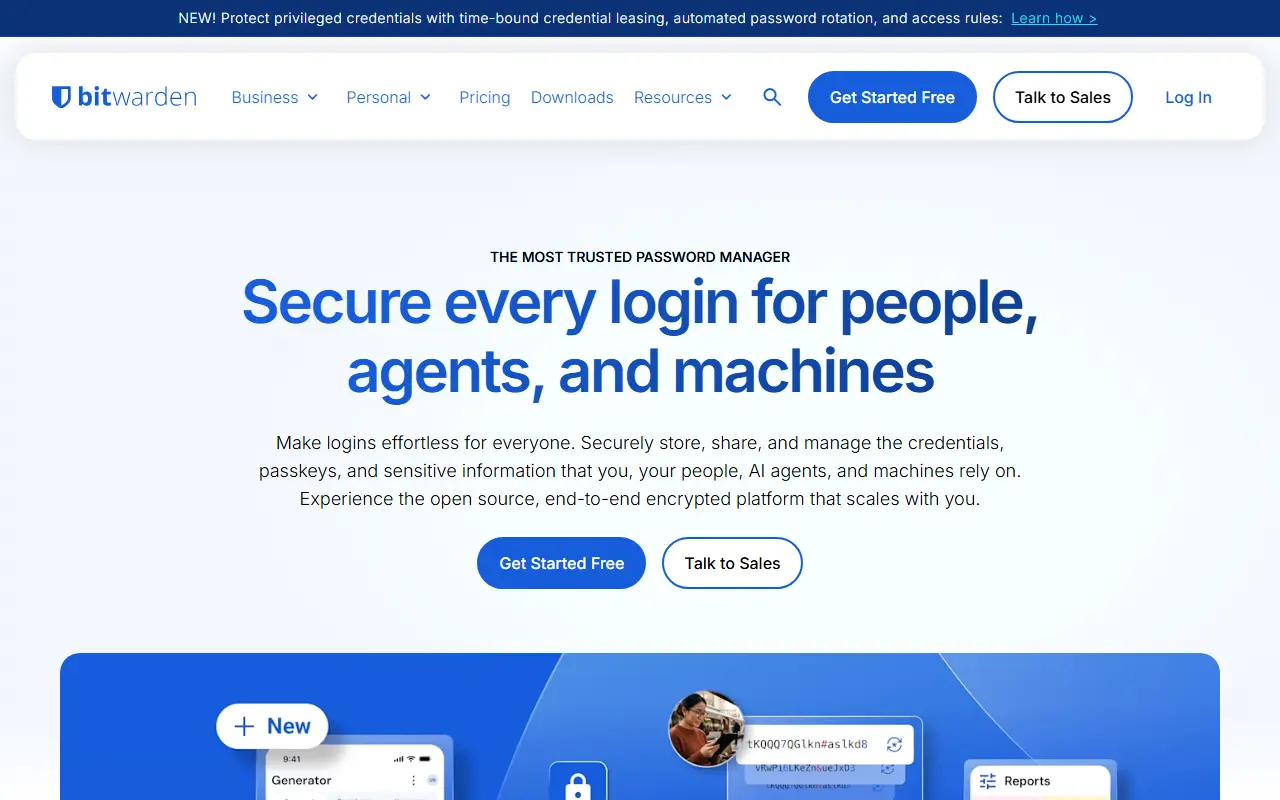
About Bitwarden
Bitwarden is a password manager, and this repository contains its server side: the APIs, database and other core infrastructure that all Bitwarden client applications connect to. The code is written in C# on .NET Core with ASP.NET Core, and the database layer is written in T-SQL for SQL Server.
The server can be developed, built, run and deployed on Windows, macOS and Linux. For deployment, the project provides Docker containers along with PowerShell and Bash scripts that bootstrap an installation, and the images are published on GitHub Container Registry. The services include Admin, API, Billing, Events, Identity, Notifications, SCIM and SSO components.
Organizations that want to keep their vaults on their own infrastructure can follow the on-premise install guide in the Bitwarden help center, which requires Docker and Docker Compose. Bitwarden also runs managed cloud clusters in the US and EU. The repository lists its license as 'Other', so check the license files for the exact terms.
Key features
- APIs used by all Bitwarden client apps
- Identity, SCIM and SSO services
- SQL Server database layer
- Docker-based on-premise deployment
- Install scripts for Windows, macOS and Linux
- Admin and event processing services
Good fit for
- Self-hosting a password manager for a team
- Running Bitwarden on private infrastructure
Bitwarden: questions and answers
- What is Bitwarden used for?
- Bitwarden is the Bitwarden server: the API, database and Docker-based infrastructure behind the Bitwarden password manager's client apps. It is a good fit for self-hosting a password manager for a team and running Bitwarden on private infrastructure.
- Is Bitwarden open source?
- Yes. Bitwarden is open source under a custom licence. Its source code is on GitHub at bitwarden/server and is written mainly in C#.
- Is Bitwarden free?
- Yes. Bitwarden is open source, so the software itself is free to use under the terms of its own licence. A managed cloud version is also available, with paid plans from $1.65 per seat per month.
- Can I self-host Bitwarden?
- Yes. Bitwarden can be self-hosted on your own server or infrastructure.
- What is Bitwarden an alternative to?
- Bitwarden is an open-source alternative to 1Password, LastPass, Dashlane and Keeper. Other open-source alternatives to 1Password include KeePassXC, Vaultwarden and Padloc.
- Is Bitwarden actively maintained?
- Yes. The most recent commit to Bitwarden was on 12 November 2026, and the latest release is v2026.10.1, published on 28 October 2026. The project has 21k stars on GitHub, with 343 added in the last 30 days.
Open-source alternatives to Bitwarden
See all
KeePassXC
Password Management
KeePassXC is a cross-platform community-driven port of the Windows application “KeePass Pa
OSSvs Dashlane★ 30kVaultwarden
Password Management
Unofficial Bitwarden compatible server written in Rust, formerly known as bitwarden_rs
AGPL-3.0vs 1Password★ 71k
Padloc
Password Management
A modern, open source password manager for individuals and teams.
AGPL-3.0vs Dashlane★ 2.9k
Passbolt
Password Management
Passbolt Community Edition (CE) API. The JSON API for the open source password manager for
AGPL-3.0vs Keeper★ 6.2k
KeeWeb
Password Management
Free cross-platform password manager compatible with KeePass
OSSvs Dashlane★ 13k
LessPass
Password Management
:key: stateless open source password manager
GPL-3.0vs Dashlane★ 6.1k
SaaS alternatives to Bitwarden
See all
1Password
Password Management
Password manager for individuals, families and teams with shared vaults and passkeys
SaaS
LastPass
Password Management
Password manager with autofill, vault sharing and admin controls
SaaS
Dashlane
Password Management
Password manager with autofill, passkey support, dark web monitoring and a built-in VPN
SaaS
Keeper
Password Management
Password manager and privileged access tool for individuals, families and enterprises
SaaSNordPass
Password Management
Password and passkey manager from the makers of NordVPN, with a limited free tier
SaaS
RoboForm
Password Management
Long-running password manager and form filler for browsers and mobile devices
SaaS