7,363 open-source and SaaS tools, with GitHub stats refreshed every day.

7 alternatives ranked by real activity

Open-source Proton Pass alternatives

A curated, ranked list of the 7 best open-source alternatives to Proton Pass.

The best open-source alternative to Proton Pass is KeePassXC. If that doesn't suit you, other good options are KeePassDX, NodeWarden, AliasVault and AuthPass.

Proton Pass alternatives are mainly password managers. 5 of them shipped code in the last 30 days, 7 can be self-hosted, and none uses a permissive licence.

Last updated October 2, 2026 · ranked by GitHub stars, growth and recent commits

KeePassXC

A cross-platform, community-driven password manager that stores credentials and notes in an encrypted offline database file, compatible with KeePass.

GitHub stars
29k
Last commit
3 days ago
Latest release
2.7.12
Self-hosted
Yes
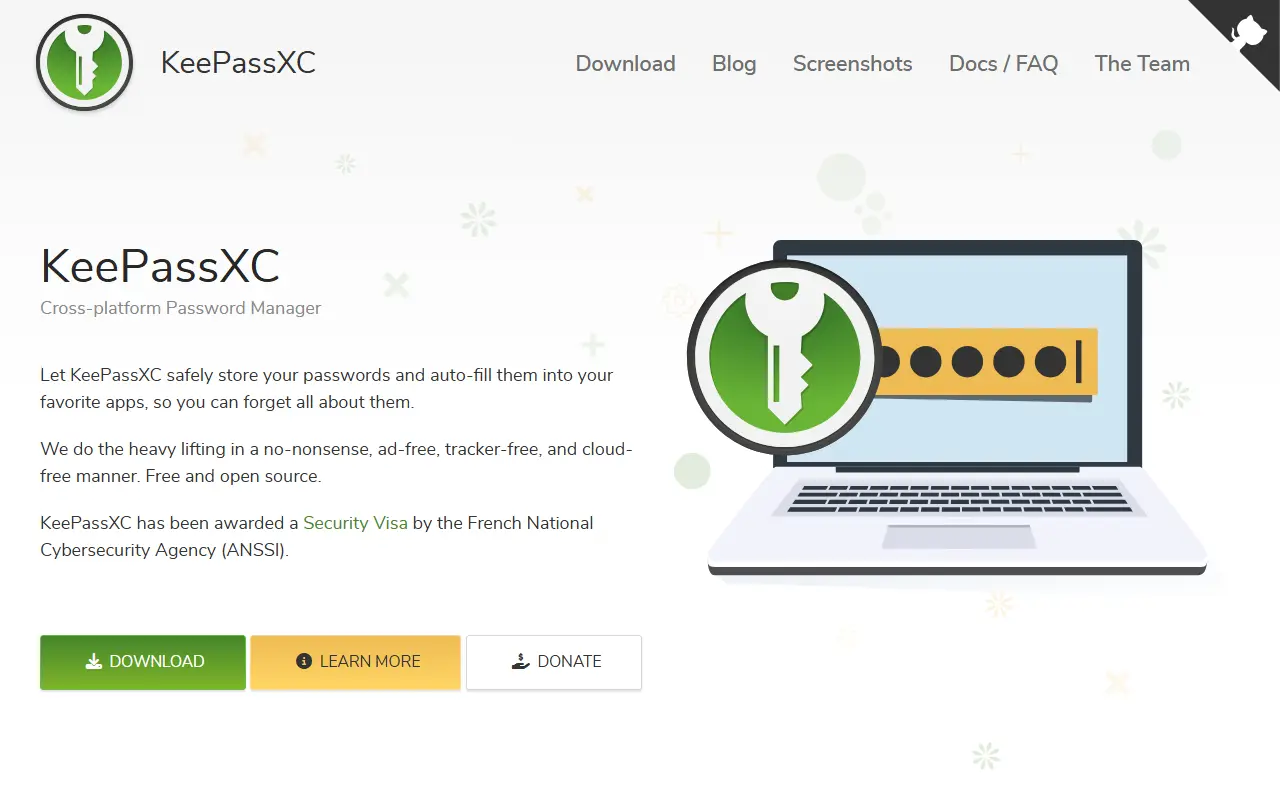
keepassxc.orgKeePassXC homepage screenshot

KeePassXC is a modern, open-source password manager for Windows, macOS and Linux. It began as a community port of the Windows program KeePass Password Safe and is aimed at people with demanding requirements for managing sensitive personal data securely.

It stores usernames, passwords, URLs, attachments and notes in an encrypted file that works offline and can live anywhere, including private or public cloud storage that you sync yourself. Entries have custom titles and icons and are sorted into customizable groups, and a search function supports advanced patterns. A built-in password generator can create strings with any mix of characters or easy-to-remember passphrases, and topics mention YubiKey support.

The app is written in C++ and has a quick-start guide plus pre-compiled binaries on the downloads page. Its license is listed as 'Other' on GitHub, so confirm the terms for your use. Because there is no vendor account or server, it is a good fit for users who want local control of their password database instead of a hosted password service.

Key features

  • Encrypted offline password database
  • Windows, macOS and Linux apps
  • Groups, custom icons and attachments
  • Advanced search patterns
  • Password and passphrase generator
  • Hardware key support with YubiKey
KeePassDX

A lightweight Android password and passkey manager that opens KeePass-format database files, with biometric unlock, autofill and one-time password support.

GitHub stars
7.4k
Last commit
8 days ago
Latest release
4.5.5
Licence
GPL-3.0
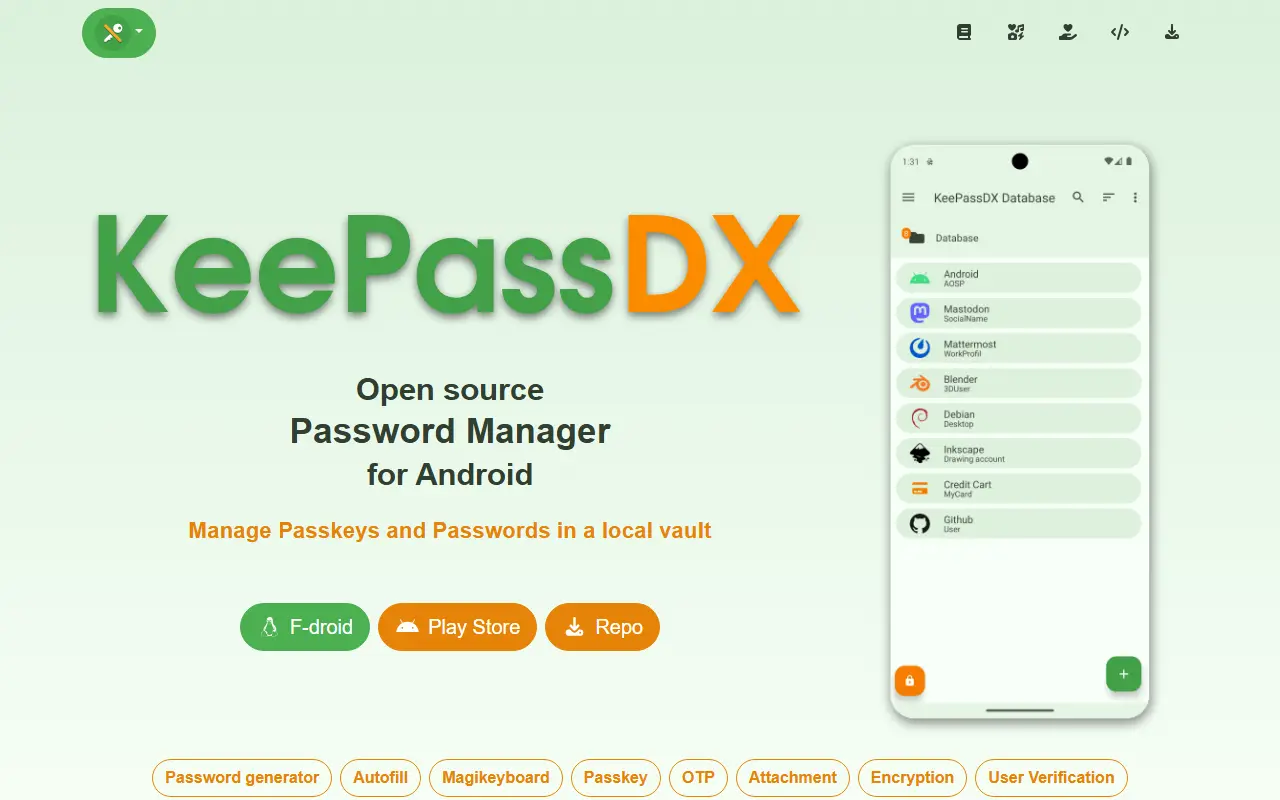
keepassdx.comKeePassDX homepage screenshot

KeePassDX is a password safe for Android that edits encrypted data kept in a single file in KeePass format and fills in forms securely. It is a local manager, so your credentials live in a database locked with a master key, a keyfile or both, and you only need to remember one master password.

Features include passkeys for authentication with local storage of private keys, biometric unlocking, one-time password management for HOTP and TOTP, autofill, a Magikeyboard for entering fields, creation of encrypted database files, entries organized in group trees, dynamic templates, entry history and Material Design themes. It supports kdb and kdbx files, versions 1 to 4, with AES, Twofish, ChaCha20 and Argon2, and is compatible with KeePass, KeePassXC and KeeWeb.

KeePassDX is described as open source and ad-free, written natively in Kotlin, Java, JNI and C, and licensed under GPL-3.0. Because the file is yours, you choose how to sync it between devices. It suits Android users who want a private password manager that stays interoperable with desktop KeePass tools.

Key features

  • KeePass kdb and kdbx database support
  • Passkey storage and authentication
  • Biometric unlock with fingerprint or face
  • HOTP and TOTP one-time passwords
  • Autofill and Magikeyboard input
  • Entry groups, templates and history
  • Compatible with KeePass and KeePassXC

Pricing: Free and open source under the GPL-3.0 licence, described as ad-free.

NodeWarden

NodeWarden is a Bitwarden-compatible password manager server that runs on Cloudflare Workers, using D1 and R2 for storage.

GitHub stars
3.8k
Last commit
7 days ago
Latest release
v1.8.0
Self-hosted
Yes
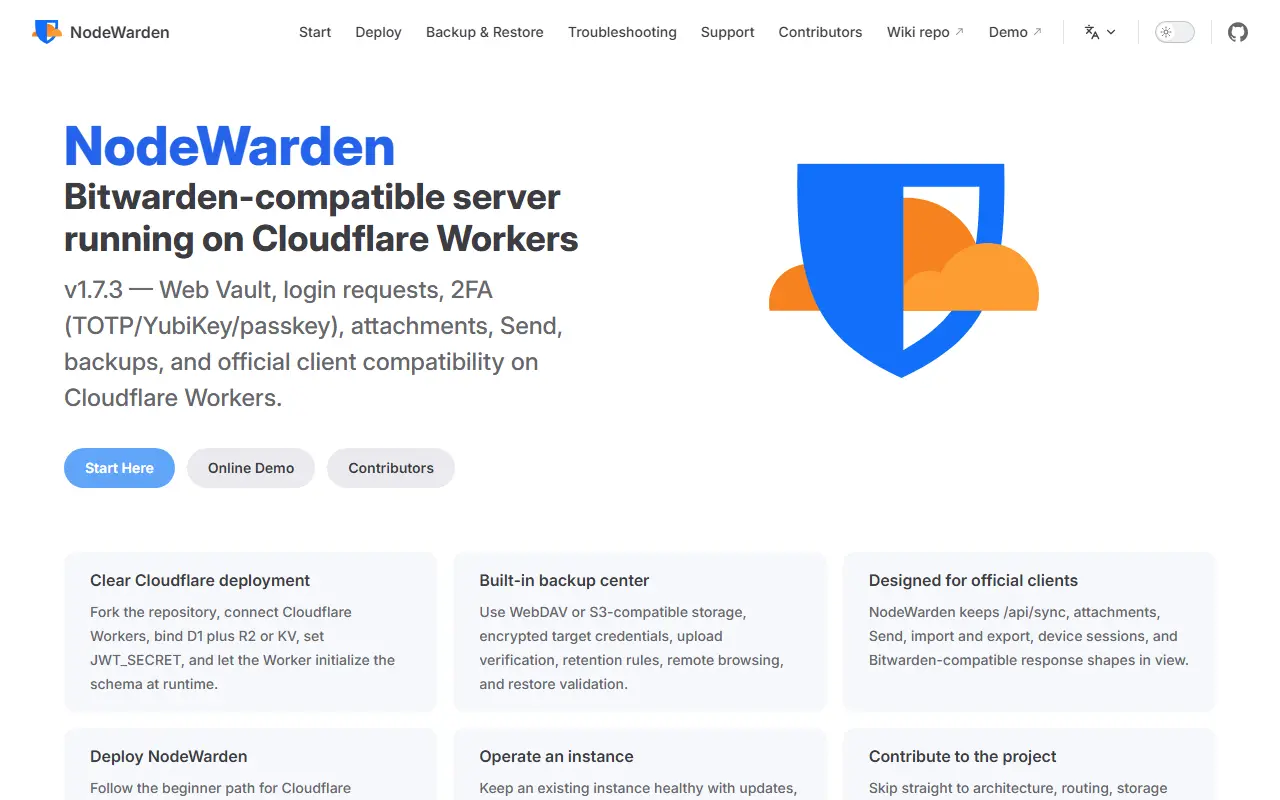
nodewarden.appNodeWarden homepage screenshot

NodeWarden is a server that is compatible with the Bitwarden clients and runs serverlessly on Cloudflare Workers, with data kept in Cloudflare D1 and R2. It lets you operate your own password vault backend inside your Cloudflare account without managing a traditional server, and it keeps end-to-end encryption and a zero-knowledge model.

The README includes a feature comparison with the official Bitwarden server. It includes the original web vault interface, TOTP with steam:// support, an installable offline-capable PWA, passkey login and API keys, among other features. The code is TypeScript with a Preact interface. The authors state that the project is for learning and discussion, that users should back up their vault regularly, and that it is not affiliated with Bitwarden.

The license appears as 'Other' on GitHub, so check the terms. NodeWarden is self-hosted on your own Cloudflare account. It suits technically comfortable users who want a low-maintenance Bitwarden-compatible vault and accept the risks of an unofficial implementation.

Key features

  • Bitwarden client compatibility
  • Runs on Cloudflare Workers
  • Data stored in D1 and R2
  • Web vault and installable PWA
  • TOTP with Steam support
  • Passkey login and API keys

AliasVault

End-to-end encrypted password manager with built-in email aliasing and its own email server, available as a cloud service or self-hosted.

GitHub stars
3.1k
Last commit
today
Latest release
0.30.7
Licence
AGPL-3.0
Self-hosted
Yes
Hosted version
Available
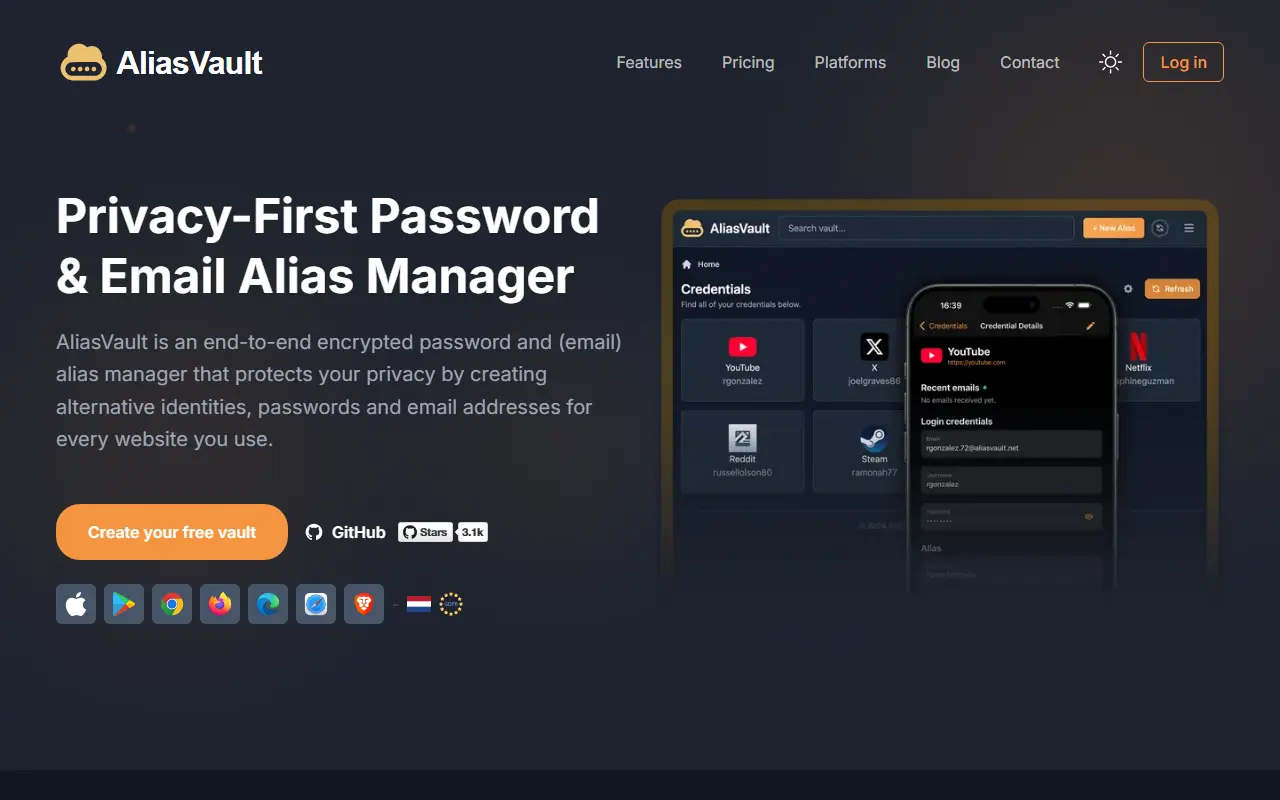
aliasvault.comAliasVault homepage screenshot

AliasVault is a privacy-focused password manager that also creates unique identities and random email aliases for each website you sign up to. Data is end-to-end encrypted, and the product includes its own email server with no third-party dependencies. It is released under the AGPL-3.0 license and describes itself as an independent, community-driven alternative to closed-source password managers.

You can use it as a responsive web app, through browser extensions for Chrome, Firefox, Edge, and Safari, and with native iOS and Android apps. The technology list includes Argon2id key derivation, the SRP authentication protocol, and a .NET Blazor client using WebAssembly, with a React front end for some parts.

The official cloud version runs at app.aliasvault.com, and self-hosting is supported with Docker on a 64-bit Linux server, with modest requirements of one vCPU, 1 GB of RAM, and 16 GB of disk. It suits privacy-conscious individuals and small teams who want to reduce tracking and spam by giving every site a separate email address.

Key features

  • End-to-end encrypted password vault
  • Random email aliases for every website
  • Built-in email server for receiving alias mail
  • Browser extensions for major browsers
  • Native iOS and Android apps
  • Docker-based self-hosting

Pricing: Everything is free today: a cloud tier with fair-use limits and a self-hosted option. Optional Premium and Family cloud plans are announced as coming soon, without prices.

AuthPass

Open-source Flutter password manager compatible with KeePass 2.x databases, available on mobile, desktop, and the web.

GitHub stars
2.8k
Last commit
17 days ago
Latest release
v1.9.11
Licence
GPL-3.0
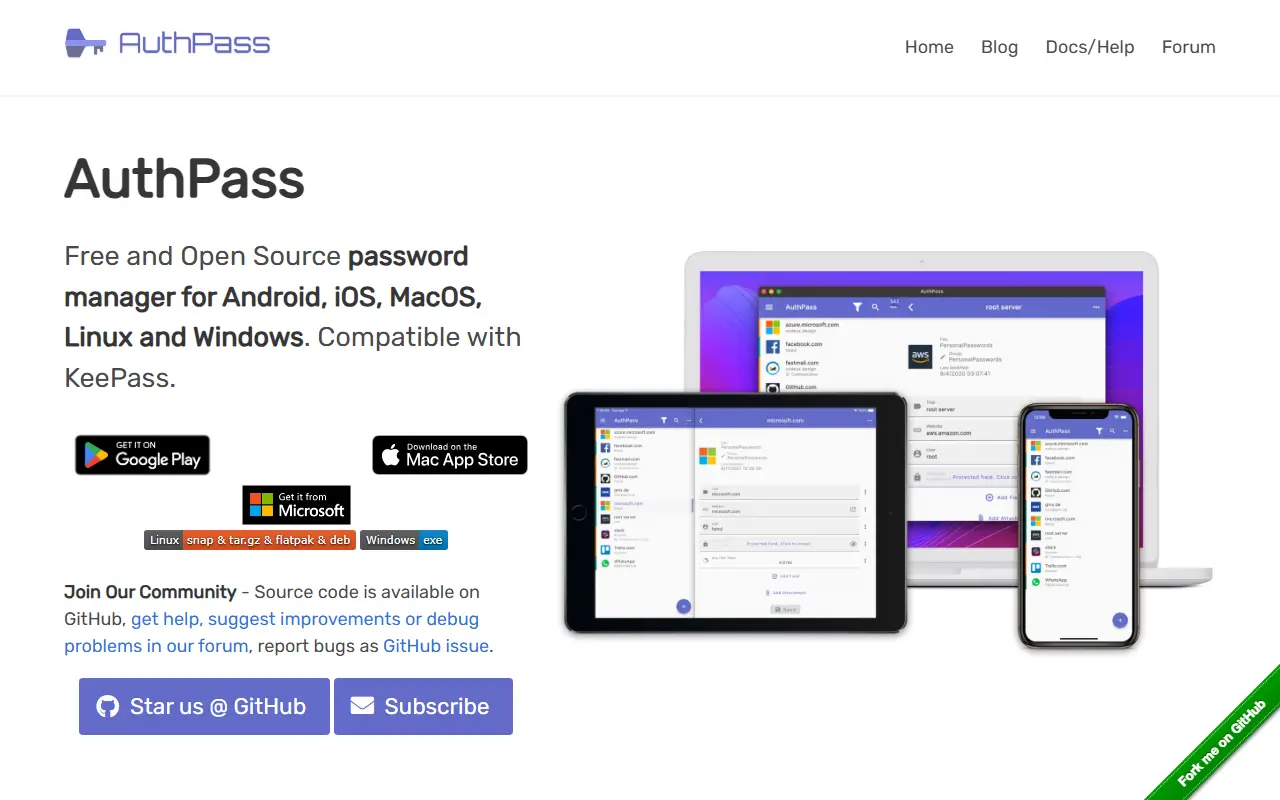
authpass.appAuthPass homepage screenshot

AuthPass is an open-source password manager built with Flutter that runs on mobile, desktop, and the web. It is compatible with KeePass 2.x databases in both KDBX 3 and KDBX 4 formats, so you can open existing KeePass files and keep control of the file where your credentials are stored. It is released under the GPL-3.0 license.

Apps are distributed through the Mac App Store, Google Play, the iOS App Store, the Snap Store and Flathub for Linux, and the Microsoft Store for Windows, and there is also a browser version. The project invites contributions such as translations, documentation, reviews, and code, and uses a forum and Discord channel for coordination.

Since it relies on the KDBX file format rather than a proprietary vault, AuthPass suits people who want a cross-platform KeePass-compatible client with a modern interface. It is a client application, so there is no central server to host.

Key features

  • KeePass 2.x KDBX 3 and KDBX 4 compatibility
  • Apps for iOS, Android, macOS, Windows, and Linux
  • Browser-based version
  • Cross-platform Flutter codebase
  • Open source with community translations

Pricing: Free and open source under the GPL-3.0 license.

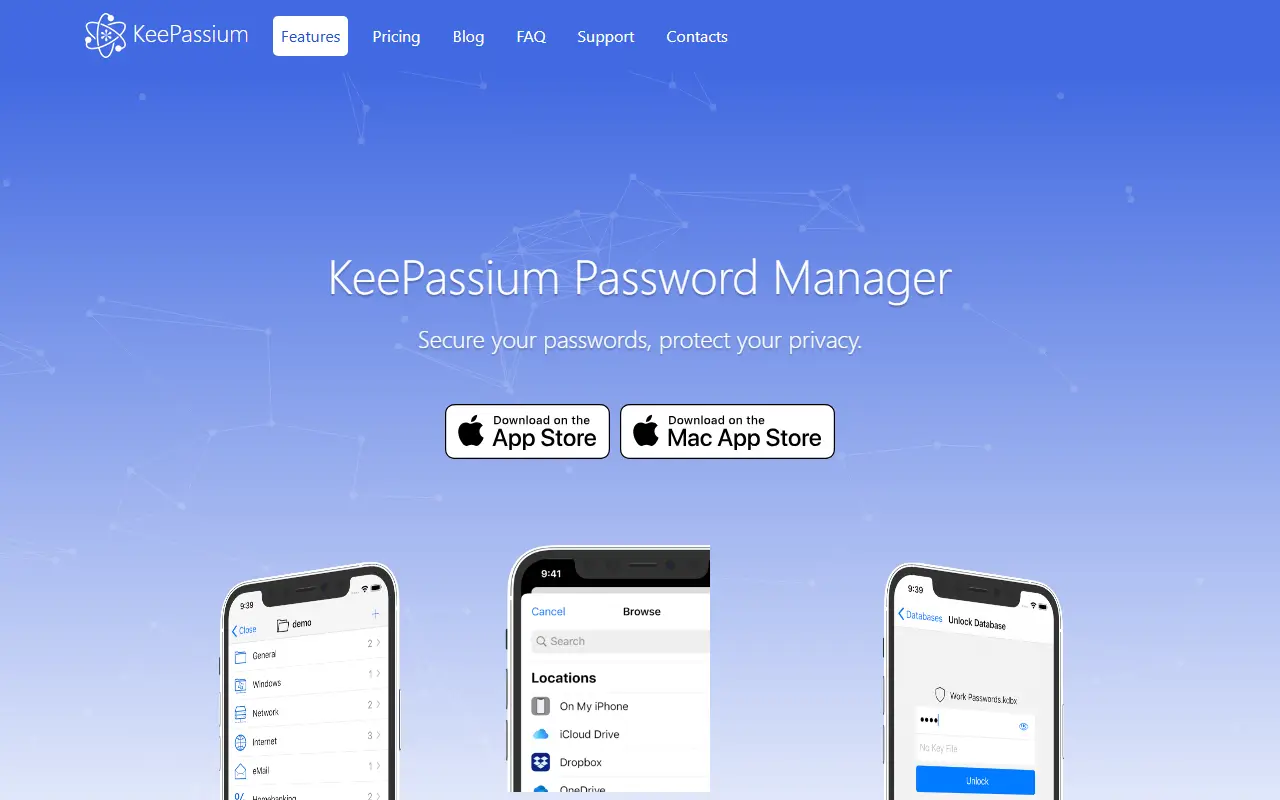
Read more about AuthPassWebsite GitHub

KeePassium

KeePass-compatible password manager for iOS and macOS with automatic cloud sync, AutoFill, biometric protection and YubiKey support.

GitHub stars
1.7k
Last commit
4 mo ago
Self-hosted
Yes
keepassium.comKeePassium homepage screenshot

KeePassium is a password manager that reads and writes KeePass databases on iOS and macOS. The project calls itself a commercial open source app: the commercial side funds maintenance and premium support, while the open source side lets anyone audit the code and build the app themselves. It is aimed at people who want the KeePass ecosystem with a native Apple interface.

It synchronizes databases automatically through the system's own storage integration, so it does not ask for your cloud credentials, and works with iCloud Drive, Dropbox, OneDrive, Google Drive, Box, Nextcloud, SFTP and others. Password AutoFill is supported on iOS. Protection includes Face ID or Touch ID, passcodes, and customizable timeouts for the app, database and clipboard. It handles the kdbx4, kdbx3 and kdb formats with ChaCha20, Argon2, AES, Salsa20 and Twofish, and supports TOTP codes including Steam TOTP, YubiKey challenge-response, attachments, custom fields and custom icons.

Several databases can be used and switched between, and there are no ads. The code is written in Swift, and the repository metadata lists the license as Other, so read the license file for exact terms. The README has a section on whether the app is free; check the vendor for current pricing.

Key features

  • Reads and writes KeePass database formats
  • Automatic sync with iCloud, Dropbox and SFTP
  • Password AutoFill on iOS
  • Face ID, Touch ID and passcode protection
  • TOTP codes including Steam TOTP
  • YubiKey challenge-response support
  • Multiple databases with quick switching

Pricing: A free tier is available forever. Premium costs €19.99 per year, a Pro lifetime license is €79.99 once, and Business & Intune is €36 per user per year with volume discounts.

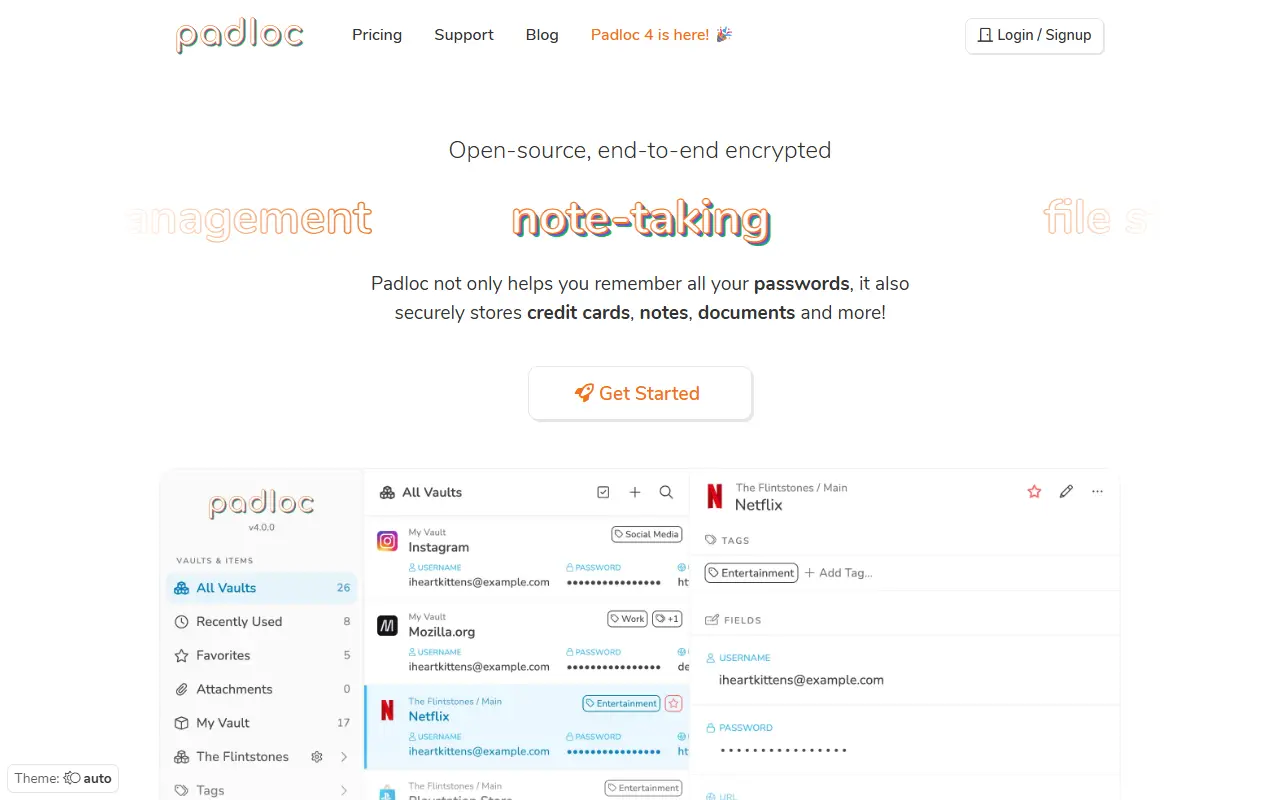
Padloc

Padloc is a free, AGPL-licensed, open-source, end-to-end encrypted password manager for individuals and teams, with web, desktop and mobile clients.

GitHub stars
2.9k
Last commit
1 yr ago
Latest release
v4.3.0
Licence
AGPL-3.0
Self-hosted
Yes
Hosted version
Available
padloc.appPadloc homepage screenshot

Padloc is a password and secure data manager aimed at both individuals and teams who want an open-source alternative to closed commercial password managers. It emphasizes simplicity and security, built around end-to-end encryption so that stored data is protected even from the server operator.

The project is organized as several packages: a core logic library, web-based UI components, a backend server, a progressive web app client, a desktop app built with Electron, mobile apps built with Cordova, a cross-platform native app built with Tauri, and a browser extension, along with a localization package for translations. This split lets different front ends share the same core encryption and data logic.

Setting up a local instance for testing requires installing and configuring at least the server and a web client, which the README describes as quick to do, while guides for running a production deployment and building distributable desktop and mobile apps are still being written. Padloc is written in JavaScript and TypeScript and released under the AGPL-3.0 license, making it self-hostable.

Key features

  • End-to-end encrypted password storage
  • Web, desktop, mobile and browser extension clients
  • Password generator
  • Team and individual vault support
  • Self-hostable backend server
  • Progressive web app client

Pricing: A free plan is available. Personal Premium costs $3.49 and Family $5.95 per month, Team $3.49 and Business $6.99 per month, each with a 30-day trial and cheaper yearly options; Enterprise is by request.

Read more about PadlocWebsite GitHub

Proton Pass alternatives: questions

What is the best open-source alternative to Proton Pass?
KeePassXC is the top-ranked open-source alternative to Proton Pass on Enlisted: A cross-platform, community-driven password manager that stores credentials and notes in an encrypted offline database file, compatible with KeePass. Other strong options are KeePassDX, NodeWarden, AliasVault and AuthPass.
Are these Proton Pass alternatives free?
All 7 are open source, so the code is free to use under its licence, and all of them can be self-hosted on your own server or computer. 2 also offer a paid or managed cloud version if you'd rather not host it yourself.
How is this list of Proton Pass alternatives ranked?
By a score built from GitHub stars, star growth over the last 30 days and how recently the code changed. 5 of these projects shipped code in the last 30 days. Data is refreshed daily, and nobody can pay to move up.

People also look for alternatives to…

View all