
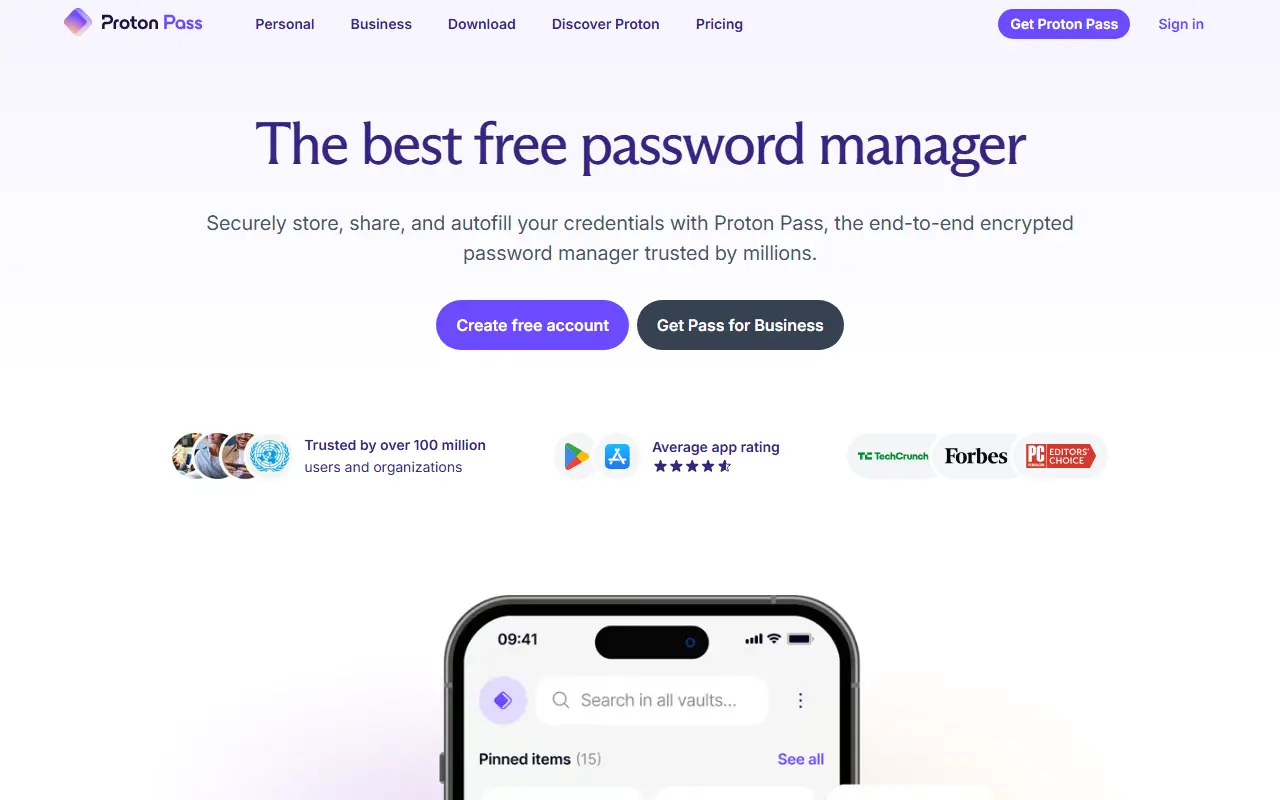
About Proton Pass
Proton Pass is a password manager from Proton. It stores, syncs and shares passwords, passkeys, email aliases and other credentials across devices, and it can generate two-factor authentication codes. The vendor describes the product as open source and offers a permanent free tier.
Identity protection features include hide-my-email aliases, dark web monitoring, secure sharing with other people and file attachments on stored items. Apps are available for Windows, macOS, Linux, Android and iOS, along with browser extensions for Chrome, Safari, Firefox, Edge and Brave, a web app and a command line interface aimed at developers.
Proton also sells a business edition for companies of different sizes and IT departments, priced separately. It is a hosted service operated by Proton, and no self-hosted option is advertised.
Key features
- Password storage and sync across devices
- Passkey support
- Built-in two-factor code generator
- Hide-my-email aliases
- Dark web monitoring
- Secure sharing and file attachments
- Browser extensions and command line interface
Good fit for
- →Replacing a browser password store
- →Hiding a real address behind aliases
- →Sharing logins with a team
- Tags
- password-manager
- passkeys
- 2fa
- email-aliases
- security
- privacy
- browser-extension
Proton Pass: questions and answers
- What is Proton Pass used for?
- Proton Pass is a password manager from Proton that stores passwords, passkeys and 2FA codes and creates hide-my-email aliases. It is a good fit for replacing a browser password store, hiding a real address behind aliases and sharing logins with a team.
- Is Proton Pass free?
- Yes. Proton Pass has a free plan. A free plan covers unlimited logins and devices with 10 aliases. Pass Plus, Pass Family (up to 6 users) and Proton Unlimited are paid; prices are not shown in the page text. A 30-day money-back guarantee applies.
- Is Proton Pass open source?
- No. Proton Pass is proprietary (closed-source) software and can't be self-hosted. Open-source alternatives to Proton Pass include AliasVault, KeePassXC and KeePassDX.
- What are some alternatives to Proton Pass?
- Proton Pass competes with 1Password, Dashlane and NordPass. For open-source options, see Enlisted's ranked list of open-source Proton Pass alternatives.
Open-source alternatives to Proton Pass
See all
AliasVault
Password Management
Privacy-first password manager with built-in email aliasing. Fully encrypted and self-host
AGPL-3.0vs NordPass★ 3.1k
KeePassXC
Password Management
KeePassXC is a cross-platform community-driven port of the Windows application “KeePass Pa
OSSvs Dashlane★ 29k
KeePassDX
Password Management
Lightweight vault and password manager for Android, KeePassDX allows editing encrypted dat
GPL-3.0vs Dashlane★ 7.4k
AuthPass
Password Management
AuthPass - Password Manager based on Flutter for all platforms. Keepass 2.x (KDBX 3 and KD
GPL-3.0vs Dashlane★ 2.8k
KeePassium
Password Management
KeePass-compatible password manager for iOS and macOS
OSSvs Enpass★ 1.7k
Padloc
Password Management
A modern, open source password manager for individuals and teams.
AGPL-3.0vs Dashlane★ 2.9k
SaaS alternatives to Proton Pass
See all
1Password
Password Management
Password manager for individuals, families and teams with shared vaults and passkeys
SaaS
Dashlane
Password Management
Password manager with autofill, passkey support, dark web monitoring and a built-in VPN
SaaSNordPass
Password Management
Password and passkey manager from the makers of NordVPN, with a limited free tier
SaaS
Keeper
Password Management
Password manager and privileged access tool for individuals, families and enterprises
SaaS
LastPass
Password Management
Password manager with autofill, vault sharing and admin controls
SaaSEnpass
Password Management
Password manager that stores vaults locally and syncs through your own cloud account
SaaS