
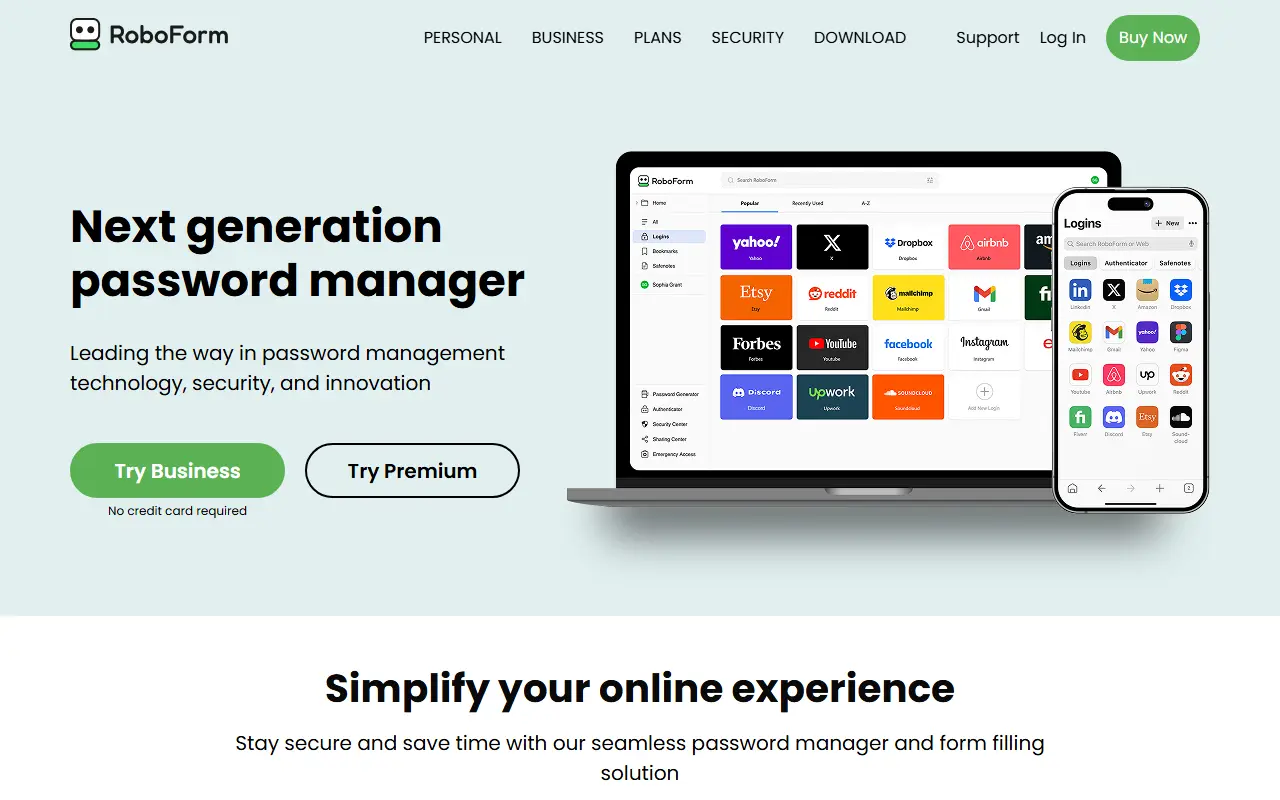
About RoboForm
RoboForm is a password manager that captures logins as you create them and signs you in to sites with one click. It also generates strong, unique passwords for each account and fills out online forms, aiming to cut down on typing and repeated resets.
Security features include scanning for compromised passwords, data breach monitoring that checks up to five email addresses, secure sharing with trusted contacts, and two-factor authentication using passkeys, trusted devices, hardware keys, email, SMS or authenticator apps. A newer passwordless unlock option lets users open RoboForm with a passkey verified by face, fingerprint or device PIN.
RoboForm is proprietary and delivered as a hosted service with apps for browsers and mobile devices. A free plan covers unlimited passwords on a single device, while Premium and Business tiers add more, and trials are offered without a credit card.
Key features
- One-click logins and form filling
- Password generator for unique credentials
- Compromised password scanning
- Data breach monitoring for email addresses
- Secure sharing with trusted contacts
- Passkey and hardware key two-factor options
Good fit for
- →Filling long web forms automatically
- →Sharing logins with family or colleagues
- Tags
- password-manager
- form-filler
- security
- passkeys
- free-tier
- breach-monitoring
- consumer
RoboForm: questions and answers
- What is RoboForm used for?
- RoboForm is an established form-filling password manager for browsers and mobile devices, with a free plan and paid Premium and Business options. It is a good fit for filling long web forms automatically and sharing logins with family or colleagues.
- Is RoboForm free?
- Yes. RoboForm has a free plan, and paid plans start at $2.49 per seat per month.
- Is RoboForm open source?
- No. RoboForm is proprietary (closed-source) software and can't be self-hosted. Open-source alternatives to RoboForm include Vaultwarden, KeePassXC and Bitwarden.
- What are some alternatives to RoboForm?
- RoboForm competes with Dashlane, Keeper and NordPass. For open-source options, see Enlisted's ranked list of open-source RoboForm alternatives.
Open-source alternatives to RoboForm
See allVaultwarden
Password Management
Unofficial Bitwarden compatible server written in Rust, formerly known as bitwarden_rs
AGPL-3.0vs 1Password★ 68k
KeePassXC
Password Management
KeePassXC is a cross-platform community-driven port of the Windows application “KeePass Pa
OSSvs Dashlane★ 29k
Bitwarden
Password Management
Bitwarden infrastructure/backend (API, database, Docker, etc).
OSSvs 1Password★ 20k
KeePassDX
Password Management
Lightweight vault and password manager for Android, KeePassDX allows editing encrypted dat
GPL-3.0vs Dashlane★ 7.4k
AliasVault
Password Management
Privacy-first password manager with built-in email aliasing. Fully encrypted and self-host
AGPL-3.0vs NordPass★ 3.1k
AuthPass
Password Management
AuthPass - Password Manager based on Flutter for all platforms. Keepass 2.x (KDBX 3 and KD
GPL-3.0vs Dashlane★ 2.8k
SaaS alternatives to RoboForm
See all
Dashlane
Password Management
Password manager with autofill, passkey support, dark web monitoring and a built-in VPN
SaaS
Keeper
Password Management
Password manager and privileged access tool for individuals, families and enterprises
SaaSNordPass
Password Management
Password and passkey manager from the makers of NordVPN, with a limited free tier
SaaSEnpass
Password Management
Password manager that stores vaults locally and syncs through your own cloud account
SaaS
Sticky Password
Password Management
Password manager with local Wi-Fi sync option and a limited free version
SaaS
1Password
Password Management
Password manager for individuals, families and teams with shared vaults and passkeys
SaaS