Vaultwarden is an AGPL-3.0 server written in Rust that implements the Bitwarden client API for self-hosted password vaults.
- GitHub stars
- 71k
- Last commit
- yesterday
- Latest release
- 1.37.5
- Licence
- AGPL-3.0
- Self-hosted
- Yes
Vaultwarden is an alternative server for the Bitwarden Client API, written in Rust and compatible with the official Bitwarden clients. The README positions it for self-hosting where running the official, more resource-heavy service may not suit. It is unofficial and not associated with Bitwarden, and bug reports go to its own maintainers rather than Bitwarden support.
The listed coverage is nearly the whole client API: personal vault, Send, attachments, website icons, a personal API key, organizations with collections, sharing, roles, groups, event logs, policies and the Directory Connector, plus several two-factor methods (authenticator, email, FIDO2 WebAuthn, YubiKey and Duo) and emergency access. An admin backend and a modified web vault are bundled.
The recommended install is the container image from ghcr.io, docker.io or quay.io, run with Docker, Podman or Docker Compose with a data volume mounted for persistence. The web vault needs HTTPS for the Web Crypto API, so a reverse proxy is suggested. Community packages exist, and you can build it yourself.
Key features
- Personal vault, Send, attachments and website icons
- Organizations with collections, groups and policies
- Several two-factor options including FIDO2 and YubiKey
- Emergency access and an admin backend
- Works with the official Bitwarden clients
- Container images on ghcr.io, docker.io and quay.io
- Run with Docker, Podman or Docker Compose

A cross-platform, community-driven password manager that stores credentials and notes in an encrypted offline database file, compatible with KeePass.
- GitHub stars
- 30k
- Last commit
- today
- Latest release
- 2.8.0
- Self-hosted
- Yes
keepassxc.org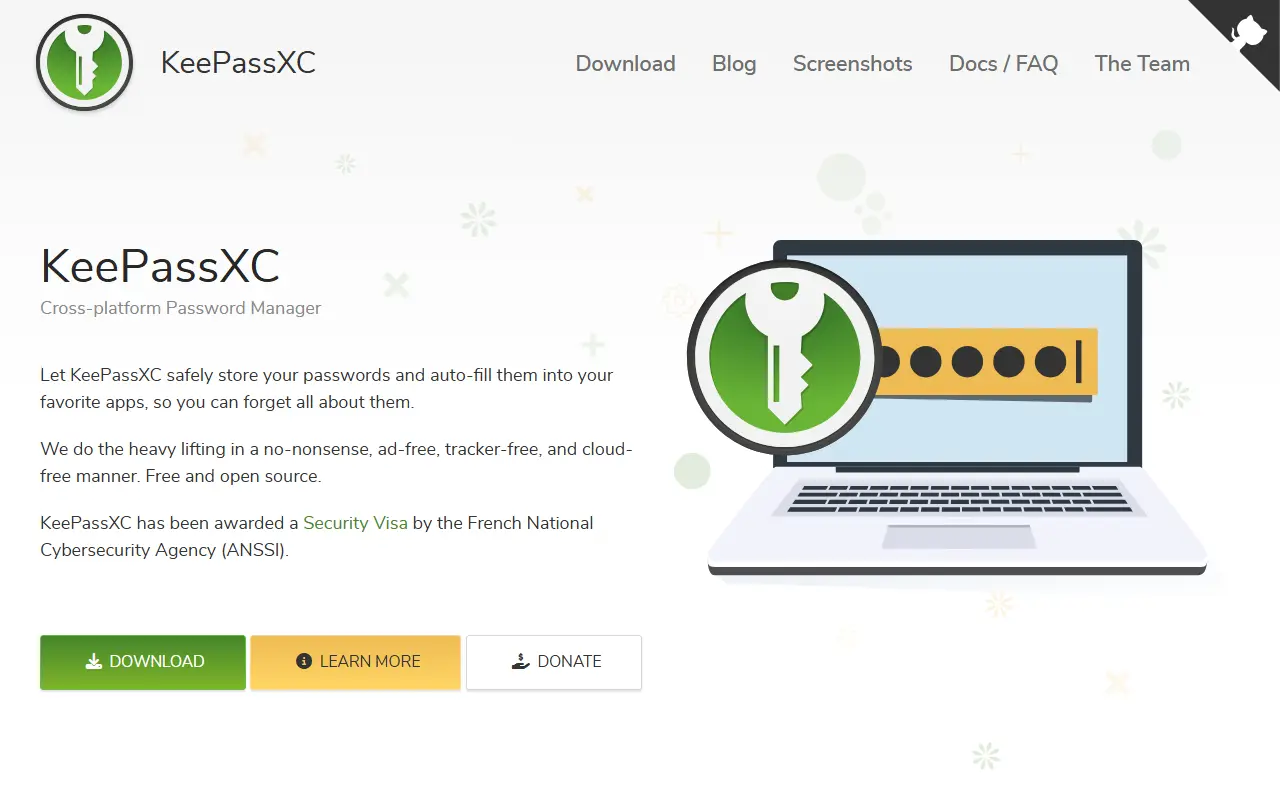
KeePassXC is a modern, open-source password manager for Windows, macOS and Linux. It began as a community port of the Windows program KeePass Password Safe and is aimed at people with demanding requirements for managing sensitive personal data securely.
It stores usernames, passwords, URLs, attachments and notes in an encrypted file that works offline and can live anywhere, including private or public cloud storage that you sync yourself. Entries have custom titles and icons and are sorted into customizable groups, and a search function supports advanced patterns. A built-in password generator can create strings with any mix of characters or easy-to-remember passphrases, and topics mention YubiKey support.
The app is written in C++ and has a quick-start guide plus pre-compiled binaries on the downloads page. Its license is listed as 'Other' on GitHub, so confirm the terms for your use. Because there is no vendor account or server, it is a good fit for users who want local control of their password database instead of a hosted password service.
Key features
- Encrypted offline password database
- Windows, macOS and Linux apps
- Groups, custom icons and attachments
- Advanced search patterns
- Password and passphrase generator
- Hardware key support with YubiKey

This is the Bitwarden server: the API, database and Docker-based infrastructure behind the Bitwarden password manager's client apps.
- GitHub stars
- 21k
- Last commit
- yesterday
- Latest release
- v2026.10.1
- Self-hosted
- Yes
- Hosted version
- Available
bitwarden.com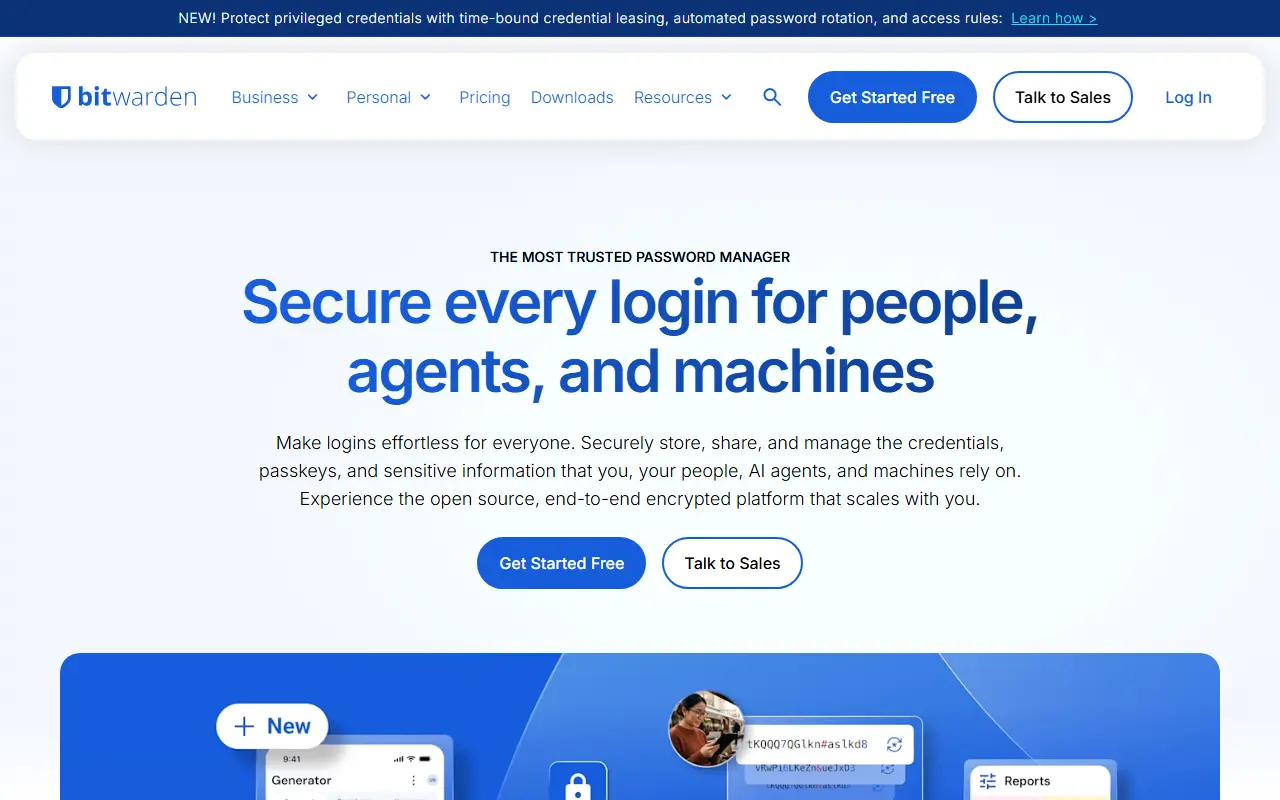
Bitwarden is a password manager, and this repository contains its server side: the APIs, database and other core infrastructure that all Bitwarden client applications connect to. The code is written in C# on .NET Core with ASP.NET Core, and the database layer is written in T-SQL for SQL Server.
The server can be developed, built, run and deployed on Windows, macOS and Linux. For deployment, the project provides Docker containers along with PowerShell and Bash scripts that bootstrap an installation, and the images are published on GitHub Container Registry. The services include Admin, API, Billing, Events, Identity, Notifications, SCIM and SSO components.
Organizations that want to keep their vaults on their own infrastructure can follow the on-premise install guide in the Bitwarden help center, which requires Docker and Docker Compose. Bitwarden also runs managed cloud clusters in the US and EU. The repository lists its license as 'Other', so check the license files for the exact terms.
Key features
- APIs used by all Bitwarden client apps
- Identity, SCIM and SSO services
- SQL Server database layer
- Docker-based on-premise deployment
- Install scripts for Windows, macOS and Linux
- Admin and event processing services
Pricing: A free personal plan exists. Premium is $1.65 a month, Families $3.99 a month for six users, Teams $4 and Enterprise $6 per user per month, all billed annually.
#4
A command-line password manager for teams that works as a drop-in replacement for pass, encrypting with GPG and storing credentials in git by default.
- GitHub stars
- 7.3k
- Last commit
- 3 days ago
- Latest release
- v1.17.4
- Licence
- MIT
- Self-hosted
- Yes
gopass.pw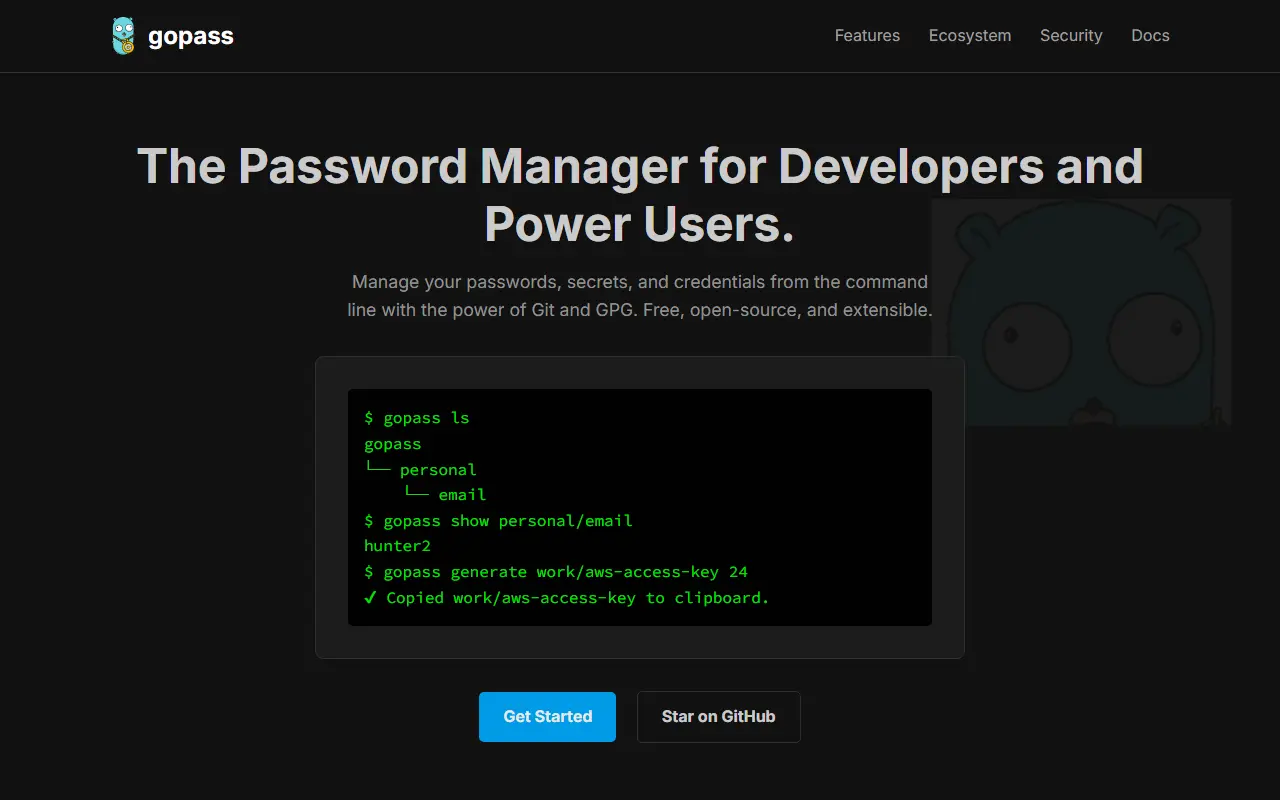
Gopass is a UNIX-style password manager aimed at teams. It can replace pass, the standard UNIX password manager, as a drop-in, and works the same across Linux, macOS, BSD and Windows, including across several devices, or entirely offline on an air-gapped computer.
By default, credentials get encrypted using GPG and tracked in git, which provides history and syncing through any git remote. The backends can be changed, with options such as age for encryption and fossil for storage. The primary interface is the command line, which suits CLI users and CI/CD systems, while a browser integration reduces the need to use it. It needs no network connection unless you want one, and most users pair it with gpg and git.
Gopass is written in Go and licensed under MIT. It is available from package managers including Homebrew, MacPorts, Fedora COPR, Arch, Alpine, FreeBSD and Windows, but the README warns not to install the package called gopass from the official Debian repositories, because that is an unrelated project. It suits developers and ops teams sharing secrets through git.
Key features
- Drop-in replacement for pass
- GPG encryption with git versioning
- Alternative backends such as age
- Team sharing through git remotes
- Browser integration option
- Works offline on air-gapped machines
Pricing: Free and open source under the MIT licence.
#5
Passbolt is an open-source, security-focused password manager for teams, with end-to-end encryption and options to self-host or use vendor cloud.
- GitHub stars
- 6.2k
- Last commit
- yesterday
- Latest release
- v5.18.0
- Licence
- AGPL-3.0
- Self-hosted
- Yes
- Hosted version
- Available
passbolt.com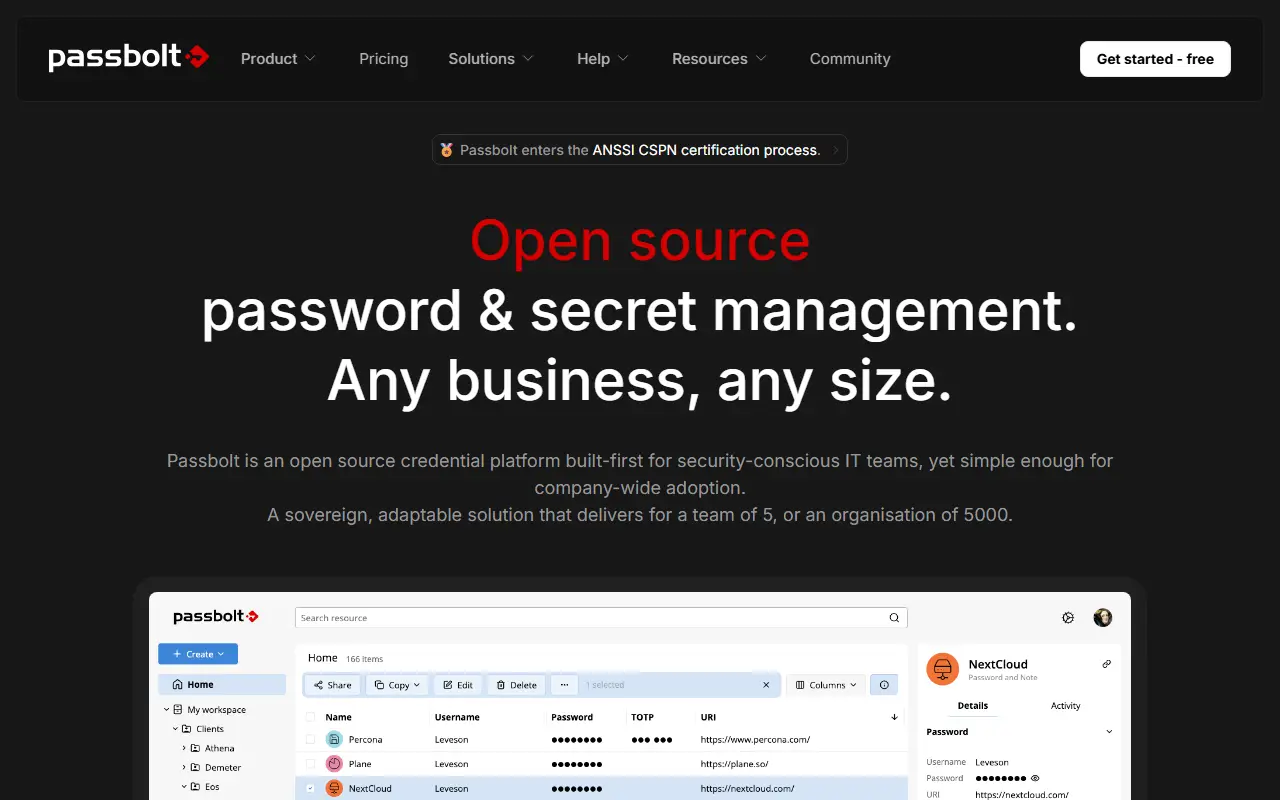
Passbolt is an open-source password manager built for teams. It lets organizations gather, structure and share passwords and other secrets, and its security model relies on secret keys owned by each user together with end-to-end encryption. The vendor says the product is audited several times a year and that the findings are made public.
The repository holds the JSON API of the Community Edition, written in PHP on CakePHP. Users work through clients: browser extensions, mobile apps, a command-line tool and a desktop app. Teams can share credentials and audit access, with policies aimed at power users. The README includes guidance for running the server natively on your own machine.
Passbolt Community Edition is licensed under AGPL-3.0. The vendor also offers paid Pro and cloud-hosted options, which suit organizations that prefer managed hosting or extra features. It fits teams, from small startups to larger IT departments, that want shared credential management they can host and inspect themselves.
Key features
- End-to-end encrypted password sharing
- User-owned secret keys
- Browser extensions and mobile apps
- CLI and desktop clients
- Credential audit and access policies
- Self-hosted Community Edition API
Pricing: Free Community Edition with unlimited users. Pro costs $4.9 per user per month billed annually with a 10-user minimum; Enterprise is quoted.
#6
Teampass is a self-hosted, open source collaborative password manager with folder-level access control and AES-256-GCM encryption.
- GitHub stars
- 1.9k
- Last commit
- yesterday
- Latest release
- 3.2.4.2
- Licence
- GPL-3.0
- Self-hosted
- Yes
teampass.net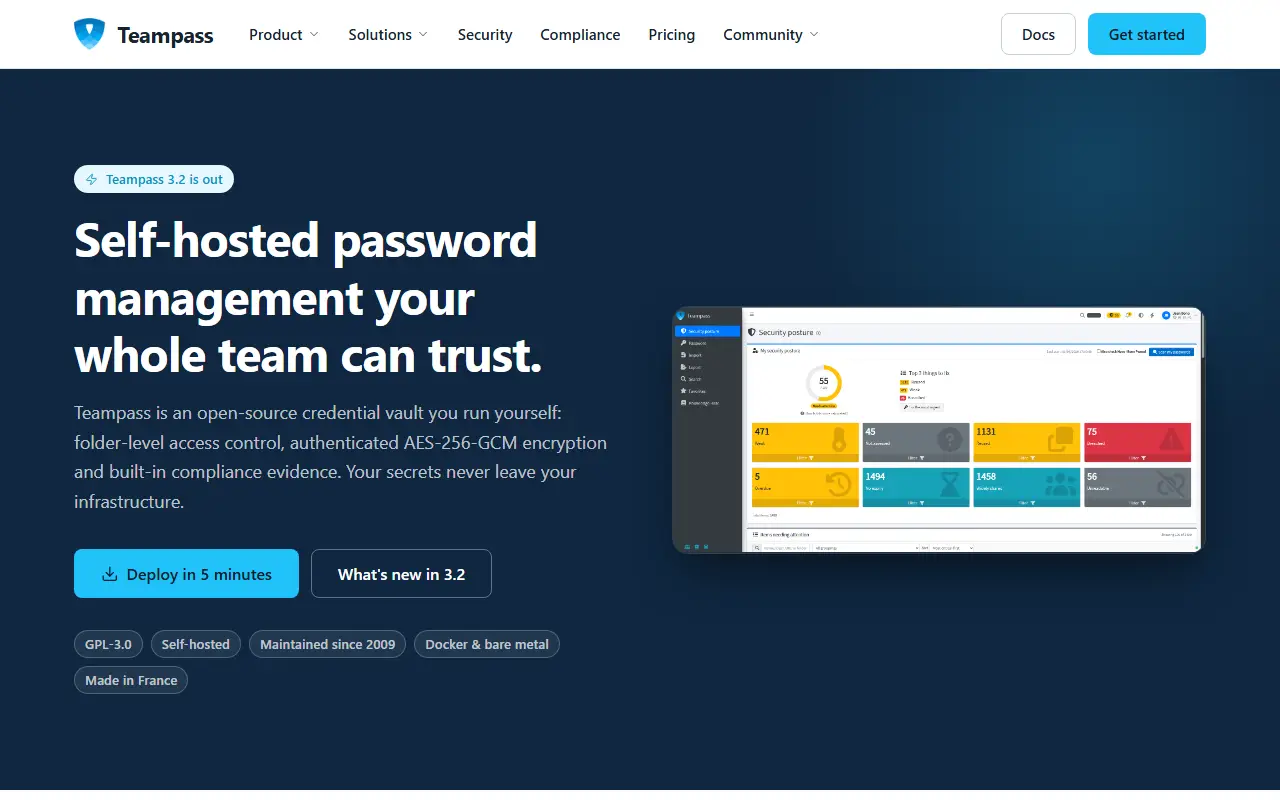
Teampass is a credential vault that you run yourself, licensed under GPL-3.0 and maintained since 2009. The server is described as having folder-level access control, authenticated AES-256-GCM encryption and built-in compliance evidence, and it runs under Docker or on bare metal. The current release line is 3.2.
For teams it uses folders and roles, records who accessed what and when, and offers Secure Send, which creates expiring, view-limited links for people outside the vault. Enterprise features include access recertification campaigns, compliance report export, LDAP/AD with nested groups, OAuth2 SSO and agentless rotation of Linux account passwords over SSH. Passkeys can be stored in items and used to sign in to Teampass.
Key features
- Folder-level access control and AES-256-GCM encryption
- Import from other password managers
- Expiring, view-limited links for outsiders
- Agentless Linux password rotation over SSH
- Passkeys stored in items and usable for sign-in
- Access recertification and compliance exports
Pricing: The Community server is free forever with unlimited users, folders and items. The Pro browser extension for Chrome, Firefox and Edge starts from €49 per year.
#7
LessPass is a stateless open-source password manager that generates site passwords from a master password, so there is no vault to sync.
- GitHub stars
- 6.1k
- Last commit
- 23 days ago
- Licence
- GPL-3.0
- Self-hosted
- Yes
- Hosted version
- Available
lesspass.com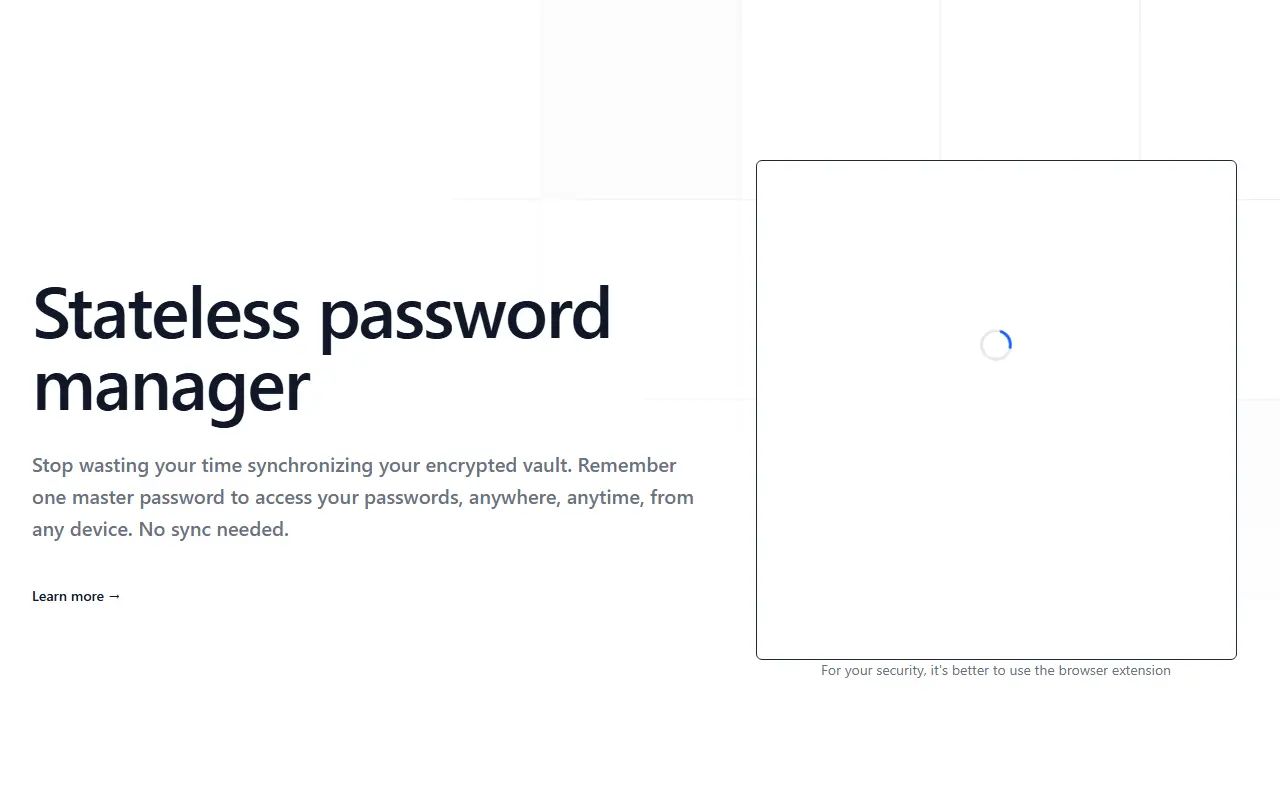
LessPass is a stateless password manager. Instead of storing an encrypted vault that has to be synchronized between devices, it derives each password from the website, your login and a single master password. Because nothing is stored, you can generate the same password anywhere you can run LessPass, without managing a database.
It is used through web extensions for Chrome and Firefox, where a keyboard shortcut opens the form next to a password field, and you fill in your login and master password to copy the result to the clipboard. A command-line client installs with pip for terminal use, and a hosted demo is available on the project website. Repository topics also mention privacy and self-hosting.
LessPass is written in TypeScript and licensed under GPL-3.0. It suits people who like the idea of generating passwords on demand and avoiding a stored vault, though it requires keeping the site and login settings consistent for each account.
Key features
- Stateless password generation
- No vault synchronization needed
- Chrome and Firefox web extensions
- Command-line client installable with pip
- Single master password
- Online demo available
Pricing: Free and open source under GPL-3.0.
#8
Padloc is a free, AGPL-licensed, open-source, end-to-end encrypted password manager for individuals and teams, with web, desktop and mobile clients.
- GitHub stars
- 2.9k
- Last commit
- 3 days ago
- Latest release
- v4.3.0
- Licence
- AGPL-3.0
- Self-hosted
- Yes
- Hosted version
- Available
padloc.app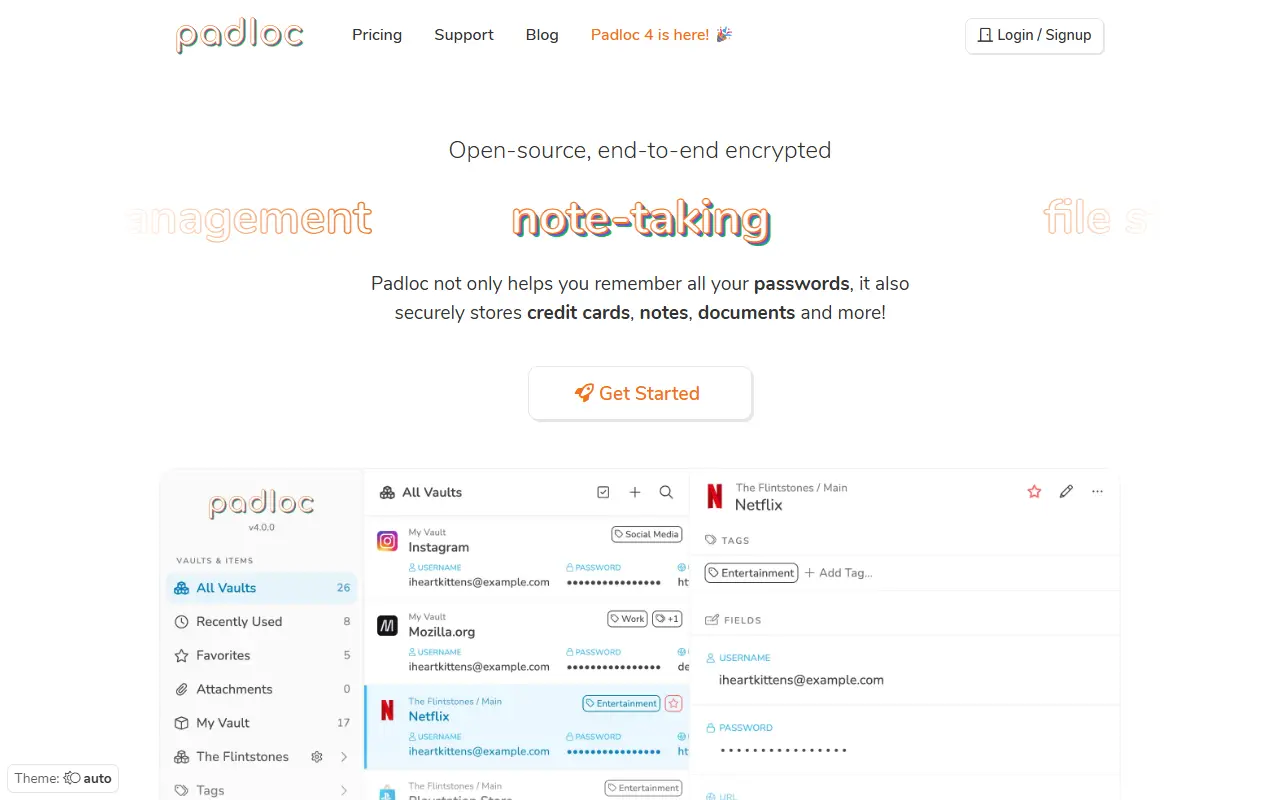
Padloc is a password and secure data manager aimed at both individuals and teams who want an open-source alternative to closed commercial password managers. It emphasizes simplicity and security, built around end-to-end encryption so that stored data is protected even from the server operator.
The project is organized as several packages: a core logic library, web-based UI components, a backend server, a progressive web app client, a desktop app built with Electron, mobile apps built with Cordova, a cross-platform native app built with Tauri, and a browser extension, along with a localization package for translations. This split lets different front ends share the same core encryption and data logic.
Setting up a local instance for testing requires installing and configuring at least the server and a web client, which the README describes as quick to do, while guides for running a production deployment and building distributable desktop and mobile apps are still being written. Padloc is written in JavaScript and TypeScript and released under the AGPL-3.0 license, making it self-hostable.
Key features
- End-to-end encrypted password storage
- Web, desktop, mobile and browser extension clients
- Password generator
- Team and individual vault support
- Self-hostable backend server
- Progressive web app client
Pricing: A free plan is available. Personal Premium costs $3.49 and Family $5.95 per month, Team $3.49 and Business $6.99 per month, each with a 30-day trial and cheaper yearly options; Enterprise is by request.
#9
Passman is an open-source password manager app for Nextcloud with client-side encryption, multiple vaults, sharing and mobile and browser companions.
- GitHub stars
- 829
- Last commit
- 2 days ago
- Latest release
- 2.6.5
- Licence
- AGPL-3.0
- Self-hosted
- Yes
passman.cc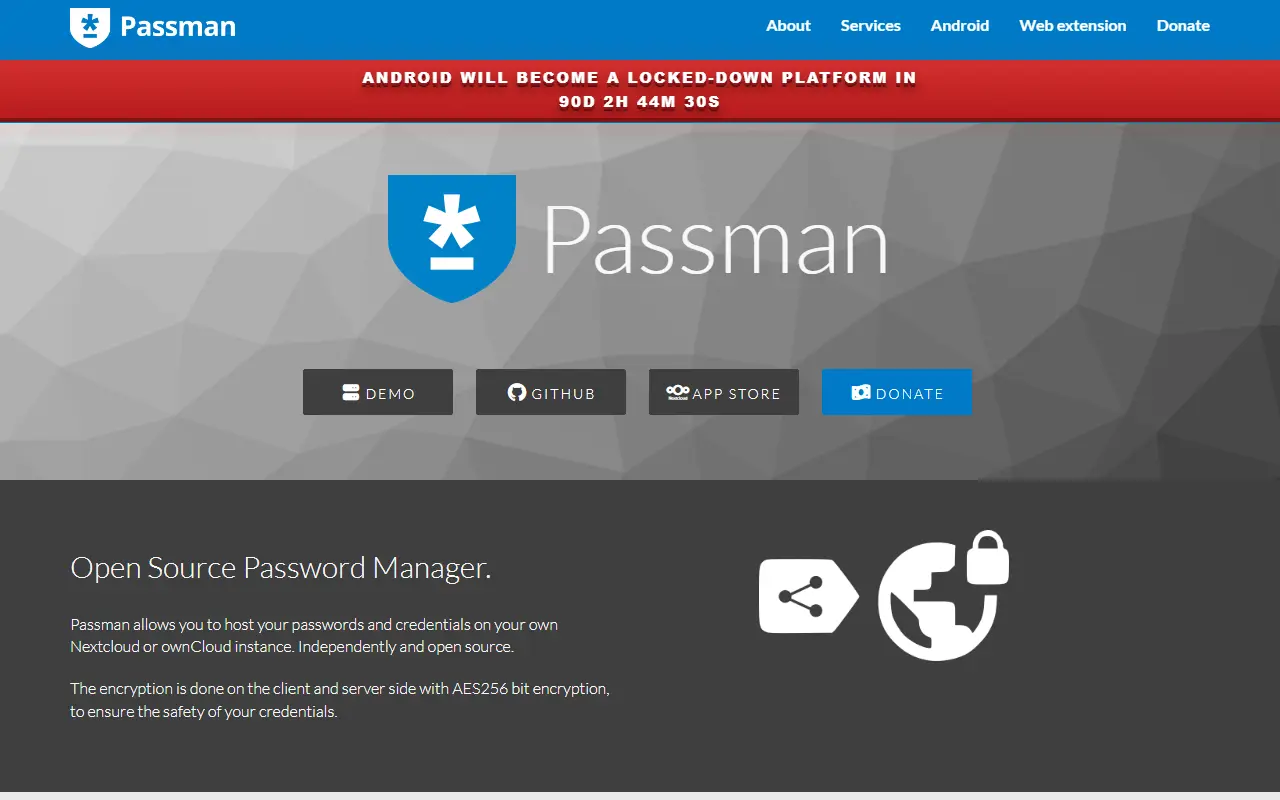
Passman is a full-featured, open-source password manager that runs as an app inside Nextcloud. Credentials are stored on your own Nextcloud server, so a team or household can keep passwords under its own control instead of using a third-party service.
Credentials are encrypted client side with 256-bit AES before they reach the server, and the vault key is never sent to the server. You can keep multiple vaults, define custom credential fields, use the built-in one-time password generator and check password strength with the zxcvbn analyzer. Passwords can be shared internally or through a link, and experimental import covers KeePass, LastPass, Dashlane, Zoho Vault, Clipperz, Enpass and ocPasswords.
A rewritten Passman browser extension and a native Android app, available from Google Play, IzzyOnDroid and F-Droid, extend it beyond the Nextcloud web interface. Passman is licensed under AGPL-3.0 and works with SQLite, MySQL or MariaDB, and PostgreSQL, which its CI tests against.
Key features
- Client-side 256-bit AES encryption
- Multiple vaults with private keys
- Built-in one-time password generator
- Password strength analyzer
- Sharing internally or via link
- Import from KeePass, LastPass and others
- Browser extension and Android app
Pricing: Free and open source under the AGPL-3.0 license.
PHP web-based password manager for business and personal use, with AES-256 encryption, access levels and a JSON-RPC API.
- GitHub stars
- 995
- Last commit
- 5 days ago
- Latest release
- 3.2.11
- Licence
- GPL-3.0
sysPass, short for Systems Password Manager, is a PHP web application for storing passwords. The README says it is meant for business and personal use. Passwords are protected with AES-256 encryption in CTR mode, RSA is used when passwords are sent from forms, and two-factor authentication is supported. The interface is built with HTML5 and Ajax.
Access is organised through users, groups and profiles with up to 29 access levels. Sign-in can go through MySQL, OpenLDAP or Active Directory. Each account entry can carry tags, custom fields and a history, be marked private or favourite, and be shared through public links. Activity notifications arrive by email and inside the app, and an event log records what happened.
The software is published under the GNU GPLv3 licence. Installation instructions and documentation are on a separate documentation site, a Docker image is listed on Docker Hub, and the interface is available in several languages. A JSON-RPC API lets other programs talk to it, and the project takes backers and sponsors through Open Collective.
Key features
- AES-256 encryption in CTR mode
- RSA protects passwords sent from forms
- Two-factor authentication
- Users, groups and profiles with up to 29 access levels
- Sign-in through MySQL, OpenLDAP or Active Directory
- Tags, custom fields, public links and history
- Email and in-app notifications plus an event log
- JSON-RPC API for other programs
Passpack alternatives: questions
- What is the best open-source alternative to Passpack?
- Vaultwarden is the top-ranked open-source alternative to Passpack on Enlisted: Vaultwarden is an AGPL-3.0 server written in Rust that implements the Bitwarden client API for self-hosted password vaults. Other strong options are KeePassXC, Bitwarden, Gopass and Passbolt.
- What are the best commercial alternatives to Passpack?
- Avira Password Manager, Kaspersky Password Manager, LastPass, TeamPassword and LogMeOnce are among the hosted, closed-source alternatives to Passpack listed on Enlisted, which lists 18 in total. Compare their pricing and features on each tool page.
- Are these Passpack alternatives free?
- All 10 are open source, so the code is free to use under its licence, and all of them can be self-hosted on your own server or computer. 4 also offer a paid or managed cloud version if you'd rather not host it yourself.
- How is this list of Passpack alternatives ranked?
- By a score built from GitHub stars, star growth over the last 30 days and how recently the code changed. 10 of these projects shipped code in the last 30 days. Data is refreshed daily, and nobody can pay to move up.
 TrackMedia
 TrackRev