 TrackMedia
 TrackRev
 Keeper
 Sticky Password
 Zoho Vault
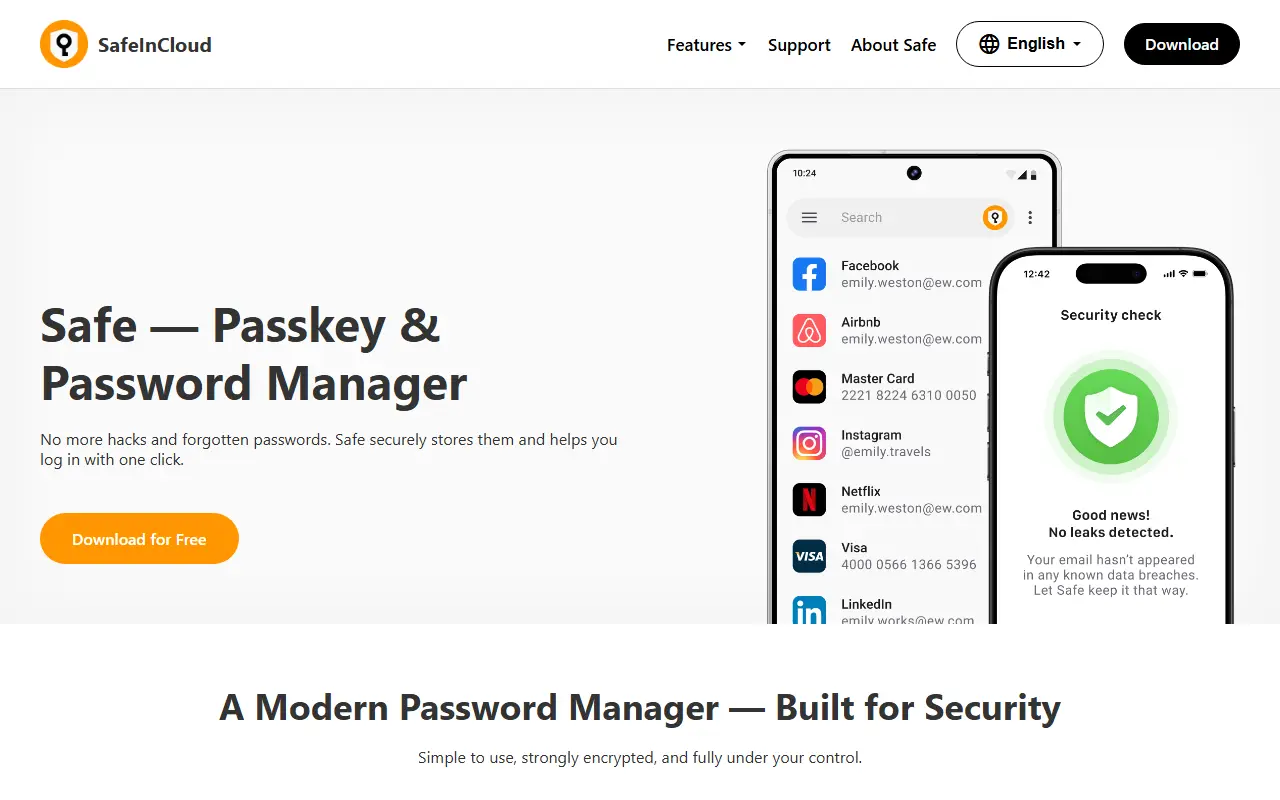
About SafeInCloud
Safe, published as SafeInCloud, is a passkey and password manager for Android, iOS, Windows and macOS, with extensions for Chrome, Firefox, Edge and Safari. Everything is encrypted inside a personal vault using AES-256 and PBKDF2, and the vendor says it has over 1 million users.
Safe does not keep passwords on its own servers. The encrypted vault is backed up and synced to Google Drive, OneDrive, Dropbox, iCloud or any WebDAV cloud or NAS, or kept entirely offline. Installing the app on a new device restores the vault from that cloud automatically.
Beyond logins it stores passkeys, bank cards, notes, documents and passport scans, generates two-factor codes, checks accounts against Have I Been Pwned, and imports from Chrome, Firefox, Edge and other managers. Separate vaults can be shared with family or colleagues, each with its own master password.
Key features
- Automatic backup and sync to your own cloud or NAS
- Passkeys saved to the vault when a site offers them
- Breach check powered by Have I Been Pwned
- Built-in generator for two-factor codes
- Import from Chrome, Firefox, Edge and other managers
- Separate vaults for work, family and personal data
- Cards, notes, documents and passport scans in the vault
Good fit for
- Family password sharing
- Backing up a vault to a NAS
- Storing passkeys
- Keeping documents and cards
SafeInCloud: questions and answers
- What is SafeInCloud used for?
- SafeInCloud is a password and passkey manager for Android, iOS, Windows and macOS that backs up encrypted vaults to the user's own cloud or NAS. It is a good fit for family password sharing, backing up a vault to a NAS and storing passkeys.
- Is SafeInCloud free?
- Yes. SafeInCloud has a free plan. A family licence covers 6 family members and costs 30% more than an individual licence. A lifetime licence is a single purchase with no monthly payments.
- Is SafeInCloud open source?
- No. SafeInCloud is proprietary (closed-source) software. Open-source alternatives to SafeInCloud include Teampass, KeePassXC and KeePassDX.
- What are some alternatives to SafeInCloud?
- SafeInCloud competes with Enpass, RoboForm and Dashlane. For open-source options, see Enlisted's ranked list of open-source SafeInCloud alternatives.
Open-source alternatives to SafeInCloud
See all
Teampass
Password Management
Collaborative Passwords Manager
GPL-3.0vs Enpass★ 1.9k
KeePassXC
Password Management
KeePassXC is a cross-platform community-driven port of the Windows application “KeePass Pa
OSSvs Dashlane★ 30k
KeePassDX
Password Management
Lightweight vault and password manager for Android, KeePassDX allows editing encrypted dat
GPL-3.0vs Dashlane★ 7.7kVaultwarden
Password Management
Unofficial Bitwarden compatible server written in Rust, formerly known as bitwarden_rs
AGPL-3.0vs 1Password★ 71k
Bitwarden
Password Management
Bitwarden infrastructure/backend (API, database, Docker, etc).
OSSvs 1Password★ 21kKeepass2Android
Password Management
Password manager app for Android
GPL-3.0vs Dashlane★ 6.4k
SaaS alternatives to SafeInCloud
See allEnpass
Password Management
Password manager that stores vaults locally and syncs through your own cloud account
SaaS
RoboForm
Password Management
Long-running password manager and form filler for browsers and mobile devices
SaaS
Dashlane
Password Management
Password manager with autofill, passkey support, dark web monitoring and a built-in VPN
SaaS
mSecure
Password Management
Password manager and encrypted vault for passwords, documents and two-factor codes
SaaS
1Password
Password Management
Password manager for individuals, families and teams with shared vaults and passkeys
SaaS
LastPass
Password Management
Password manager with autofill, vault sharing and admin controls
SaaS