 TrackMedia
 TrackRev
 Steganos Password Manager
 mSecure
 Codebook
 Bitdefender SecurePass
 LastPass
 SplashID
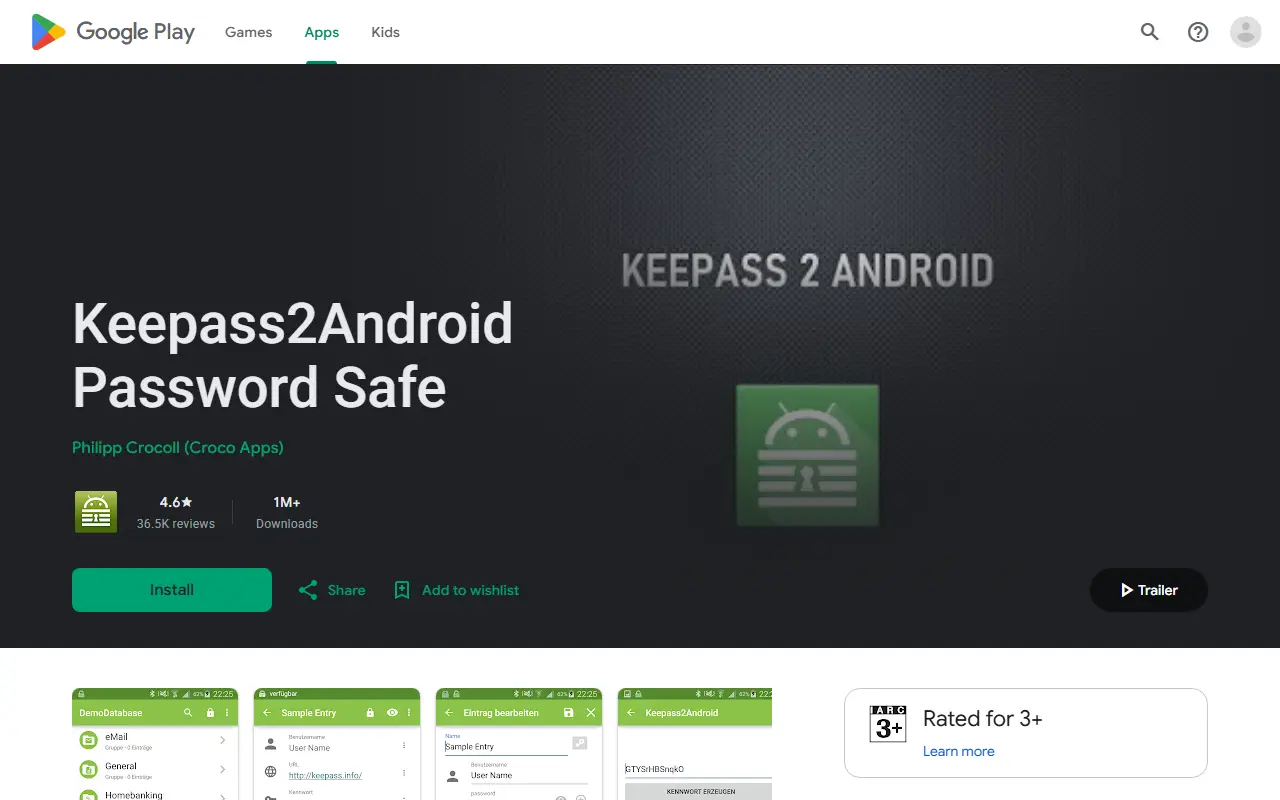
About Keepass2Android
Keepass2Android is a password manager app for Android. It stores and retrieves passwords and other sensitive information in a file called the database, which is secured with a strong key. The database file can be synchronized across devices, and the README says this works best with one of the built-in cloud storage options, though third-party apps can do it as well.
The app is compatible with KeePass 2.x and KeePassXC on PCs as well as many other KeePass ports for a variety of platforms. Stable releases are published on Google Play, and beta releases of the app and of its Offline variant are available by joining the beta testing channels. The code is written in C# and distributed under the GNU General Public License v3.0.
Contributors can translate the app on Crowdin or add features by writing a plugin or sending a pull request, and the maintainer asks to be contacted first so efforts are coordinated. Donations are described as voluntary contributions rather than a purchase of features, services or support. The wiki holds further documentation.
Key features
- Passwords kept in a keyed database file
- Database synchronizes across devices
- Built-in cloud storage options
- Opens KeePass 2.x and KeePassXC databases
- Extensible through plugins
- Offline variant in beta testing
Good fit for
- Opening a KeePass database on an Android phone
- Syncing a password file through cloud storage
Keepass2Android: questions and answers
- What is Keepass2Android used for?
- Keepass2Android is an open-source Android password manager that stores logins in a KeePass database file and syncs it across devices. It is a good fit for opening a KeePass database on an Android phone and syncing a password file through cloud storage.
- Is Keepass2Android open source?
- Yes. Keepass2Android is open source under the GPL-3.0 licence. Its source code is on GitHub at PhilippC/keepass2android and is written mainly in C#.
- Is Keepass2Android free?
- Yes. Keepass2Android is open source, so the software itself is free to use.
- Can I self-host Keepass2Android?
- Yes. Keepass2Android can be self-hosted on your own server or infrastructure.
- What is Keepass2Android an alternative to?
- Keepass2Android is an open-source alternative to Dashlane, Keeper, Sticky Password and Google Password Manager. Other open-source alternatives to Dashlane include KeePassXC, KeeWeb and Vaultwarden.
- Is Keepass2Android actively maintained?
- Yes. The most recent commit to Keepass2Android was on 12 November 2026, and the latest release is v1.15-r6, published on 15 October 2026. The project has 6.4k stars on GitHub, with 96 added in the last 30 days.
Open-source alternatives to Keepass2Android
See all
KeePassXC
Password Management
KeePassXC is a cross-platform community-driven port of the Windows application “KeePass Pa
OSSvs Dashlane★ 30k
KeeWeb
Password Management
Free cross-platform password manager compatible with KeePass
OSSvs Dashlane★ 13kVaultwarden
Password Management
Unofficial Bitwarden compatible server written in Rust, formerly known as bitwarden_rs
AGPL-3.0vs 1Password★ 71k
Bitwarden
Password Management
Bitwarden infrastructure/backend (API, database, Docker, etc).
OSSvs 1Password★ 21k
KeePassDX
Password Management
Lightweight vault and password manager for Android, KeePassDX allows editing encrypted dat
GPL-3.0vs Dashlane★ 7.7k
Padloc
Password Management
A modern, open source password manager for individuals and teams.
AGPL-3.0vs Dashlane★ 2.9k
SaaS alternatives to Keepass2Android
See all
Dashlane
Password Management
Password manager with autofill, passkey support, dark web monitoring and a built-in VPN
SaaS
Keeper
Password Management
Password manager and privileged access tool for individuals, families and enterprises
SaaS
Sticky Password
Password Management
Password manager with local Wi-Fi sync option and a limited free version
SaaS
Google Password Manager
Password Management
Free password and passkey storage built into Chrome, Android and Google accounts
SaaSKaspersky Password Manager
Password Management
Password manager from Kaspersky with a free tier and paid sync across devices
SaaS
Avira Password Manager
Password Management
Password manager from Avira with a free version and paid Pro features
SaaS