 TrackMedia
 TrackRev
 Keeper
 Sticky Password
 Zoho Vault
About Kaspersky Password Manager
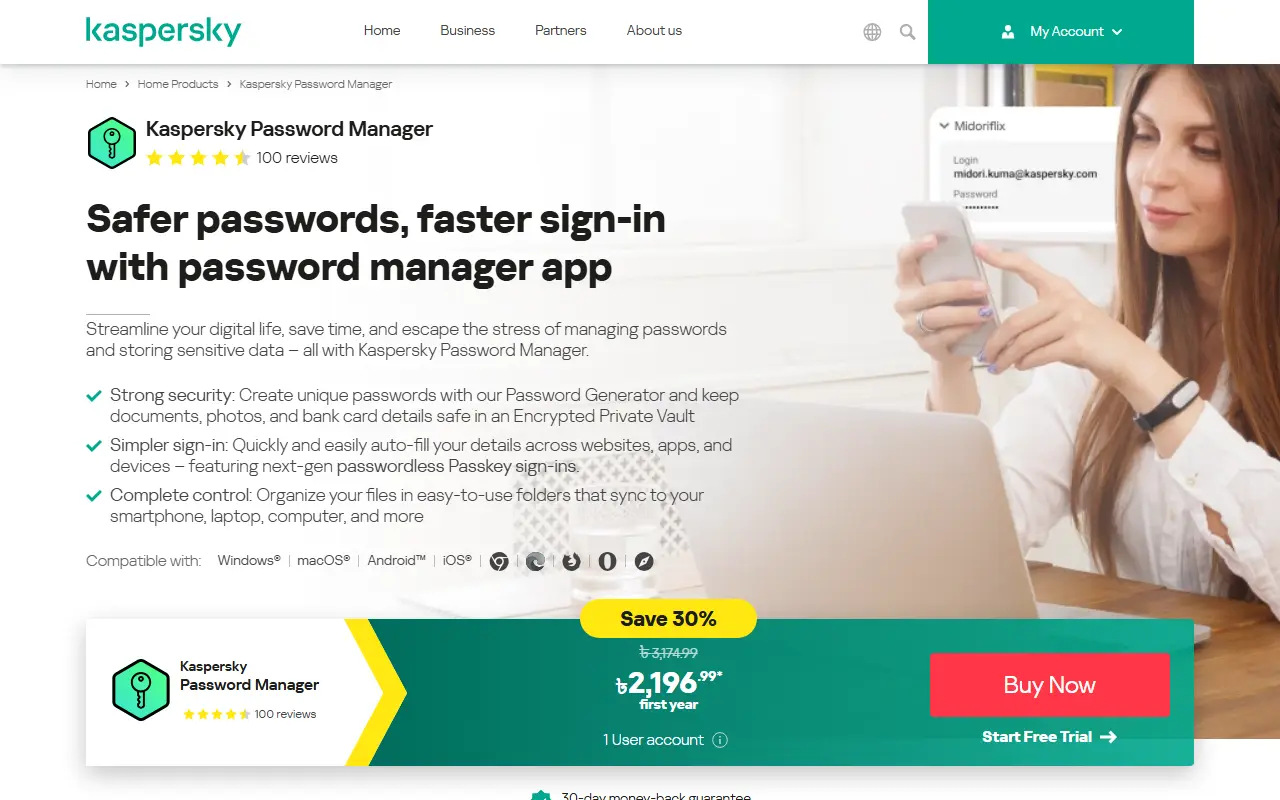
Kaspersky Password Manager is a consumer app for generating, storing and filling in passwords. The vendor describes a password generator, an encrypted private vault for documents, photos and bank card details, and auto-fill across websites, apps and devices, including passkey sign-ins.
On security, the page describes a zero-knowledge principle, meaning nobody at Kaspersky can view stored passwords, and AES-256-bit encryption. Files are organised in folders that sync across a phone, laptop and computer.
It is a proprietary paid product with a 30-day money-back guarantee, available for Windows, macOS, Android and iOS. The page shows a customer rating of about 4.6 out of 5 from 102 reviews.
The vendor frames the product around three ideas: strong security through generated unique passwords, simpler sign-in through auto-fill across websites, apps and devices, and control through folders for organising stored files. Compatibility is listed for Windows, macOS, Android and iOS, so the same vault can follow a user between a computer and a phone.
Key features
- Password generator and encrypted private vault
- Auto-fill across websites, apps and devices
- Passkey sign-in support
- Folders that sync between devices
- AES-256-bit encryption for the vault
Good fit for
- Storing passwords
- Saving bank card details
- Keeping documents in an encrypted vault
- Syncing a vault between phone and computer
Kaspersky Password Manager: questions and answers
- What is Kaspersky Password Manager used for?
- Kaspersky Password Manager stores passwords and sensitive data in an encrypted vault and fills them in across Windows, macOS, Android and iOS. It is a good fit for storing passwords, saving bank card details and keeping documents in an encrypted vault.
- Is Kaspersky Password Manager free?
- Yes. Kaspersky Password Manager has a free plan.
- Is Kaspersky Password Manager open source?
- No. Kaspersky Password Manager is proprietary (closed-source) software. Open-source alternatives to Kaspersky Password Manager include KeePassDX, Vaultwarden and AliasVault.
- What are some alternatives to Kaspersky Password Manager?
- Kaspersky Password Manager competes with Avira Password Manager, Dashlane and NordPass. For open-source options, see Enlisted's ranked list of open-source Kaspersky Password Manager alternatives.
Open-source alternatives to Kaspersky Password Manager
See all
KeePassDX
Password Management
Lightweight vault and password manager for Android, KeePassDX allows editing encrypted dat
GPL-3.0vs Dashlane★ 7.7kVaultwarden
Password Management
Unofficial Bitwarden compatible server written in Rust, formerly known as bitwarden_rs
AGPL-3.0vs 1Password★ 71k
AliasVault
Password Management
Privacy-first password manager with built-in email aliasing. Fully encrypted and self-host
AGPL-3.0vs NordPass★ 3.5k
KeePassXC
Password Management
KeePassXC is a cross-platform community-driven port of the Windows application “KeePass Pa
OSSvs Dashlane★ 30kKeepass2Android
Password Management
Password manager app for Android
GPL-3.0vs Dashlane★ 6.4k
Proton Pass Android
Password Management
Android code for the Proton Pass application
GPL-3.0vs Dashlane★ 819
SaaS alternatives to Kaspersky Password Manager
See all
Avira Password Manager
Password Management
Password manager from Avira with a free version and paid Pro features
SaaS
Dashlane
Password Management
Password manager with autofill, passkey support, dark web monitoring and a built-in VPN
SaaSNordPass
Password Management
Password and passkey manager from the makers of NordVPN, with a limited free tier
SaaS
RoboForm
Password Management
Long-running password manager and form filler for browsers and mobile devices
SaaS
1Password
Password Management
Password manager for individuals, families and teams with shared vaults and passkeys
SaaS
LastPass
Password Management
Password manager with autofill, vault sharing and admin controls
SaaS