
 Passpack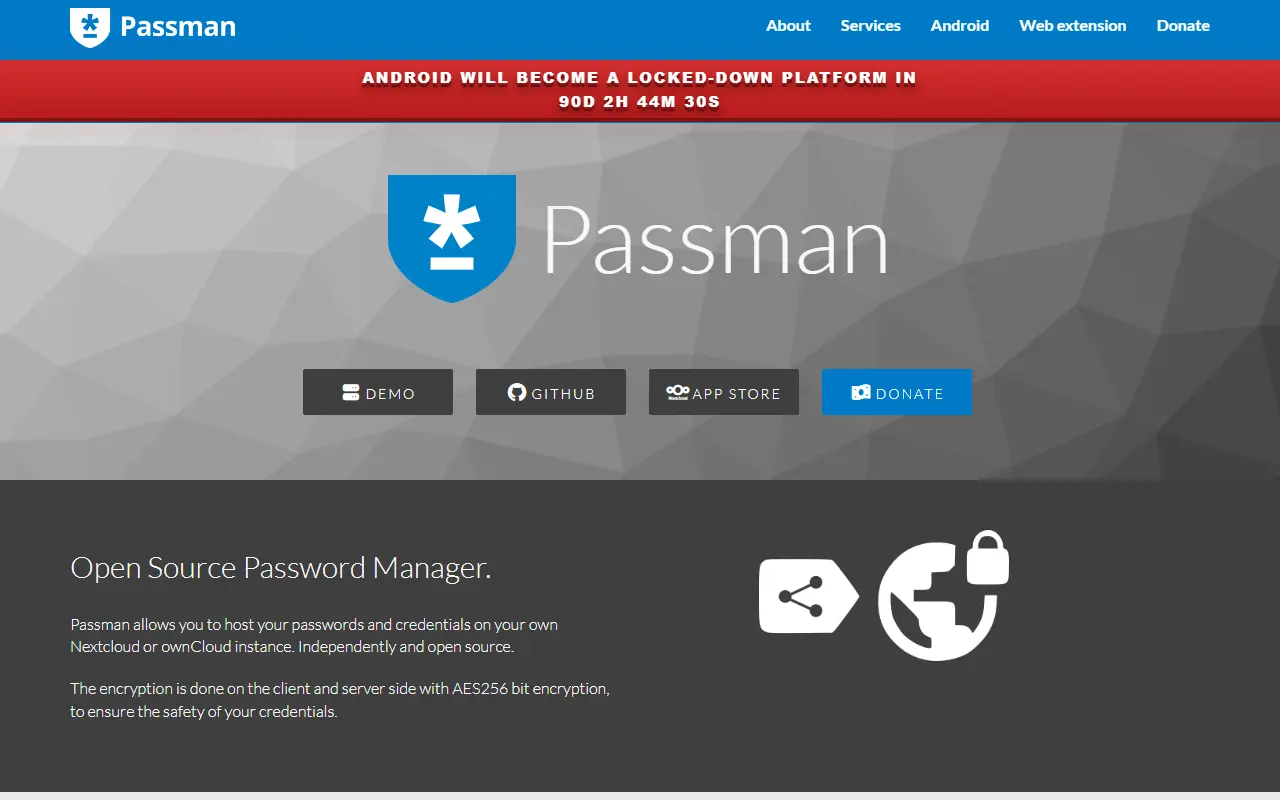
About Passman
Passman is a full-featured, open-source password manager that runs as an app inside Nextcloud. Credentials are stored on your own Nextcloud server, so a team or household can keep passwords under its own control instead of using a third-party service.
Credentials are encrypted client side with 256-bit AES before they reach the server, and the vault key is never sent to the server. You can keep multiple vaults, define custom credential fields, use the built-in one-time password generator and check password strength with the zxcvbn analyzer. Passwords can be shared internally or through a link, and experimental import covers KeePass, LastPass, Dashlane, Zoho Vault, Clipperz, Enpass and ocPasswords.
A rewritten Passman browser extension and a native Android app, available from Google Play, IzzyOnDroid and F-Droid, extend it beyond the Nextcloud web interface. Passman is licensed under AGPL-3.0 and works with SQLite, MySQL or MariaDB, and PostgreSQL, which its CI tests against.
Key features
- Client-side 256-bit AES encryption
- Multiple vaults with private keys
- Built-in one-time password generator
- Password strength analyzer
- Sharing internally or via link
- Import from KeePass, LastPass and others
- Browser extension and Android app
Good fit for
- →Self-hosted team password storage
- →Password management inside Nextcloud
- Built with
- JavaScript
- Tags
- password-manager
- nextcloud
- self-hosted
- encryption
- totp
- android
- browser-extension
Passman: questions and answers
- What is Passman used for?
- Passman is an open-source password manager app for Nextcloud with client-side encryption, multiple vaults, sharing and mobile and browser companions. It is a good fit for self-hosted team password storage and password management inside Nextcloud.
- Is Passman open source?
- Yes. Passman is open source under the AGPL-3.0 licence. Its source code is on GitHub at nextcloud/passman and is written mainly in JavaScript.
- Is Passman free?
- Yes. Passman is open source, so the software itself is free to use.
- Can I self-host Passman?
- Yes. Passman can be self-hosted on your own server or infrastructure.
- What is Passman an alternative to?
- Passman is an open-source alternative to Dashlane, Keeper, NordPass and Zoho Vault. Other open-source alternatives to Dashlane include Bitwarden, Padloc and Vaultwarden.
- Is Passman actively maintained?
- Yes. The most recent commit to Passman was on 2 October 2026, and the latest release is 2.6.3, published on 22 September 2026. The project has 823 stars on GitHub.
Open-source alternatives to Passman
See all
Bitwarden
Password Management
Bitwarden infrastructure/backend (API, database, Docker, etc).
OSSvs 1Password★ 20k
Padloc
Password Management
A modern, open source password manager for individuals and teams.
AGPL-3.0vs Dashlane★ 2.9kVaultwarden
Password Management
Unofficial Bitwarden compatible server written in Rust, formerly known as bitwarden_rs
AGPL-3.0vs 1Password★ 68k
Bitwarden
Password Management
Bitwarden client apps (web, browser extension, desktop, and cli).
OSSvs 1Password★ 14k
Passbolt
Password Management
Passbolt Community Edition (CE) API. The JSON API for the open source password manager for
AGPL-3.0vs Keeper★ 6.1k
Gopass
Password Management
The slightly more awesome standard unix password manager for teams
MITvs Keeper★ 7.2k
SaaS alternatives to Passman
See all
Dashlane
Password Management
Password manager with autofill, passkey support, dark web monitoring and a built-in VPN
SaaS
Keeper
Password Management
Password manager and privileged access tool for individuals, families and enterprises
SaaSNordPass
Password Management
Password and passkey manager from the makers of NordVPN, with a limited free tier
SaaS
Zoho Vault
Password Management
Team password manager with sharing controls, audit trails and Zoho app integration
SaaS
TeamPassword
Password Management
Team-focused password manager for sharing logins with groups
SaaS
Passwork
Password Management
Self-hosted or cloud password manager for teams with role-based access
SaaS