
About Screen Studio
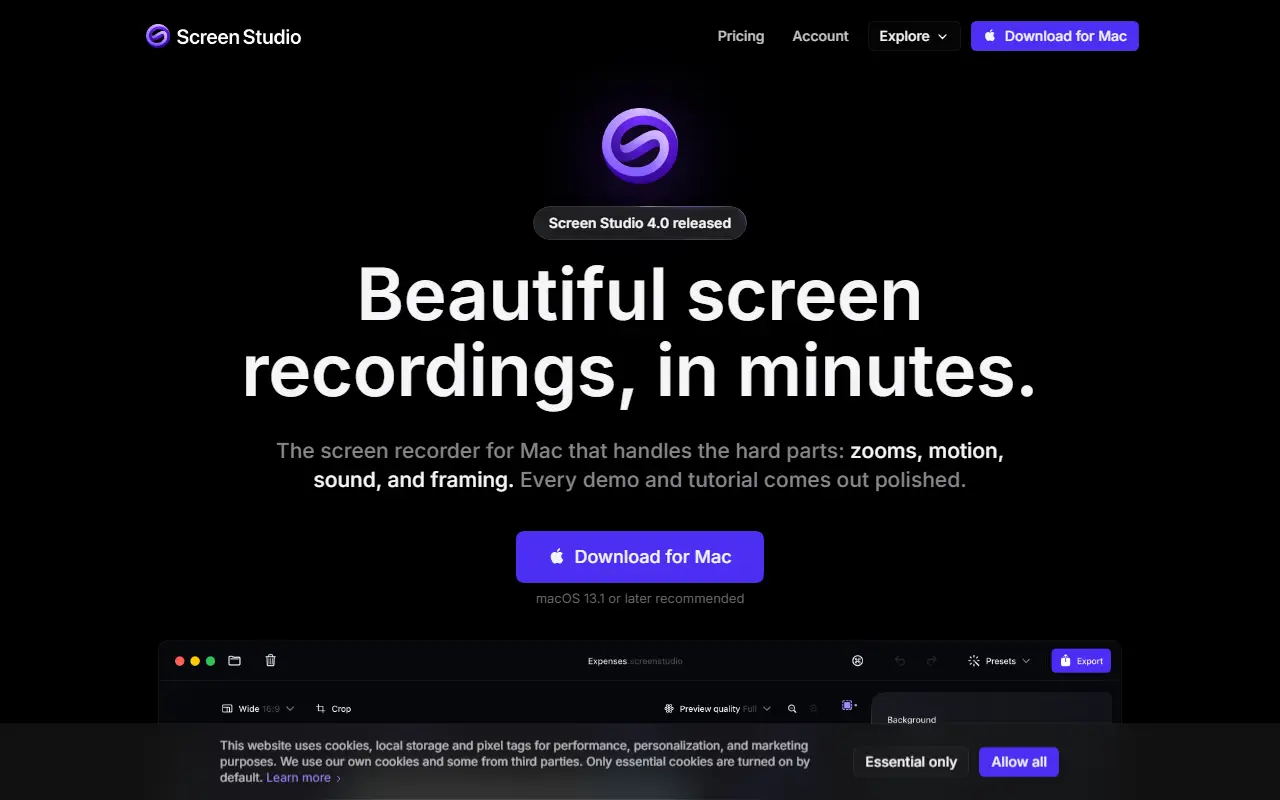
Screen Studio is a screen recording application designed only for macOS. Instead of delivering raw capture, it post-processes recordings to add automatic zoom on mouse activity, smooth cursor movement, and other effects and animations so demos look produced with minimal editing.
Typical outputs are product demos, courses, tutorials and social media videos. The app handles framing, sound and motion, and the vendor maintains a what's-new log, a roadmap, a user guide and a beta channel. Version 4.0 is the latest release noted on the site, and macOS 13.1 or later is recommended.
Screen Studio is commercial software sold with license and subscription management through the vendor's account area, and it offers an educational discount. It suits software teams, educators and creators on Macs who want polished recordings without a separate video editor.
Key features
- Automatic zoom following mouse actions
- Smooth cursor movement and animation
- Polished framing and backgrounds
- Sound handling for recordings
- Native macOS application
- Export for demos, tutorials and social posts
Good fit for
- →Startups recording product demos
- →Course creators producing screen tutorials
- →Developers sharing short feature clips
- Tags
- screen-recording
- macos
- product-demo
- tutorials
- video-editing
- cursor-animation
Screen Studio: questions and answers
- What is Screen Studio used for?
- Screen Studio is a macOS screen recorder that adds automatic zooms, smooth cursor motion and other polish to product demos, tutorials and social videos. It is a good fit for startups recording product demos, course creators producing screen tutorials and developers sharing short feature clips.
- How much does Screen Studio cost?
- Paid plans for Screen Studio start at $29 per seat per month, and there is no free plan.
- Is Screen Studio open source?
- No. Screen Studio is proprietary (closed-source) software. Open-source alternatives to Screen Studio include Cap, Screenity and BetterShot.
- What are some alternatives to Screen Studio?
- Screen Studio competes with CleanShot X, Camtasia and Tella. For open-source options, see Enlisted's ranked list of open-source Screen Studio alternatives.
Open-source alternatives to Screen Studio
See all
Cap
Video Editing
Open source Loom alternative. Beautiful, shareable screen recordings.
OSSvs Loom★ 23k
Screenity
Video Editing
The free and privacy-friendly screen recorder with no limits 🎥
GPL-3.0vs Screencastify★ 19k
BetterShot
Productivity
Screenshot, screen recording, and video editor for macOS. Native SwiftUI app with capture
OSSvs CleanShot X★ 2.4k
OBS Studio
Video Editing
OBS Studio - Free and open source software for live streaming and screen recording
GPL-2.0vs vMix★ 77k
Shotcut
Video Editing
cross-platform (Qt), open-source (GPLv3) video editor
GPL-3.0vs Adobe Premiere Pro★ 15k
OpenShot
Video Editing
OpenShot Video Editor is an award-winning free and open-source video editor for Linux, Mac
OSSvs Adobe Premiere Pro★ 6.6k
SaaS alternatives to Screen Studio
See all
CleanShot X
Productivity
Mac screenshot and screen recording utility with annotation and cloud sharing
SaaS
Camtasia
Video Editing
Screen recorder and video editor for tutorials and training videos
SaaS
Tella
Video Editing
Screen and camera recorder with editing for demos and tutorials
SaaS
ScreenFlow
Video Editing
Mac screen recording and video editing software from Telestream
SaaS
Loom
Productivity
Loom is a screen and camera recording tool for sharing asynchronous video messages, with editing, comments, transcripts and AI features.
SaaS
Screencastify
Video Editing
Chrome-based screen recorder aimed at education and teams
SaaS