
 StreamYard
 Movavi Video Editor
 Wave.video
 ScreenFlow
 Wirecast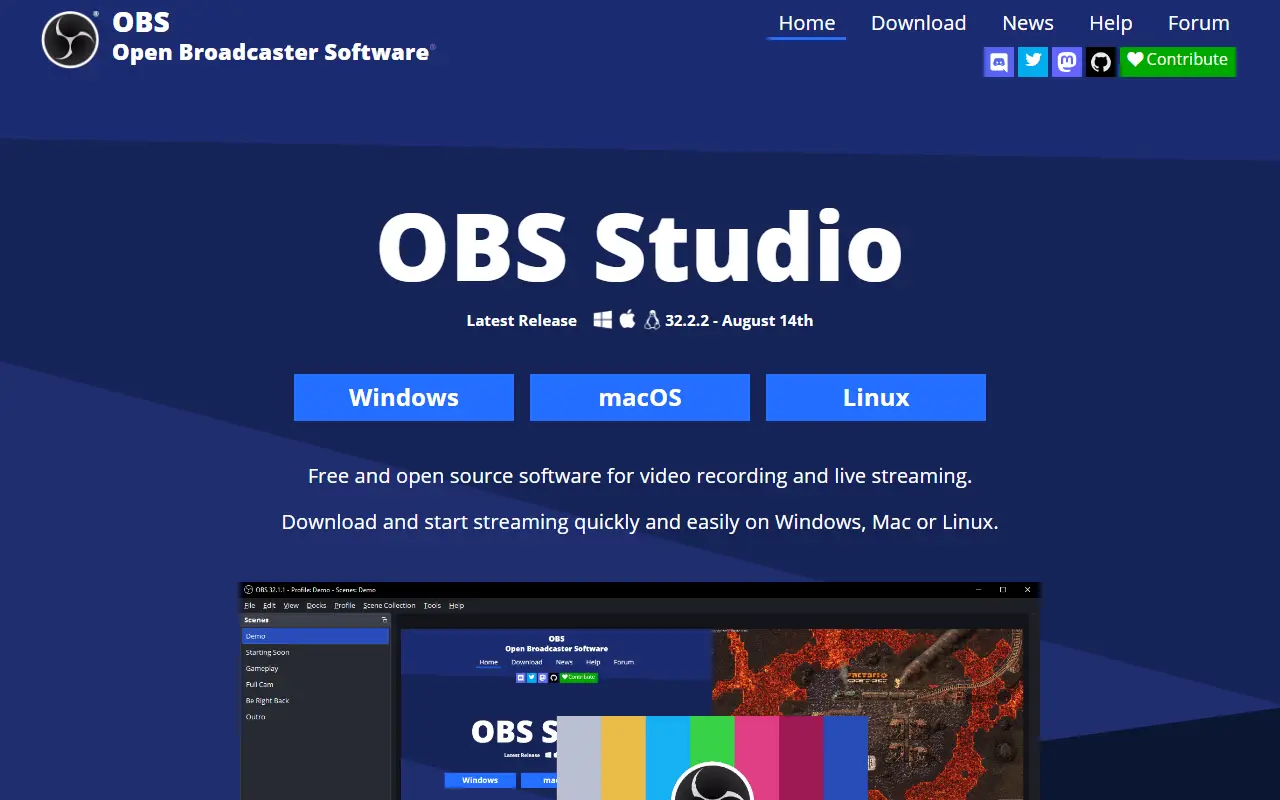
About OBS Studio
OBS Studio, from the Open Broadcaster Software project, is a free, open-source application for recording video and streaming live. It runs on Windows 10 and 11, recent macOS versions and Linux, and it is written mainly in C and C++ under the GPL-2.0 license.
Content is composed as scenes built from multiple sources, such as window captures, images, text, browser windows, webcams and capture cards. You can create as many scenes as you need and switch between them with customizable transitions. An audio mixer provides per-source filters like noise gate, noise suppression and gain, and VST plugins are supported. A modular dock-based interface can be rearranged, and individual docks can be popped out into separate windows.
OBS can stream to Twitch, YouTube and other providers, or record to local files using H.264 video and AAC audio. The project is funded through sponsors and backers. It suits streamers, educators, gamers and anyone producing tutorials or presentations who needs flexible capture and mixing without a license fee.
Key features
- Real-time video and audio capture and mixing
- Scenes combining windows, webcams, images and text
- Custom transitions between scenes
- Audio mixer with noise suppression and gain
- VST plugin support
- Streaming to Twitch, YouTube and other services
- Recording with H.264 and AAC encoding
Good fit for
- →Live streaming gameplay
- →Recording tutorials and screencasts
- →Producing webinars and presentations
- Built with
- C
- Tags
- streaming
- screen-recording
- live-streaming
- video
- broadcasting
- capture
- cpp
- cross-platform
OBS Studio: questions and answers
- What is OBS Studio used for?
- OBS Studio is a free, open-source program for recording video and streaming live on Windows, macOS and Linux, built around scenes made from multiple sources. It is a good fit for live streaming gameplay, recording tutorials and screencasts, and producing webinars and presentations.
- Is OBS Studio open source?
- Yes. OBS Studio is open source under the GPL-2.0 licence. Its source code is on GitHub at obsproject/obs-studio and is written mainly in C.
- Is OBS Studio free?
- Yes. OBS Studio is open source, so the software itself is free to use.
- Can I self-host OBS Studio?
- Yes. OBS Studio can be self-hosted on your own server or infrastructure; there is no official hosted version.
- What is OBS Studio an alternative to?
- OBS Studio is an open-source alternative to vMix, Streamlabs, Camtasia and Ecamm Live. Other open-source alternatives to Camtasia include Screenity and BetterShot.
- Is OBS Studio actively maintained?
- Yes. The most recent commit to OBS Studio was on 2 October 2026, and the latest release is 32.2.2, published on 14 August 2026. The project has 77k stars on GitHub.
Open-source alternatives to OBS Studio
See all
Shotcut
Video Editing
cross-platform (Qt), open-source (GPLv3) video editor
GPL-3.0vs Adobe Premiere Pro★ 15k
Screenity
Video Editing
The free and privacy-friendly screen recorder with no limits 🎥
GPL-3.0vs Screencastify★ 19k
OpenCut
Video Editing
The open-source CapCut alternative
MITvs CapCut★ 91k
Kdenlive
Video Editing
Free and open source video editor, based on MLT Framework and KDE Frameworks
GPL-3.0vs Adobe Premiere Pro★ 5.8k
BetterShot
Productivity
Screenshot, screen recording, and video editor for macOS. Native SwiftUI app with capture
OSSvs CleanShot X★ 2.4k
Cap
Video Editing
Open source Loom alternative. Beautiful, shareable screen recordings.
OSSvs Loom★ 23k
SaaS alternatives to OBS Studio
See all
vMix
Video Editing
Windows live video production and streaming software
SaaS
Streamlabs
Video Editing
Live streaming software and tools for creators
SaaS
Camtasia
Video Editing
Screen recorder and video editor for tutorials and training videos
SaaS
Ecamm Live
Video Editing
Mac live streaming and video production app
SaaS
Restream
Media & Streaming
Multistreaming service that broadcasts live video to many platforms at once
SaaS
Riverside
Video Editing
Browser-based studio for recording podcasts and video interviews in high quality
SaaS