
 Loom
Loom Screen Studio
 ScreenFlow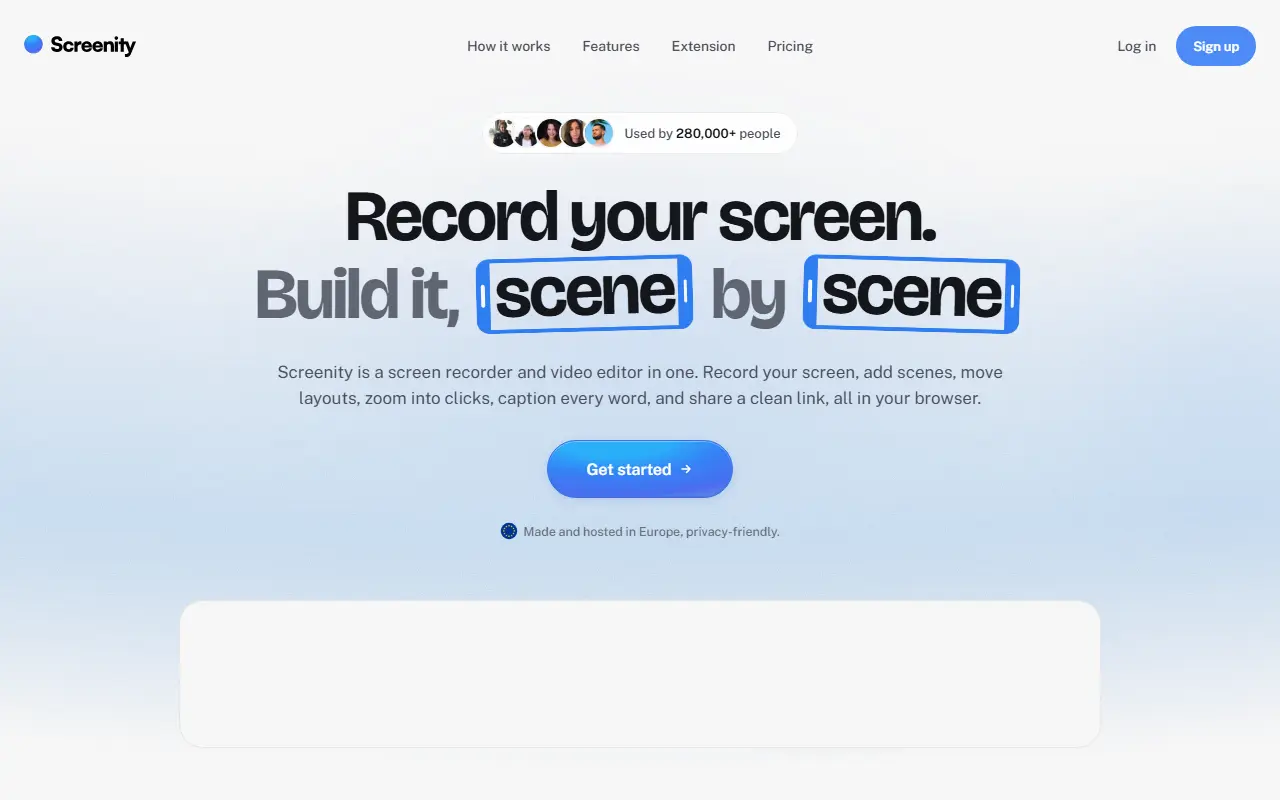
About Screenity
Screenity is a free screen recorder and annotation tool that emphasizes privacy and has no recording limits. It can capture a browser tab, a selected area, the whole desktop, a specific application or a camera, and also records audio, which makes it useful for product demos, tutorials, presentations and feedback videos.
Topics show it runs as a Chrome extension, and it includes annotation tools to draw on screen while recording. The README documents how to create a development version and how to enable saving to Google Drive. The project is funded by sponsorship, with Recall.ai supporting its open-source work, and its creator offers an optional paid tier called Screenity Pro, described as an EU-hosted, privacy-minded platform offering link sharing, multi-scene editing, zoom keyframes and captions.
Screenity is JavaScript and licensed under GPL-3.0. The free extension can be installed from the browser store, and there is a section on self-hosting it. It suits teachers, support staff, designers and developers who regularly record their screen and prefer not to depend on a subscription.
Key features
- Unlimited screen, tab and camera recordings
- On-screen annotation while recording
- Microphone and audio capture
- Optional save to Google Drive
- Chrome extension install
- Optional Screenity Pro hosted platform
Good fit for
- →Product demos and tutorials
- →Recording feedback for teammates
- →Classroom and training videos
- Built with
- JavaScript
- Tags
- screen-recorder
- screencast
- annotation
- chrome-extension
- privacy
- video
- tutorials
- javascript
Screenity: questions and answers
- What is Screenity used for?
- Screenity is a free, privacy-friendly screen recorder and annotation tool for creating demos, tutorials and presentations, with unlimited recordings of tabs, screens or cameras. It is a good fit for product demos and tutorials, recording feedback for teammates, and classroom and training videos.
- Is Screenity open source?
- Yes. Screenity is open source under the GPL-3.0 licence. Its source code is on GitHub at alyssaxuu/screenity and is written mainly in JavaScript.
- Is Screenity free?
- Yes. Screenity is open source, so the software itself is free to use. A managed cloud version is also available, with paid plans from $10 per month.
- Can I self-host Screenity?
- Yes. Screenity can be self-hosted on your own server or infrastructure.
- What is Screenity an alternative to?
- Screenity is an open-source alternative to Screencastify, Zight, Tella and Camtasia. Other open-source alternatives to Screencastify include BetterShot, Cap and ScreenToGif.
- Is Screenity actively maintained?
- Yes. The most recent commit to Screenity was on 25 September 2026, and the latest release is v4.6.12, published on 25 September 2026. The project has 19k stars on GitHub.
Open-source alternatives to Screenity
See all
BetterShot
Productivity
Screenshot, screen recording, and video editor for macOS. Native SwiftUI app with capture
OSSvs CleanShot X★ 2.4k
Cap
Video Editing
Open source Loom alternative. Beautiful, shareable screen recordings.
OSSvs Loom★ 23k
ScreenToGif
Video Editing
🎬 ScreenToGif allows you to record a selected area of your screen, edit and save it as a
MS-PLvs Snagit★ 28k
ShareX
Productivity
ShareX is a free and open-source application that enables users to capture or record any a
GPL-3.0vs Snagit★ 40k
OBS Studio
Video Editing
OBS Studio - Free and open source software for live streaming and screen recording
GPL-2.0vs vMix★ 77k
Flameshot
Productivity
Powerful yet simple to use screenshot software :desktop_computer: :camera_flash:
GPL-3.0vs Snagit★ 31k
SaaS alternatives to Screenity
See all
Screencastify
Video Editing
Chrome-based screen recorder aimed at education and teams
SaaS
Zight
Productivity
Screen recording and screenshot sharing tool, formerly CloudApp
SaaS
Tella
Video Editing
Screen and camera recorder with editing for demos and tutorials
SaaS
Camtasia
Video Editing
Screen recorder and video editor for tutorials and training videos
SaaS
Snagit
Productivity
Screen capture and annotation tool for screenshots and short recordings
SaaS
CleanShot X
Productivity
Mac screenshot and screen recording utility with annotation and cloud sharing
SaaS