
About Screencastify
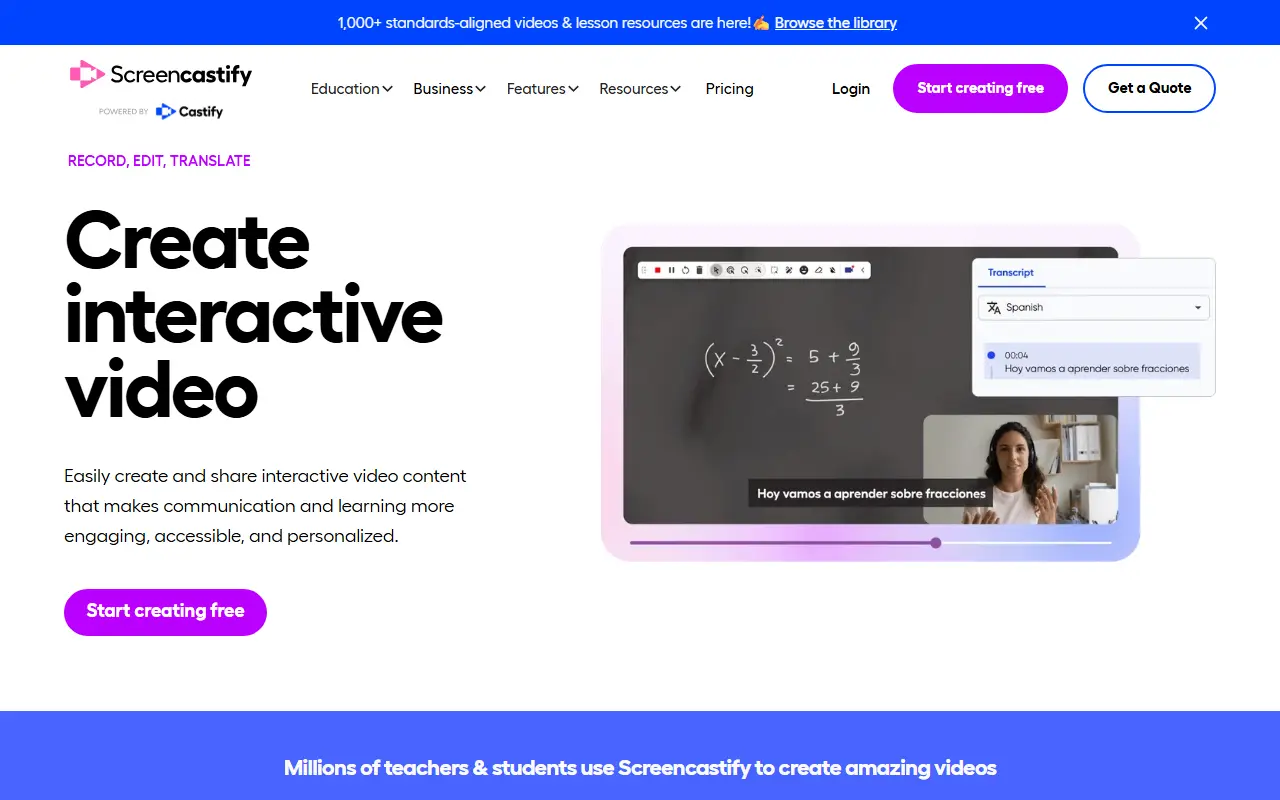
Screencastify is a commercial screen recording tool that works as a browser extension, with versions for Chrome and Edge. It is widely used in education for lessons, how-to videos, assignments and assessments, and it also serves business teams such as sales, support, design and product groups.
Listed capabilities include screen recording, a teleprompter, live learning, voice over, a GIF creator, exporting, video embedding, Google Drive integration, collaboration, custom branding and video analytics. A companion video editor and other tools are offered, and integrations cover Google Classroom, Schoology and Canvas. The site includes a library of standards-aligned lesson resources for teachers.
Screencastify is a hosted, proprietary product with a pricing page for schools, districts and individual users. It suits educators, school IT staff and small teams who want a simple recorder that fits directly into their browser and learning management tools.
Key features
- Browser-based screen recording
- Built-in video editor
- Teleprompter and voice over
- Google Drive integration
- Google Classroom, Schoology and Canvas integrations
- Custom branding and video analytics
- GIF creator and embeddable video
Good fit for
- →Teachers recording lessons
- →Business teams creating how-to videos
- →Schools collecting video assignments
- Tags
- screen-recording
- education
- chrome-extension
- video-editing
- lms
- training
Screencastify: questions and answers
- What is Screencastify used for?
- Screencastify is a Chrome-based screen recorder with a video editor, used by teachers and business teams to make lessons, tutorials and training videos. It is a good fit for teachers recording lessons, business teams creating how-to videos and schools collecting video assignments.
- Is Screencastify free?
- Yes. Screencastify has a free plan, and paid plans start at $19 per seat per month.
- Is Screencastify open source?
- No. Screencastify is proprietary (closed-source) software and can't be self-hosted. Open-source alternatives to Screencastify include Cap, Screenity and ScreenToGif.
- What are some alternatives to Screencastify?
- Screencastify competes with Tella, Zight and CleanShot X. For open-source options, see Enlisted's ranked list of open-source Screencastify alternatives.
Open-source alternatives to Screencastify
See all
Cap
Video Editing
Open source Loom alternative. Beautiful, shareable screen recordings.
OSSvs Loom★ 23k
Screenity
Video Editing
The free and privacy-friendly screen recorder with no limits 🎥
GPL-3.0vs Screencastify★ 19k
ScreenToGif
Video Editing
🎬 ScreenToGif allows you to record a selected area of your screen, edit and save it as a
MS-PLvs Snagit★ 28k
BetterShot
Productivity
Screenshot, screen recording, and video editor for macOS. Native SwiftUI app with capture
OSSvs CleanShot X★ 2.4k
OBS Studio
Video Editing
OBS Studio - Free and open source software for live streaming and screen recording
GPL-2.0vs vMix★ 77k
Shotcut
Video Editing
cross-platform (Qt), open-source (GPLv3) video editor
GPL-3.0vs Adobe Premiere Pro★ 15k
SaaS alternatives to Screencastify
See all
Tella
Video Editing
Screen and camera recorder with editing for demos and tutorials
SaaS
Zight
Productivity
Screen recording and screenshot sharing tool, formerly CloudApp
SaaS
CleanShot X
Productivity
Mac screenshot and screen recording utility with annotation and cloud sharing
SaaS
Snagit
Productivity
Screen capture and annotation tool for screenshots and short recordings
SaaS
Claap
AI Tools
Meeting and screen recording with transcripts and shared video workspaces
SaaS
Descript
AI Tools
Edit video and podcasts by editing their transcript, with AI voice and cleanup tools
SaaS