
 ScreenFlow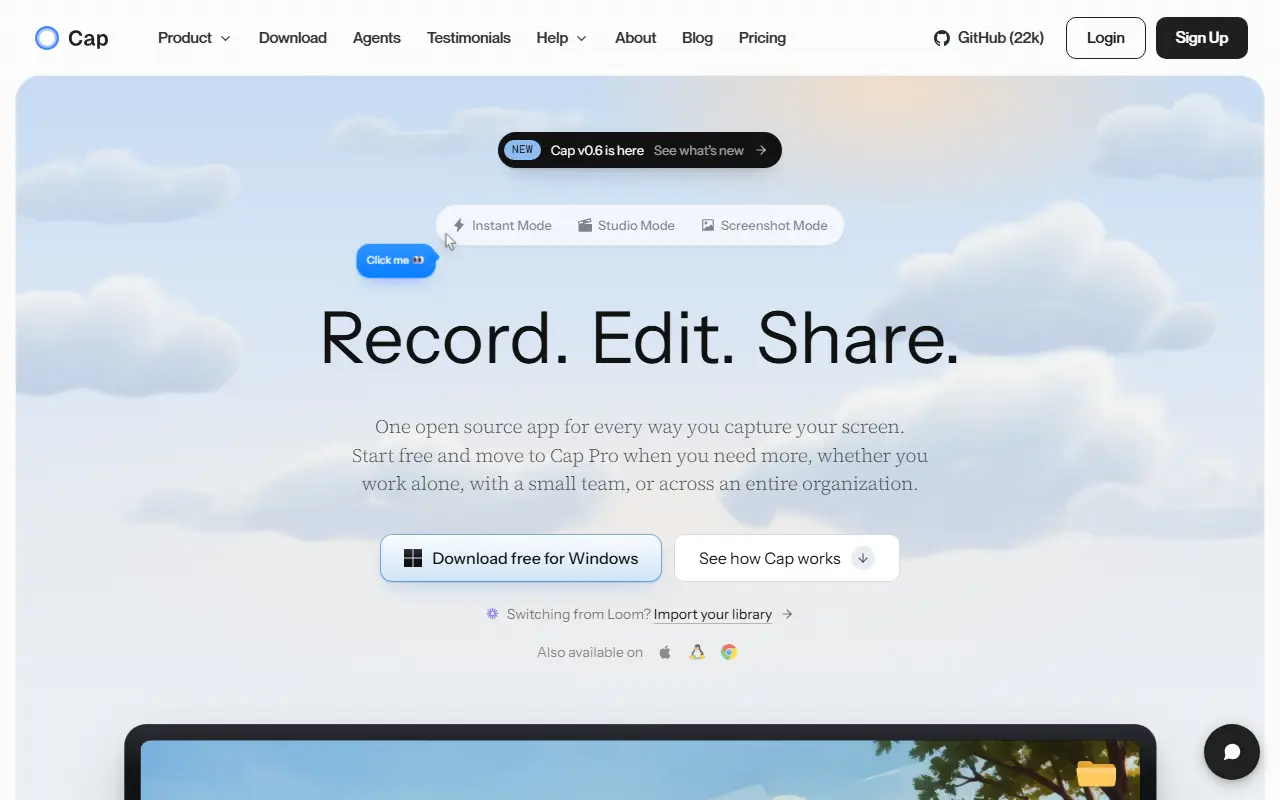
About Cap
Cap is an open-source alternative to Loom for recording and sharing screen videos. You can record the screen, camera and microphone, then send a link or export a finished video. It is built with Rust and Tauri for the desktop apps, plus a Next.js web dashboard, and runs on macOS and Windows. The repository metadata lists the license as Other.
There are two recording modes: Instant Mode uploads while you record so a share link is ready when you stop, and Studio Mode records locally and offers editing with backgrounds, zooms, trimming, captions and export controls. Sharing options include private links, passwords and custom domains, and comments, reactions, transcripts, viewer analytics and team workspaces support async feedback. Storage can be Cap Cloud, your own S3-compatible bucket, local files or a fully self-hosted platform. Cap AI generates titles, summaries, chapters and captions, and Loom videos can be imported.
Key features
- Screen, camera and microphone recording
- Instant Mode with immediate share links
- Studio Mode with local editing and captions
- Comments, transcripts and viewer analytics
- Custom domains and S3-compatible storage
- Import of existing Loom videos
Good fit for
- →Product demos and bug report videos
- →Async updates instead of scheduling meetings
- Tags
- screen-recorder
- loom-alternative
- screen-recording
- video-sharing
- tauri
- rust
- self-hosted
- async-video
Cap: questions and answers
- What is Cap used for?
- Cap is an open-source screen recorder and Loom alternative with instant share links, local editing, team workspaces and self-hosting. It is a good fit for product demos and bug report videos, and async updates instead of scheduling meetings.
- Is Cap open source?
- Yes. Cap is open source under a custom licence. Its source code is on GitHub at CapSoftware/Cap and is written mainly in Rust.
- Is Cap free?
- Yes. Cap is open source, so the software itself is free to use under the terms of its own licence. A managed cloud version is also available, with paid plans from $12 per seat per month.
- Can I self-host Cap?
- Yes. Cap can be self-hosted on your own server or infrastructure.
- What is Cap an alternative to?
- Cap is an open-source alternative to Loom, Screencastify, Zight and CleanShot X. Other open-source alternatives to Loom include Screenity and BetterShot.
- Is Cap actively maintained?
- Yes. The most recent commit to Cap was on 2 October 2026. The project has 23k stars on GitHub.
Open-source alternatives to Cap
See all
Screenity
Video Editing
The free and privacy-friendly screen recorder with no limits 🎥
GPL-3.0vs Screencastify★ 19k
BetterShot
Productivity
Screenshot, screen recording, and video editor for macOS. Native SwiftUI app with capture
OSSvs CleanShot X★ 2.4k
ScreenToGif
Video Editing
🎬 ScreenToGif allows you to record a selected area of your screen, edit and save it as a
MS-PLvs Snagit★ 28k
ShareX
Productivity
ShareX is a free and open-source application that enables users to capture or record any a
GPL-3.0vs Snagit★ 40k
OBS Studio
Video Editing
OBS Studio - Free and open source software for live streaming and screen recording
GPL-2.0vs vMix★ 77k
Shotcut
Video Editing
cross-platform (Qt), open-source (GPLv3) video editor
GPL-3.0vs Adobe Premiere Pro★ 15k
SaaS alternatives to Cap
See all
Loom
Productivity
Loom is a screen and camera recording tool for sharing asynchronous video messages, with editing, comments, transcripts and AI features.
SaaS
Screencastify
Video Editing
Chrome-based screen recorder aimed at education and teams
SaaS
Zight
Productivity
Screen recording and screenshot sharing tool, formerly CloudApp
SaaS
CleanShot X
Productivity
Mac screenshot and screen recording utility with annotation and cloud sharing
SaaS
Tella
Video Editing
Screen and camera recorder with editing for demos and tutorials
SaaS
Screen Studio
Video Editing
Mac screen recorder that adds automatic zooms and polished cursor animations
SaaS