
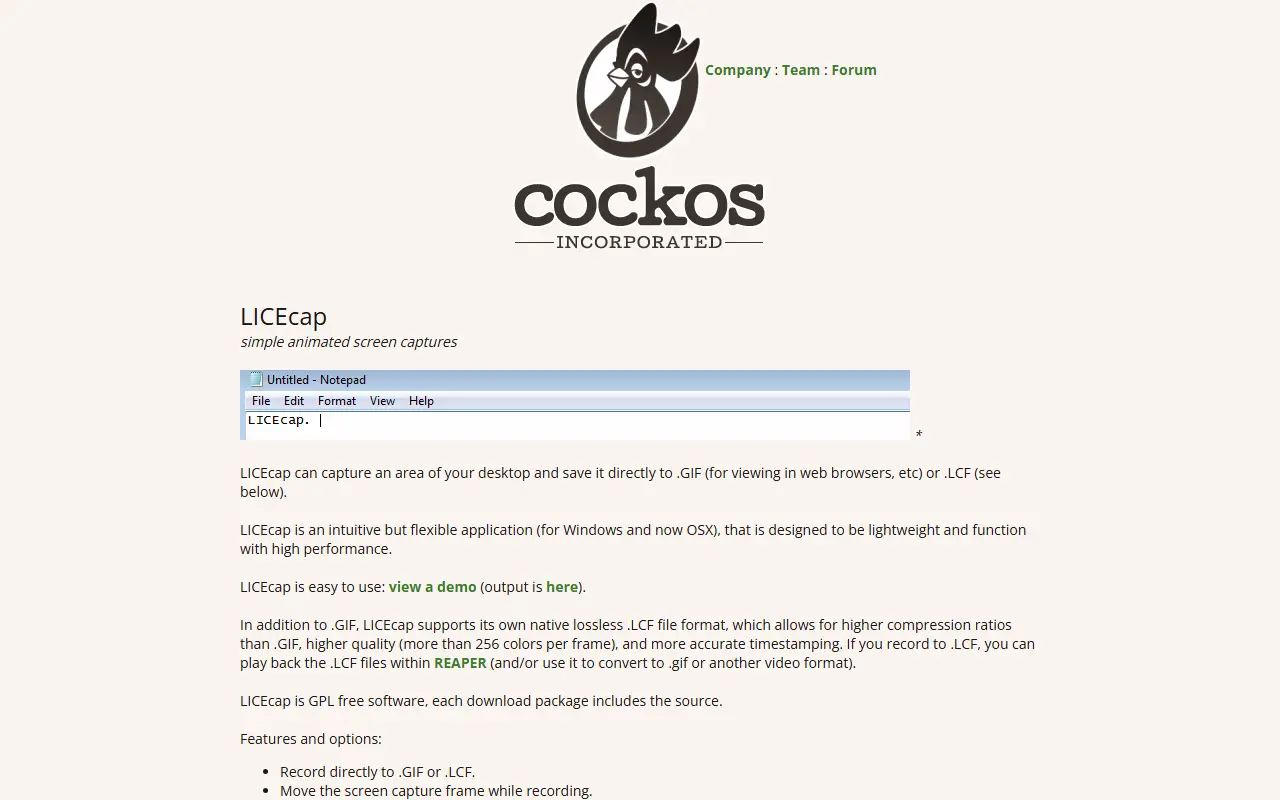
About LICEcap
LICEcap is a lightweight screen capture application for Windows and macOS that records a selected area of the desktop. It saves recordings directly to animated .GIF files for web use or to the native .LCF format for higher quality and compression. The tool is designed to be intuitive and performant, with features like pause/resume, adjustable framerate, and mouse button capture.
Key features
- Record directly to .GIF or .LCF
- Move the screen capture frame while recording
- Pause and restart recording with optional inserted text messages
- Global hotkey (shift+space) to toggle pausing while recording
- Adjustable maximum recording framerate to throttle CPU usage
- Record mouse button presses and display elapsed time
LICEcap: questions and answers
- What is LICEcap?
- LICEcap captures a desktop area and saves directly to .GIF or its own .LCF format.
- Is LICEcap open source?
- Yes. LICEcap is open source. Its source code is on GitHub at justinfrankel/licecap and is written mainly in C.
- Is LICEcap free?
- Yes. LICEcap is open source, so the software itself is free to use.
- Can I self-host LICEcap?
- Yes. LICEcap can be self-hosted on your own server or infrastructure.
- What is LICEcap an alternative to?
- LICEcap is an open-source alternative to CleanShot X and Zight. Other open-source alternatives to CleanShot X include ShareX, OBS Studio and Cap.
- Is LICEcap actively maintained?
- The most recent commit to LICEcap was on 5 September 2023. The project has 5.6k stars on GitHub.
Open-source alternatives to LICEcap
See all
ShareX
Productivity
ShareX is a free and open-source application that enables users to capture or record any a
GPL-3.0vs Snagit★ 40k
OBS Studio
Video Editing
OBS Studio - Free and open source software for live streaming and screen recording
GPL-2.0vs vMix★ 77k
Cap
Video Editing
Open source Loom alternative. Beautiful, shareable screen recordings.
OSSvs Loom★ 23k
Screenity
Video Editing
The free and privacy-friendly screen recorder with no limits 🎥
GPL-3.0vs Screencastify★ 19k
Kap
Utilities & System Tools
An open-source screen recorder built with web technology
MITvs CleanShot X★ 19k
ScreenToGif
Video Editing
🎬 ScreenToGif allows you to record a selected area of your screen, edit and save it as a
MS-PLvs Snagit★ 28k
SaaS alternatives to LICEcap
See all
CleanShot X
Productivity
Mac screenshot and screen recording utility with annotation and cloud sharing
SaaS
Zight
Productivity
Screen recording and screenshot sharing tool, formerly CloudApp
SaaS
Gyazo
Productivity
Screen recorder and screenshot sharing tool
SaaS
Lightshot
Utilities & System Tools
Screenshot tool for Mac and Windows
SaaS
Gifox
Utilities & System Tools
GIF maker app for Mac to record, convert, edit and share animated GIFs from screen and videos
SaaS
Shottr
Utilities & System Tools
Screenshot annotation and measurement app for Mac
SaaS