
 GoLand
 PhpStorm
 JetBrains Rider
 RubyMine
 RustRover
 DataSpell
 BBEdit
 Nova
Nova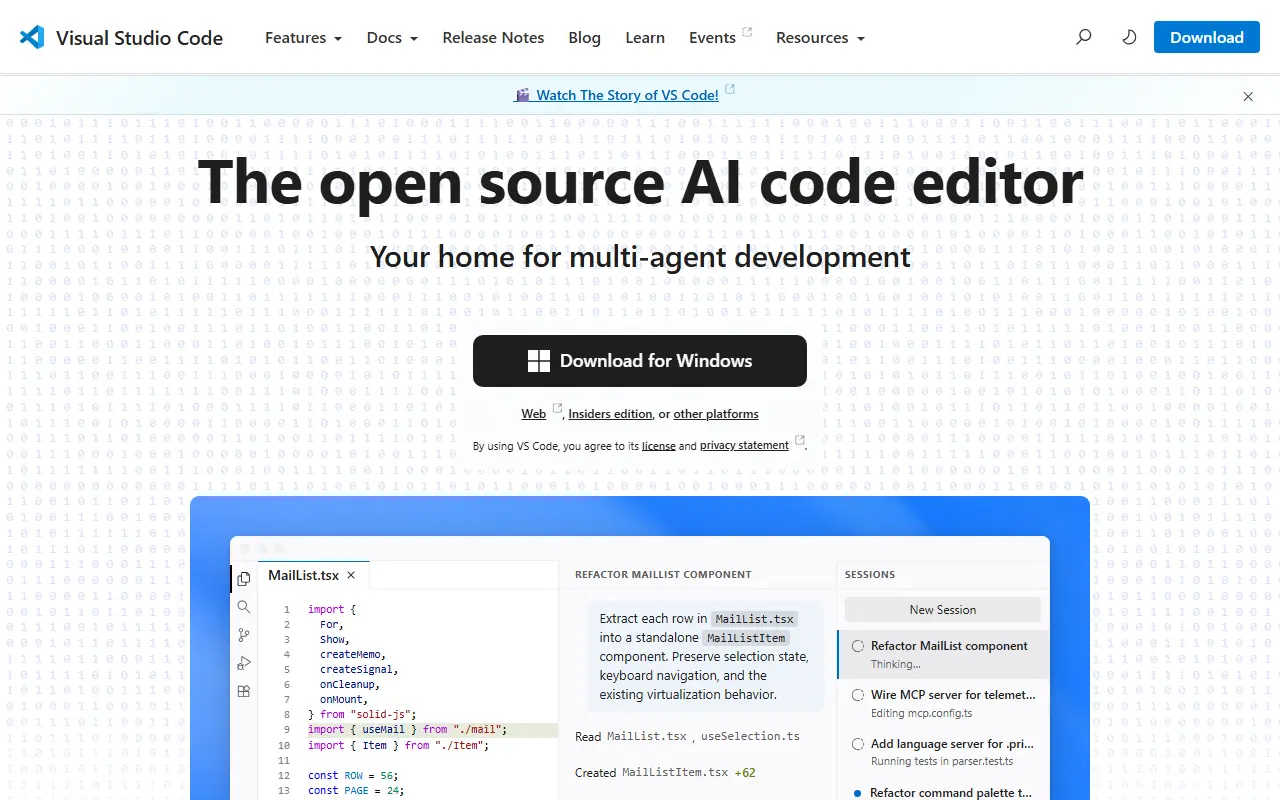
About Visual Studio Code
This repository, known as Code - OSS, is where Microsoft develops Visual Studio Code together with the community. Visual Studio Code is a code editor that pairs the simplicity of a lightweight editor with the tools developers need to edit, build and debug, and it runs on Windows, macOS and Linux. Roadmap and iteration plans are published alongside the code.
Main capabilities include code editing, navigation and code understanding support, lightweight debugging and integration with existing tools. A rich extension model lets people add languages, themes and tooling. The editor is built with TypeScript on Electron and is updated monthly, with a daily Insiders build for those who want the newest changes.
The source code is available under the MIT license. The downloadable Visual Studio Code product is a distribution of this repository that adds Microsoft-specific customizations and ships under a traditional Microsoft product license. That distinction matters for anyone who wants to build a fully open-source editor straight from the repository.
Key features
- Code editing with navigation and code understanding
- Lightweight built-in debugging
- Extension model for languages and tools
- Integration with existing development tools
- Runs on Windows, macOS and Linux
- Monthly releases plus daily Insiders builds
Good fit for
- →Everyday coding across many languages
- →Forking the open codebase for custom editors
- Tags
- code-editor
- ide
- electron
- typescript
- microsoft
- debugging
- extensions
- developer-tools
Visual Studio Code: questions and answers
- What is Visual Studio Code used for?
- Visual Studio Code is the open-source Code - OSS repository from Microsoft that Visual Studio Code is built from, a cross-platform code editor with debugging and extensions. It is a good fit for everyday coding across many languages and forking the open codebase for custom editors.
- Is Visual Studio Code open source?
- Yes. Visual Studio Code is open source under the MIT licence. Its source code is on GitHub at microsoft/vscode and is written mainly in TypeScript.
- Is Visual Studio Code free?
- Yes. Visual Studio Code is open source, so the software itself is free to use.
- What is Visual Studio Code an alternative to?
- Visual Studio Code is an open-source alternative to Sublime Text, WebStorm, IntelliJ IDEA and Visual Studio. Other open-source alternatives to Sublime Text include VSCodium, Zed and Neovim.
- Is Visual Studio Code actively maintained?
- Yes. The most recent commit to Visual Studio Code was on 2 October 2026, and the latest release is 1.140.0, published on 30 September 2026. The project has 193k stars on GitHub.
Open-source alternatives to Visual Studio Code
See all
VSCodium
Developer Tools
binary releases of VS Code without MS branding/telemetry/licensing
MITvs Sublime Text★ 33k
code-server
Developer Tools
VS Code in the browser
MITvs Replit★ 80k
Zed
Developer Tools
Code at the speed of thought – Zed is a high-performance, multiplayer code editor from the
OSSvs Sublime Text★ 91k
Neovim
Developer Tools
Vim-fork focused on extensibility and usability
OSSvs Sublime Text★ 103k
Helix
Developer Tools
A post-modern modal text editor.
MPL-2.0vs Sublime Text★ 46k
Spyder
Developer Tools
Official repository for Spyder - The Scientific Python Development Environment
MITvs MATLAB★ 9.4k
SaaS alternatives to Visual Studio Code
See all
Sublime Text
Developer Tools
Fast cross-platform text and code editor with multi-select and a Python plugin API
SaaS
WebStorm
Developer Tools
JetBrains IDE for JavaScript and TypeScript with framework support and refactoring
SaaS
IntelliJ IDEA
Developer Tools
JetBrains IDE for Java and Kotlin development with deep code analysis
SaaS
Visual Studio
Developer Tools
Microsoft IDE for .NET, C++ and cross-platform application development
SaaS
PyCharm
Developer Tools
JetBrains IDE for Python with debugging, testing and data science tooling
SaaS
CLion
Developer Tools
Cross-platform IDE for C and C++ development from JetBrains
SaaS