10 open-source alternatives ranked by real activity

Open-source WebStorm alternatives

A curated, ranked list of the 10 best open-source alternatives to WebStorm.

The best open-source alternative to WebStorm is Zed. If that doesn't suit you, other good options are Visual Studio Code, Neovim, code-server and VSCodium.

Commercial alternatives to WebStorm include Sublime Text, Visual Studio, IntelliJ IDEA and CodeSandbox. See all 12.

WebStorm alternatives are mainly developer tools. 9 of them shipped code in the last 30 days, 10 can be self-hosted, and 4 use a permissive licence.

Last updated November 12, 2026 · ranked by GitHub stars, growth and recent commits

Zed

A performance-focused, multiplayer code editor written in Rust by the creators of Atom and Tree-sitter, available on macOS, Linux and Windows.

GitHub stars
95k
Last commit
yesterday
Latest release
v1.28.1
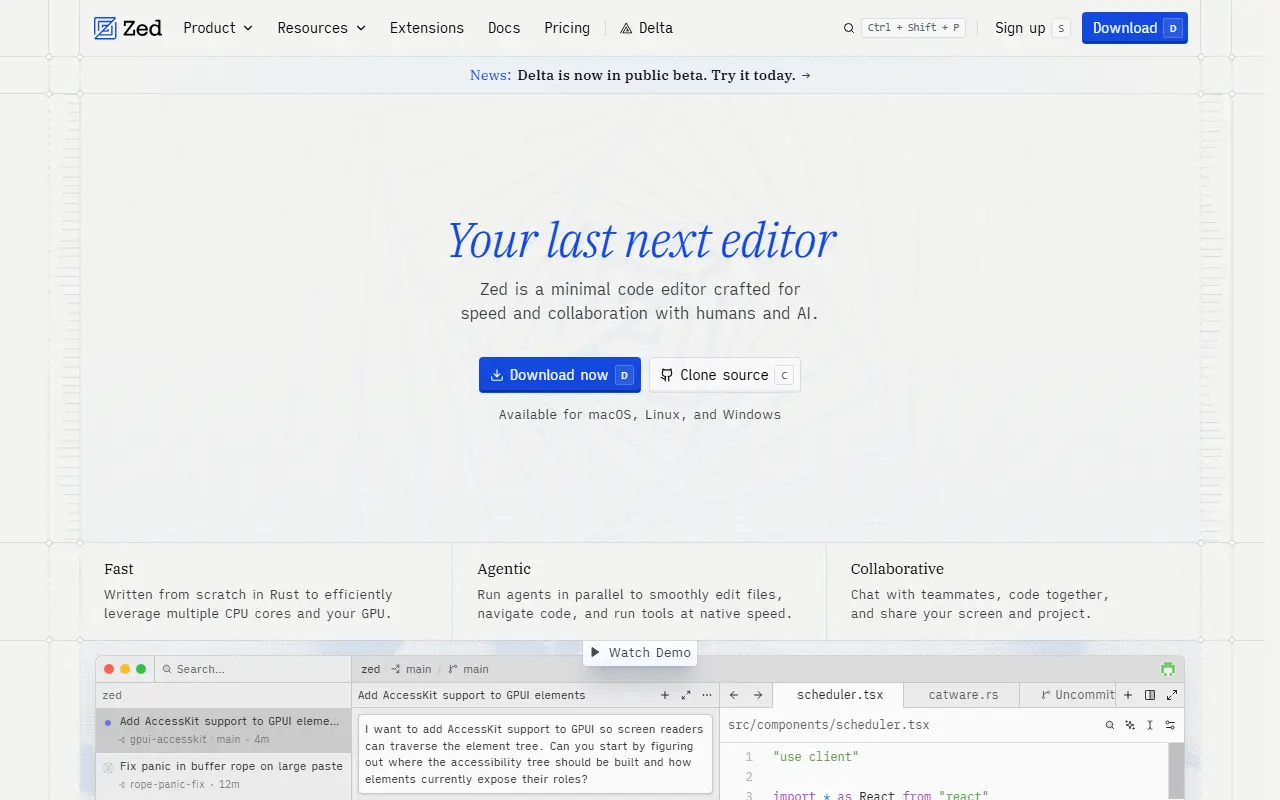
zed.devZed homepage screenshot

Zed is a code editor built for speed and for editing together with other people, created by the team behind Atom and Tree-sitter. It is written in Rust and available for macOS, Linux and Windows, with a web version still only under discussion. It is developed by Zed Industries, a for-profit company.

The code is mostly GPL-3.0-or-later, with some Apache-2.0 components that are labeled as such, and the project uses tooling to keep third-party license information correct. Installation is by direct download or through local package managers on each platform, and the repository documents how to build Zed for each operating system.

Zed suits developers who want a fast native editor with collaboration built in and are comfortable with a GPL-licensed codebase. Sponsorship donations through GitHub Sponsors go directly to the company, and contributions are welcome through the guidelines in CONTRIBUTING.md.

Key features

  • Native code editor written in Rust
  • Multiplayer editing with collaborators
  • Available on macOS, Linux and Windows
  • Built on the GPUI framework
  • Buildable from source on each platform

Pricing: Free Personal plan. Pro costs $10 per month with $5 of tokens included and a 14-day free trial; Business costs $30 per seat per month.

Read more about ZedWebsiteGitHub#1 WebStorm alternative

Visual Studio Code

The open-source Code - OSS repository from Microsoft that Visual Studio Code is built from, a cross-platform code editor with debugging and extensions.

GitHub stars
195k
Last commit
yesterday
Latest release
1.146.0
Licence
MIT
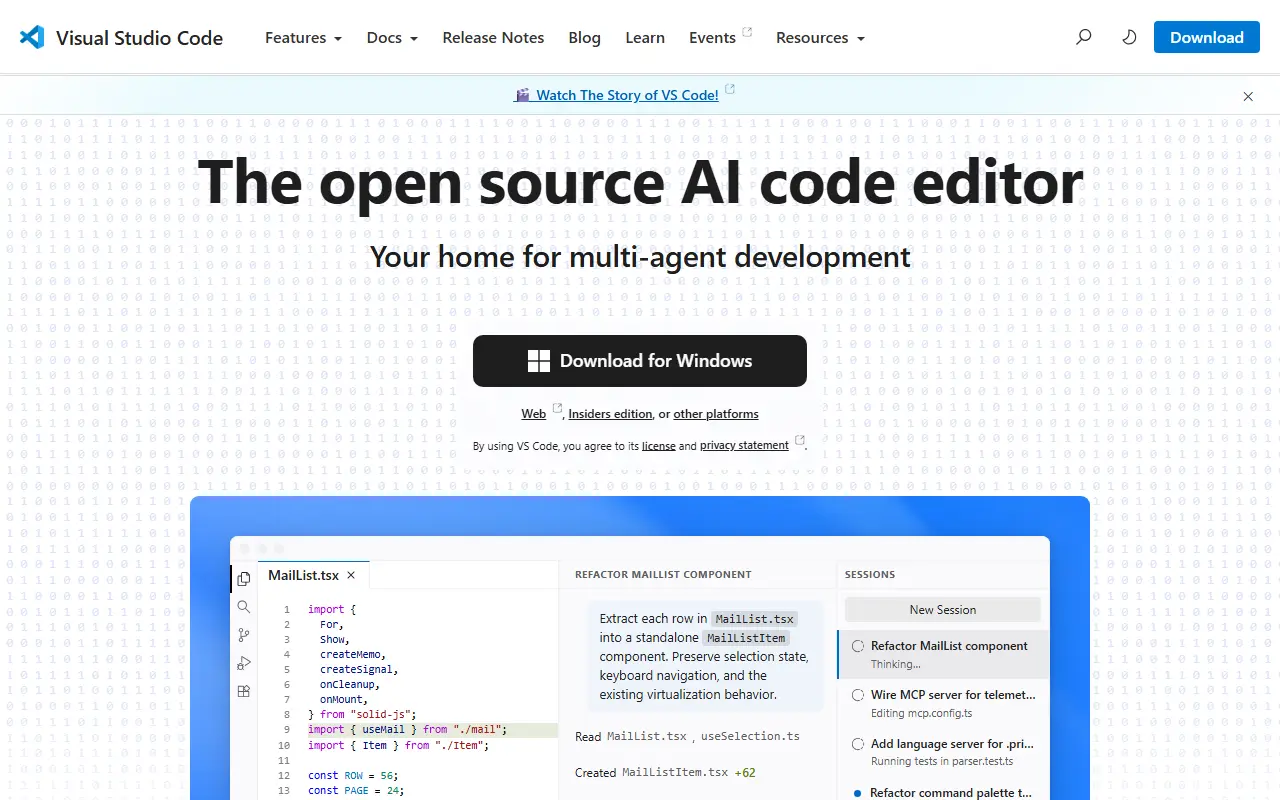
code.visualstudio.comVisual Studio Code homepage screenshot

This repository, known as Code - OSS, is where Microsoft develops Visual Studio Code together with the community. Visual Studio Code is a code editor that pairs the simplicity of a lightweight editor with the tools developers need to edit, build and debug, and it runs on Windows, macOS and Linux. Roadmap and iteration plans are published alongside the code.

Main capabilities include code editing, navigation and code understanding support, lightweight debugging and integration with existing tools. A rich extension model lets people add languages, themes and tooling. The editor is built with TypeScript on Electron and is updated monthly, with a daily Insiders build for those who want the newest changes.

The source code is available under the MIT license. The downloadable Visual Studio Code product is a distribution of this repository that adds Microsoft-specific customizations and ships under a traditional Microsoft product license. That distinction matters for anyone who wants to build a fully open-source editor straight from the repository.

Key features

  • Code editing with navigation and code understanding
  • Lightweight built-in debugging
  • Extension model for languages and tools
  • Integration with existing development tools
  • Runs on Windows, macOS and Linux
  • Monthly releases plus daily Insiders builds

Pricing: Source code is MIT licensed; the Microsoft-branded Visual Studio Code build ships under a separate product license.

Neovim

A refactored fork of Vim focused on extensibility and usability, with an API for many languages and an embedded terminal emulator.

GitHub stars
104k
Last commit
yesterday
Latest release
v0.12.6
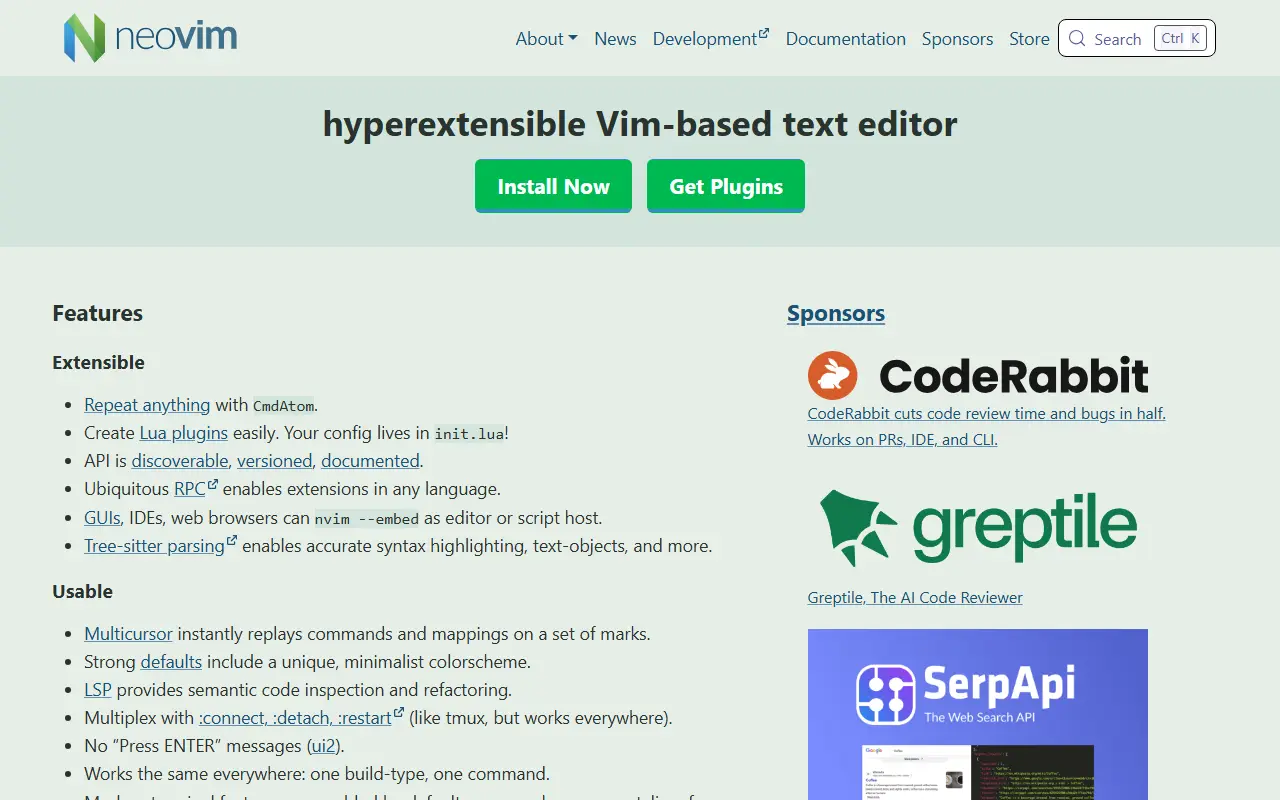
neovim.ioNeovim homepage screenshot

Neovim is a text editor that refactors Vim to simplify maintenance, encourage contributions, split work among several developers, and allow advanced user interfaces without changes to the core. Most Vim plugins work with it, as do Ruby and Python-based ones, so existing setups largely carry over.

Key features include modern GUIs, an API that can be accessed from many languages such as C, Go, JavaScript, Python, Lua and Rust, a terminal emulator embedded in the editor and open to scripting, asynchronous job control, data shared across multiple editor instances, and support for XDG base directories. The full feature list is available in the built-in help.

Pre-built packages are provided for Windows, macOS and Linux, and many distributions package it, including Homebrew, Debian, Ubuntu, Fedora and Arch Linux. It can also be built from source with CMake. The README includes guidance for moving over from Vim. GitHub lists the license as 'Other', so check the repository for details. It suits developers and writers who like modal editing and want a scriptable editor.

Key features

  • Vim-compatible modal editing and plugins
  • API accessible from many languages
  • Terminal emulator built into the editor
  • Asynchronous job control
  • Shared data across editor instances
  • Support for modern GUIs

Pricing: Free and open source; check the repository for the exact license terms.

code-server

Runs Visual Studio Code on a remote machine and serves it in the browser, so you can code from any device that has a web browser.

GitHub stars
80k
Last commit
yesterday
Latest release
v4.145.2
Licence
MIT
Self-hosted
Yes
coder.comcode-server homepage screenshot

code-server is an open-source project that runs VS Code on a server and makes the editor available in a web browser. It lets developers keep their development environment on a remote machine and reach it from any device with a browser. The project is maintained by Coder, is written in TypeScript and is released under the MIT license.

Because the editor runs remotely, heavy work such as builds and language tooling happens on the server rather than on a laptop or tablet. Its GitHub topics highlight remote work, VS Code Remote and browser-based IDE use. Coder, the company behind it, also sells a commercial platform for self-hosted cloud development environments, while code-server is the simpler open-source editor-in-a-browser project.

It suits individuals who want a consistent coding environment across devices, remote teams working on shared servers, and users who want a browser-based IDE on their own hardware or a cloud instance they control.

Key features

  • VS Code running in the browser
  • Development environment hosted on a remote machine
  • Access from any device with a browser
  • Remote workflows similar to VS Code Remote
  • Runs on your own server or cloud instance

Pricing: Free and open source under the MIT license.

VSCodium

VSCodium provides community-built binaries of Visual Studio Code without Microsoft branding, telemetry or proprietary licensing.

GitHub stars
34k
Last commit
13 days ago
Latest release
1.143.17232
Licence
MIT
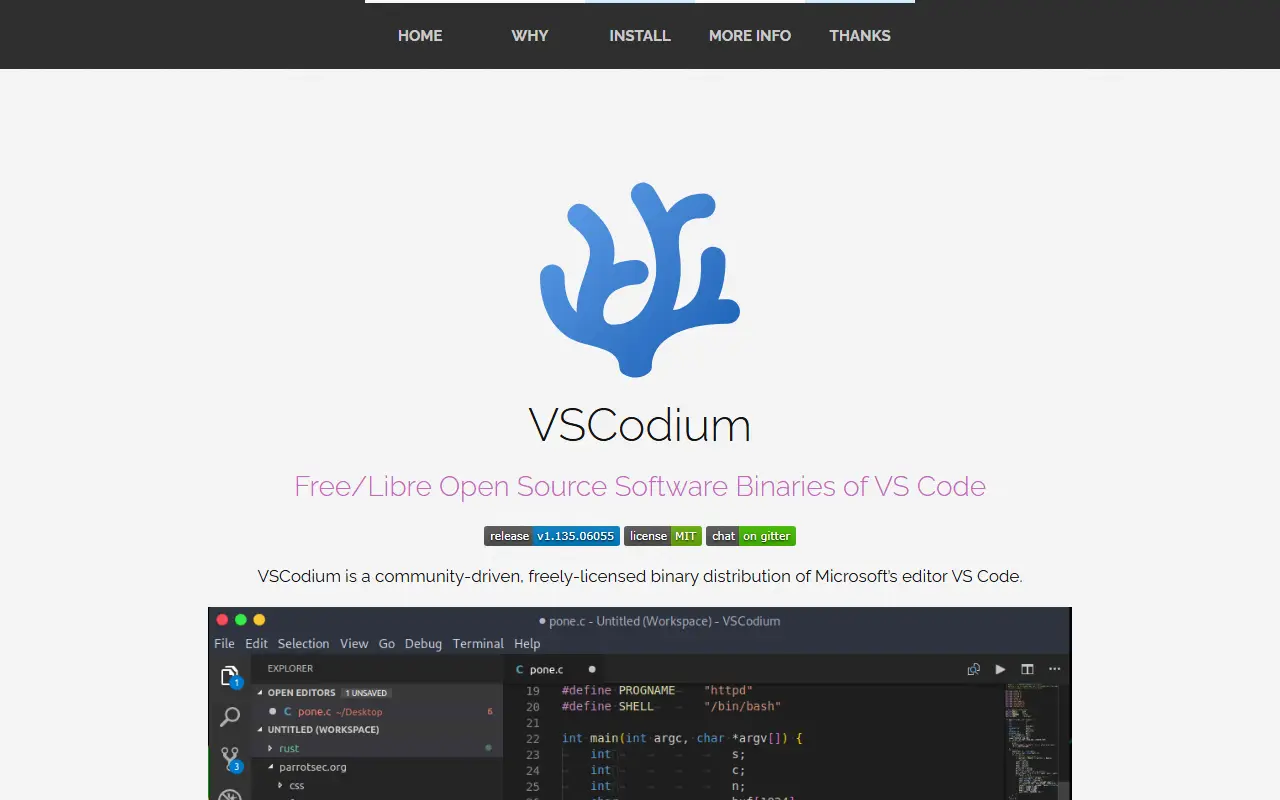
vscodium.comVSCodium homepage screenshot

VSCodium is a repository of scripts that automatically build Microsoft's open-source vscode source code into freely licensed binaries with a community-driven default configuration. The maintainers stress that it is not a fork. The result is a code editor and IDE that feels like Visual Studio Code but drops the Microsoft branding, telemetry and the licensing terms of Microsoft's own distribution.

Releases come as stable and insiders builds and can be installed through Homebrew, WinGet, Chocolatey, Scoop, Snap, Flatpak, the Arch User Repository, or apt, dnf and zypper repositories, as well as deb, rpm and tar downloads. The build scripts are written in Shell and published under the MIT license, so anyone can inspect how the binaries are produced. Extensions are a common area of difference, so review the project's notes before relying on a specific one.

Key features

  • Free-licensed builds of VS Code
  • No Microsoft branding or telemetry by default
  • Stable and insiders release channels
  • Install via Homebrew, WinGet, Snap and more
  • Transparent shell-script build process
  • Windows, macOS and Linux packages

Pricing: Free and open source; the build scripts are MIT licensed.

Vim

The official repository of Vim, a highly configurable modal text editor derived from Vi that runs on Unix, Windows, macOS and other systems.

GitHub stars
41k
Last commit
yesterday
Licence
Vim
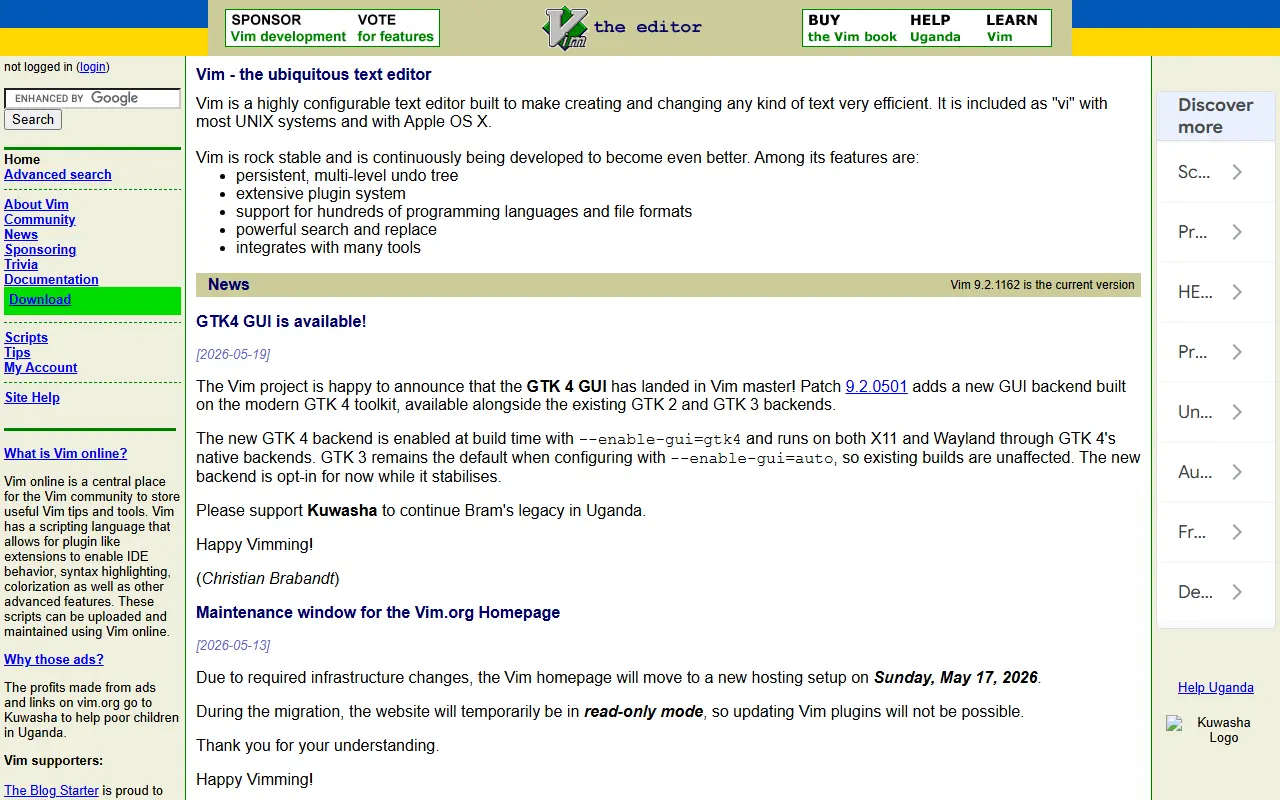
vim.orgVim homepage screenshot

Vim is an enhanced descendant of the classic UNIX editor Vi. It adds spell checking, syntax highlighting, filename completion, block operations, a command history, online help, a scripting language and multi-level undo, and a graphical interface is also available. Vi compatibility is maintained, so people who learned Vi feel at home. This is the official repository, and the license is Vim's own.

It works well for source code and other plain text. Commands are typed with ordinary keyboard characters, which lets fast typists work quickly, while function keys can be mapped to commands and the mouse can be used. It can also be built with a minimal feature set, usually called vim.tiny, to act as a largely POSIX-compatible vi, which many Linux distributions ship as their default vi.

Vim runs on Windows, macOS, Haiku, VMS and almost all flavors of UNIX, and older versions ran on systems such as MS-DOS and Amiga that are no longer maintained. Vim9 script is documented separately. On Mac and Linux a small version is often preinstalled, and package managers provide fuller builds. It suits developers, system administrators and writers who edit text from the keyboard.

Key features

  • Multi-level undo and syntax highlighting
  • Built-in spell checking and filename completion
  • Scripting language including Vim9 script
  • Optional graphical user interface
  • Vi compatibility and minimal vim.tiny build
  • Runs on Unix-like systems, Windows and macOS

Pricing: Free and open source under the Vim license.

Read more about VimWebsiteGitHub#6 WebStorm alternative

Theia

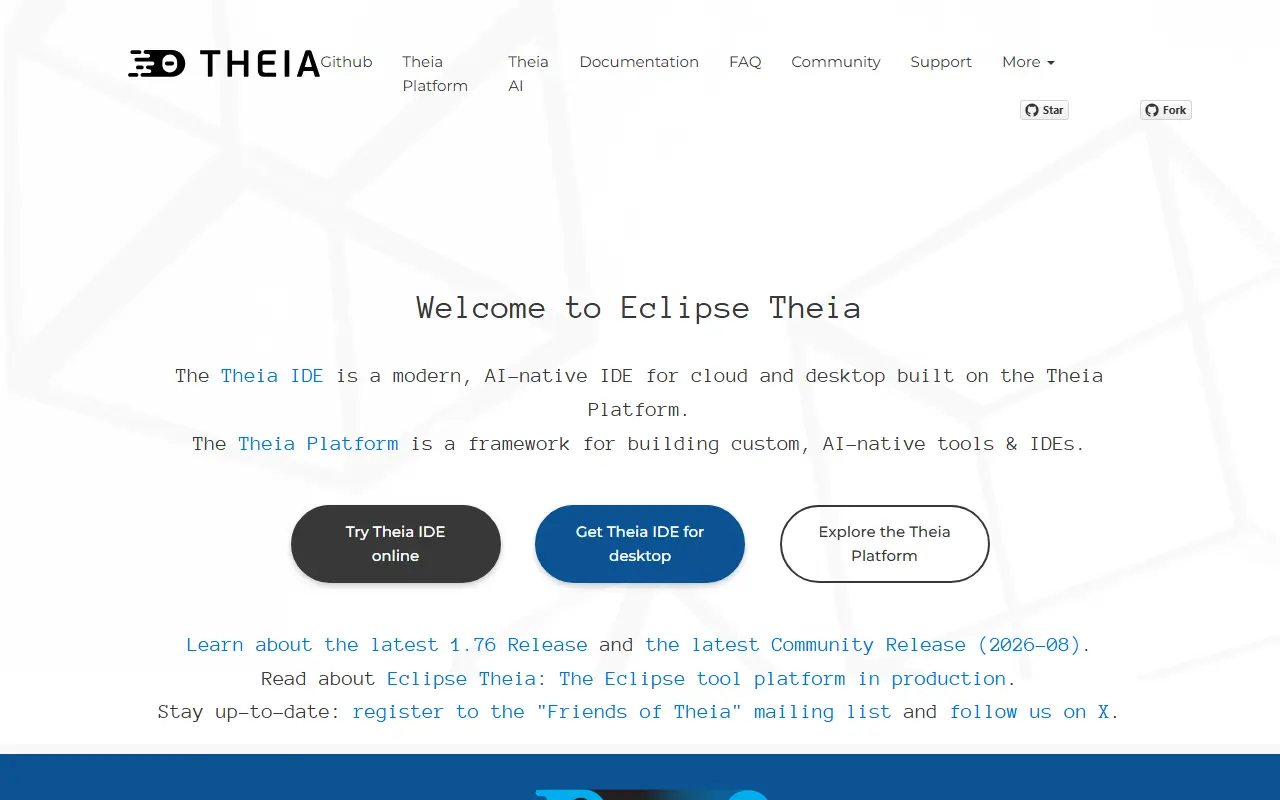
Eclipse Theia is an AI-native, open-source IDE framework for cloud and desktop, supporting VS Code extensions and offering transparent AI assistance.

GitHub stars
22k
Last commit
yesterday
Latest release
v1.77.0
Licence
EPL-2.0
Self-hosted
Yes
Hosted version
Available
theia-ide.orgTheia homepage screenshot

Eclipse Theia is an AI-native, open-source IDE that runs on desktop and in the cloud. It is built on the Theia Platform, a framework for creating custom AI-native tools and IDEs. The IDE is designed with transparency and data ownership in mind, sending no telemetry on code, prompts, or AI usage.

Theia IDE supports the Language Server Protocol (LSP) and is fully compatible with VS Code extensions, with over 3000 extensions available via open-vsx.org. It allows users to bring their own API keys or subscriptions to connect to AI providers like OpenAI, Anthropic, Google, or self-hosted/local models, with no vendor lock-in.

Key features

  • AI-native IDE with transparent AI assistance and full control over data
  • Compatible with VS Code extensions, with over 3000 available
  • Supports Language Server Protocol (LSP)
  • No telemetry on code, prompts, or AI usage
  • Bring your own API key or subscription to connect to AI providers
  • Customizable AI interactions, prompts, and custom agents
Read more about TheiaWebsiteGitHub#7 WebStorm alternative

GNU Emacs

GNU Emacs, an extensible and customizable free text editor built around an Emacs Lisp interpreter, with features reaching well beyond editing.

GitHub stars
5.2k
Last commit
yesterday
Licence
GPL-3.0
Self-hosted
Yes
gnu.orgGNU Emacs homepage screenshot

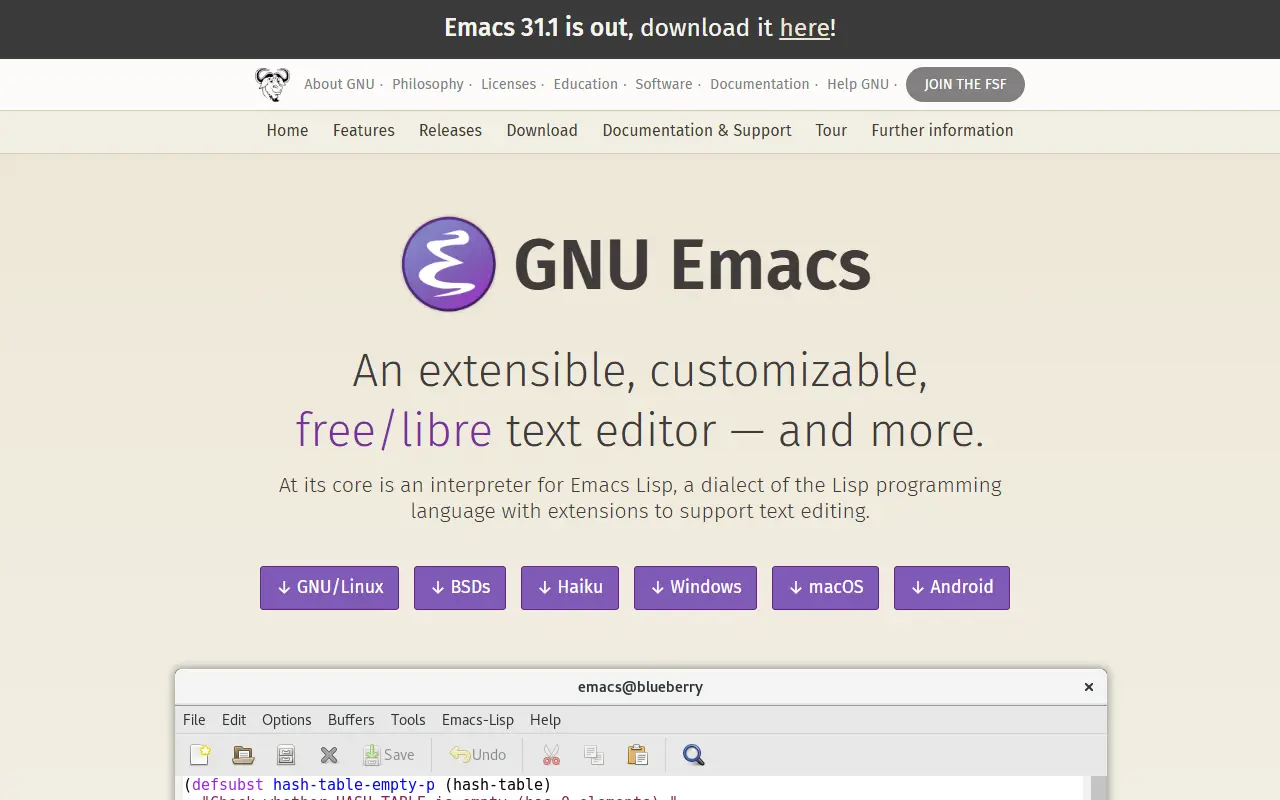
GNU Emacs is an extensible, customizable, free text editor. The editor is built around an Emacs Lisp interpreter, a Lisp variant extended for editing text, and that same language is used to customize and extend it, which makes nearly every behavior of the editor programmable by its users.

Emacs offers content-aware editing modes with syntax coloring for many file types, built-in documentation with a tutorial for new users, and full Unicode support. It doubles as a calendar, an IRC client, a news and mail reader, a project planner and a front end for debuggers, and a packaging system downloads and installs extensions.

Emacs runs on GNU/Linux, the BSDs, Haiku, Windows, macOS and Android, and is licensed under GPL-3.0. Customization is done with Emacs Lisp code or a graphical interface. The GitHub repository is a mirror of the GNU project's source, and the official site offers downloads, a guided tour and documentation.

Key features

  • Emacs Lisp scripting and customization
  • Content-aware editing modes with syntax coloring
  • Built-in documentation and tutorial
  • Full Unicode support
  • Package system for extensions
  • Mail, news and IRC clients
  • Debugger interface and calendar

Pricing: Free software under the GPL-3.0 licence.

NetBeans

Apache's development environment, tooling platform and application framework, with editors for Java, PHP and other languages on any Java-supported system.

GitHub stars
3.2k
Last commit
yesterday
Latest release
31
Licence
Apache-2.0
netbeans.apache.orgNetBeans homepage screenshot

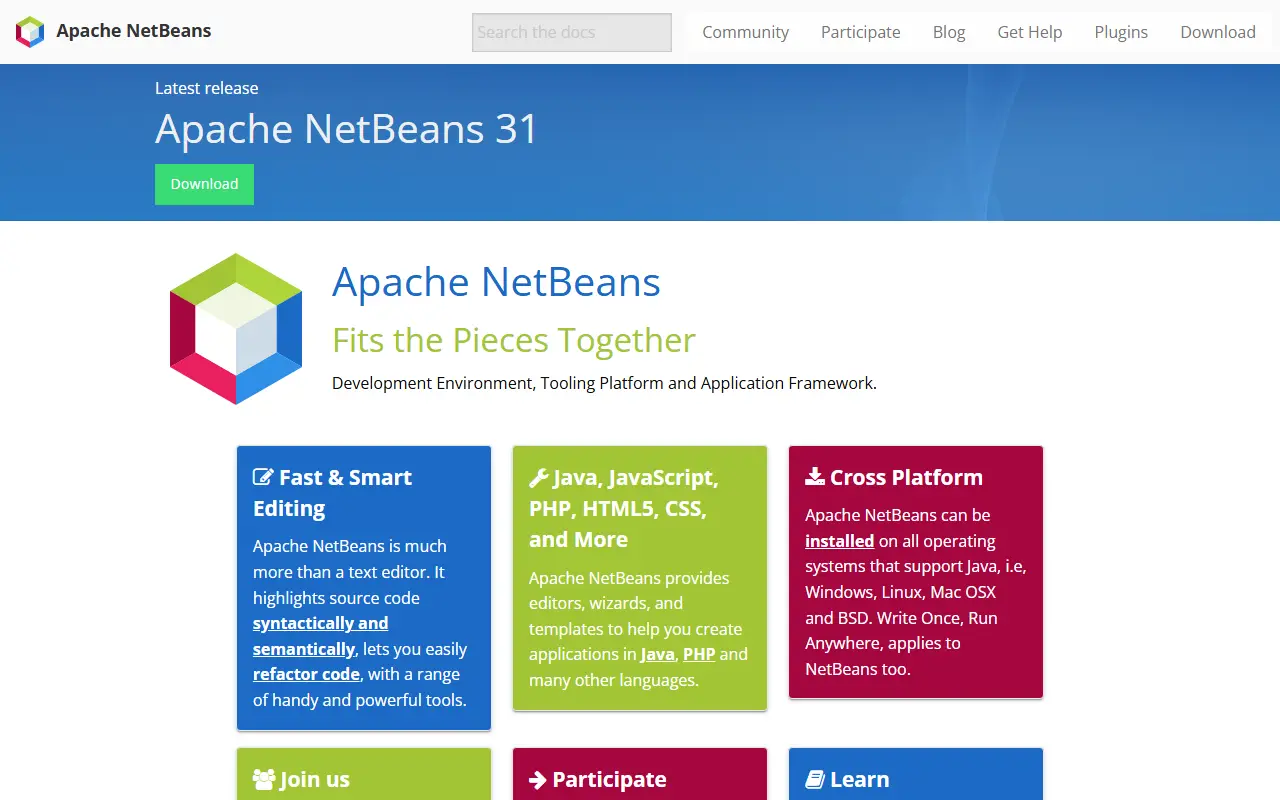
Apache NetBeans describes itself as a development environment, tooling platform and application framework. It is more than a text editor: it highlights source code syntactically and semantically and includes tools for refactoring code. The site lists Apache NetBeans 31 as the latest release, and the project is run by the Apache Software Foundation under the Apache licence, version 2.0.

Editors, wizards and templates help create applications in Java, PHP and many other languages, including JavaScript, HTML5 and CSS. It installs on any operating system that supports Java, which covers Windows, Linux, Mac OSX and BSD. A plugins page, mailing lists, Slack and other community channels are linked from the site.

Key features

  • Syntactic and semantic code highlighting with refactoring
  • Editors, wizards and templates for Java, PHP and more
  • Runs on every operating system that supports Java
  • Also a tooling platform and application framework
  • Web languages including JavaScript, HTML5 and CSS

MacroMates

TextMate is an open-source text editor for macOS with support for many programming languages, multiple carets, snippets, macros and bundles.

GitHub stars
15k
Last commit
2 yr ago
Latest release
v2.0.23
Licence
GPL-3.0
macromates.comMacroMates homepage screenshot

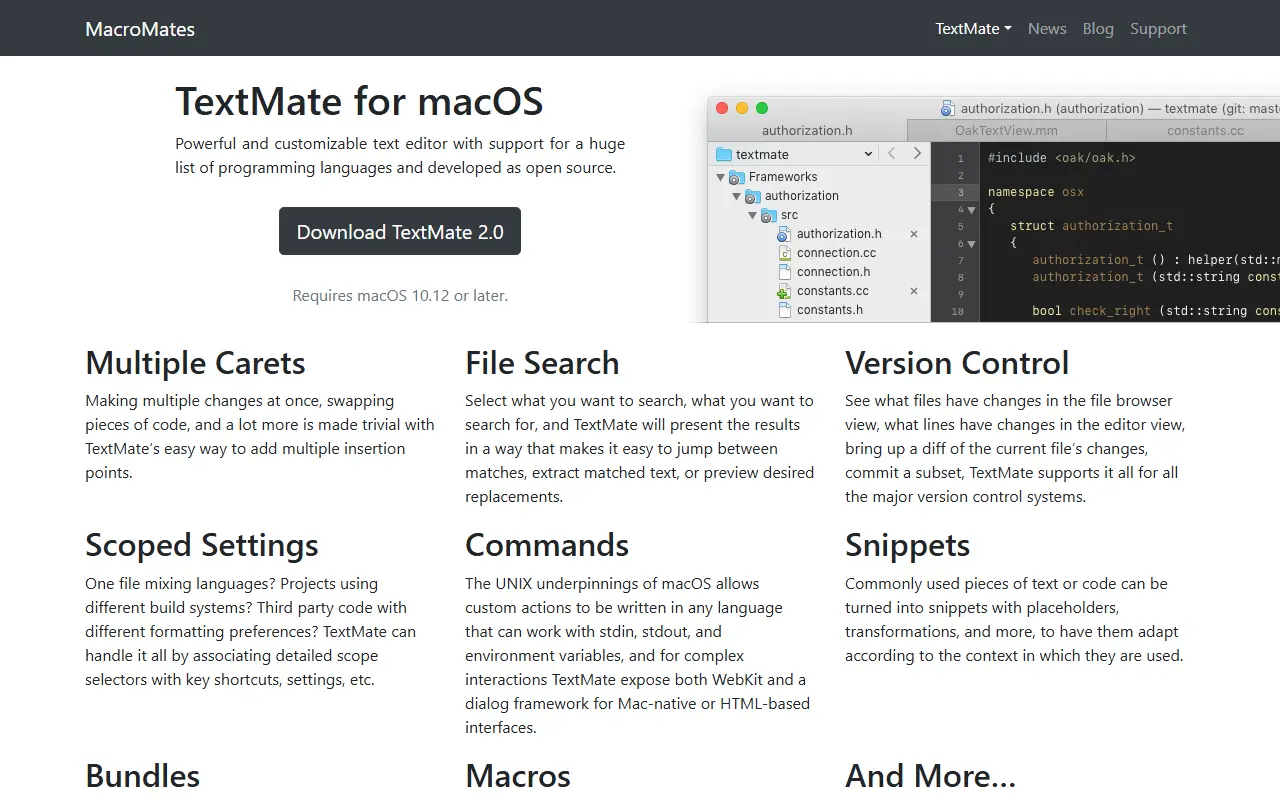
TextMate is a text editor for macOS that is customisable and supports a long list of programming languages. It is developed as open source, and version 2.0 requires macOS 10.12 or later. The site is run by MacroMates Ltd and links to documentation for both the 2.0 and 1.x releases.

Editing features include multiple insertion points for making several changes at once, a file search that lets you jump between matches or preview replacements, and a file browser that shows which files and lines have changed under version control. You can also commit a subset of changes from inside the editor.

Customisation is built around bundles, snippets, macros and scoped settings. Scope selectors let one file mix languages, or let different projects keep different settings. Custom commands can be written in any language that works with stdin, stdout and environment variables.

Key features

  • Multiple carets for simultaneous edits
  • File search with jump-to and replacement preview
  • Version control status in file browser and editor
  • Scope selectors tie settings to parts of a file
  • Snippets with placeholders and transformations
  • Macros record and replay repetitive work
  • Bundles add languages and workflows

Commercial WebStorm alternatives

Hosted, closed-source products that compete with WebStorm.

WebStorm alternatives: questions

What is the best open-source alternative to WebStorm?
Zed is the top-ranked open-source alternative to WebStorm on Enlisted: A performance-focused, multiplayer code editor written in Rust by the creators of Atom and Tree-sitter, available on macOS, Linux and Windows. Other strong options are Visual Studio Code, Neovim, code-server and VSCodium.
What are the best commercial alternatives to WebStorm?
Sublime Text, Visual Studio, IntelliJ IDEA, CodeSandbox and StackBlitz are among the hosted, closed-source alternatives to WebStorm listed on Enlisted, which lists 12 in total. Compare their pricing and features on each tool page.
Are these WebStorm alternatives free?
All 10 are open source, so the code is free to use under its licence, and all of them can be self-hosted on your own server or computer. 1 also offers a paid or managed cloud version if you'd rather not host it yourself.
How is this list of WebStorm alternatives ranked?
By a score built from GitHub stars, star growth over the last 30 days and how recently the code changed. 9 of these projects shipped code in the last 30 days. Data is refreshed daily, and nobody can pay to move up.

People also look for alternatives to…

View all