
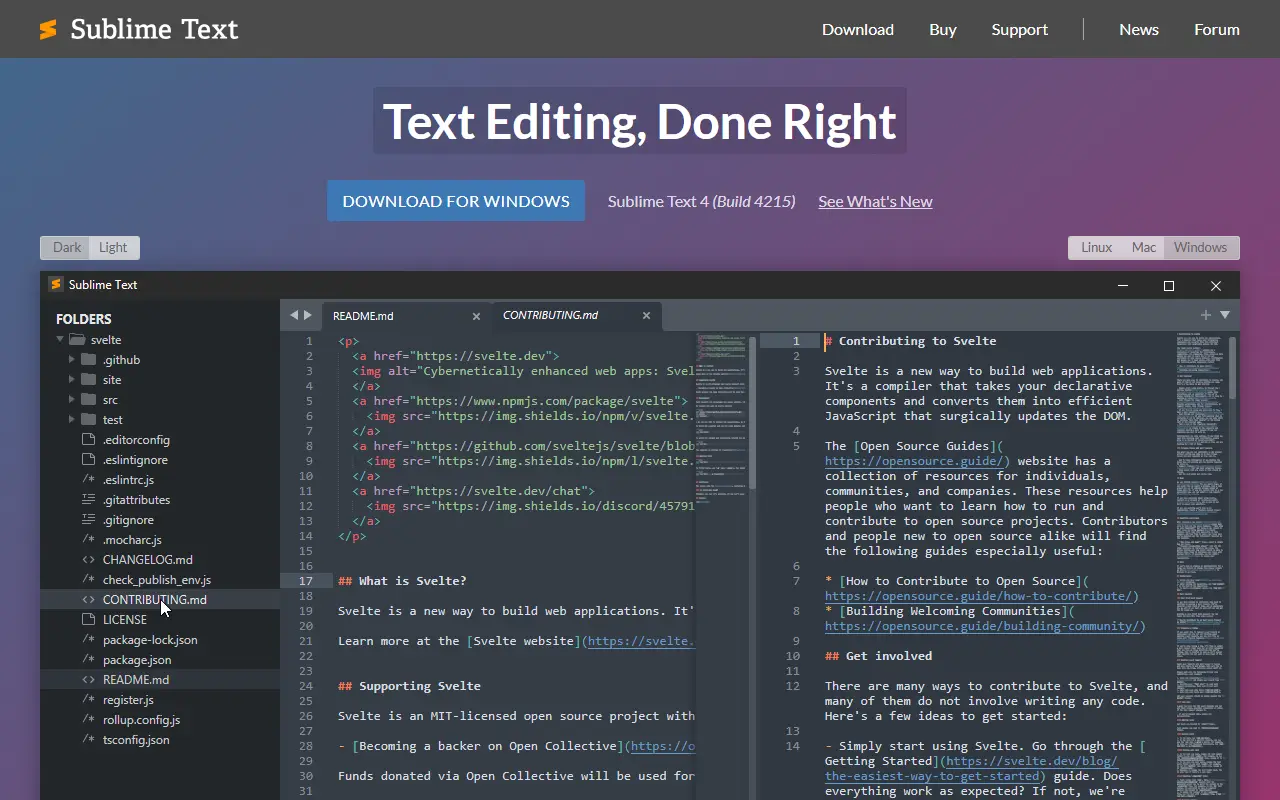
About Sublime Text
Sublime Text is a text editor for code, markup and prose that runs on Windows, macOS and Linux. It is known for speed and for editing features such as multiple selections, which let a user change several occurrences of a word at once, and a Goto Anything launcher for jumping between files and symbols.
Sublime Text 4 adds tab multi-select for splitting the interface across several tabs, side-by-side views of definitions, definitions shown from within auto-complete, GPU rendering of the interface and native support for Apple Silicon and Linux ARM64. Plugins are written in Python, which allows the editor to be extended and customized.
Sublime Text is proprietary software installed locally, not a hosted or self-hosted service. It can be downloaded and evaluated, with a license bought from the vendor's site, and it appeals to developers and writers who prefer a light, quick editor over a full IDE.
Key features
- Multiple selections for rapid batch edits
- Goto Anything for quick navigation
- Tab multi-select and side-by-side definitions
- GPU-accelerated interface rendering
- Python plugin API
- Windows, macOS and Linux versions
Good fit for
- →Quick code editing without a full IDE
- →Renaming variables with multiple cursors
- →Writing markup and prose in a fast editor
- Tags
- text-editor
- code-editor
- cross-platform
- python-plugins
- developer-tools
- sublime
Sublime Text: questions and answers
- What is Sublime Text used for?
- Sublime Text is a quick text and code editor for Windows, macOS and Linux, known for multiple selections, Goto Anything and a Python plugin API. It is a good fit for quick code editing without a full IDE, renaming variables with multiple cursors, and writing markup and prose in a fast editor.
- How much does Sublime Text cost?
- Sublime Text is a paid product with no free plan.
- Is Sublime Text open source?
- No. Sublime Text is proprietary (closed-source) software. Open-source alternatives to Sublime Text include Zed, Notepad++ and Visual Studio Code.
- What are some alternatives to Sublime Text?
- Sublime Text competes with Cursor, WebStorm and Visual Studio. For open-source options, see Enlisted's ranked list of open-source Sublime Text alternatives.
Open-source alternatives to Sublime Text
See all
Zed
Developer Tools
Code at the speed of thought – Zed is a high-performance, multiplayer code editor from the
OSSvs Sublime Text★ 91k
Notepad++
Developer Tools
Notepad++ official repository
OSSvs Sublime Text★ 29k
Visual Studio Code
Developer Tools
Visual Studio Code
MITvs Sublime Text★ 193k
Neovim
Developer Tools
Vim-fork focused on extensibility and usability
OSSvs Sublime Text★ 103k
Vim
Developer Tools
The official Vim repository
Vimvs Sublime Text★ 41k
VSCodium
Developer Tools
binary releases of VS Code without MS branding/telemetry/licensing
MITvs Sublime Text★ 33k
SaaS alternatives to Sublime Text
See all
Cursor
AI Tools
AI-first code editor with chat, multi-file edits and autonomous coding agents
SaaS
WebStorm
Developer Tools
JetBrains IDE for JavaScript and TypeScript with framework support and refactoring
SaaS
Visual Studio
Developer Tools
Microsoft IDE for .NET, C++ and cross-platform application development
SaaS
IntelliJ IDEA
Developer Tools
JetBrains IDE for Java and Kotlin development with deep code analysis
SaaS
CLion
Developer Tools
Cross-platform IDE for C and C++ development from JetBrains
SaaS
PyCharm
Developer Tools
JetBrains IDE for Python with debugging, testing and data science tooling
SaaS