9 open-source alternatives ranked by real activity

Open-source PyCharm alternatives

A curated, ranked list of the 9 best open-source alternatives to PyCharm.

The best open-source alternative to PyCharm is Visual Studio Code. If that doesn't suit you, other good options are code-server, VSCodium, Notepad++ and Vim.

Commercial alternatives to PyCharm include IntelliJ IDEA, Sublime Text, Visual Studio and Cursor. See all 6.

PyCharm alternatives are mainly developer tools. 9 of them shipped code in the last 30 days, 9 can be self-hosted, and 5 use a permissive licence.

Last updated November 12, 2026 · ranked by GitHub stars, growth and recent commits

Visual Studio Code

The open-source Code - OSS repository from Microsoft that Visual Studio Code is built from, a cross-platform code editor with debugging and extensions.

GitHub stars
195k
Last commit
yesterday
Latest release
1.146.0
Licence
MIT
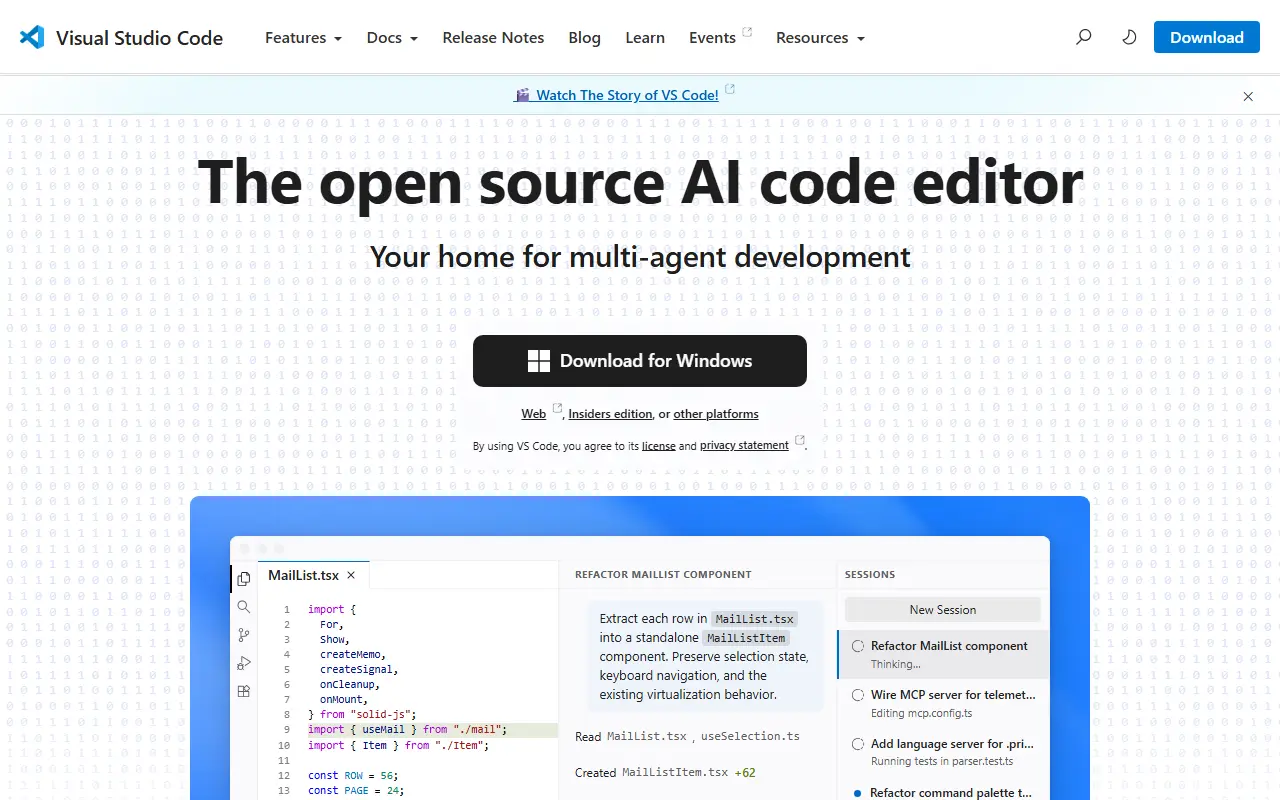
code.visualstudio.comVisual Studio Code homepage screenshot

This repository, known as Code - OSS, is where Microsoft develops Visual Studio Code together with the community. Visual Studio Code is a code editor that pairs the simplicity of a lightweight editor with the tools developers need to edit, build and debug, and it runs on Windows, macOS and Linux. Roadmap and iteration plans are published alongside the code.

Main capabilities include code editing, navigation and code understanding support, lightweight debugging and integration with existing tools. A rich extension model lets people add languages, themes and tooling. The editor is built with TypeScript on Electron and is updated monthly, with a daily Insiders build for those who want the newest changes.

The source code is available under the MIT license. The downloadable Visual Studio Code product is a distribution of this repository that adds Microsoft-specific customizations and ships under a traditional Microsoft product license. That distinction matters for anyone who wants to build a fully open-source editor straight from the repository.

Key features

  • Code editing with navigation and code understanding
  • Lightweight built-in debugging
  • Extension model for languages and tools
  • Integration with existing development tools
  • Runs on Windows, macOS and Linux
  • Monthly releases plus daily Insiders builds

Pricing: Source code is MIT licensed; the Microsoft-branded Visual Studio Code build ships under a separate product license.


code-server

Runs Visual Studio Code on a remote machine and serves it in the browser, so you can code from any device that has a web browser.

GitHub stars
80k
Last commit
yesterday
Latest release
v4.145.2
Licence
MIT
Self-hosted
Yes
coder.comcode-server homepage screenshot

code-server is an open-source project that runs VS Code on a server and makes the editor available in a web browser. It lets developers keep their development environment on a remote machine and reach it from any device with a browser. The project is maintained by Coder, is written in TypeScript and is released under the MIT license.

Because the editor runs remotely, heavy work such as builds and language tooling happens on the server rather than on a laptop or tablet. Its GitHub topics highlight remote work, VS Code Remote and browser-based IDE use. Coder, the company behind it, also sells a commercial platform for self-hosted cloud development environments, while code-server is the simpler open-source editor-in-a-browser project.

It suits individuals who want a consistent coding environment across devices, remote teams working on shared servers, and users who want a browser-based IDE on their own hardware or a cloud instance they control.

Key features

  • VS Code running in the browser
  • Development environment hosted on a remote machine
  • Access from any device with a browser
  • Remote workflows similar to VS Code Remote
  • Runs on your own server or cloud instance

Pricing: Free and open source under the MIT license.

VSCodium

VSCodium provides community-built binaries of Visual Studio Code without Microsoft branding, telemetry or proprietary licensing.

GitHub stars
34k
Last commit
13 days ago
Latest release
1.143.17232
Licence
MIT
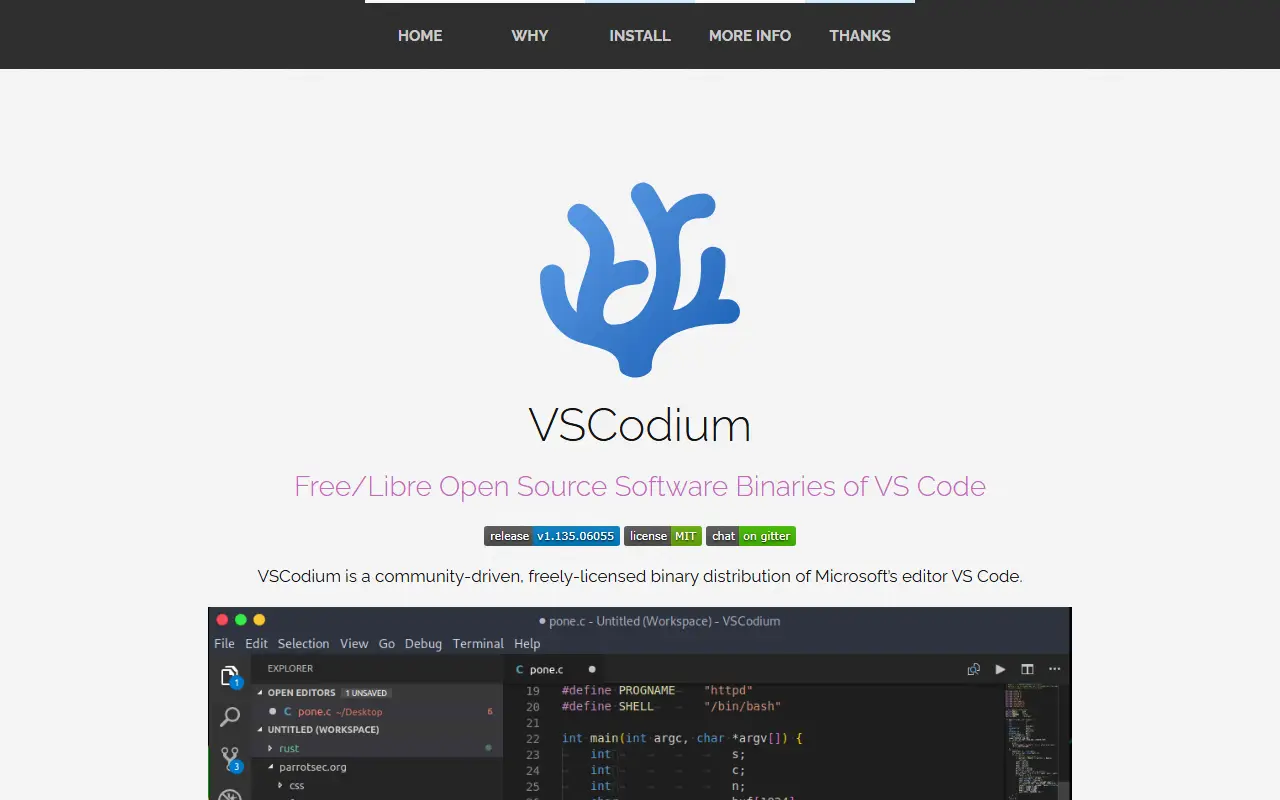
vscodium.comVSCodium homepage screenshot

VSCodium is a repository of scripts that automatically build Microsoft's open-source vscode source code into freely licensed binaries with a community-driven default configuration. The maintainers stress that it is not a fork. The result is a code editor and IDE that feels like Visual Studio Code but drops the Microsoft branding, telemetry and the licensing terms of Microsoft's own distribution.

Releases come as stable and insiders builds and can be installed through Homebrew, WinGet, Chocolatey, Scoop, Snap, Flatpak, the Arch User Repository, or apt, dnf and zypper repositories, as well as deb, rpm and tar downloads. The build scripts are written in Shell and published under the MIT license, so anyone can inspect how the binaries are produced. Extensions are a common area of difference, so review the project's notes before relying on a specific one.

Key features

  • Free-licensed builds of VS Code
  • No Microsoft branding or telemetry by default
  • Stable and insiders release channels
  • Install via Homebrew, WinGet, Snap and more
  • Transparent shell-script build process
  • Windows, macOS and Linux packages

Pricing: Free and open source; the build scripts are MIT licensed.

Notepad++

Notepad++ is a free source code editor and Notepad replacement for Windows that supports many programming and natural languages.

GitHub stars
30k
Last commit
yesterday
Latest release
v8.9.9.1
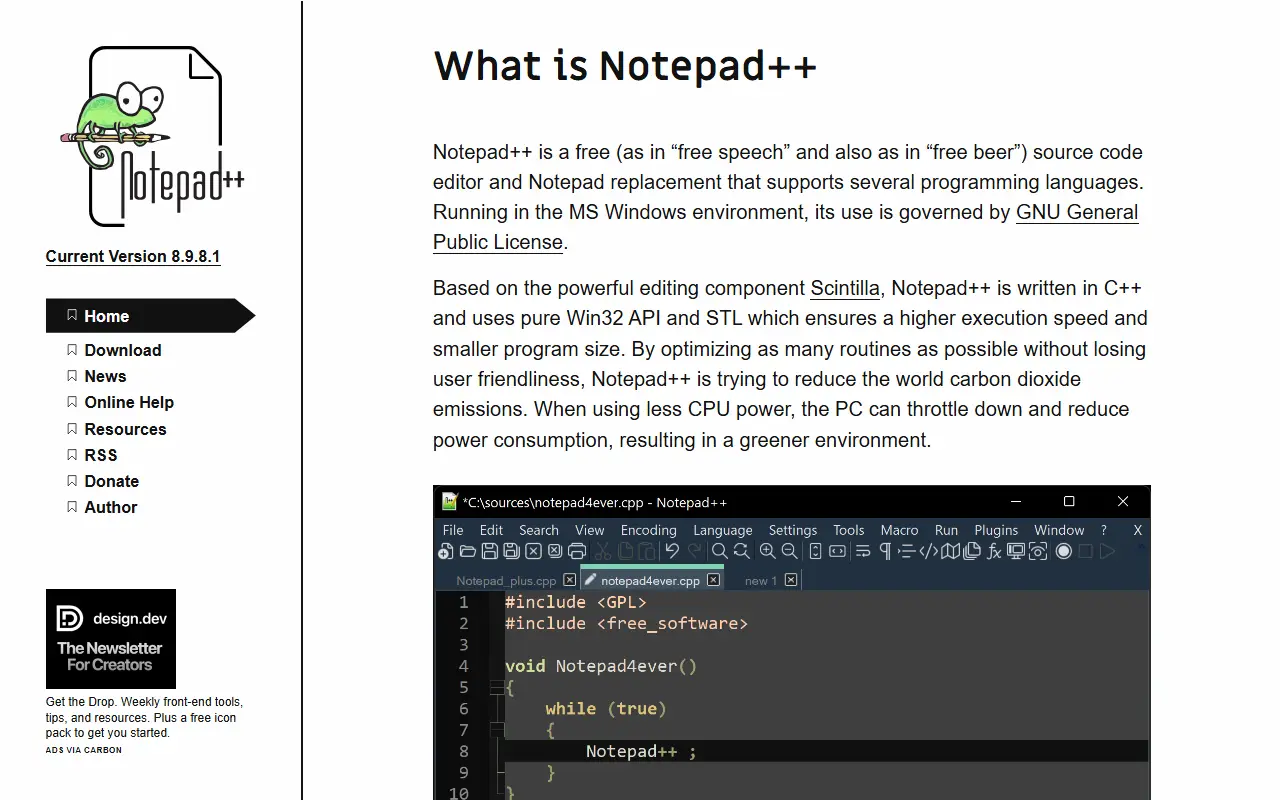
notepad-plus-plus.orgNotepad++ homepage screenshot

Notepad++ is a free source code editor that also works as a replacement for the built-in Windows Notepad. It supports a number of programming languages and natural languages, and runs in the Microsoft Windows environment. The README describes it as free in both senses of the word, and says its use is governed by the GPL. It is written in C++.

The project supports all Windows systems that Microsoft still supports, and publishes a page of supported-system information for users who run older versions. Releases since version 7.6.5 have been signed with GPG, and the README publishes the signing key details so that downloads can be verified. Build instructions are provided for people who want to compile it from source, and contributions are welcome under the project's contribution rules. Further details are on the official site.

Key features

  • Source code editor for Windows
  • Replacement for the built-in Notepad
  • Support for many programming languages
  • Support for natural-language text editing
  • GPG-signed releases for verification
  • Official guide for building from source

Pricing: Free software distributed under the GPL.

Vim

The official repository of Vim, a highly configurable modal text editor derived from Vi that runs on Unix, Windows, macOS and other systems.

GitHub stars
41k
Last commit
yesterday
Licence
Vim
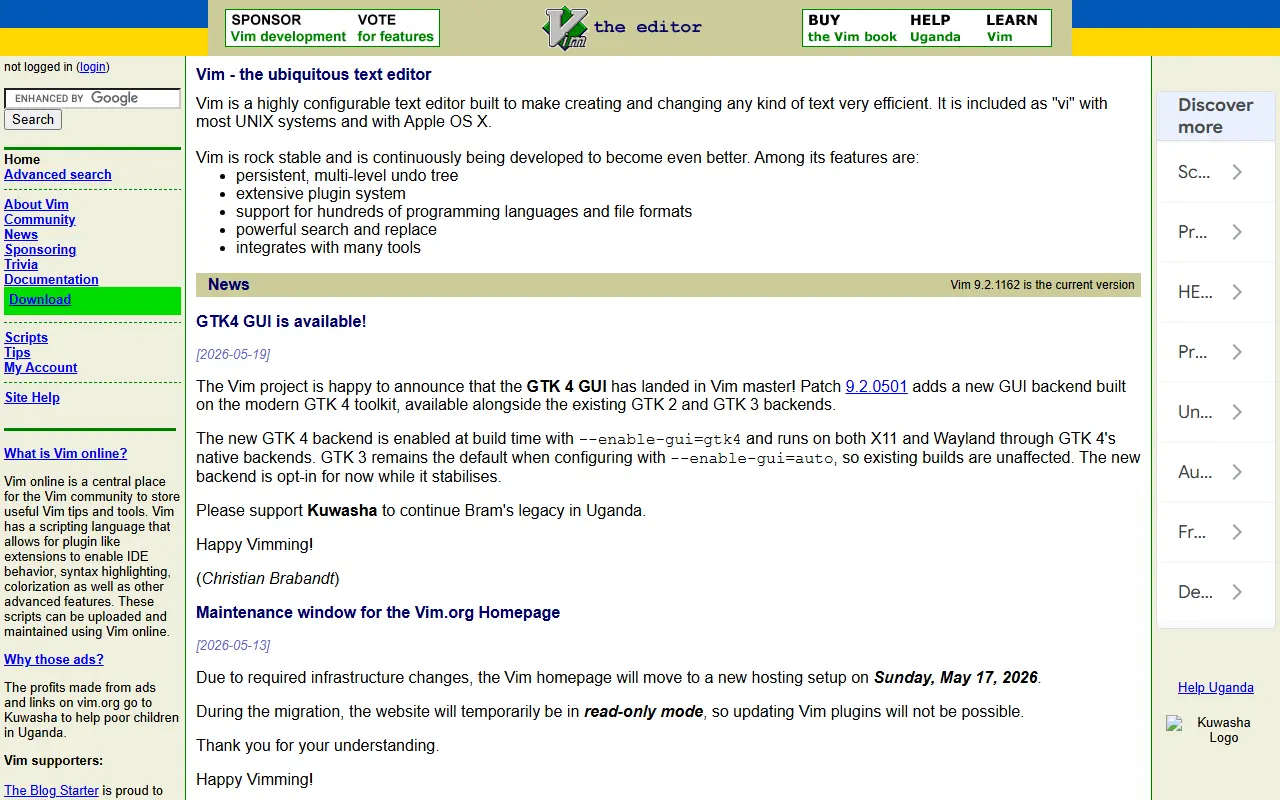
vim.orgVim homepage screenshot

Vim is an enhanced descendant of the classic UNIX editor Vi. It adds spell checking, syntax highlighting, filename completion, block operations, a command history, online help, a scripting language and multi-level undo, and a graphical interface is also available. Vi compatibility is maintained, so people who learned Vi feel at home. This is the official repository, and the license is Vim's own.

It works well for source code and other plain text. Commands are typed with ordinary keyboard characters, which lets fast typists work quickly, while function keys can be mapped to commands and the mouse can be used. It can also be built with a minimal feature set, usually called vim.tiny, to act as a largely POSIX-compatible vi, which many Linux distributions ship as their default vi.

Vim runs on Windows, macOS, Haiku, VMS and almost all flavors of UNIX, and older versions ran on systems such as MS-DOS and Amiga that are no longer maintained. Vim9 script is documented separately. On Mac and Linux a small version is often preinstalled, and package managers provide fuller builds. It suits developers, system administrators and writers who edit text from the keyboard.

Key features

  • Multi-level undo and syntax highlighting
  • Built-in spell checking and filename completion
  • Scripting language including Vim9 script
  • Optional graphical user interface
  • Vi compatibility and minimal vim.tiny build
  • Runs on Unix-like systems, Windows and macOS

Pricing: Free and open source under the Vim license.

Read more about VimWebsiteGitHub#5 PyCharm alternative

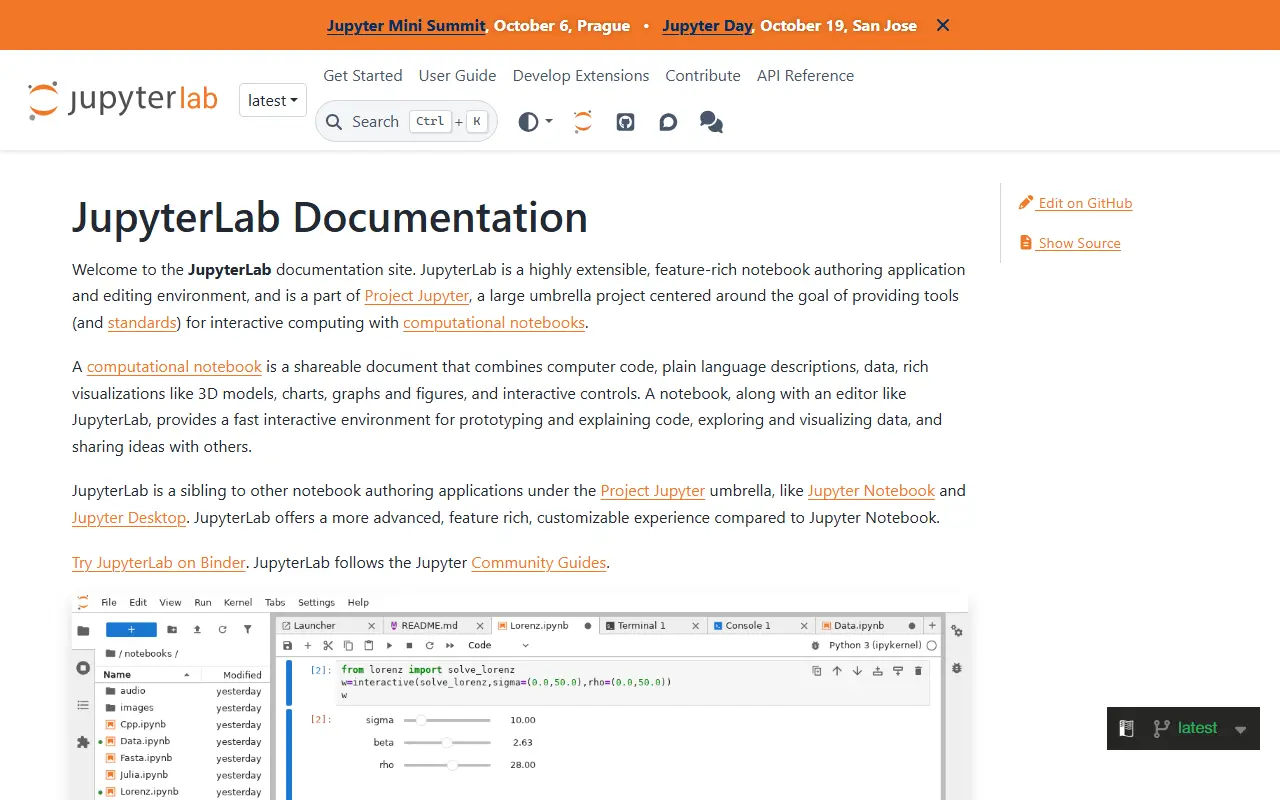
JupyterLab

JupyterLab is the extensible web-based interface for Project Jupyter, combining notebooks, terminals, a text editor and a file browser.

GitHub stars
15k
Last commit
yesterday
Latest release
v4.6.6
Licence
BSD-3-Clause
Self-hosted
Yes
jupyterlab.readthedocs.ioJupyterLab homepage screenshot

JupyterLab is an extensible environment for interactive and reproducible computing, built on the Jupyter Notebook and its architecture. It is the next-generation user interface for Project Jupyter, offering the familiar building blocks of the classic notebook, such as notebooks, a terminal, a text editor, a file browser and rich outputs, in a more flexible interface.

It can be extended with npm packages that use its public APIs. Prebuilt extensions are distributed through PyPI, conda and other package managers, while source extensions can be installed directly from npm with an extra build step. Extensions can be discovered through the jupyterlab-extension topic on GitHub.

JupyterLab is written in TypeScript, released under the BSD-3-Clause license, and installed with conda, mamba or pip. The project notes that JupyterLab 3 reached end of maintenance in May 2024, with critical fixes backported until the end of that year, and encourages upgrading to JupyterLab 4. Documentation is hosted on ReadTheDocs.

Key features

  • Notebooks, terminal and text editor in one interface
  • File browser and rich output rendering
  • Extensions distributed via npm, PyPI and conda
  • Installable with conda, mamba or pip
  • Public APIs for custom extensions

Pricing: Free and open source under the BSD-3-Clause license.

Spyder

Scientific Python development environment with an editor, interactive console and variable explorer, aimed at data analysis and research.

GitHub stars
9.4k
Last commit
2 days ago
Latest release
v6.1.8
Licence
MIT
spyder-ide.orgSpyder homepage screenshot

Spyder is an integrated development environment for scientific Python. It is written in Python with Qt and developed by the Spyder Project Contributors. The program is aimed at scientists, engineers and data analysts who combine code editing, running scripts and inspecting results in one window.

The repository topics point to ties with the Anaconda distribution and WinPython, and to the Language Server Protocol for editor intelligence. The README offers a Binder link so people can try the latest version in a browser, and notes that some source files and icons carry different authorship or licenses recorded in NOTICE.txt. Widely known parts of the IDE include an editor, an IPython console, a variable explorer and a debugger.

Spyder is released under the MIT license and has been developed since 2009. It is a good fit for people who prefer a MATLAB-style workspace for Python data work, rather than a general-purpose editor, and the project website provides downloads and documentation.

Key features

  • Python code editor with language server support
  • Interactive IPython console
  • Variable explorer for data inspection
  • Integrated debugger
  • Works with Anaconda and WinPython
  • Binder demo to try in a browser

Pricing: Free and open source under the MIT license.

GNU Emacs

GNU Emacs, an extensible and customizable free text editor built around an Emacs Lisp interpreter, with features reaching well beyond editing.

GitHub stars
5.2k
Last commit
yesterday
Licence
GPL-3.0
Self-hosted
Yes
gnu.orgGNU Emacs homepage screenshot

GNU Emacs is an extensible, customizable, free text editor. The editor is built around an Emacs Lisp interpreter, a Lisp variant extended for editing text, and that same language is used to customize and extend it, which makes nearly every behavior of the editor programmable by its users.

Emacs offers content-aware editing modes with syntax coloring for many file types, built-in documentation with a tutorial for new users, and full Unicode support. It doubles as a calendar, an IRC client, a news and mail reader, a project planner and a front end for debuggers, and a packaging system downloads and installs extensions.

Emacs runs on GNU/Linux, the BSDs, Haiku, Windows, macOS and Android, and is licensed under GPL-3.0. Customization is done with Emacs Lisp code or a graphical interface. The GitHub repository is a mirror of the GNU project's source, and the official site offers downloads, a guided tour and documentation.

Key features

  • Emacs Lisp scripting and customization
  • Content-aware editing modes with syntax coloring
  • Built-in documentation and tutorial
  • Full Unicode support
  • Package system for extensions
  • Mail, news and IRC clients
  • Debugger interface and calendar

Pricing: Free software under the GPL-3.0 licence.

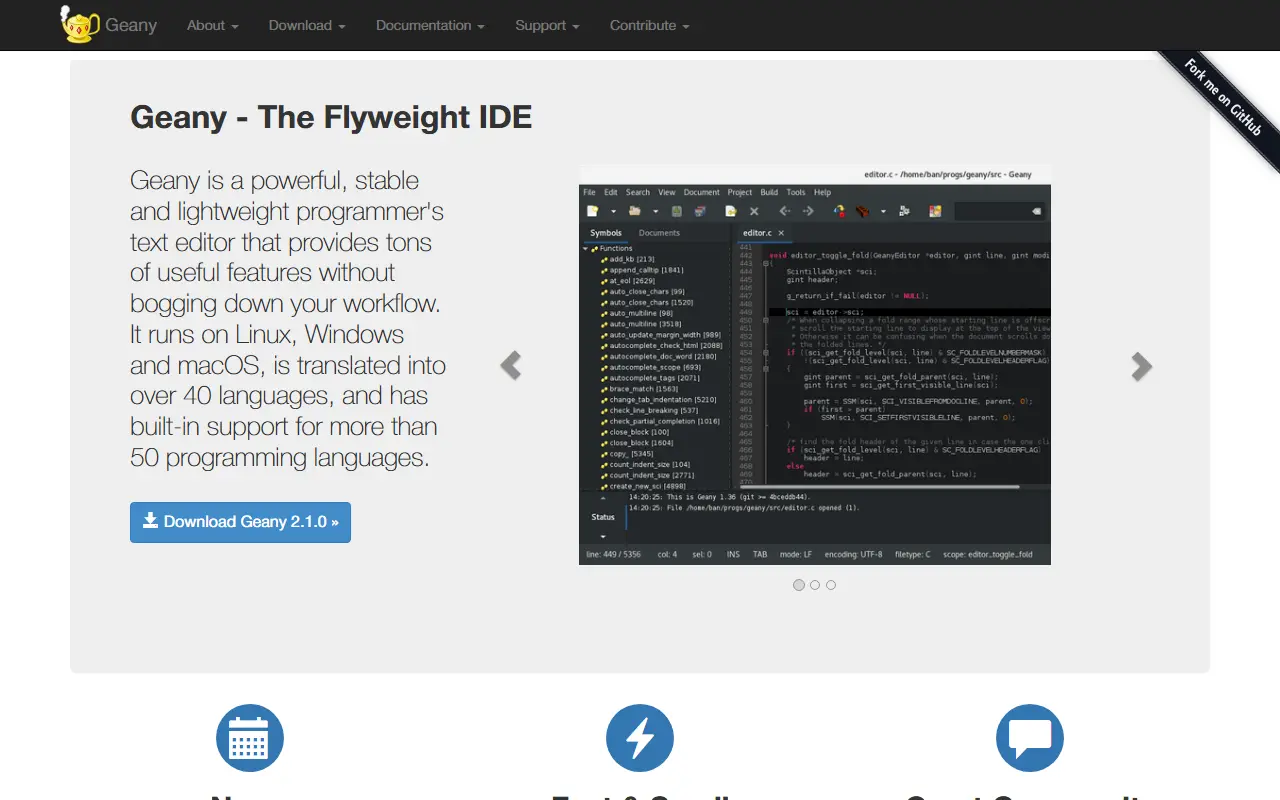
Geany

Geany is a lightweight, cross-platform text editor and IDE with plugin support and built-in handling of more than 50 programming languages.

GitHub stars
3.8k
Last commit
11 days ago
Latest release
2.1.0
Licence
GPL-2.0
geany.orgGeany homepage screenshot

Geany is a programmer's text editor that describes itself as the flyweight IDE. It runs on Linux, Windows and macOS, is translated into over 40 languages and has built-in support for more than 50 programming languages. The current release shown on the site is Geany 2.1.0.

Customisation covers color themes and the ability to add new filetypes, plus many settings for adjusting behaviour. Supported filetypes include C, Java, PHP, HTML, JavaScript, Python and Perl, and also ini-style config files, diff output and SQL files.

A plugin system adds features. The site names a VCS plugin for Git and SVN, spell checking, a project organizer and a translation helper. Geany is released under the GPL v2 and has community channels on mailing lists, GitHub, Matrix and Mastodon.

Key features

  • Runs on Linux, Windows and macOS
  • Color themes and custom filetypes
  • Plugins such as VCS, spell check and project organizer
  • Support for common languages and config formats

Commercial PyCharm alternatives

Hosted, closed-source products that compete with PyCharm.

PyCharm alternatives: questions

What is the best open-source alternative to PyCharm?
Visual Studio Code is the top-ranked open-source alternative to PyCharm on Enlisted: The open-source Code - OSS repository from Microsoft that Visual Studio Code is built from, a cross-platform code editor with debugging and extensions. Other strong options are code-server, VSCodium, Notepad++ and Vim.
What are the best commercial alternatives to PyCharm?
IntelliJ IDEA, Sublime Text, Visual Studio, Cursor and Replit are among the hosted, closed-source alternatives to PyCharm listed on Enlisted, which lists 6 in total. Compare their pricing and features on each tool page.
Are these PyCharm alternatives free?
All 9 are open source, so the code is free to use under its licence, and all of them can be self-hosted on your own server or computer.
How is this list of PyCharm alternatives ranked?
By a score built from GitHub stars, star growth over the last 30 days and how recently the code changed. 9 of these projects shipped code in the last 30 days. Data is refreshed daily, and nobody can pay to move up.

People also look for alternatives to…

View all