
About JupyterLab
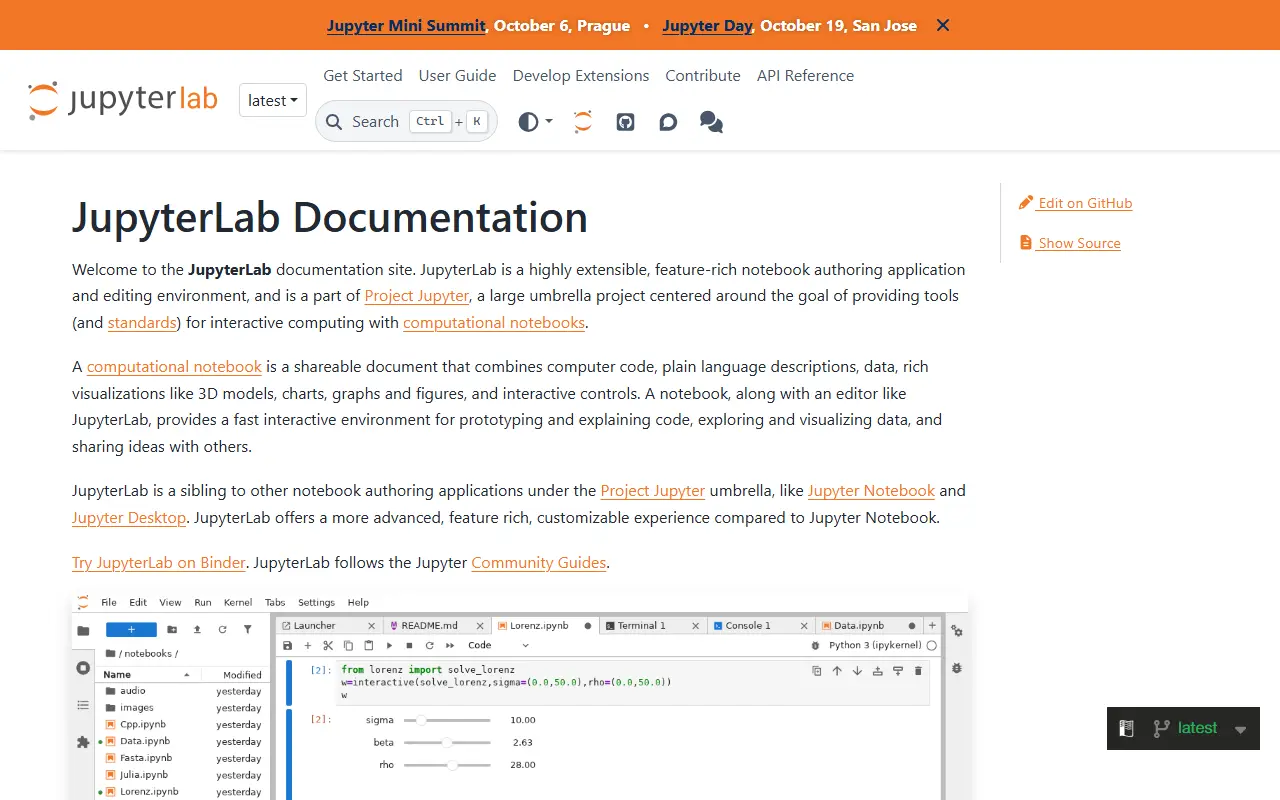
JupyterLab is an extensible environment for interactive and reproducible computing, built on the Jupyter Notebook and its architecture. It is the next-generation user interface for Project Jupyter, offering the familiar building blocks of the classic notebook, such as notebooks, a terminal, a text editor, a file browser and rich outputs, in a more flexible interface.
It can be extended with npm packages that use its public APIs. Prebuilt extensions are distributed through PyPI, conda and other package managers, while source extensions can be installed directly from npm with an extra build step. Extensions can be discovered through the jupyterlab-extension topic on GitHub.
JupyterLab is written in TypeScript, released under the BSD-3-Clause license, and installed with conda, mamba or pip. The project notes that JupyterLab 3 reached end of maintenance in May 2024, with critical fixes backported until the end of that year, and encourages upgrading to JupyterLab 4. Documentation is hosted on ReadTheDocs.
Key features
- Notebooks, terminal and text editor in one interface
- File browser and rich output rendering
- Extensions distributed via npm, PyPI and conda
- Installable with conda, mamba or pip
- Public APIs for custom extensions
Good fit for
- →Data analysis in interactive notebooks
- →Reproducible research workflows
- Built with
- TypeScript
- Tags
- jupyter
- notebooks
- data-science
- interactive-computing
- python
- extensions
- typescript
- research
JupyterLab: questions and answers
- What is JupyterLab used for?
- JupyterLab is the extensible web-based interface for Project Jupyter, combining notebooks, terminals, a text editor and a file browser. It is a good fit for data analysis in interactive notebooks and reproducible research workflows.
- Is JupyterLab open source?
- Yes. JupyterLab is open source under the BSD-3-Clause licence. Its source code is on GitHub at jupyterlab/jupyterlab and is written mainly in TypeScript.
- Is JupyterLab free?
- Yes. JupyterLab is open source, so the software itself is free to use.
- What is JupyterLab an alternative to?
- JupyterLab is an open-source alternative to MATLAB, Hex and DataSpell. Other open-source alternatives to MATLAB include Jupyter Notebook, Spyder and RStudio.
- Is JupyterLab actively maintained?
- Yes. The most recent commit to JupyterLab was on 1 October 2026, and the latest release is v4.6.4, published on 21 September 2026. The project has 15k stars on GitHub.
Open-source alternatives to JupyterLab
See all
Jupyter Notebook
Developer Tools
Jupyter Interactive Notebook
BSD-3-Clausevs MATLAB★ 13k
Marimo
Developer Tools
A reactive notebook for Python — run reproducible experiments, query with SQL, execute as
Apache-2.0vs Hex★ 23k
Spyder
Developer Tools
Official repository for Spyder - The Scientific Python Development Environment
MITvs MATLAB★ 9.4k
RStudio
Developer Tools
RStudio is an integrated development environment (IDE) for R
OSSvs IBM SPSS Statistics★ 5.1k
Visual Studio Code
Developer Tools
Visual Studio Code
MITvs Sublime Text★ 193k
VSCodium
Developer Tools
binary releases of VS Code without MS branding/telemetry/licensing
MITvs Sublime Text★ 33k
SaaS alternatives to JupyterLab
See all
MATLAB
Developer Tools
Numerical computing environment and language for engineering and scientific analysis
SaaS
Hex
BI & Dashboards
Collaborative notebooks combining SQL, Python and dashboards for data teams
SaaS
DataSpell
Developer Tools
JetBrains IDE for data science with notebook and Python support
SaaS
PyCharm
Developer Tools
JetBrains IDE for Python with debugging, testing and data science tooling
SaaS
ChatRAG
Developer Tools
Next.js boilerplate for launching RAG-powered chatbot SaaS products
SaaS
Djast
Developer Tools
Django 5 SaaS boilerplate with persona-based agent instructions, slash commands and custom AI agents
SaaS