
About PyCharm
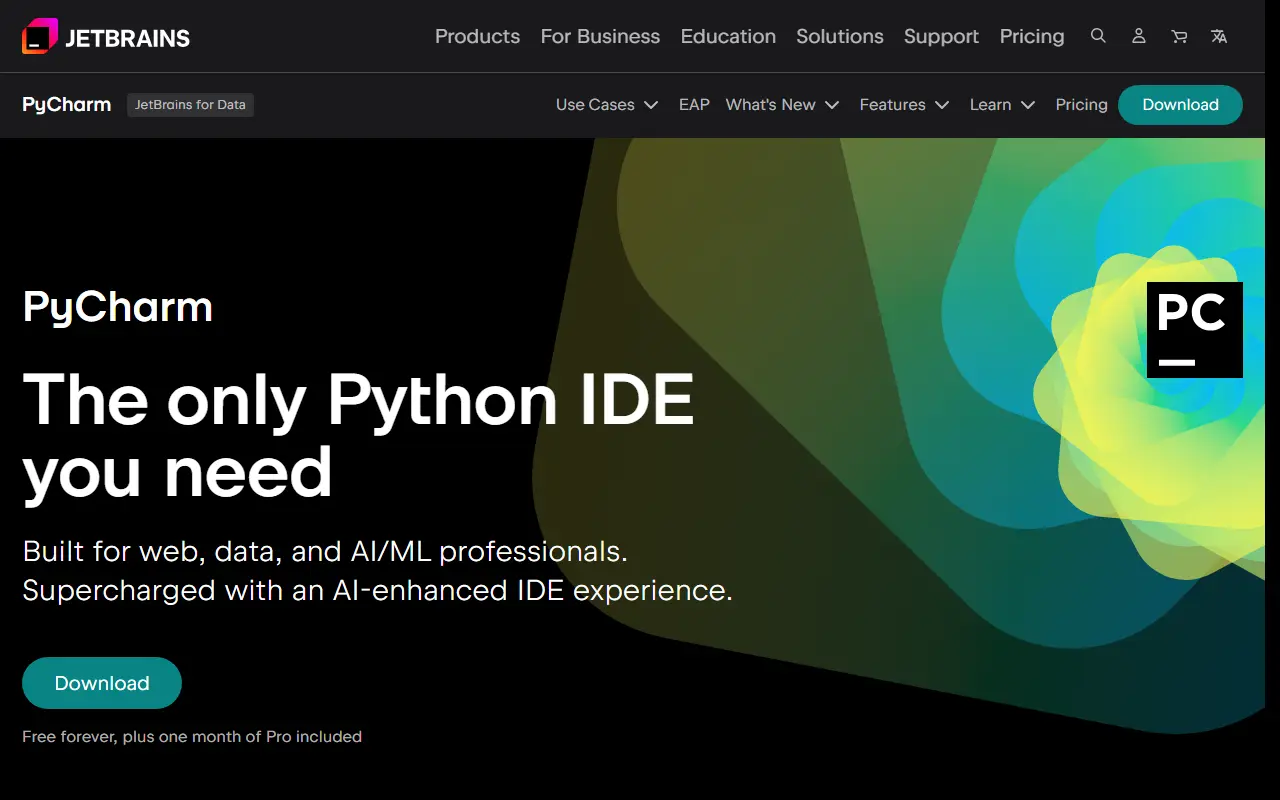
PyCharm is an integrated development environment from JetBrains for Python. It is aimed at web developers, data professionals and AI and machine learning engineers, and it combines a code editor, debugger and test tooling with support for databases and notebooks in one application.
Out of the box it supports Python and SQL databases, Jupyter notebooks and Git, along with Django, Flask and FastAPI for web work and Conda, PyTorch, TensorFlow and Hugging Face for data and ML. JetBrains has built AI into the IDE, with a choice of models, multiple agents, code completion and next-edit suggestions, and users can either spend JetBrains AI credits or bring their own AI subscriptions and API keys.
PyCharm is a proprietary desktop application and not a hosted service. The vendor says the download is free forever and includes one month of Pro, so it suits both individual learners and professional teams that want data science and web tooling in a single IDE.
Key features
- Python debugging and testing tools
- Support for Django, Flask and FastAPI
- Jupyter notebook and database integration
- Conda, PyTorch and TensorFlow support
- AI assistant with a choice of models
- Next edit suggestions and code completion
Good fit for
- →Building Python web applications
- →Data analysis and ML prototyping
- →Debugging and testing Python projects
- Tags
- ide
- python
- jetbrains
- data-science
- jupyter
- django
- developer-tools
PyCharm: questions and answers
- What is PyCharm used for?
- PyCharm is JetBrains' Python IDE for web, data and machine learning work, with debugging, testing, database tools and integrated AI assistance. It is a good fit for building Python web applications, data analysis and ML prototyping, and debugging and testing Python projects.
- Is PyCharm free?
- Yes. PyCharm has a free plan.
- Is PyCharm open source?
- No. PyCharm is proprietary (closed-source) software. Open-source alternatives to PyCharm include Spyder, Visual Studio Code and code-server.
- What are some alternatives to PyCharm?
- PyCharm competes with Visual Studio, Sublime Text and Cursor. For open-source options, see Enlisted's ranked list of open-source PyCharm alternatives.
Open-source alternatives to PyCharm
See all
Spyder
Developer Tools
Official repository for Spyder - The Scientific Python Development Environment
MITvs MATLAB★ 9.4k
Visual Studio Code
Developer Tools
Visual Studio Code
MITvs Sublime Text★ 193k
code-server
Developer Tools
VS Code in the browser
MITvs Replit★ 80k
VSCodium
Developer Tools
binary releases of VS Code without MS branding/telemetry/licensing
MITvs Sublime Text★ 33k
JupyterLab
Developer Tools
JupyterLab computational environment.
BSD-3-Clausevs MATLAB★ 15k
Jupyter Notebook
Developer Tools
Jupyter Interactive Notebook
BSD-3-Clausevs MATLAB★ 13k
SaaS alternatives to PyCharm
See all
Visual Studio
Developer Tools
Microsoft IDE for .NET, C++ and cross-platform application development
SaaS
Sublime Text
Developer Tools
Fast cross-platform text and code editor with multi-select and a Python plugin API
SaaS
Cursor
AI Tools
AI-first code editor with chat, multi-file edits and autonomous coding agents
SaaS
IntelliJ IDEA
Developer Tools
JetBrains IDE for Java and Kotlin development with deep code analysis
SaaS
WebStorm
Developer Tools
JetBrains IDE for JavaScript and TypeScript with framework support and refactoring
SaaS
CLion
Developer Tools
Cross-platform IDE for C and C++ development from JetBrains
SaaS