7,363 open-source and SaaS tools, with GitHub stats refreshed every day.

7 alternatives ranked by real activity

Open-source DataSpell alternatives

A curated, ranked list of the 7 best open-source alternatives to DataSpell.

The best open-source alternative to DataSpell is Visual Studio Code. If that doesn't suit you, other good options are VSCodium, Marimo, JupyterLab and Jupyter Notebook.

DataSpell alternatives are mainly developer tools. 7 of them shipped code in the last 30 days, 7 can be self-hosted, and 6 use a permissive licence.

Last updated October 3, 2026 · ranked by GitHub stars, growth and recent commits

Visual Studio Code

The open-source Code - OSS repository from Microsoft that Visual Studio Code is built from, a cross-platform code editor with debugging and extensions.

GitHub stars
193k
Last commit
today
Latest release
1.140.0
Licence
MIT
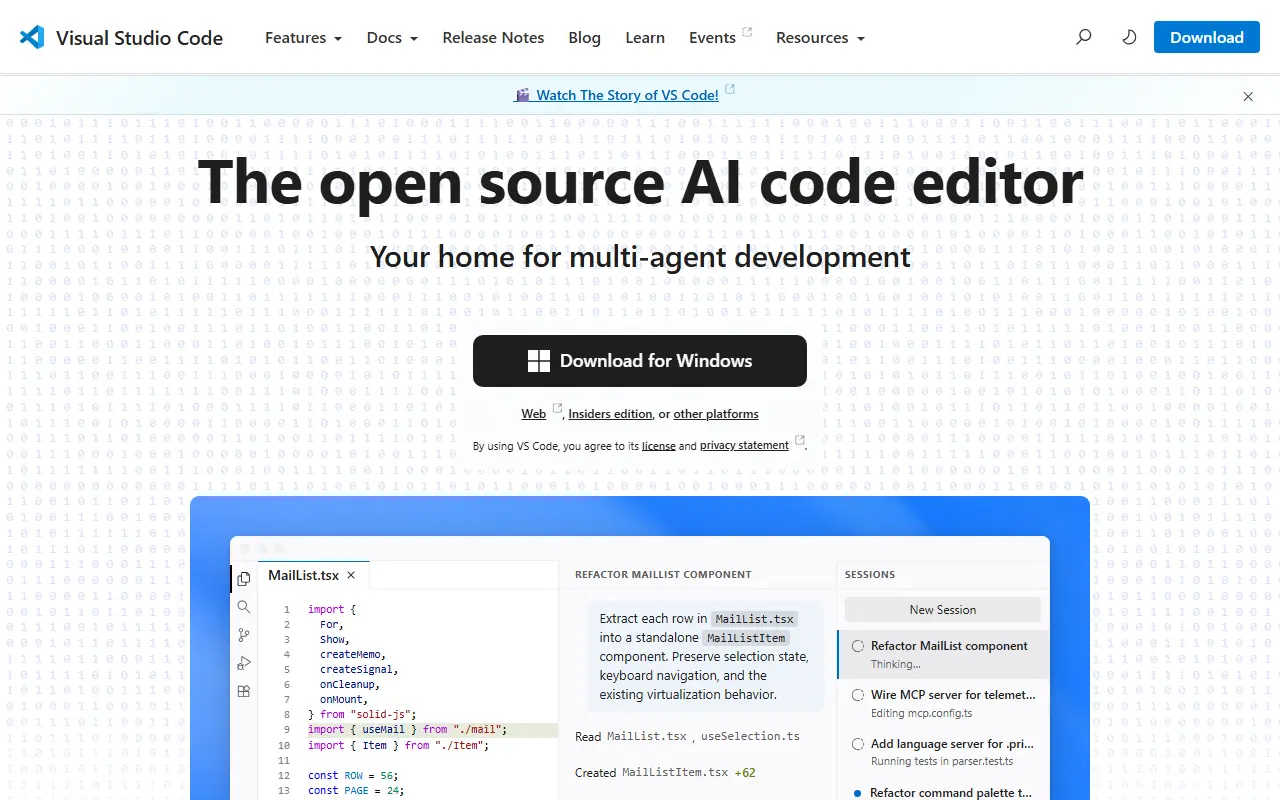
code.visualstudio.comVisual Studio Code homepage screenshot

This repository, known as Code - OSS, is where Microsoft develops Visual Studio Code together with the community. Visual Studio Code is a code editor that pairs the simplicity of a lightweight editor with the tools developers need to edit, build and debug, and it runs on Windows, macOS and Linux. Roadmap and iteration plans are published alongside the code.

Main capabilities include code editing, navigation and code understanding support, lightweight debugging and integration with existing tools. A rich extension model lets people add languages, themes and tooling. The editor is built with TypeScript on Electron and is updated monthly, with a daily Insiders build for those who want the newest changes.

The source code is available under the MIT license. The downloadable Visual Studio Code product is a distribution of this repository that adds Microsoft-specific customizations and ships under a traditional Microsoft product license. That distinction matters for anyone who wants to build a fully open-source editor straight from the repository.

Key features

  • Code editing with navigation and code understanding
  • Lightweight built-in debugging
  • Extension model for languages and tools
  • Integration with existing development tools
  • Runs on Windows, macOS and Linux
  • Monthly releases plus daily Insiders builds

Pricing: Source code is MIT licensed; the Microsoft-branded Visual Studio Code build ships under a separate product license.

VSCodium

VSCodium provides community-built binaries of Visual Studio Code without Microsoft branding, telemetry or proprietary licensing.

GitHub stars
33k
Last commit
yesterday
Latest release
1.135.06055
Licence
MIT
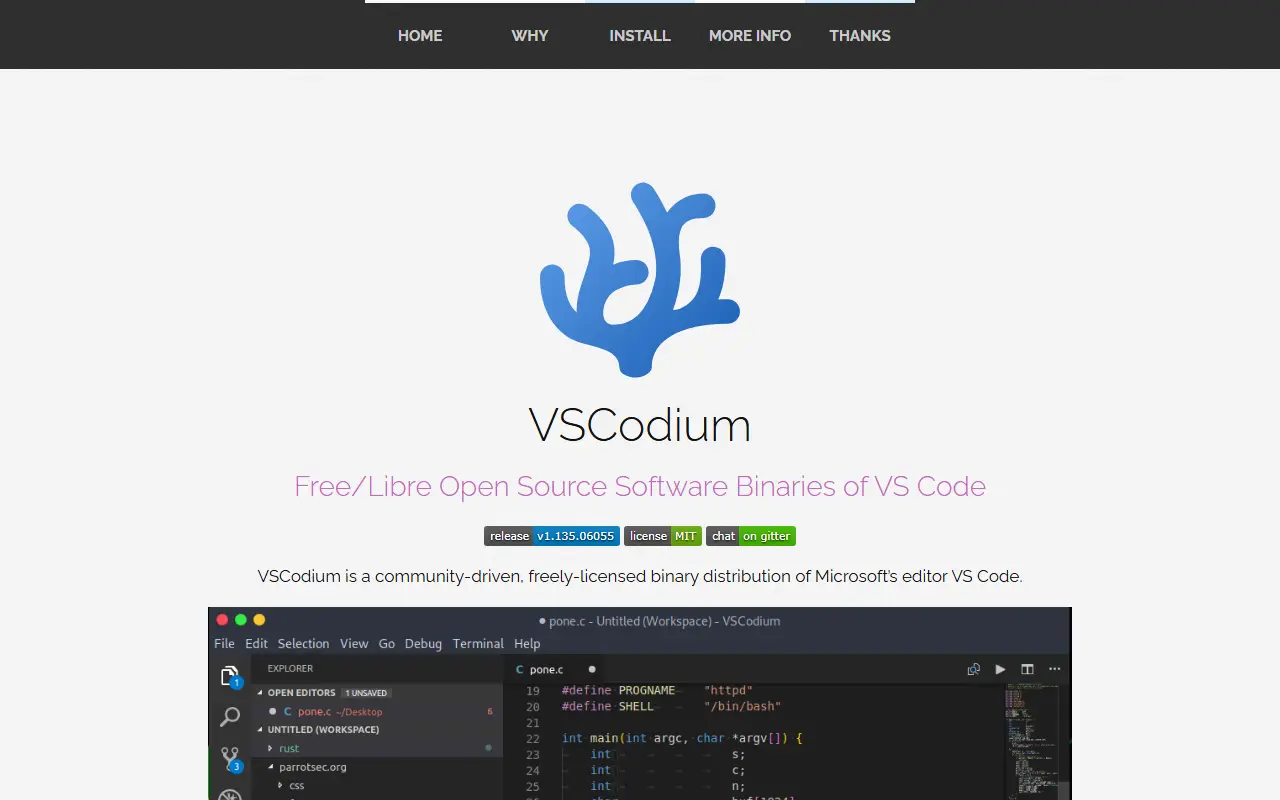
vscodium.comVSCodium homepage screenshot

VSCodium is a repository of scripts that automatically build Microsoft's open-source vscode source code into freely licensed binaries with a community-driven default configuration. The maintainers stress that it is not a fork. The result is a code editor and IDE that feels like Visual Studio Code but drops the Microsoft branding, telemetry and the licensing terms of Microsoft's own distribution.

Releases come as stable and insiders builds and can be installed through Homebrew, WinGet, Chocolatey, Scoop, Snap, Flatpak, the Arch User Repository, or apt, dnf and zypper repositories, as well as deb, rpm and tar downloads. The build scripts are written in Shell and published under the MIT license, so anyone can inspect how the binaries are produced. Extensions are a common area of difference, so review the project's notes before relying on a specific one.

Key features

  • Free-licensed builds of VS Code
  • No Microsoft branding or telemetry by default
  • Stable and insiders release channels
  • Install via Homebrew, WinGet, Snap and more
  • Transparent shell-script build process
  • Windows, macOS and Linux packages

Pricing: Free and open source; the build scripts are MIT licensed.

Marimo

marimo is a reactive Python notebook stored as plain .py files that runs as a script or deploys as an interactive app.

GitHub stars
23k
Last commit
today
Latest release
0.25.1
Licence
Apache-2.0
Hosted version
Available
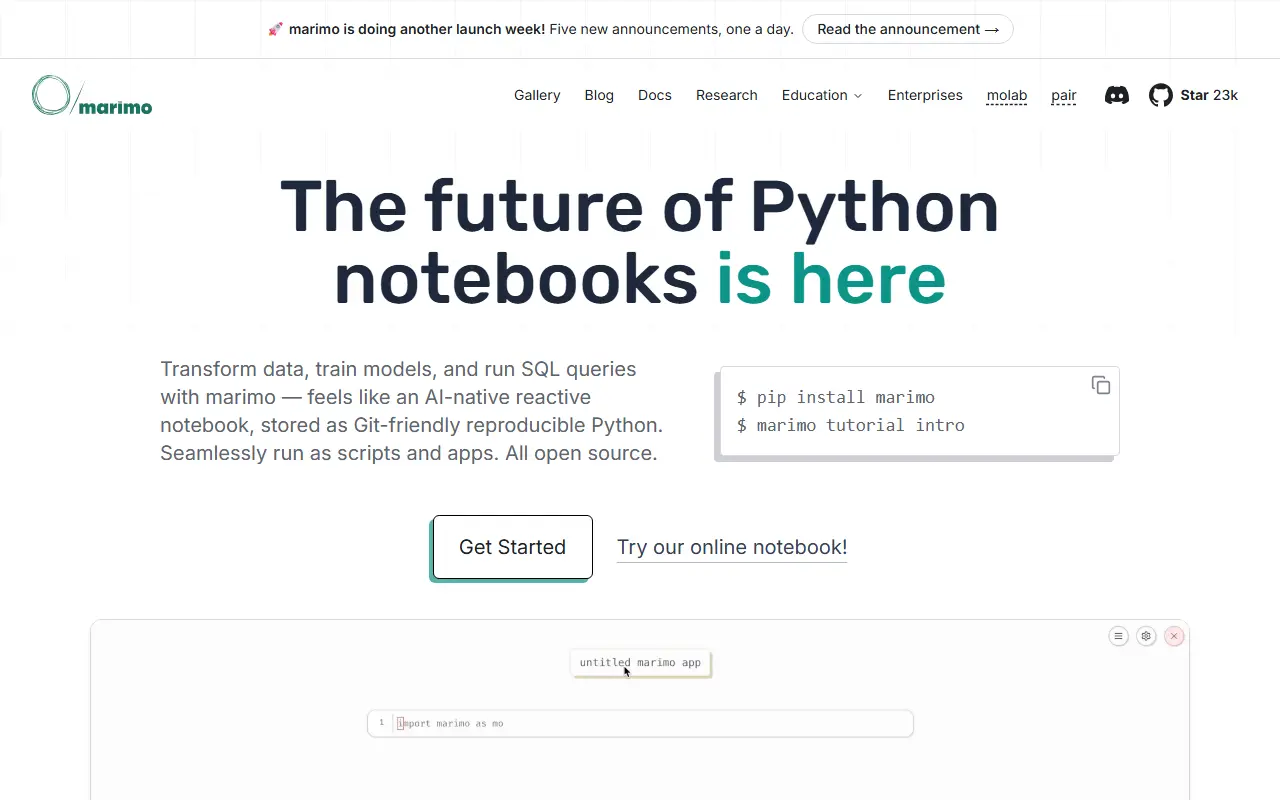
marimo.ioMarimo homepage screenshot

marimo is a reactive Python notebook. Running a cell, or changing a UI element, makes it automatically re-run dependent cells or mark them as stale, so code and outputs stay consistent. Notebooks are saved as pure Python with first-class SQL support, which makes them friendly to git, executable as scripts and deployable as apps. It is released under the Apache-2.0 license.

The project presents itself as a replacement for tools like Jupyter, Streamlit, Jupytext, ipywidgets and Papermill. Highlights include binding sliders, tables and plots to Python without callbacks, querying dataframes, databases and warehouses with SQL, reproducibility with no hidden state and built-in package management, parameterized script execution, sharing as web apps or slides that can run in the browser via WASM, importing functions between notebooks and running pytest on notebooks. The editor has AI assistants and vim keybindings, and works alongside VS Code, Cursor, PyCharm and other editors. A free online notebook is available.

Key features

  • Reactive cell execution with dependency tracking
  • Notebooks stored as pure Python files
  • First-class SQL querying support
  • Run as a script or deploy as an app
  • Interactive UI elements without callbacks
  • Built-in AI features and package management

Pricing: Free and open source under the Apache-2.0 license; a free online notebook is available.

JupyterLab

JupyterLab is the extensible web-based interface for Project Jupyter, combining notebooks, terminals, a text editor and a file browser.

GitHub stars
15k
Last commit
yesterday
Latest release
v4.6.4
Licence
BSD-3-Clause
Self-hosted
Yes
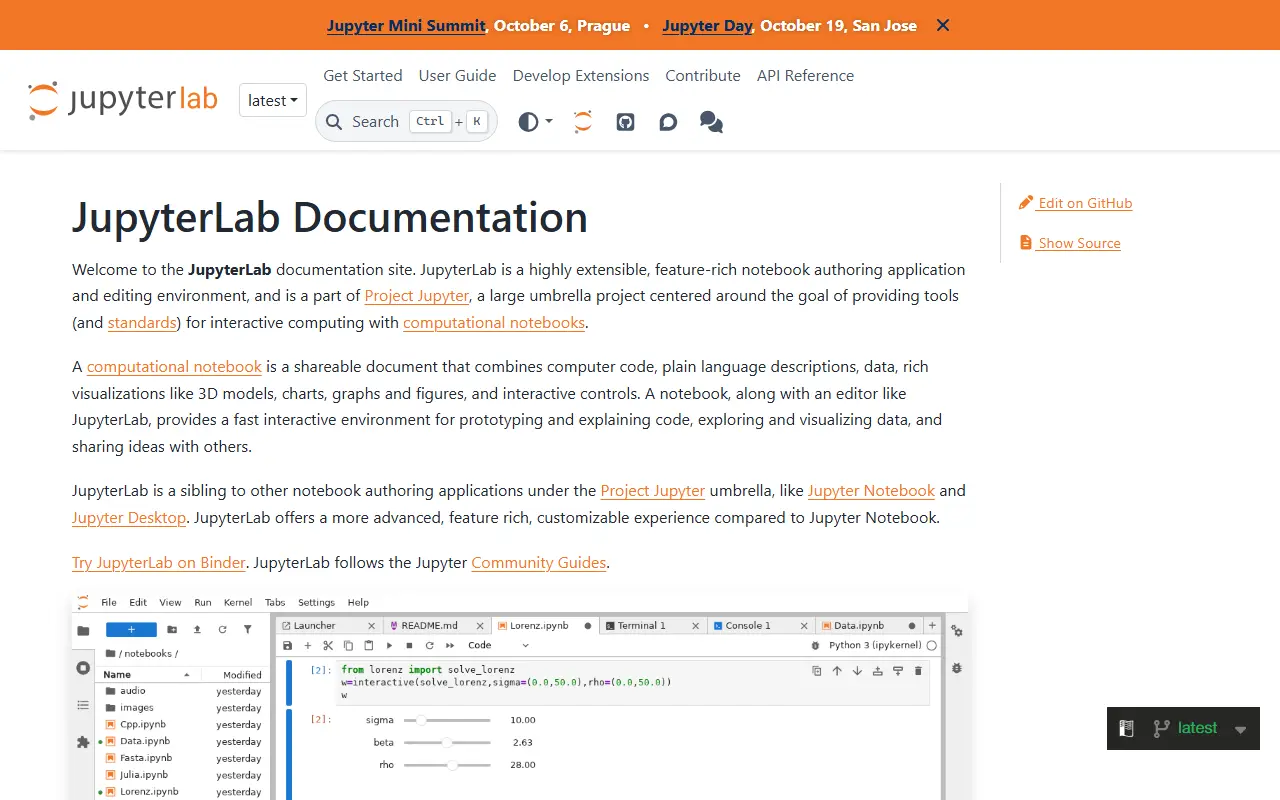
jupyterlab.readthedocs.ioJupyterLab homepage screenshot

JupyterLab is an extensible environment for interactive and reproducible computing, built on the Jupyter Notebook and its architecture. It is the next-generation user interface for Project Jupyter, offering the familiar building blocks of the classic notebook, such as notebooks, a terminal, a text editor, a file browser and rich outputs, in a more flexible interface.

It can be extended with npm packages that use its public APIs. Prebuilt extensions are distributed through PyPI, conda and other package managers, while source extensions can be installed directly from npm with an extra build step. Extensions can be discovered through the jupyterlab-extension topic on GitHub.

JupyterLab is written in TypeScript, released under the BSD-3-Clause license, and installed with conda, mamba or pip. The project notes that JupyterLab 3 reached end of maintenance in May 2024, with critical fixes backported until the end of that year, and encourages upgrading to JupyterLab 4. Documentation is hosted on ReadTheDocs.

Key features

  • Notebooks, terminal and text editor in one interface
  • File browser and rich output rendering
  • Extensions distributed via npm, PyPI and conda
  • Installable with conda, mamba or pip
  • Public APIs for custom extensions

Pricing: Free and open source under the BSD-3-Clause license.

Jupyter Notebook

Web-based Jupyter Notebook environment for interactive computing, mixing code, output and notes in shareable documents.

GitHub stars
13k
Last commit
4 days ago
Latest release
v7.6.3
Licence
BSD-3-Clause
Self-hosted
Yes
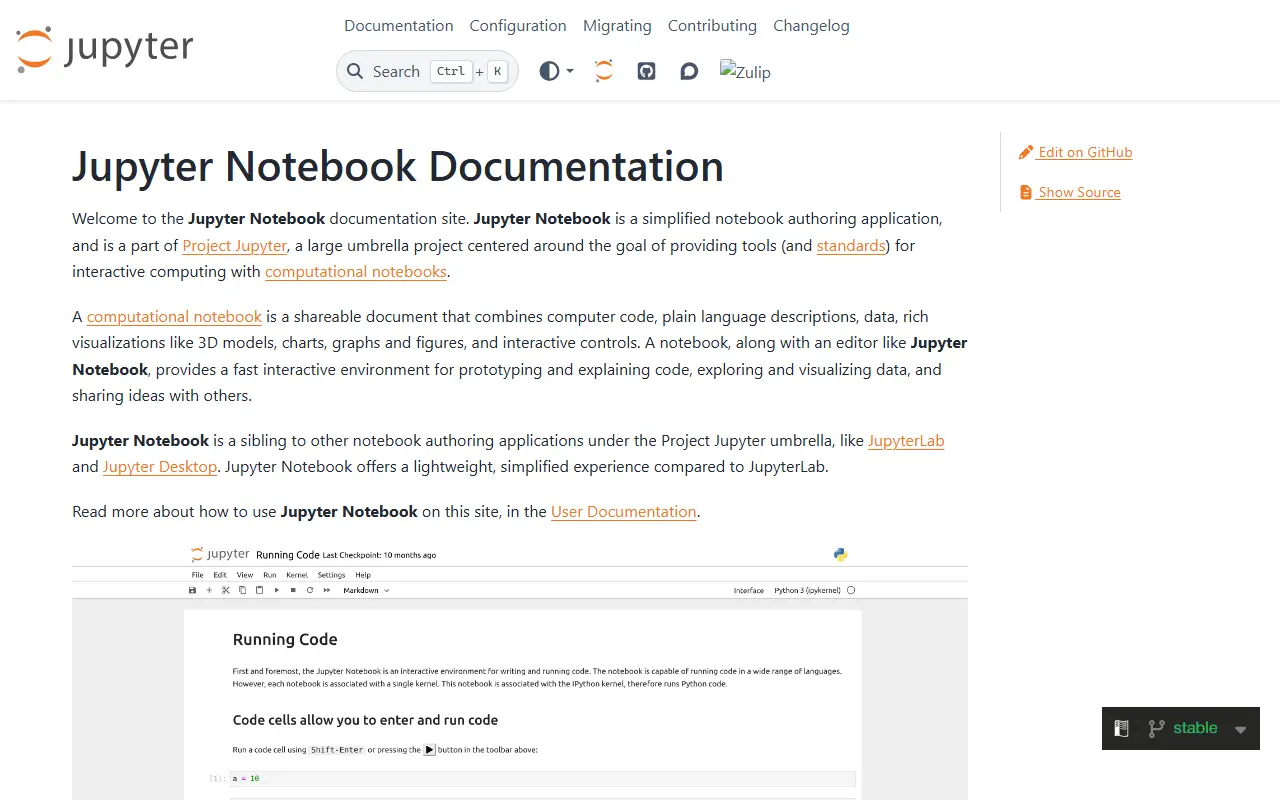
jupyter-notebook.readthedocs.ioJupyter Notebook homepage screenshot

Jupyter Notebook is a web-based notebook environment for interactive computing. Users write code in cells, run it, and see the results next to explanatory text in the same document, which makes it a common choice for data exploration, teaching and documenting analysis.

The project is language-agnostic: it grew out of the IPython notebook, which was split into language-neutral and Python-specific parts in 2015. The current Notebook v7 is built on JupyterLab components for the frontend and the Jupyter Server for the Python backend. Classic Notebook v6 is still maintained for fixes only, and extensions written for older versions are not compatible with v7.

The code is released under the BSD-3-Clause license. The maintainers support the two most recent major versions, Notebook v7 and Classic Notebook v6, and recommend moving off version 5. New features are directed at v7, and contributors are encouraged to build them as Jupyter Server or JupyterLab extensions so they work across Jupyter's interfaces.

Key features

  • Browser-based notebooks with executable code cells
  • Language-agnostic kernels
  • Built on JupyterLab components in v7
  • Jupyter Server backend
  • Extension support through JupyterLab extensions

Pricing: Free and open source under the BSD-3-Clause license.

Spyder

Scientific Python development environment with an editor, interactive console and variable explorer, aimed at data analysis and research.

GitHub stars
9.4k
Last commit
yesterday
Latest release
v6.1.7
Licence
MIT
spyder-ide.orgSpyder homepage screenshot

Spyder is an integrated development environment for scientific Python. It is written in Python with Qt and developed by the Spyder Project Contributors. The program is aimed at scientists, engineers and data analysts who combine code editing, running scripts and inspecting results in one window.

The repository topics point to ties with the Anaconda distribution and WinPython, and to the Language Server Protocol for editor intelligence. The README offers a Binder link so people can try the latest version in a browser, and notes that some source files and icons carry different authorship or licenses recorded in NOTICE.txt. Widely known parts of the IDE include an editor, an IPython console, a variable explorer and a debugger.

Spyder is released under the MIT license and has been developed since 2009. It is a good fit for people who prefer a MATLAB-style workspace for Python data work, rather than a general-purpose editor, and the project website provides downloads and documentation.

Key features

  • Python code editor with language server support
  • Interactive IPython console
  • Variable explorer for data inspection
  • Integrated debugger
  • Works with Anaconda and WinPython
  • Binder demo to try in a browser

Pricing: Free and open source under the MIT license.

RStudio

RStudio, an integrated development environment for the R language, with a customizable workbench and Quarto support that runs on desktops or as a server.

GitHub stars
5.1k
Last commit
today
Self-hosted
Yes
posit.coRStudio homepage screenshot

RStudio is an integrated development environment for the R programming language, developed by Posit. It gathers the tools needed for working in R into one customizable workbench that includes the console, terminal, source editor, plots, environment, history, help, files and packages panes.

The editor offers syntax highlighting and code completion, and code can be run straight from the editor by line, selection or file. RStudio supports writing reproducible documents and reports with Quarto and R Markdown, plus Sweave and TeX documents. Optional AI features include GitHub Copilot completions, Posit AI Pass Next Edit Suggestions and the Posit Assistant.

RStudio runs on Windows, Mac and Linux, with a community-maintained FreeBSD port. It can also be run as a server so that several users can open the IDE in a web browser. The README states that it is licensed under AGPLv3, and the source is written mostly in Java.

Key features

  • R console, terminal and editor in one workbench
  • Syntax highlighting and code completion
  • Run code by line, selection or file
  • Quarto and R Markdown authoring
  • Sweave and TeX document support
  • Optional AI completions and assistant
  • Server mode for browser access

Pricing: Posit's commercial team tiers (Basic, Enhanced and Advanced) are priced through sales; the page publishes no prices and invites you to talk to the sales team.

DataSpell alternatives: questions

What is the best open-source alternative to DataSpell?
Visual Studio Code is the top-ranked open-source alternative to DataSpell on Enlisted: The open-source Code - OSS repository from Microsoft that Visual Studio Code is built from, a cross-platform code editor with debugging and extensions. Other strong options are VSCodium, Marimo, JupyterLab and Jupyter Notebook.
Are these DataSpell alternatives free?
All 7 are open source, so the code is free to use under its licence, and all of them can be self-hosted on your own server or computer. 1 also offers a paid or managed cloud version if you'd rather not host it yourself.
How is this list of DataSpell alternatives ranked?
By a score built from GitHub stars, star growth over the last 30 days and how recently the code changed. 7 of these projects shipped code in the last 30 days. Data is refreshed daily, and nobody can pay to move up.

People also look for alternatives to…

View all