7,363 open-source and SaaS tools, with GitHub stats refreshed every day.

5 alternatives ranked by real activity

Open-source Zight alternatives

A curated, ranked list of the 5 best open-source alternatives to Zight.

The best open-source alternative to Zight is ShareX. If that doesn't suit you, other good options are Cap, Screenity, ScreenToGif and Zipline.

Zight alternatives are mainly video editing tools, but some are also productivity tools and file storage & sharing tools. 4 of them shipped code in the last 30 days, 5 can be self-hosted, and 1 uses a permissive licence.

Last updated October 3, 2026 · ranked by GitHub stars, growth and recent commits

ShareX

A free, open-source Windows tool for screen capture, screen recording, annotation and file sharing, with OCR, hotkeys and custom upload workflows.

GitHub stars
40k
Last commit
yesterday
Latest release
v21.0.0
Licence
GPL-3.0
Self-hosted
Yes
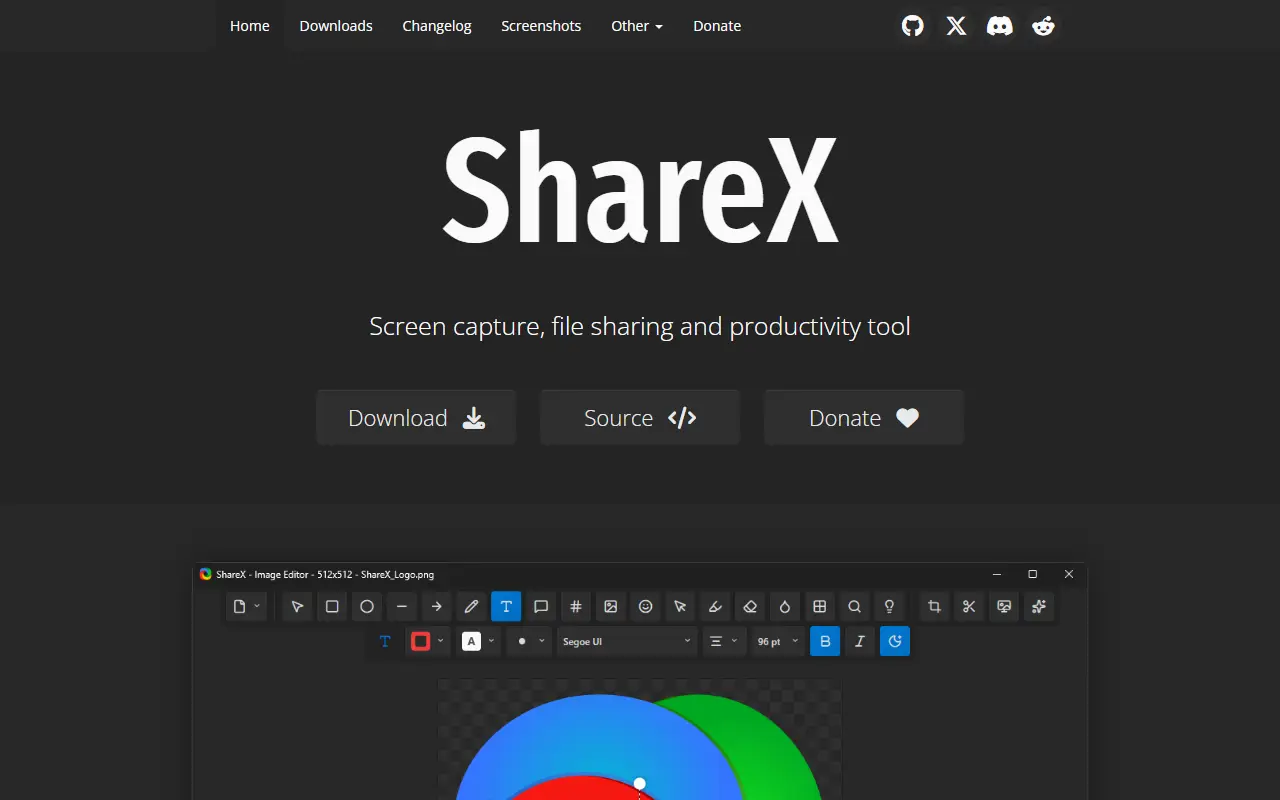
getsharex.comShareX homepage screenshot

ShareX is a free, open-source application for Windows that combines screenshot capture, screen recording, file sharing and productivity utilities. It is built for people who capture and share their screen often and want to do it with a single hotkey and minimal manual steps.

You can capture any region of the screen, record video or GIFs, annotate and edit screenshots, extract text with OCR, scan QR codes and pick colors. Finished captures can be copied, saved, or uploaded to a wide range of destinations such as FTP servers and cloud storage, with shareable links copied for you, and a URL shortener is included. Custom task chains and hotkeys let you build workflows that capture, edit and upload in one go.

ShareX is built on .NET and licensed under GPL-3.0. It runs only on Windows, and as a desktop app there is no hosted service. It is widely used by support staff, developers, educators and content creators who send screenshots and recordings daily and want more control than the built-in Windows tools offer.

Key features

  • Screen capture of any region
  • Screen recording to video or GIF
  • Screenshot annotation and editing
  • OCR text extraction and QR scanning
  • Upload to many destinations with shareable links
  • Hotkeys and custom task workflows

Pricing: Free and open source under the GPL-3.0 license.

Cap

Cap is an open-source screen recorder and Loom alternative with instant share links, local editing, team workspaces and self-hosting.

GitHub stars
23k
Last commit
yesterday
Latest release
cap-v0.6.0
Self-hosted
Yes
Hosted version
Available
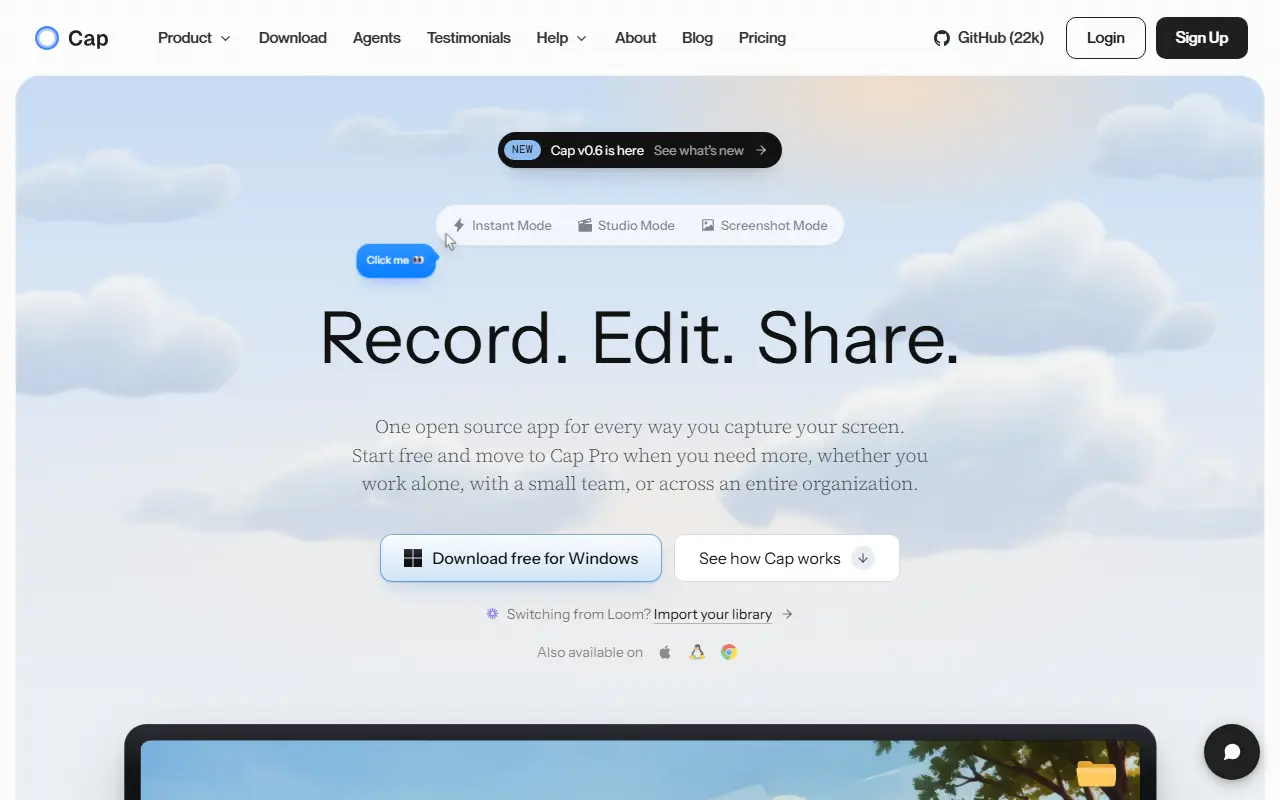
cap.soCap homepage screenshot

Cap is an open-source alternative to Loom for recording and sharing screen videos. You can record the screen, camera and microphone, then send a link or export a finished video. It is built with Rust and Tauri for the desktop apps, plus a Next.js web dashboard, and runs on macOS and Windows. The repository metadata lists the license as Other.

There are two recording modes: Instant Mode uploads while you record so a share link is ready when you stop, and Studio Mode records locally and offers editing with backgrounds, zooms, trimming, captions and export controls. Sharing options include private links, passwords and custom domains, and comments, reactions, transcripts, viewer analytics and team workspaces support async feedback. Storage can be Cap Cloud, your own S3-compatible bucket, local files or a fully self-hosted platform. Cap AI generates titles, summaries, chapters and captions, and Loom videos can be imported.

Key features

  • Screen, camera and microphone recording
  • Instant Mode with immediate share links
  • Studio Mode with local editing and captions
  • Comments, transcripts and viewer analytics
  • Custom domains and S3-compatible storage
  • Import of existing Loom videos

Pricing: Free for personal use. A commercial desktop license costs $29 a year, and Cap Pro with cloud sharing costs $12 per user per month ($8.16 billed annually).

Screenity

A free, privacy-friendly screen recorder and annotation tool for creating demos, tutorials and presentations, with unlimited recordings of tabs, screens or cameras.

GitHub stars
19k
Last commit
7 days ago
Latest release
v4.6.12
Licence
GPL-3.0
Self-hosted
Yes
Hosted version
Available
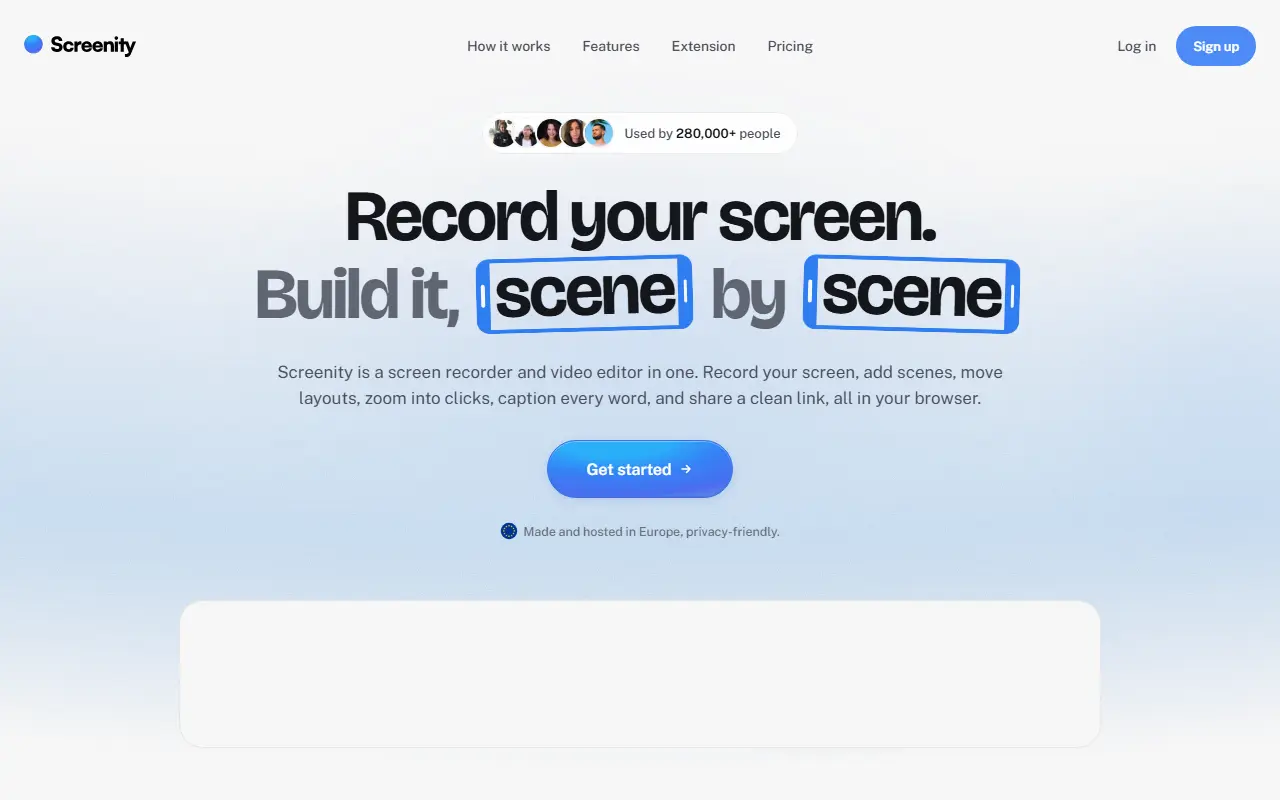
screenity.ioScreenity homepage screenshot

Screenity is a free screen recorder and annotation tool that emphasizes privacy and has no recording limits. It can capture a browser tab, a selected area, the whole desktop, a specific application or a camera, and also records audio, which makes it useful for product demos, tutorials, presentations and feedback videos.

Topics show it runs as a Chrome extension, and it includes annotation tools to draw on screen while recording. The README documents how to create a development version and how to enable saving to Google Drive. The project is funded by sponsorship, with Recall.ai supporting its open-source work, and its creator offers an optional paid tier called Screenity Pro, described as an EU-hosted, privacy-minded platform offering link sharing, multi-scene editing, zoom keyframes and captions.

Screenity is JavaScript and licensed under GPL-3.0. The free extension can be installed from the browser store, and there is a section on self-hosting it. It suits teachers, support staff, designers and developers who regularly record their screen and prefer not to depend on a subscription.

Key features

  • Unlimited screen, tab and camera recordings
  • On-screen annotation while recording
  • Microphone and audio capture
  • Optional save to Google Drive
  • Chrome extension install
  • Optional Screenity Pro hosted platform

Pricing: The recorder extension is free. The paid editor and sharing plan is $10 a month on yearly billing ($120 per year) with a 7-day free trial.

ScreenToGif

Windows screen, webcam and sketchboard recorder with a built-in editor that exports animated GIFs, APNG, video and image files.

GitHub stars
28k
Last commit
2 mo ago
Latest release
2.43.2
Licence
MS-PL
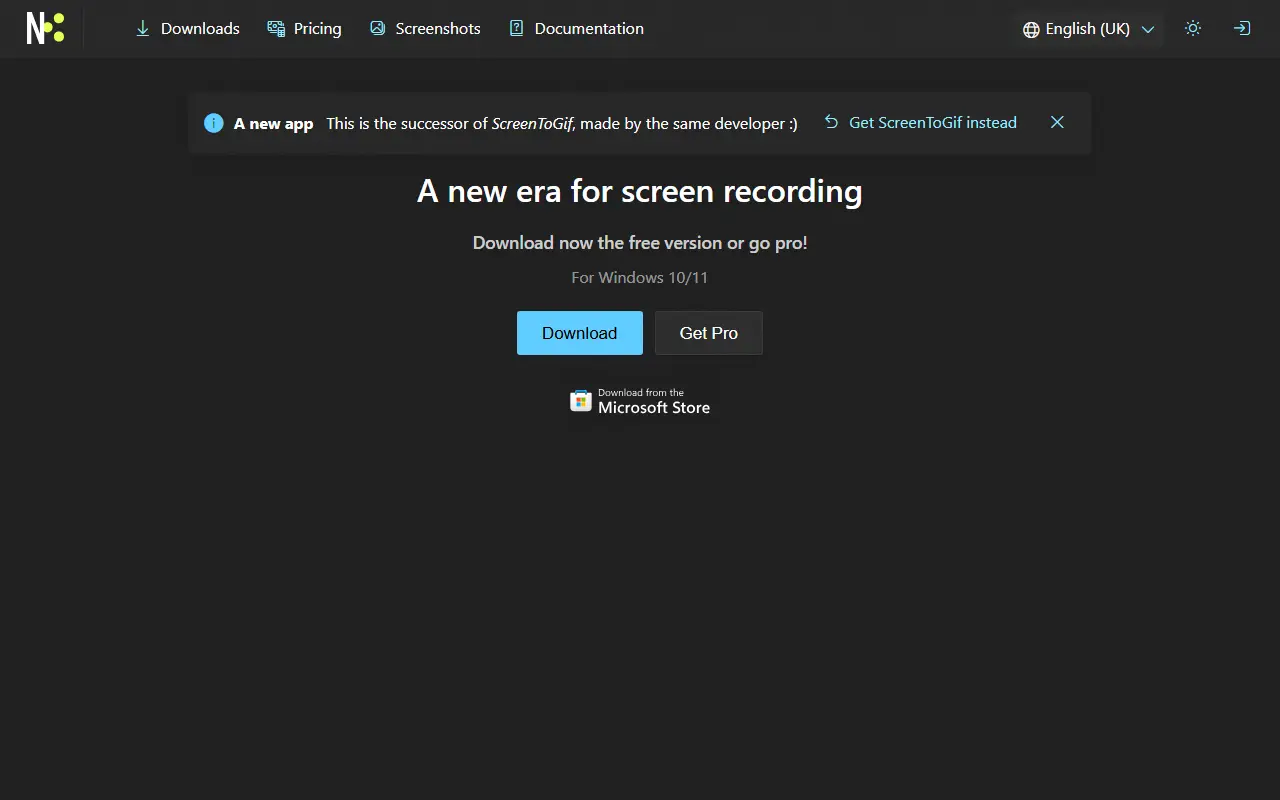
screentogif.comScreenToGif homepage screenshot

ScreenToGif is a tool for recording a selected area of your screen, a live webcam feed or drawings made on a sketchboard. After capturing, you can edit the recording frame by frame and save the animation in formats including GIF, APNG, video, PSD or PNG images. It suits quick demos, bug reports and tutorials.

The application is written in C# using WPF and requires the .NET 9 Desktop Runtime or newer. It includes an editor along with its three recorders, and the project has a website at screentogif.com with downloads. Contributors can help with localization of the app, website and installer.

ScreenToGif is released under the Microsoft Public License. The author asks people not to relabel the program and sell it as their own work, although reusing the source code in other projects is fine. Support comes from donations and subscriptions on several platforms, and feedback is collected through GitHub.

Key features

  • Record a selected screen area
  • Webcam and sketchboard recorders
  • Frame-by-frame animation editor
  • Export to GIF, APNG, video, PSD or PNG
  • Localized app, website and installer

Pricing: Free and open source under the Microsoft Public License; the author accepts donations.

Zipline

Self-hosted file upload server built around ShareX, with short URLs, folders, tags, and sharing controls for people who want to run their own screenshot and file host.

GitHub stars
3.4k
Last commit
5 days ago
Latest release
v4.8.0
Licence
MIT
Self-hosted
Yes
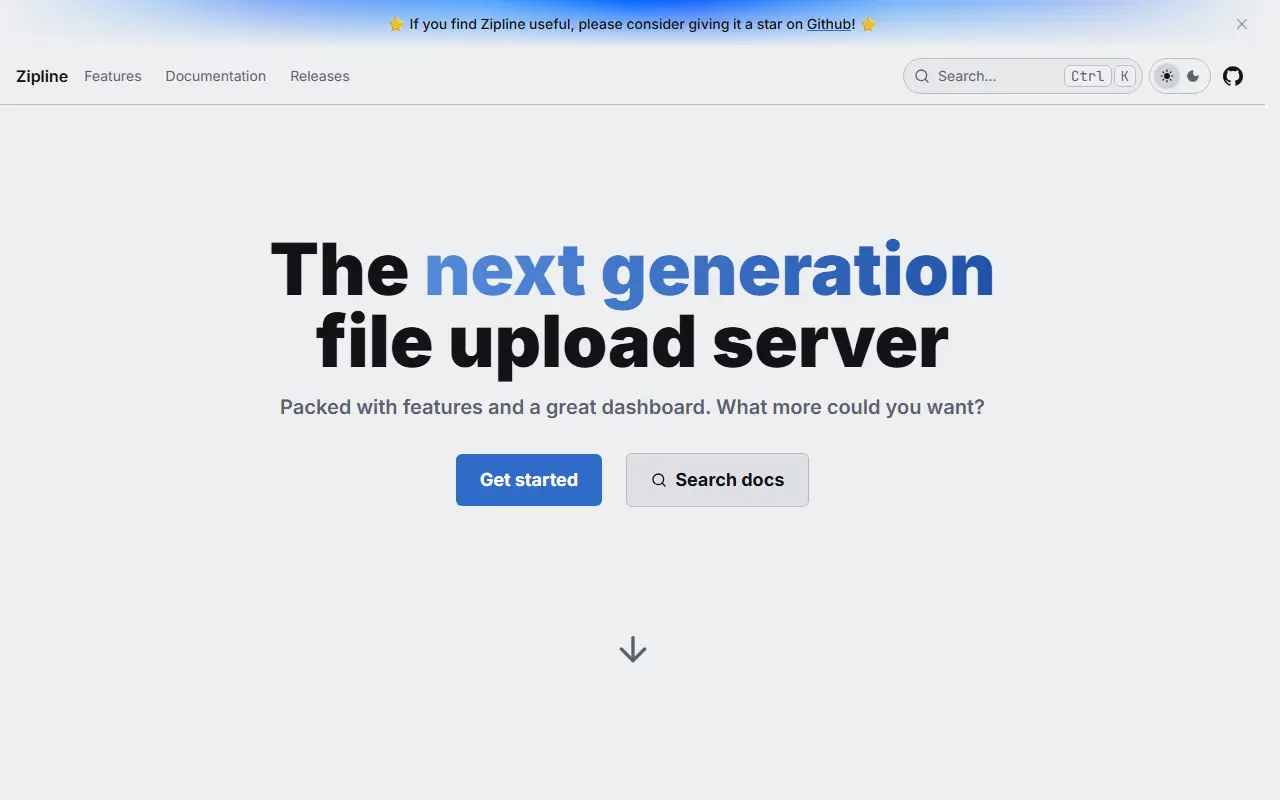
zipline.diced.shZipline homepage screenshot

Zipline is an open-source file upload server that you run yourself. It began as a destination for ShareX screenshot and file uploads and has grown into a general personal or team file host with a web interface, an API, and a gallery view for uploaded media. It is released under the MIT license.

Uploads can be organized into folders and tags, shortened into compact URLs, and shared with embeds that preview cleanly in chat apps. Access can be tightened with password-protected links, invite-only registration, per-user quotas, OAuth2 sign-in, two-factor authentication, and passkeys. Image compression, video thumbnails, and partial uploads help with larger files, and webhooks can notify Discord or any HTTP endpoint.

Deployment is Docker-based: you mount volumes for uploads, public assets, and custom themes, and set a secret value before the first start. The host CPU must support AVX instructions, because the project does not publish builds for older processors. Zipline suits individuals, communities, and small teams who want a private alternative to public image and file hosts.

Key features

  • ShareX-compatible upload endpoint
  • Folders and tags for organizing uploads
  • URL shortening for shared files
  • Password-protected links and invite-only signups
  • OAuth2, two-factor authentication, and passkeys
  • Image compression and video thumbnails
  • Discord and HTTP webhooks
  • Custom themes and per-user quotas

Pricing: Free and open source under the MIT license; you run it on your own server.

Zight alternatives: questions

What is the best open-source alternative to Zight?
ShareX is the top-ranked open-source alternative to Zight on Enlisted: A free, open-source Windows tool for screen capture, screen recording, annotation and file sharing, with OCR, hotkeys and custom upload workflows. Other strong options are Cap, Screenity, ScreenToGif and Zipline.
Are these Zight alternatives free?
All 5 are open source, so the code is free to use under its licence, and all of them can be self-hosted on your own server or computer. 2 also offer a paid or managed cloud version if you'd rather not host it yourself.
How is this list of Zight alternatives ranked?
By a score built from GitHub stars, star growth over the last 30 days and how recently the code changed. 4 of these projects shipped code in the last 30 days. Data is refreshed daily, and nobody can pay to move up.

People also look for alternatives to…

View all