
About ScreenFlow
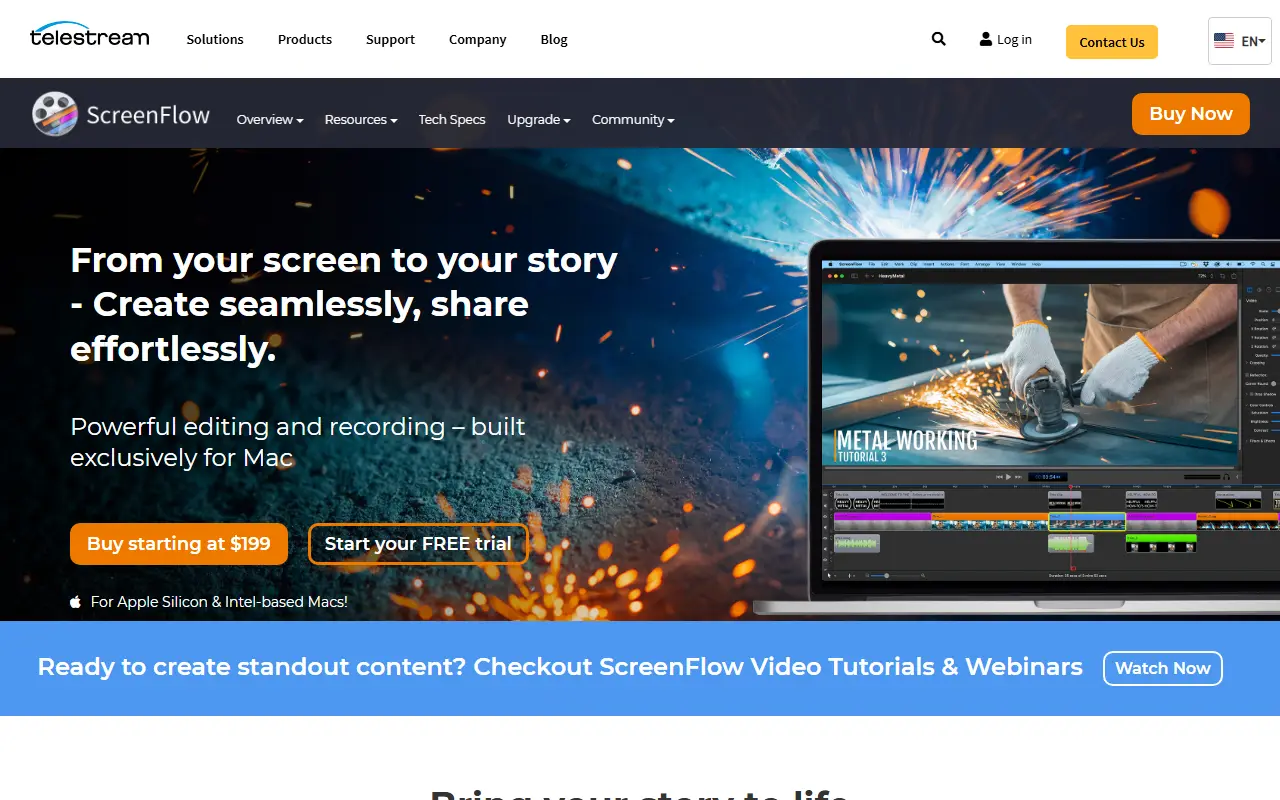
ScreenFlow is a combined screen recorder and video editor built exclusively for Mac. It captures the screen, a camera and a microphone at the same time and lets users edit the result in a timeline, aimed at people who produce software demos, iPhone demos, video tutorials and training courses.
Highlights include simultaneous recording of screen, camera and audio, multi-app recording, a customizable title library and filters for a more finished look. It runs on both Apple Silicon and Intel Macs, and Telestream provides video tutorials and webinars for learning it.
ScreenFlow is commercial software sold as a paid license, with a free trial and a starting price listed on the vendor's site. It suits educators, trainers, marketers and software teams who need one Mac application for recording and finishing instructional video.
Key features
- Simultaneous screen, camera and microphone recording
- Multi-app recording
- Timeline video editing
- Customizable title library
- Video filters
- Apple Silicon and Intel Mac support
Good fit for
- →Trainers recording software walkthroughs
- →Teachers producing video lessons
- →Product teams creating iPhone app demos
- Tags
- screen-recording
- video-editing
- macos
- tutorials
- telestream
- demos
ScreenFlow: questions and answers
- What is ScreenFlow used for?
- ScreenFlow is Telestream's Mac software for screen recording and video editing, used to make software demos, tutorials, training videos and presentations. It is a good fit for trainers recording software walkthroughs, teachers producing video lessons and product teams creating iPhone app demos.
- How much does ScreenFlow cost?
- Paid plans for ScreenFlow start at $199 per seat as a one-time payment, and there is no free plan.
- Is ScreenFlow open source?
- No. ScreenFlow is proprietary (closed-source) software. Open-source alternatives to ScreenFlow include OBS Studio, Cap and Screenity.
- What are some alternatives to ScreenFlow?
- ScreenFlow competes with Camtasia, Screen Studio and Tella. For open-source options, see Enlisted's ranked list of open-source ScreenFlow alternatives.
Open-source alternatives to ScreenFlow
See all
OBS Studio
Video Editing
OBS Studio - Free and open source software for live streaming and screen recording
GPL-2.0vs vMix★ 77k
Cap
Video Editing
Open source Loom alternative. Beautiful, shareable screen recordings.
OSSvs Loom★ 23k
Screenity
Video Editing
The free and privacy-friendly screen recorder with no limits 🎥
GPL-3.0vs Screencastify★ 19k
Shotcut
Video Editing
cross-platform (Qt), open-source (GPLv3) video editor
GPL-3.0vs Adobe Premiere Pro★ 15k
Kdenlive
Video Editing
Free and open source video editor, based on MLT Framework and KDE Frameworks
GPL-3.0vs Adobe Premiere Pro★ 5.8k
BetterShot
Productivity
Screenshot, screen recording, and video editor for macOS. Native SwiftUI app with capture
OSSvs CleanShot X★ 2.4k
SaaS alternatives to ScreenFlow
See all
Camtasia
Video Editing
Screen recorder and video editor for tutorials and training videos
SaaS
Screen Studio
Video Editing
Mac screen recorder that adds automatic zooms and polished cursor animations
SaaS
Tella
Video Editing
Screen and camera recorder with editing for demos and tutorials
SaaS
Screencastify
Video Editing
Chrome-based screen recorder aimed at education and teams
SaaS
Snagit
Productivity
Screen capture and annotation tool for screenshots and short recordings
SaaS
autozoom
Video Editing
Screen recorder with automatic zoom, motion blur and 4K export
SaaS