7,363 open-source and SaaS tools, with GitHub stats refreshed every day.

6 alternatives ranked by real activity

Open-source ScreenFlow alternatives

A curated, ranked list of the 6 best open-source alternatives to ScreenFlow.

The best open-source alternative to ScreenFlow is OBS Studio. If that doesn't suit you, other good options are Cap, Screenity, Shotcut and Kdenlive.

ScreenFlow alternatives are mainly video editing tools, but some are also productivity tools. 6 of them shipped code in the last 30 days, 6 can be self-hosted, and none uses a permissive licence.

Last updated October 3, 2026 · ranked by GitHub stars, growth and recent commits

OBS Studio

Free, open-source program for recording video and streaming live on Windows, macOS and Linux, built around scenes made from multiple sources.

GitHub stars
77k
Last commit
today
Latest release
32.2.2
Licence
GPL-2.0
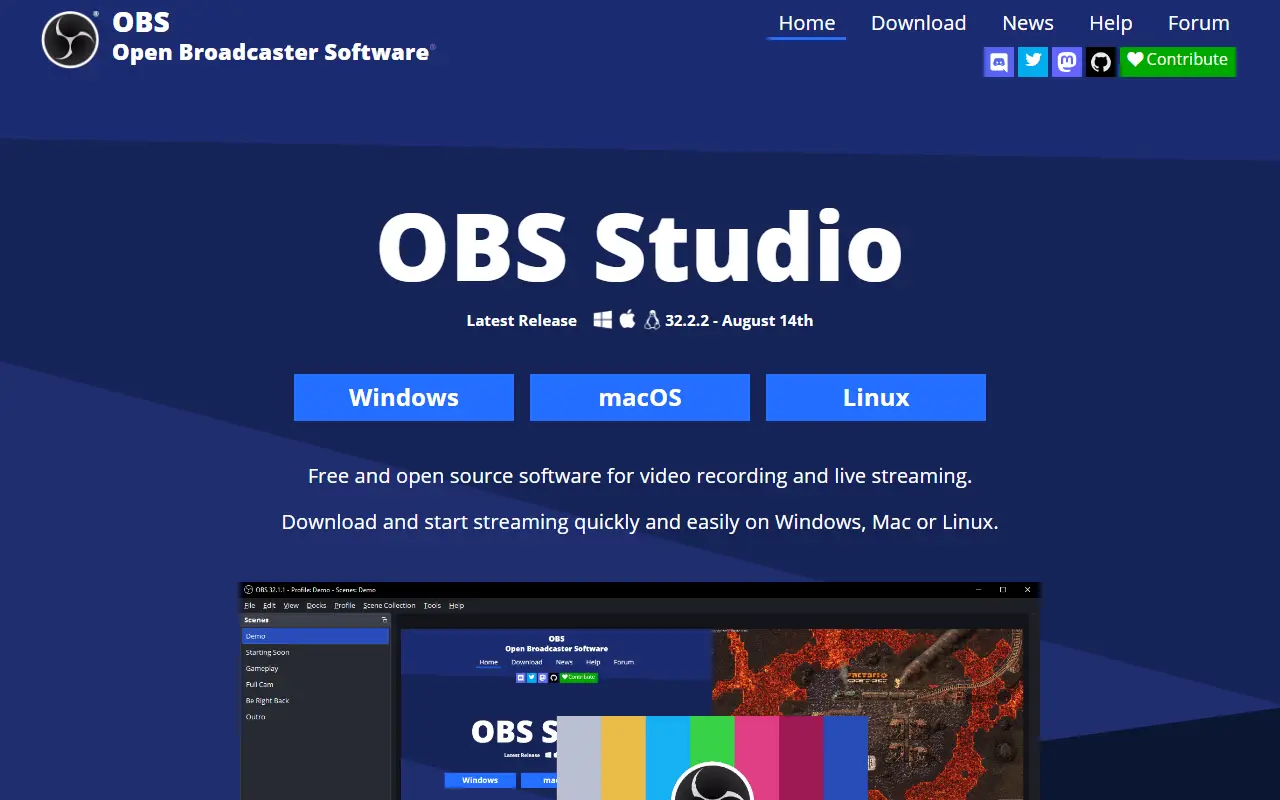
obsproject.comOBS Studio homepage screenshot

OBS Studio, from the Open Broadcaster Software project, is a free, open-source application for recording video and streaming live. It runs on Windows 10 and 11, recent macOS versions and Linux, and it is written mainly in C and C++ under the GPL-2.0 license.

Content is composed as scenes built from multiple sources, such as window captures, images, text, browser windows, webcams and capture cards. You can create as many scenes as you need and switch between them with customizable transitions. An audio mixer provides per-source filters like noise gate, noise suppression and gain, and VST plugins are supported. A modular dock-based interface can be rearranged, and individual docks can be popped out into separate windows.

OBS can stream to Twitch, YouTube and other providers, or record to local files using H.264 video and AAC audio. The project is funded through sponsors and backers. It suits streamers, educators, gamers and anyone producing tutorials or presentations who needs flexible capture and mixing without a license fee.

Key features

  • Real-time video and audio capture and mixing
  • Scenes combining windows, webcams, images and text
  • Custom transitions between scenes
  • Audio mixer with noise suppression and gain
  • VST plugin support
  • Streaming to Twitch, YouTube and other services
  • Recording with H.264 and AAC encoding

Pricing: Free and open source under the GPL-2.0 license.

Cap

Cap is an open-source screen recorder and Loom alternative with instant share links, local editing, team workspaces and self-hosting.

GitHub stars
23k
Last commit
today
Latest release
cap-v0.6.0
Self-hosted
Yes
Hosted version
Available
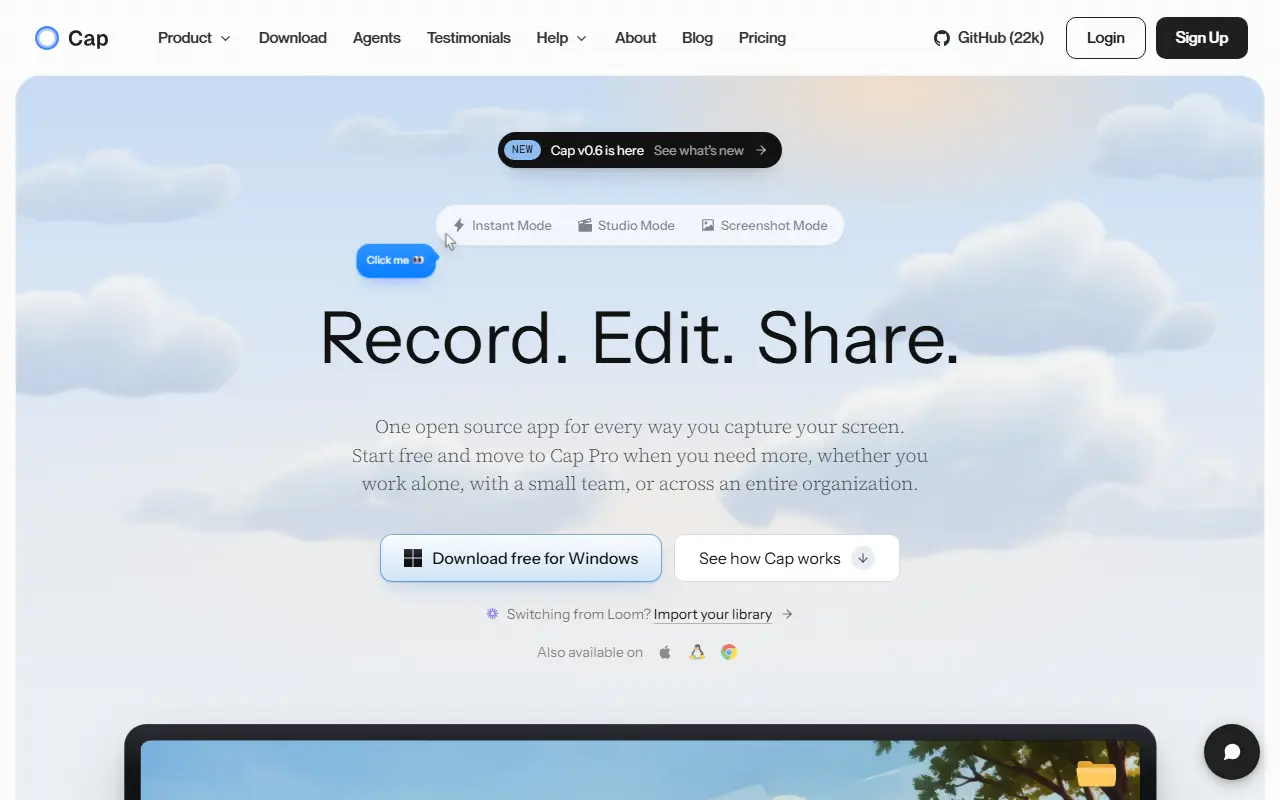
cap.soCap homepage screenshot

Cap is an open-source alternative to Loom for recording and sharing screen videos. You can record the screen, camera and microphone, then send a link or export a finished video. It is built with Rust and Tauri for the desktop apps, plus a Next.js web dashboard, and runs on macOS and Windows. The repository metadata lists the license as Other.

There are two recording modes: Instant Mode uploads while you record so a share link is ready when you stop, and Studio Mode records locally and offers editing with backgrounds, zooms, trimming, captions and export controls. Sharing options include private links, passwords and custom domains, and comments, reactions, transcripts, viewer analytics and team workspaces support async feedback. Storage can be Cap Cloud, your own S3-compatible bucket, local files or a fully self-hosted platform. Cap AI generates titles, summaries, chapters and captions, and Loom videos can be imported.

Key features

  • Screen, camera and microphone recording
  • Instant Mode with immediate share links
  • Studio Mode with local editing and captions
  • Comments, transcripts and viewer analytics
  • Custom domains and S3-compatible storage
  • Import of existing Loom videos

Pricing: Free for personal use. A commercial desktop license costs $29 a year, and Cap Pro with cloud sharing costs $12 per user per month ($8.16 billed annually).

Read more about CapWebsite GitHub

Screenity

A free, privacy-friendly screen recorder and annotation tool for creating demos, tutorials and presentations, with unlimited recordings of tabs, screens or cameras.

GitHub stars
19k
Last commit
7 days ago
Latest release
v4.6.12
Licence
GPL-3.0
Self-hosted
Yes
Hosted version
Available
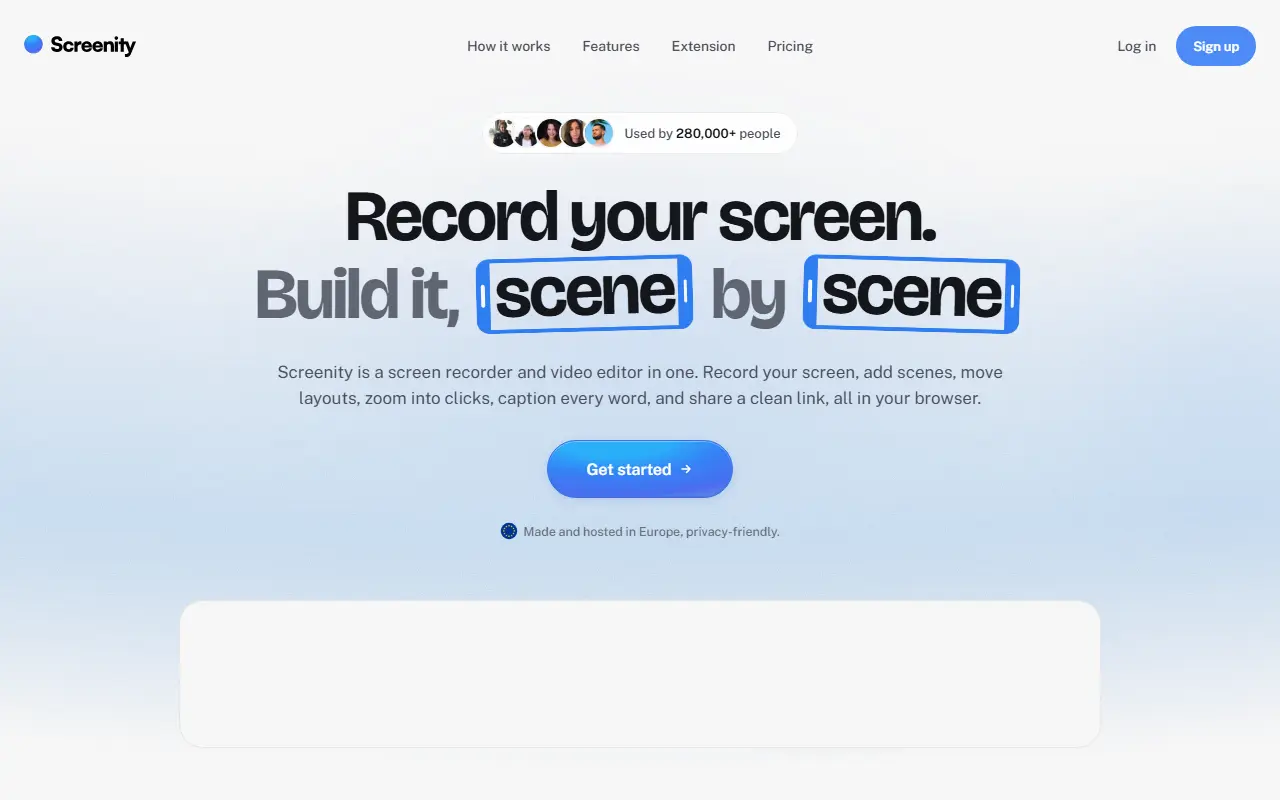
screenity.ioScreenity homepage screenshot

Screenity is a free screen recorder and annotation tool that emphasizes privacy and has no recording limits. It can capture a browser tab, a selected area, the whole desktop, a specific application or a camera, and also records audio, which makes it useful for product demos, tutorials, presentations and feedback videos.

Topics show it runs as a Chrome extension, and it includes annotation tools to draw on screen while recording. The README documents how to create a development version and how to enable saving to Google Drive. The project is funded by sponsorship, with Recall.ai supporting its open-source work, and its creator offers an optional paid tier called Screenity Pro, described as an EU-hosted, privacy-minded platform offering link sharing, multi-scene editing, zoom keyframes and captions.

Screenity is JavaScript and licensed under GPL-3.0. The free extension can be installed from the browser store, and there is a section on self-hosting it. It suits teachers, support staff, designers and developers who regularly record their screen and prefer not to depend on a subscription.

Key features

  • Unlimited screen, tab and camera recordings
  • On-screen annotation while recording
  • Microphone and audio capture
  • Optional save to Google Drive
  • Chrome extension install
  • Optional Screenity Pro hosted platform

Pricing: The recorder extension is free. The paid editor and sharing plan is $10 a month on yearly billing ($120 per year) with a 7-day free trial.

Shotcut

Shotcut is a free, cross-platform video editor built on the MLT framework and Qt, released under the GPLv3 license.

GitHub stars
15k
Last commit
yesterday
Latest release
v26.9.27
Licence
GPL-3.0
Self-hosted
Yes
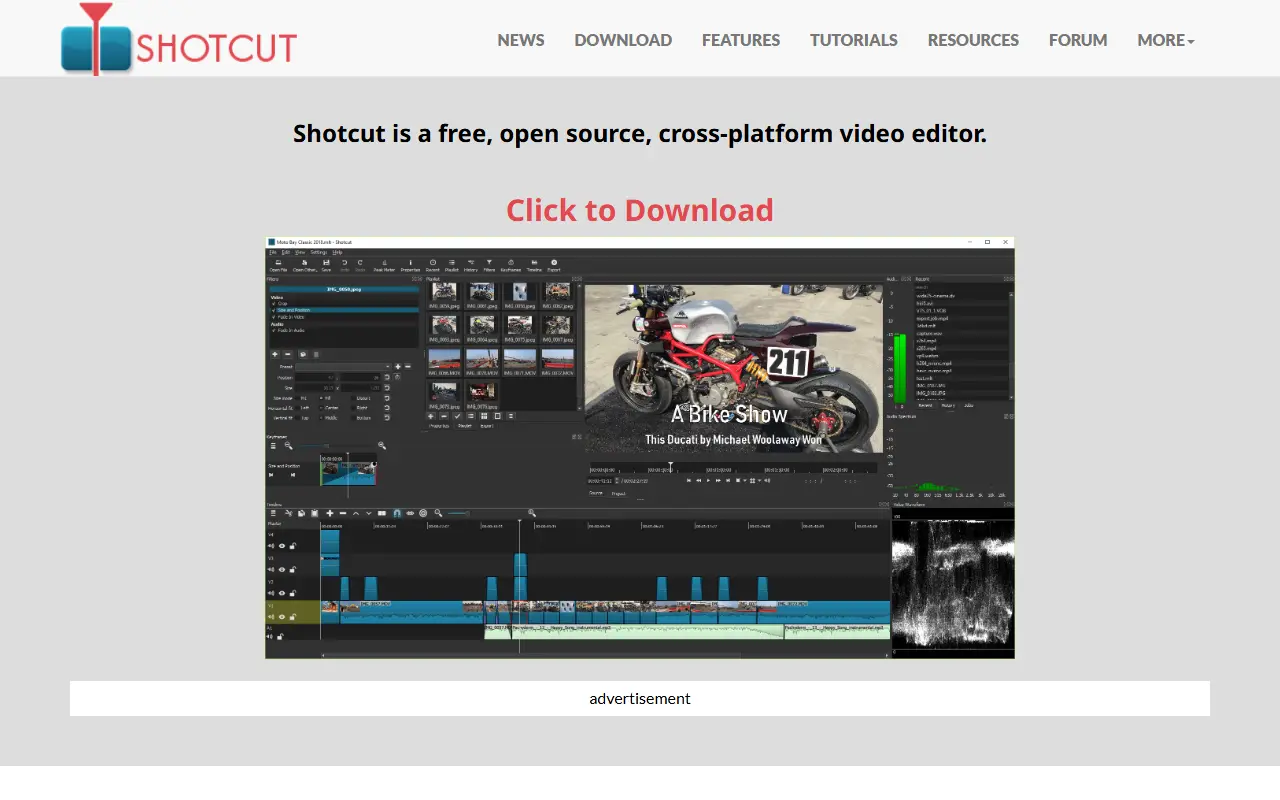
shotcut.orgShotcut homepage screenshot

Shotcut is a free, open-source, cross-platform video editor. It is written in C++ with the Qt 6 framework for its interface and uses the MLT multimedia authoring framework as its editing engine. It is released under the GPLv3 license, and Dan Dennedy is credited as the main author.

Its direct dependencies include FFmpeg for multimedia formats and codecs, Frei0r for video plugins, FFTW and SDL for audio playback. Prebuilt binaries are regularly built and available on the project website, while building from source is recommended mainly for beta testers and contributors, using Qt Creator or the command line with CMake.

The project maintains a features page and a roadmap on its website, and invites translations through Transifex. As a desktop program it runs locally on the user's computer, and there is no hosted service. A credits page lists the full set of direct, indirect and bundled dependencies.

Key features

  • Cross-platform desktop video editor
  • Built on the MLT multimedia framework
  • FFmpeg format and codec support
  • Frei0r video plugin support
  • Qt 6 user interface
  • Regularly built binaries

Pricing: Free and open source under the GPLv3 license.

Kdenlive

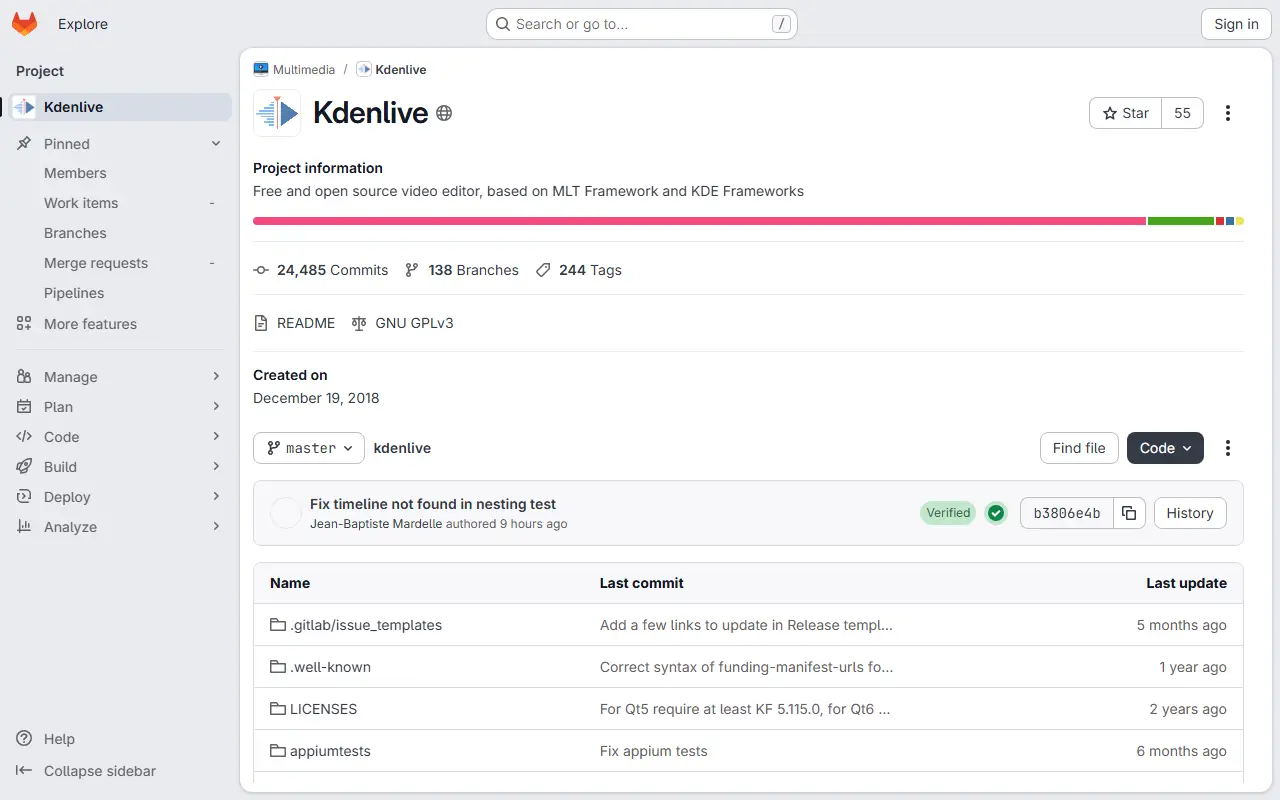
A free, open-source video editor built on the MLT framework and KDE Frameworks, for everyone from home video makers to people working on complex projects.

GitHub stars
5.8k
Last commit
today
Licence
GPL-3.0
Self-hosted
Yes
invent.kde.orgKdenlive homepage screenshot

Kdenlive is a free and open-source video editor that targets both quick family videos and larger, more involved projects. It is developed by the KDE community and built on the MLT multimedia framework, which provides the core video editing functionality behind the interface.

The interface is written in C++ with Qt and KDE Frameworks 6. Video effects come from the frei0r library and audio effects from LADSPA plugins, so the effect set can grow through those ecosystems. Downloads of stable releases and experimental daily builds are published on the project website, and users can also help with translations, bug triage, documentation and tutorials.

Kdenlive is licensed under GPL-3.0 and runs as a desktop application on Linux, Windows and macOS. Primary development happens on KDE Invent, with the GitHub repository acting as a mirror, and contributors discuss development in a Matrix channel.

Key features

  • Video editing built on the MLT framework
  • Multi-track timeline for video and audio
  • Visual effects through frei0r
  • Audio effects through LADSPA
  • Qt desktop interface using KDE Frameworks
  • Stable releases and daily builds

Pricing: Free and open source under the GPL-3.0 licence.

BetterShot

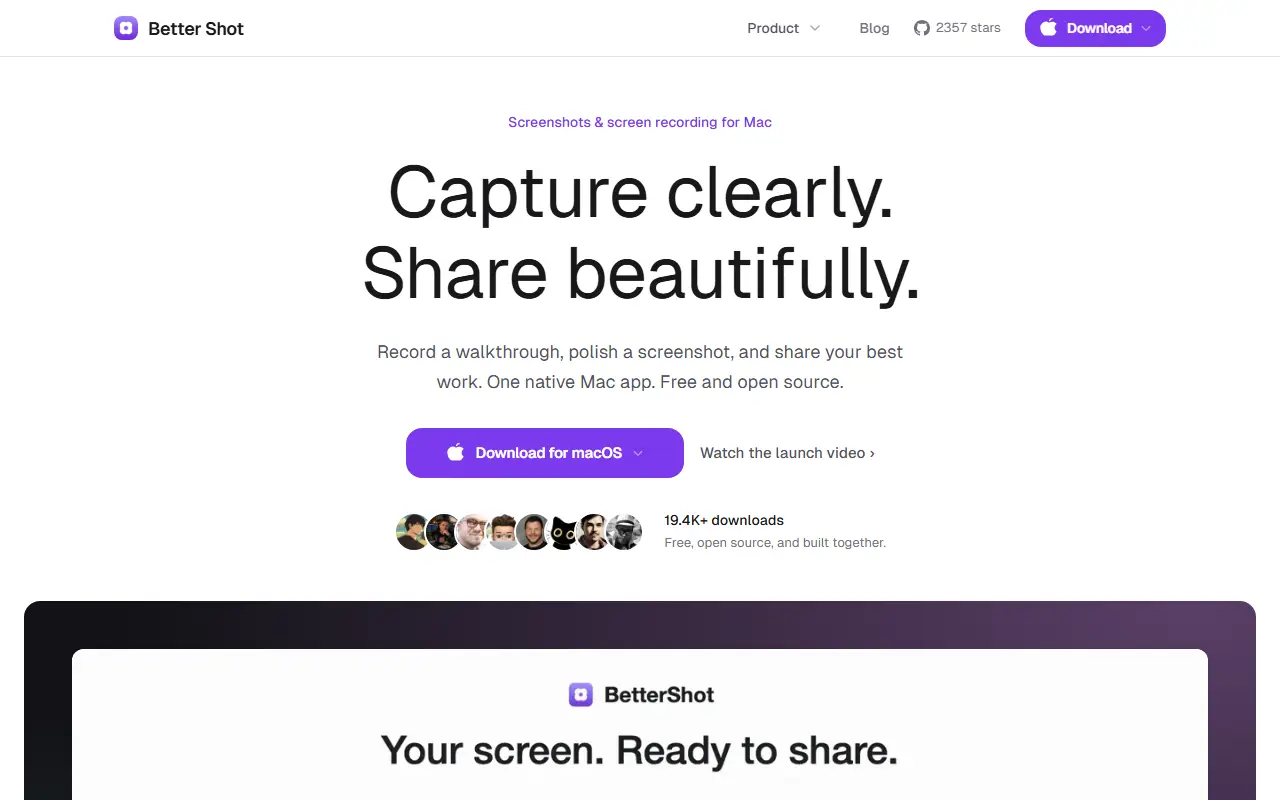
Native macOS app for screenshots, scrolling captures, screen recording, and video editing, offered as a free open-source alternative to CleanShot X and Loom.

GitHub stars
2.4k
Last commit
yesterday
Latest release
v0.5.8
Self-hosted
Yes
bettershot.siteBetterShot homepage screenshot

BetterShot is a free, open-source Mac app for capturing, editing, and sharing screenshots and screen recordings. It is built natively with SwiftUI and needs no account, subscription, or cloud service. It requires macOS 26 or later and is positioned as an alternative to CleanShot X and Loom. The input lists its license only as other.

Screenshot tools include region, window, fullscreen, and scrolling capture, OCR text extraction, a color picker, and annotation with arrows, shapes, text, numbered markers, highlights, blur, and pixelate. Captures can be framed on a wallpaper or gradient with padding, rounded corners, and shadow. Recording supports a display, window, or area, with optional system audio, microphone, camera, and teleprompter, followed by a video editor for cutting, speed changes, zooms, transitions, captions, and masks.

It also provides customizable shortcuts, URL scheme automation for tools like Raycast, and self-hosted cloud sharing, with Cloudflare R2 among the topics. BetterShot suits Mac users who make tutorials, documentation, and bug reports and prefer a local, privacy-focused tool.

Key features

  • Region, window, fullscreen, and scrolling capture
  • Annotation tools and OCR text extraction
  • Screen recording with audio and camera
  • Built-in video editor with zooms and captions
  • URL scheme automation
  • Self-hosted cloud sharing

Pricing: Better Shot is free and open source, with no trial, no paid tier, no account and no watermark.

ScreenFlow alternatives: questions

What is the best open-source alternative to ScreenFlow?
OBS Studio is the top-ranked open-source alternative to ScreenFlow on Enlisted: Free, open-source program for recording video and streaming live on Windows, macOS and Linux, built around scenes made from multiple sources. Other strong options are Cap, Screenity, Shotcut and Kdenlive.
Are these ScreenFlow alternatives free?
All 6 are open source, so the code is free to use under its licence, and all of them can be self-hosted on your own server or computer. 2 also offer a paid or managed cloud version if you'd rather not host it yourself.
How is this list of ScreenFlow alternatives ranked?
By a score built from GitHub stars, star growth over the last 30 days and how recently the code changed. 6 of these projects shipped code in the last 30 days. Data is refreshed daily, and nobody can pay to move up.

People also look for alternatives to…

View all