
About Super Recorder
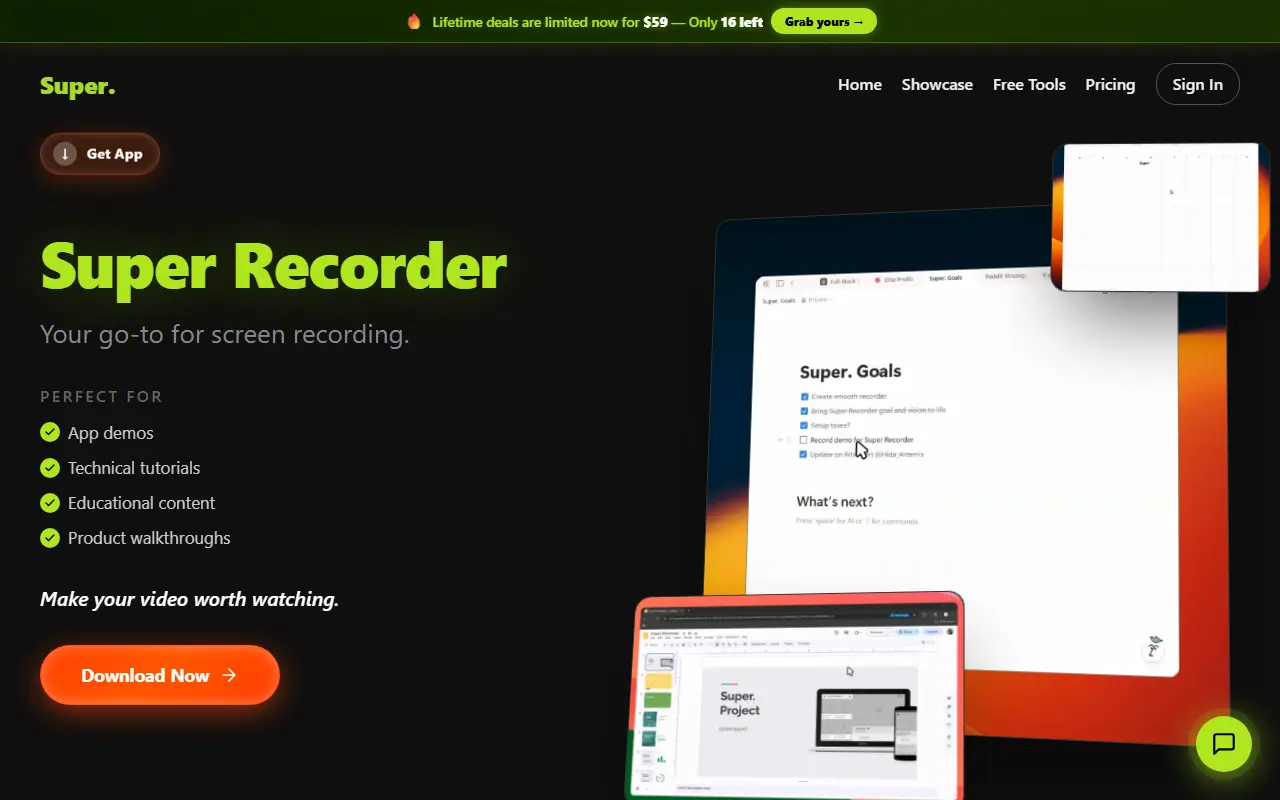
Super Recorder is a screen recording app for Windows and Linux built for creative work. The homepage describes recording, editing and sharing in one workflow, and lists app demos, technical tutorials, educational content and product walkthroughs as typical uses. A companion called Super Screenshot and a set of free tools are linked from the site.
The visible text is mostly community comments and a showcase of recordings, so specific features, formats and pricing are not spelled out beyond a pricing section and a download button. Use cases named in the page include code reviews, user onboarding and pitch videos.
Key features
- Screen recording for Windows and Linux
- Built-in editing and sharing workflow
- Suited to app demos and tutorials
- Companion screenshot app
- Free tools on the site
Good fit for
- Recording a product walkthrough
- Making a technical tutorial video
Super Recorder: questions and answers
- What is Super Recorder used for?
- Super Recorder is a screen recorder for Windows and Linux for making app demos, tutorials and product walkthroughs, with editing and sharing built in. It is a good fit for recording a product walkthrough and making a technical tutorial video.
- How much does Super Recorder cost?
- Paid plans for Super Recorder start at $9 per month, and there is no free plan. A free trial is available.
- Is Super Recorder open source?
- No. Super Recorder is proprietary (closed-source) software. In the Video Editing category, open-source options include Screenity, ScreenToGif and HandBrake.
- What are some alternatives to Super Recorder?
- Super Recorder competes with Loom, Screen Studio and Screencastify.
Open-source alternatives to Super Recorder
See all
Screenity
Video Editing
The free and privacy-friendly screen recorder with no limits 🎥
GPL-3.0vs Screencastify★ 19k
ScreenToGif
Video Editing
🎬 ScreenToGif allows you to record a selected area of your screen, edit and save it as a
MS-PLvs Snagit★ 28k
HandBrake
Video Editing
HandBrake's development repository
OSS★ 25k
OBS Studio
Video Editing
OBS Studio - Free and open source software for live streaming and screen recording
GPL-2.0vs vMix★ 77k
Cap
Video Editing
Open source Loom alternative. Beautiful, shareable screen recordings.
OSSvs Loom★ 23k
OpenShot
Video Editing
OpenShot Video Editor is an award-winning free and open-source video editor for Linux, Mac
OSSvs Adobe Premiere Pro★ 6.6k
SaaS alternatives to Super Recorder
See all
Loom
Productivity
Loom is a screen and camera recording tool for sharing asynchronous video messages, with editing, comments, transcripts and AI features.
SaaS
Screen Studio
Video Editing
Mac screen recorder that adds automatic zooms and polished cursor animations
SaaS
Screencastify
Video Editing
Chrome-based screen recorder aimed at education and teams
SaaS
Camtasia
Video Editing
Screen recorder and video editor for tutorials and training videos
SaaS
Tella
Video Editing
Screen and camera recorder with editing for demos and tutorials
SaaS
ScreenFlow
Video Editing
Mac screen recording and video editing software from Telestream
SaaS