
 Wondershare Filmora
 Adobe Premiere Elements
 VEGAS Pro
 Lightworks
 iMovie
 Movavi Video Editor
 CyberLink PowerDirector
 LumaFusion
 VN Video Editor
 InShot
 FlexClip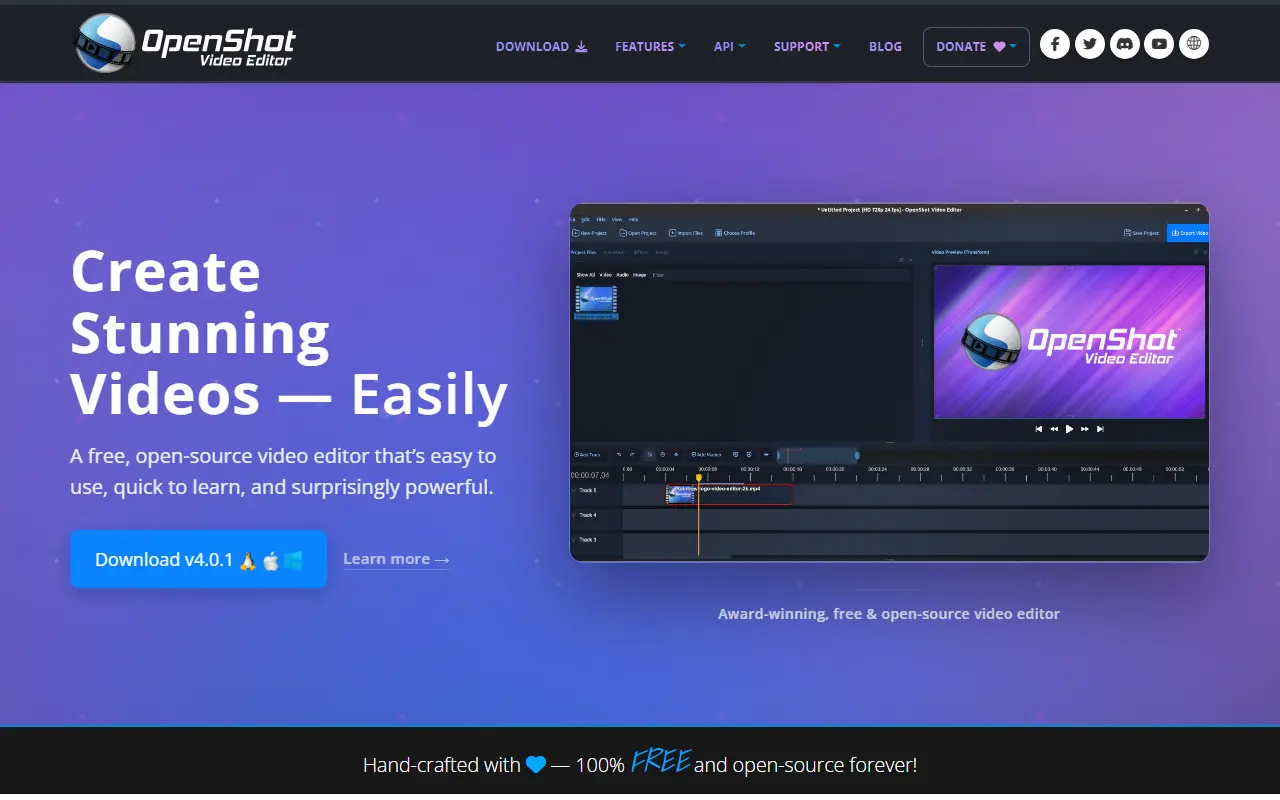
About OpenShot
OpenShot Video Editor is a free, open-source editor for video that runs on Linux, Mac and Windows. Its stated aim is to deliver high quality video editing and animation to a wide audience, and it is built with Python, C++ and the Qt framework on top of FFmpeg.
It supports unlimited tracks and layers, clip resizing, scaling, trimming, rotation and cutting, and a timeline with drag and drop, zooming and snapping. Video transitions have real-time previews, and there are title templates, 3D animated titles, SVG-based titles and scrolling credits. Animation works through curve-based keyframes and image sequences, and clips can be speed-changed or time-mapped. Audio can be mixed and edited, effects include brightness, chroma key and more, and hardware encoding and decoding is available as an experimental option.
Many video, audio and image formats are handled through FFmpeg, and projects can be imported or exported as EDL and XML. Installers and daily builds are available from the project website, along with a step-by-step video tutorial and a user guide.
Key features
- Unlimited tracks and layers
- Curve-based keyframe animation
- Titles, 3D animated titles and credits
- Video transitions with real-time previews
- Chroma key and other video effects
- FFmpeg-based format support
- EDL and XML import and export
Good fit for
- →Editing home and social videos
- →Creating titles and simple animations
- Built with
- Python
- Tags
- video-editor
- video-editing
- ffmpeg
- qt
- animation
- cross-platform
- python
- linux
OpenShot: questions and answers
- What is OpenShot used for?
- OpenShot is a free, open-source video editor for Linux, macOS and Windows with unlimited tracks, keyframe animation, titles and FFmpeg-based format support. It is a good fit for editing home and social videos, and creating titles and simple animations.
- Is OpenShot open source?
- Yes. OpenShot is open source under a custom licence. Its source code is on GitHub at OpenShot/openshot-qt and is written mainly in Python.
- Is OpenShot free?
- Yes. OpenShot is open source, so the software itself is free to use under the terms of its own licence.
- Can I self-host OpenShot?
- Yes. OpenShot can be self-hosted on your own server or infrastructure.
- What is OpenShot an alternative to?
- OpenShot is an open-source alternative to Adobe Premiere Pro, Final Cut Pro, CapCut and Kapwing. Other open-source alternatives to Adobe Premiere Pro include Shotcut, Kdenlive and OpenCut.
- Is OpenShot actively maintained?
- Yes. The most recent commit to OpenShot was on 2 October 2026, and the latest release is v4.0.1, published on 27 September 2026. The project has 6.6k stars on GitHub.
Open-source alternatives to OpenShot
See all
Shotcut
Video Editing
cross-platform (Qt), open-source (GPLv3) video editor
GPL-3.0vs Adobe Premiere Pro★ 15k
Kdenlive
Video Editing
Free and open source video editor, based on MLT Framework and KDE Frameworks
GPL-3.0vs Adobe Premiere Pro★ 5.8k
OpenCut
Video Editing
The open-source CapCut alternative
MITvs CapCut★ 91k
OBS Studio
Video Editing
OBS Studio - Free and open source software for live streaming and screen recording
GPL-2.0vs vMix★ 77k
HandBrake
Video Editing
HandBrake's development repository
OSS★ 25k
ScreenToGif
Video Editing
🎬 ScreenToGif allows you to record a selected area of your screen, edit and save it as a
MS-PLvs Snagit★ 28k
SaaS alternatives to OpenShot
See all
Adobe Premiere Pro
Video Editing
Professional non-linear video editor for film, TV and web video
SaaS
Final Cut Pro
Video Editing
Apple video editing software for Mac with a magnetic timeline
SaaS
CapCut
Video Editing
Video editor for short-form clips with templates, effects and auto captions
SaaS
Kapwing
Video Editing
Browser-based video editor with subtitles, templates and AI tools
SaaS
DaVinci Resolve
Video Editing
Video editing, color grading, effects and audio post-production in one application
SaaS
Microsoft Clipchamp
Video Editing
Browser and Windows video editor with templates, stock media and screen recording
SaaS