 TrackMedia
 TrackRev

 DaVinci Resolve
 Adobe Premiere Pro
 Final Cut Pro
 Wondershare Filmora
 CyberLink PowerDirector
 VEGAS Pro
 Lightworks
About Microsoft Clipchamp
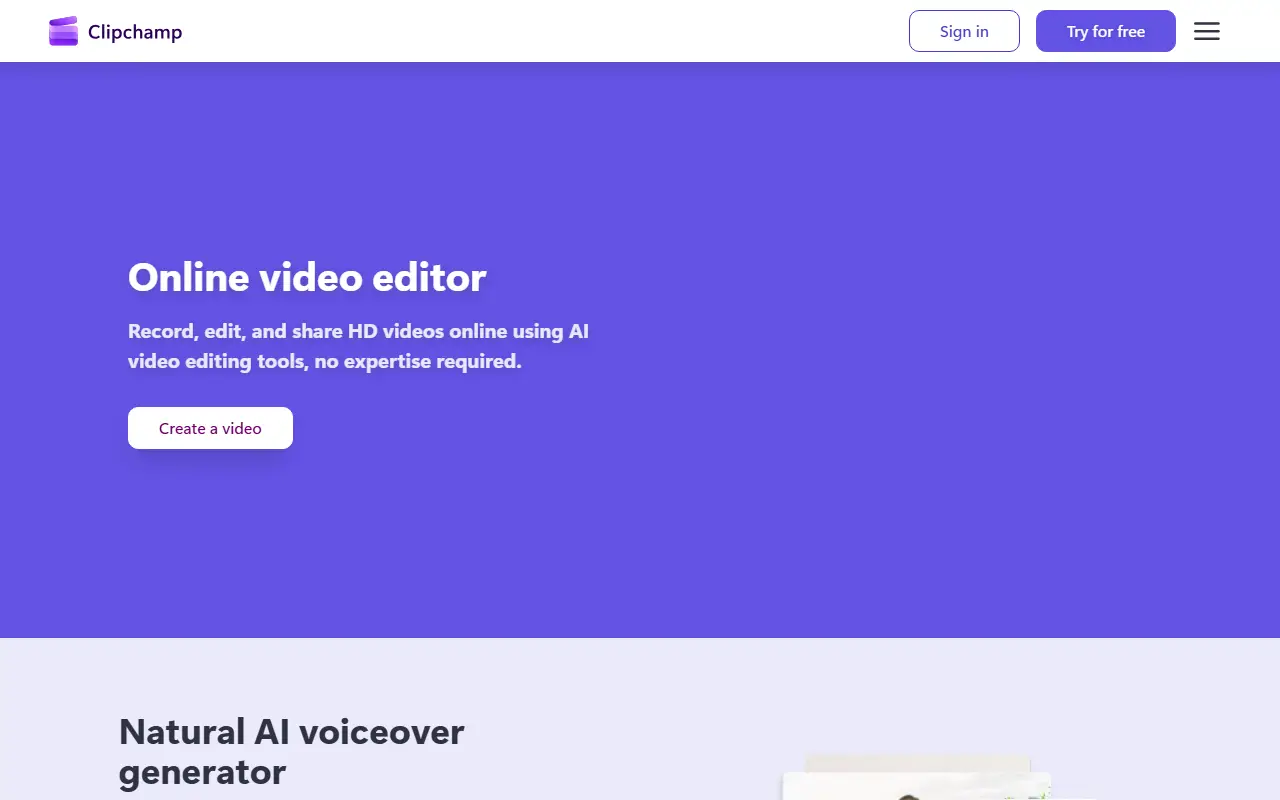
Microsoft Clipchamp is a video editor from Microsoft that can be used in a web browser or as a Windows app. It is aimed at people who want to record, edit and share videos without professional experience, using templates, royalty-free music and stock footage, and export at resolutions up to 4K.
The feature list includes an AI text-to-speech voiceover generator, an AI subtitle generator with support for more than 80 languages, camera, screen and voice recording, green screen, trimming, cropping and resizing tools, a brand kit, stickers, a GIF maker, an audio visualizer, AI background removal and audio enhancement. Templates are provided for formats like YouTube, TikTok and Instagram videos.
Clipchamp is a hosted and installable proprietary product with no self-hosted edition, and it has offerings for work and for education. Users can try it for free, with paid plans listed on its pricing page. It suits individuals, small businesses and teams creating social, promo and demo videos.
Key features
- Browser and Windows app video editor
- Templates, stock footage and royalty-free music
- AI text-to-speech voiceovers
- AI subtitle generator in 80+ languages
- Screen, camera and voice recording
- Green screen and AI background removal
- Brand kit and export up to 4K
Good fit for
- Making social media and promo videos
- Recording and trimming screen demos
- Adding captions to training videos
Microsoft Clipchamp: questions and answers
- What is Microsoft Clipchamp used for?
- Microsoft Clipchamp is a video editor that runs in the browser and as a Windows app, with templates, stock media, AI tools and screen recording. It is a good fit for making social media and promo videos, recording and trimming screen demos, and adding captions to training videos.
- Is Microsoft Clipchamp free?
- Yes. Microsoft Clipchamp has a free plan. A free editor with 1080p exports and no watermark. Premium features (4K export, premium stock, brand kit) come with a Microsoft 365 Personal or Family subscription; no price is listed on this page.
- Is Microsoft Clipchamp open source?
- No. Microsoft Clipchamp is proprietary (closed-source) software and can't be self-hosted. Open-source alternatives to Microsoft Clipchamp include OpenCut, Kdenlive and Shotcut.
- What are some alternatives to Microsoft Clipchamp?
- Microsoft Clipchamp competes with CapCut, Kapwing and VEED. For open-source options, see Enlisted's ranked list of open-source Microsoft Clipchamp alternatives.
Open-source alternatives to Microsoft Clipchamp
See all
OpenCut
Video Editing
The open-source CapCut alternative
MITvs CapCut★ 98k
Kdenlive
Video Editing
Free and open source video editor, based on MLT Framework and KDE Frameworks
GPL-3.0vs Adobe Premiere Pro★ 6.1k
Shotcut
Video Editing
cross-platform (Qt), open-source (GPLv3) video editor
GPL-3.0vs Adobe Premiere Pro★ 16k
OpenShot
Video Editing
OpenShot Video Editor is an award-winning free and open-source video editor for Linux, Mac
OSSvs Adobe Premiere Pro★ 6.8k
Blender
3D & CAD
Official mirror of Blender
OSSvs Autodesk Maya★ 22k
ScreenToGif
Video Editing
🎬 ScreenToGif allows you to record a selected area of your screen, edit and save it as a
MS-PLvs Snagit★ 28k
SaaS alternatives to Microsoft Clipchamp
See all
CapCut
Video Editing
Video editor for short-form clips with templates, effects and auto captions
SaaS
Kapwing
Video Editing
Browser-based video editor with subtitles, templates and AI tools
SaaS
VEED
AI Tools
Browser-based video editor with auto subtitles, AI avatars and screen recording
SaaS
Canva
Design
Online design tool for social graphics, presentations, video and print
SaaS
InVideo
AI Tools
Online video maker that generates videos from text prompts with stock media and voiceover
SaaS
Adobe Express
Design
Browser and mobile design tool for social graphics and short videos
SaaS