
About Lightworks
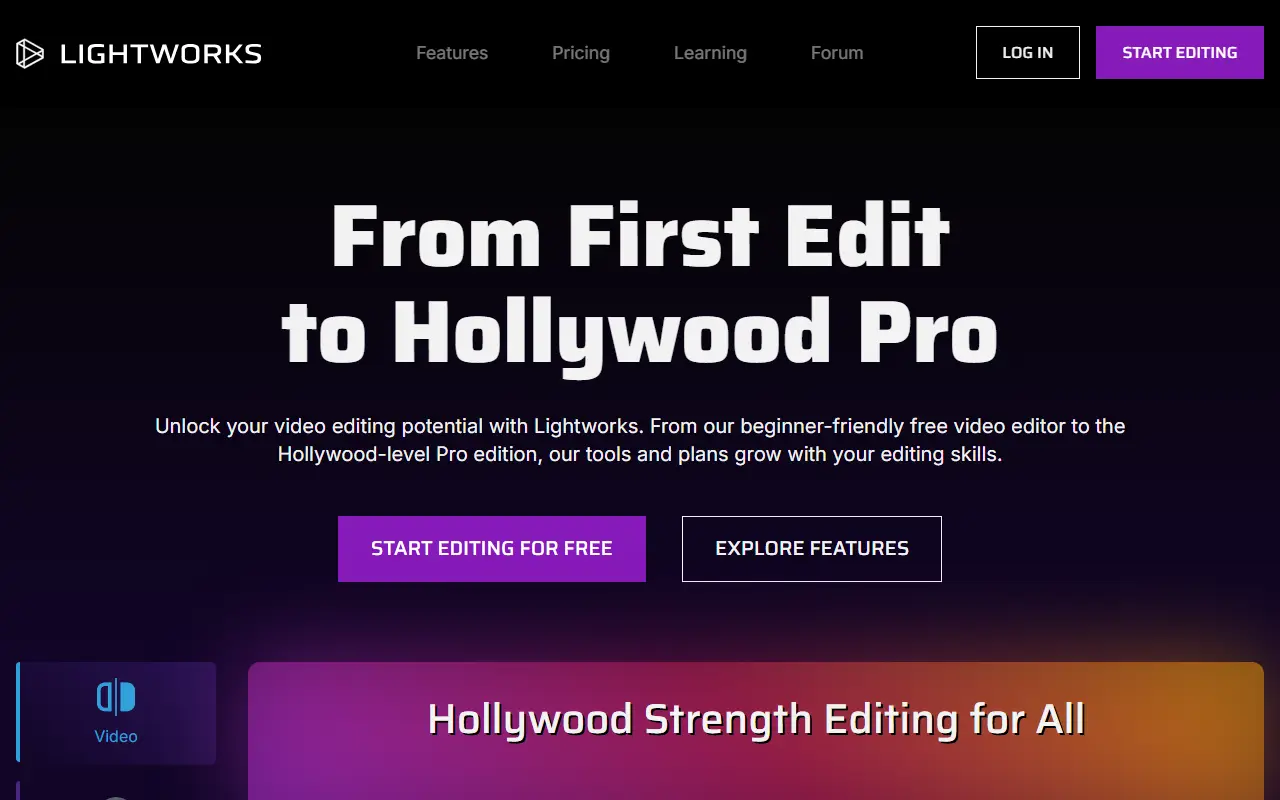
Lightworks is a nonlinear video editing application with a long history in film and television editing. The current product is built around an upgrade path: newcomers can begin with a free edition and move to more capable tiers as their needs grow.
The feature set covers video editing, audio, effects, color work and sharing finished videos. The free edition has a streamlined toolset for beginners, a Create plan adds more features, and the Pro plan offers the most complete set for professionals who want precise control. Lightworks runs on Windows, macOS and Linux.
It is commercial desktop software with a permanent free tier, so users can try it on real projects before deciding whether a paid plan is worthwhile. A forum, knowledge base and video tutorials support learning.
Key features
- Nonlinear timeline video editing
- Free edition for beginners
- Paid Create and Pro tiers
- Audio and effects tools
- Color correction tools
- Windows, macOS and Linux support
Good fit for
- →Beginners starting with a free editor
- →Independent filmmakers stepping up to a pro tool
- Tags
- video-editing
- free-tier
- nle
- film
- windows
- macos
- linux
Lightworks: questions and answers
- What is Lightworks used for?
- Lightworks is a nonlinear video editor with a free tier and paid plans, used by people ranging from first-time editors to film and television professionals. It is a good fit for beginners starting with a free editor and independent filmmakers stepping up to a pro tool.
- Is Lightworks free?
- Yes. Lightworks has a free plan.
- Is Lightworks open source?
- No. Lightworks is proprietary (closed-source) software. Open-source alternatives to Lightworks include OpenShot, Kdenlive and Shotcut.
- What are some alternatives to Lightworks?
- Lightworks competes with DaVinci Resolve, Adobe Premiere Pro and VEGAS Pro. For open-source options, see Enlisted's ranked list of open-source Lightworks alternatives.
Open-source alternatives to Lightworks
See all
OpenShot
Video Editing
OpenShot Video Editor is an award-winning free and open-source video editor for Linux, Mac
OSSvs Adobe Premiere Pro★ 6.6k
Kdenlive
Video Editing
Free and open source video editor, based on MLT Framework and KDE Frameworks
GPL-3.0vs Adobe Premiere Pro★ 5.8k
Shotcut
Video Editing
cross-platform (Qt), open-source (GPLv3) video editor
GPL-3.0vs Adobe Premiere Pro★ 15k
ScreenToGif
Video Editing
🎬 ScreenToGif allows you to record a selected area of your screen, edit and save it as a
MS-PLvs Snagit★ 28k
OpenCut
Video Editing
The open-source CapCut alternative
MITvs CapCut★ 91k
OBS Studio
Video Editing
OBS Studio - Free and open source software for live streaming and screen recording
GPL-2.0vs vMix★ 77k
SaaS alternatives to Lightworks
See all
DaVinci Resolve
Video Editing
Video editing, color grading, effects and audio post-production in one application
SaaS
Adobe Premiere Pro
Video Editing
Professional non-linear video editor for film, TV and web video
SaaS
VEGAS Pro
Video Editing
Professional video editing and audio post-production software for Windows
SaaSAvid Media Composer
Video Editing
Professional nonlinear video editing system used in film and television
SaaS
Final Cut Pro
Video Editing
Apple video editing software for Mac with a magnetic timeline
SaaS
LumaFusion
Video Editing
Mobile video editor for iPad, iPhone and Mac
SaaS