
About Kapwing
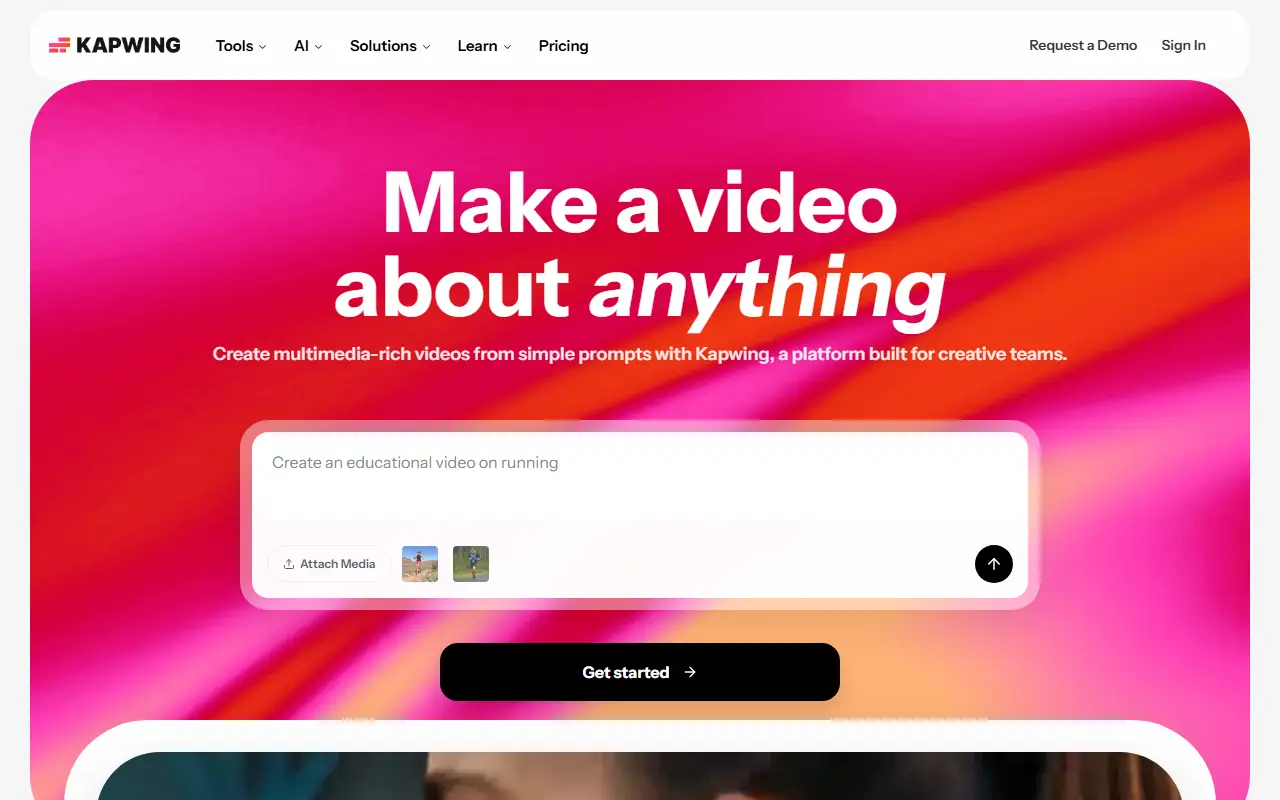
Kapwing is an online video editor that runs in the browser, so creators, marketers and educators can cut clips, combine tracks and add effects without installing desktop software. It also includes audio editing, and whole video projects can be generated from a prompt with its AI tools.
The toolset includes a subtitler for captions, speaker focus that resizes video around the people talking, text to speech, a resize tool, trimming by editing a transcript, transcription, and dubbing into more than 40 languages. AI features include a script generator, b-roll generator, audio cleanup, a clip maker that cuts short clips from one video, smart cut for removing silences, and a video generator.
Kapwing is a hosted commercial product with no self-hosted edition. The vendor targets marketing teams, training teams, schools and social media creators, and its pricing page lists the available plans.
Key features
- Browser-based multi-track video editing
- Automatic subtitles and captions
- Trim video by editing its transcript
- Dubbing into more than 40 languages
- Text-to-speech voiceovers from written scripts
- AI clip maker for short social clips
- Smart cut to remove silences
- Auto-resize to focus on speakers
Good fit for
- →Captioning social media videos
- →Repurposing long videos into short clips
- →Creating training and tutorial videos
- Tags
- video-editor
- subtitles
- ai-video
- online-editor
- captions
- text-to-speech
- dubbing
Kapwing: questions and answers
- What is Kapwing used for?
- Kapwing is an online video editor that runs in the browser, with subtitling, templates and AI tools for creating and repurposing video content. It is a good fit for captioning social media videos, repurposing long videos into short clips, and creating training and tutorial videos.
- Is Kapwing free?
- Yes. Kapwing has a free plan, and paid plans start at $24 per seat per month.
- Is Kapwing open source?
- No. Kapwing is proprietary (closed-source) software and can't be self-hosted. Open-source alternatives to Kapwing include OpenCut, Shotcut and OpenShot.
- What are some alternatives to Kapwing?
- Kapwing competes with VEED, InVideo and Canva. For open-source options, see Enlisted's ranked list of open-source Kapwing alternatives.
Open-source alternatives to Kapwing
See all
OpenCut
Video Editing
The open-source CapCut alternative
MITvs CapCut★ 91k
Shotcut
Video Editing
cross-platform (Qt), open-source (GPLv3) video editor
GPL-3.0vs Adobe Premiere Pro★ 15k
OpenShot
Video Editing
OpenShot Video Editor is an award-winning free and open-source video editor for Linux, Mac
OSSvs Adobe Premiere Pro★ 6.6k
Kdenlive
Video Editing
Free and open source video editor, based on MLT Framework and KDE Frameworks
GPL-3.0vs Adobe Premiere Pro★ 5.8k
ScreenToGif
Video Editing
🎬 ScreenToGif allows you to record a selected area of your screen, edit and save it as a
MS-PLvs Snagit★ 28k
OBS Studio
Video Editing
OBS Studio - Free and open source software for live streaming and screen recording
GPL-2.0vs vMix★ 77k
SaaS alternatives to Kapwing
See all
VEED
AI Tools
Browser-based video editor with auto subtitles, AI avatars and screen recording
SaaS
InVideo
AI Tools
Online video maker that generates videos from text prompts with stock media and voiceover
SaaS
Canva
Design
Online design tool for social graphics, presentations, video and print
SaaS
CapCut
Video Editing
Video editor for short-form clips with templates, effects and auto captions
SaaS
Microsoft Clipchamp
Video Editing
Browser and Windows video editor with templates, stock media and screen recording
SaaS
Descript
AI Tools
Edit video and podcasts by editing their transcript, with AI voice and cleanup tools
SaaS