
About CapCut
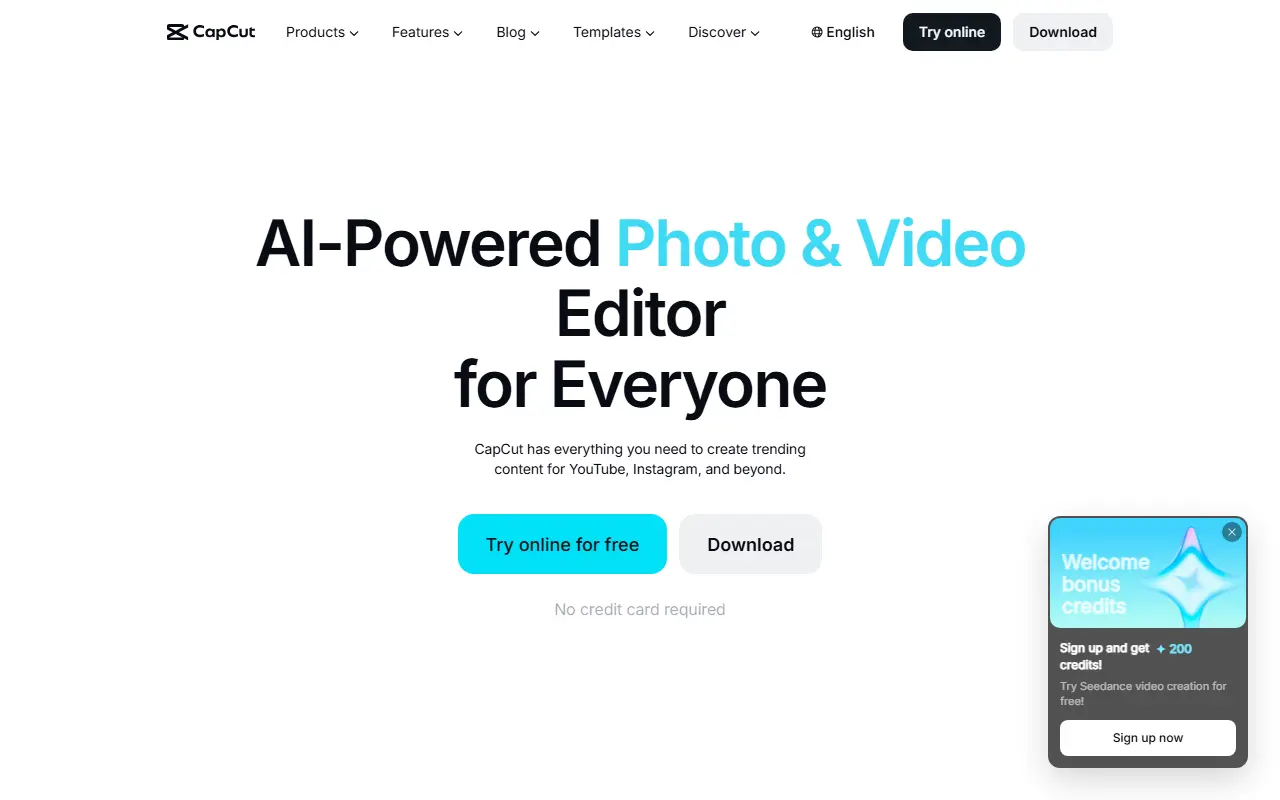
CapCut is a video editing suite aimed at social media creators making short-form clips for platforms such as YouTube and Instagram. It is available as a desktop app, an online editor, a mobile app and a tablet version, so projects can be started on one device and finished on another.
Its feature list includes smart templates, effects, auto captions with speech recognition, text to speech, custom voices, noise reduction and voice enhancement, background removal for video and images, trimming, subtitles and format conversion. AI tools cover video and image generation, image enhancement and text or object removal, and the CapCut family includes related apps such as Dreamina and Hypic.
CapCut is a proprietary product offered both as downloadable apps and as a hosted online editor. It suits individual creators, marketers and small teams who want quick editing with templates rather than a traditional professional timeline.
Key features
- Templates and effects for short videos
- Auto captions with speech recognition
- Text to speech and voice enhancement
- Video and image background removal
- AI video and image generation
- Desktop, online, mobile and tablet versions
Good fit for
- →Making short social media videos
- →Adding automatic captions to clips
- →Editing quickly on a phone
- Tags
- video-editor
- short-form-video
- captions
- templates
- ai-video
- social-media
CapCut: questions and answers
- What is CapCut used for?
- CapCut is a video and photo editor for short-form content, with templates, effects, auto captions and AI tools on desktop, mobile and the web. It is a good fit for making short social media videos, adding automatic captions to clips and editing quickly on a phone.
- Is CapCut free?
- Yes. CapCut has a free plan.
- Is CapCut open source?
- No. CapCut is proprietary (closed-source) software. Open-source alternatives to CapCut include OpenCut, Shotcut and OpenShot.
- What are some alternatives to CapCut?
- CapCut competes with VEED, Kapwing and InVideo. For open-source options, see Enlisted's ranked list of open-source CapCut alternatives.
Open-source alternatives to CapCut
See all
OpenCut
Video Editing
The open-source CapCut alternative
MITvs CapCut★ 91k
Shotcut
Video Editing
cross-platform (Qt), open-source (GPLv3) video editor
GPL-3.0vs Adobe Premiere Pro★ 15k
OpenShot
Video Editing
OpenShot Video Editor is an award-winning free and open-source video editor for Linux, Mac
OSSvs Adobe Premiere Pro★ 6.6k
Kdenlive
Video Editing
Free and open source video editor, based on MLT Framework and KDE Frameworks
GPL-3.0vs Adobe Premiere Pro★ 5.8k
ScreenToGif
Video Editing
🎬 ScreenToGif allows you to record a selected area of your screen, edit and save it as a
MS-PLvs Snagit★ 28k
Nexrender
Video Editing
📹 Data-driven render automation for After Effects
MIT★ 1.9k
SaaS alternatives to CapCut
See all
VEED
AI Tools
Browser-based video editor with auto subtitles, AI avatars and screen recording
SaaS
Kapwing
Video Editing
Browser-based video editor with subtitles, templates and AI tools
SaaS
InVideo
AI Tools
Online video maker that generates videos from text prompts with stock media and voiceover
SaaS
Adobe Premiere Pro
Video Editing
Professional non-linear video editor for film, TV and web video
SaaS
DaVinci Resolve
Video Editing
Video editing, color grading, effects and audio post-production in one application
SaaS
Microsoft Clipchamp
Video Editing
Browser and Windows video editor with templates, stock media and screen recording
SaaS