7,363 open-source and SaaS tools, with GitHub stats refreshed every day.

4 alternatives ranked by real activity

Open-source CapCut alternatives

A curated, ranked list of the 4 best open-source alternatives to CapCut.

The best open-source alternative to CapCut is OpenCut. If that doesn't suit you, other good options are Shotcut, OpenShot and Kdenlive.

CapCut alternatives are mainly video editing tools. 4 of them shipped code in the last 30 days, 4 can be self-hosted, and 1 uses a permissive licence.

Last updated October 3, 2026 · ranked by GitHub stars, growth and recent commits

OpenCut

A free, open-source video editor positioned as an alternative to CapCut, currently being rewritten with a Rust core and a plugin-first design.

GitHub stars
91k
Last commit
8 days ago
Latest release
v0.3.0
Licence
MIT
Hosted version
Available
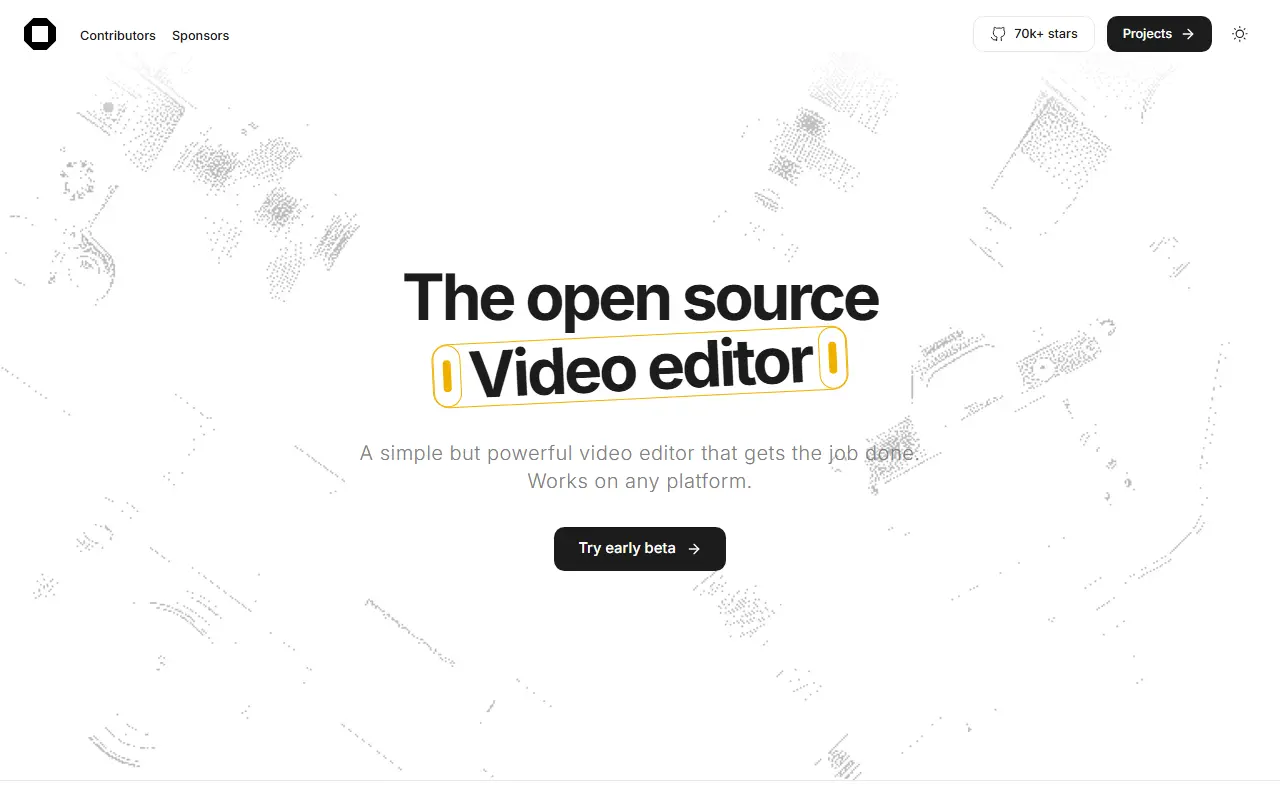
opencut.appOpenCut homepage screenshot

OpenCut is a video editor that is free and open source, aimed at the web, with desktop and mobile versions in view. It is presented as an alternative to CapCut for people who want a video editing tool whose source they can inspect, and it is released under the MIT license. The codebase is written mostly in TypeScript.

The project is being rewritten from the ground up. Planned work includes an Editor API and a plugin-first architecture in which third-party plugins are treated as core, desktop, mobile and browser apps from one Rust-based codebase, an MCP server for AI agents, a headless mode for automation and batch rendering, and a scripting tab inside the editor.

The previous version lives in the opencut-classic repository and is the one to use today; opencut.app still runs this classic version, while the rewrite is staged at a separate address. The maintainers are not accepting outside code contributions yet. It suits creators who want a free web-based editor and developers interested in extensible video tooling.

Key features

  • Free video editing in the browser
  • Classic version running at opencut.app
  • Planned plugin-first architecture and Editor API
  • Planned desktop and mobile apps from one codebase
  • Planned MCP server for AI agents
  • Planned headless mode for batch rendering

Pricing: Free and open source under the MIT license.

Shotcut

Shotcut is a free, cross-platform video editor built on the MLT framework and Qt, released under the GPLv3 license.

GitHub stars
15k
Last commit
yesterday
Latest release
v26.9.27
Licence
GPL-3.0
Self-hosted
Yes
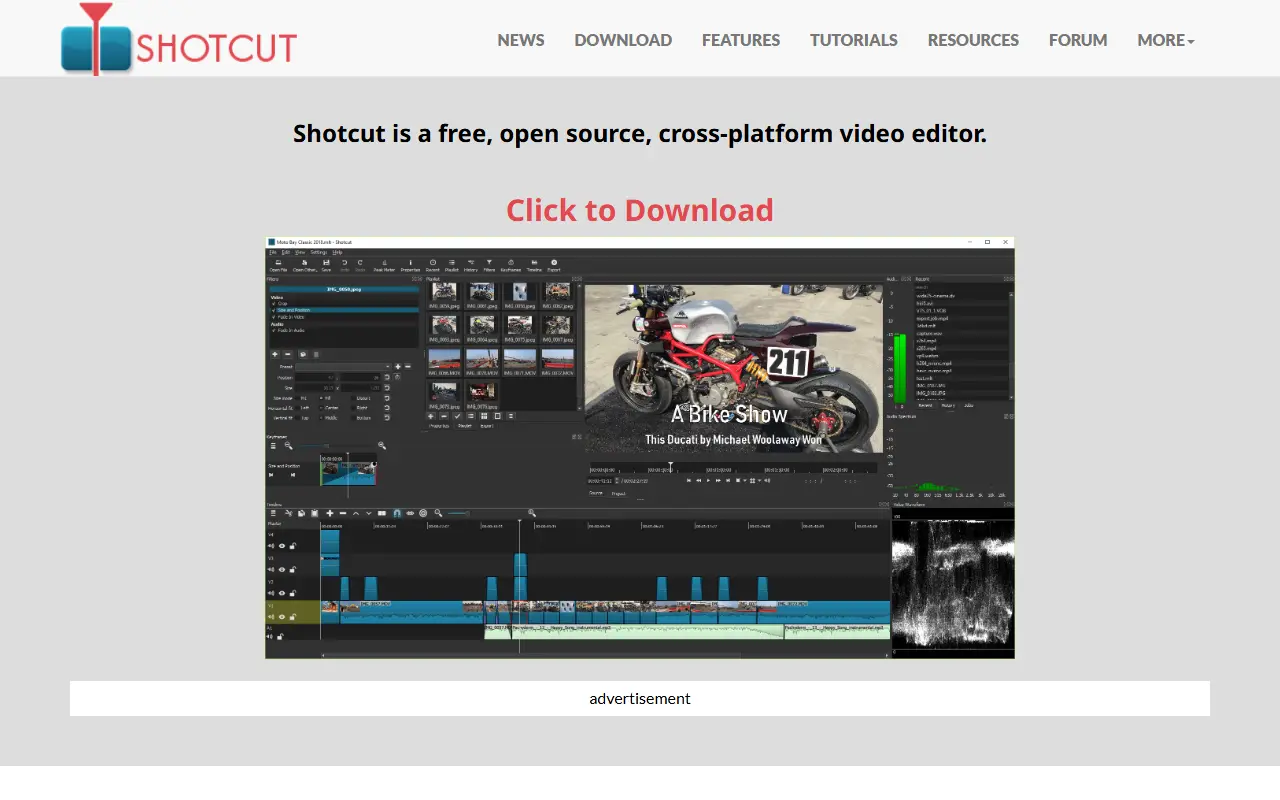
shotcut.orgShotcut homepage screenshot

Shotcut is a free, open-source, cross-platform video editor. It is written in C++ with the Qt 6 framework for its interface and uses the MLT multimedia authoring framework as its editing engine. It is released under the GPLv3 license, and Dan Dennedy is credited as the main author.

Its direct dependencies include FFmpeg for multimedia formats and codecs, Frei0r for video plugins, FFTW and SDL for audio playback. Prebuilt binaries are regularly built and available on the project website, while building from source is recommended mainly for beta testers and contributors, using Qt Creator or the command line with CMake.

The project maintains a features page and a roadmap on its website, and invites translations through Transifex. As a desktop program it runs locally on the user's computer, and there is no hosted service. A credits page lists the full set of direct, indirect and bundled dependencies.

Key features

  • Cross-platform desktop video editor
  • Built on the MLT multimedia framework
  • FFmpeg format and codec support
  • Frei0r video plugin support
  • Qt 6 user interface
  • Regularly built binaries

Pricing: Free and open source under the GPLv3 license.

OpenShot

OpenShot is a free, open-source video editor for Linux, macOS and Windows with unlimited tracks, keyframe animation, titles and FFmpeg-based format support.

GitHub stars
6.6k
Last commit
yesterday
Latest release
v4.0.1
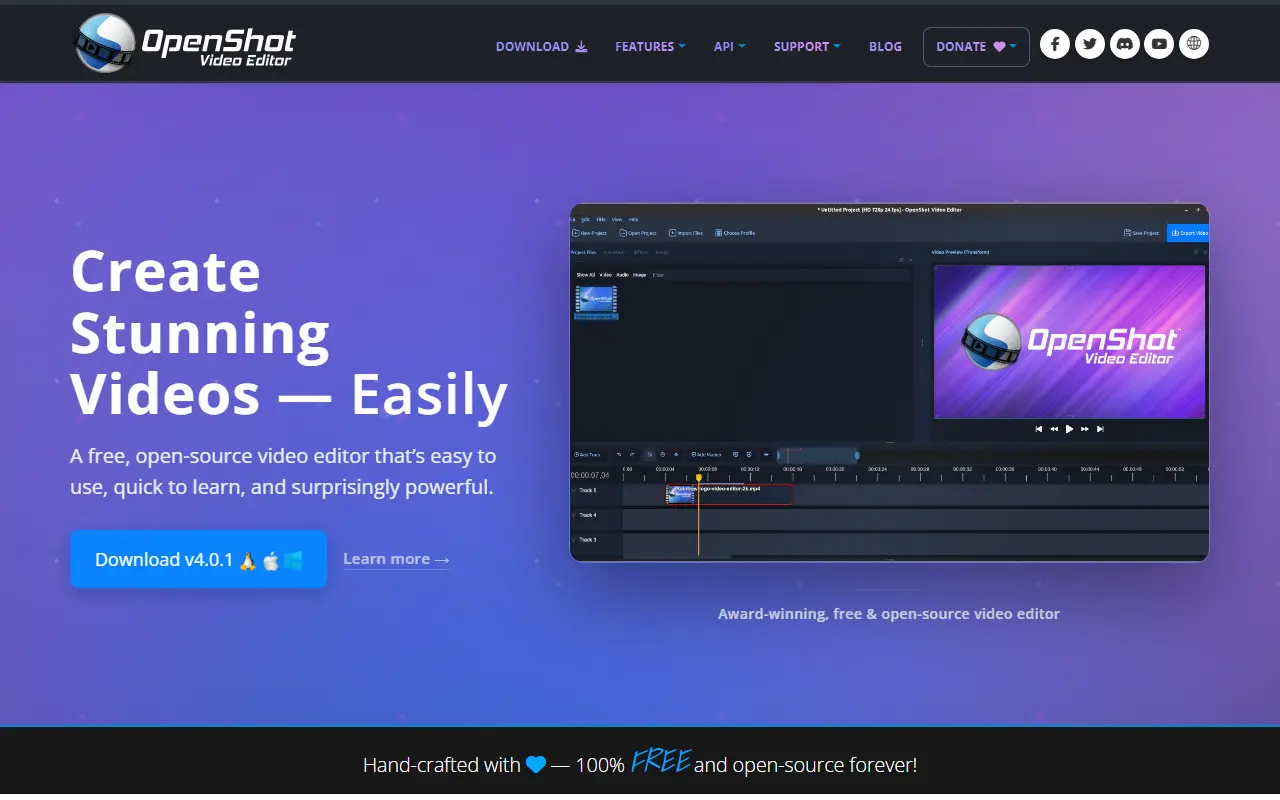
openshot.orgOpenShot homepage screenshot

OpenShot Video Editor is a free, open-source editor for video that runs on Linux, Mac and Windows. Its stated aim is to deliver high quality video editing and animation to a wide audience, and it is built with Python, C++ and the Qt framework on top of FFmpeg.

It supports unlimited tracks and layers, clip resizing, scaling, trimming, rotation and cutting, and a timeline with drag and drop, zooming and snapping. Video transitions have real-time previews, and there are title templates, 3D animated titles, SVG-based titles and scrolling credits. Animation works through curve-based keyframes and image sequences, and clips can be speed-changed or time-mapped. Audio can be mixed and edited, effects include brightness, chroma key and more, and hardware encoding and decoding is available as an experimental option.

Many video, audio and image formats are handled through FFmpeg, and projects can be imported or exported as EDL and XML. Installers and daily builds are available from the project website, along with a step-by-step video tutorial and a user guide.

Key features

  • Unlimited tracks and layers
  • Curve-based keyframe animation
  • Titles, 3D animated titles and credits
  • Video transitions with real-time previews
  • Chroma key and other video effects
  • FFmpeg-based format support
  • EDL and XML import and export

Pricing: Free and open source video editor.

Kdenlive

A free, open-source video editor built on the MLT framework and KDE Frameworks, for everyone from home video makers to people working on complex projects.

GitHub stars
5.8k
Last commit
today
Licence
GPL-3.0
Self-hosted
Yes
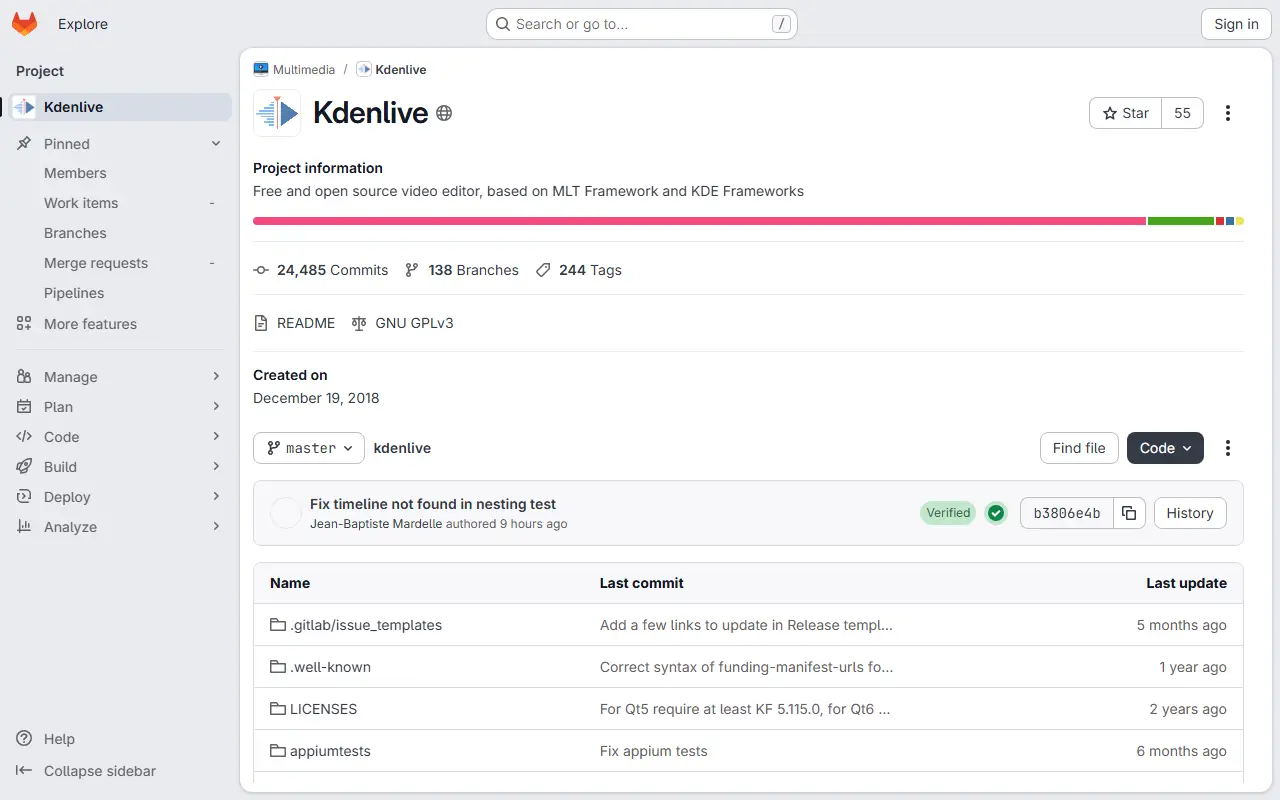
invent.kde.orgKdenlive homepage screenshot

Kdenlive is a free and open-source video editor that targets both quick family videos and larger, more involved projects. It is developed by the KDE community and built on the MLT multimedia framework, which provides the core video editing functionality behind the interface.

The interface is written in C++ with Qt and KDE Frameworks 6. Video effects come from the frei0r library and audio effects from LADSPA plugins, so the effect set can grow through those ecosystems. Downloads of stable releases and experimental daily builds are published on the project website, and users can also help with translations, bug triage, documentation and tutorials.

Kdenlive is licensed under GPL-3.0 and runs as a desktop application on Linux, Windows and macOS. Primary development happens on KDE Invent, with the GitHub repository acting as a mirror, and contributors discuss development in a Matrix channel.

Key features

  • Video editing built on the MLT framework
  • Multi-track timeline for video and audio
  • Visual effects through frei0r
  • Audio effects through LADSPA
  • Qt desktop interface using KDE Frameworks
  • Stable releases and daily builds

Pricing: Free and open source under the GPL-3.0 licence.

CapCut alternatives: questions

What is the best open-source alternative to CapCut?
OpenCut is the top-ranked open-source alternative to CapCut on Enlisted: A free, open-source video editor positioned as an alternative to CapCut, currently being rewritten with a Rust core and a plugin-first design. Other strong options are Shotcut, OpenShot and Kdenlive.
Are these CapCut alternatives free?
All 4 are open source, so the code is free to use under its licence, and all of them can be self-hosted on your own server or computer. 1 also offers a paid or managed cloud version if you'd rather not host it yourself.
How is this list of CapCut alternatives ranked?
By a score built from GitHub stars, star growth over the last 30 days and how recently the code changed. 4 of these projects shipped code in the last 30 days. Data is refreshed daily, and nobody can pay to move up.

People also look for alternatives to…

View all