 TrackMedia
 TrackRev

 Runway
 Pictory
 InVideo
 Synthesia
 HeyGen
 Microsoft Clipchamp
 Adobe Premiere Pro
 DaVinci Resolve
 Final Cut Pro
 iMovie
 Wondershare Filmora
 Vimeo
 Lumen5
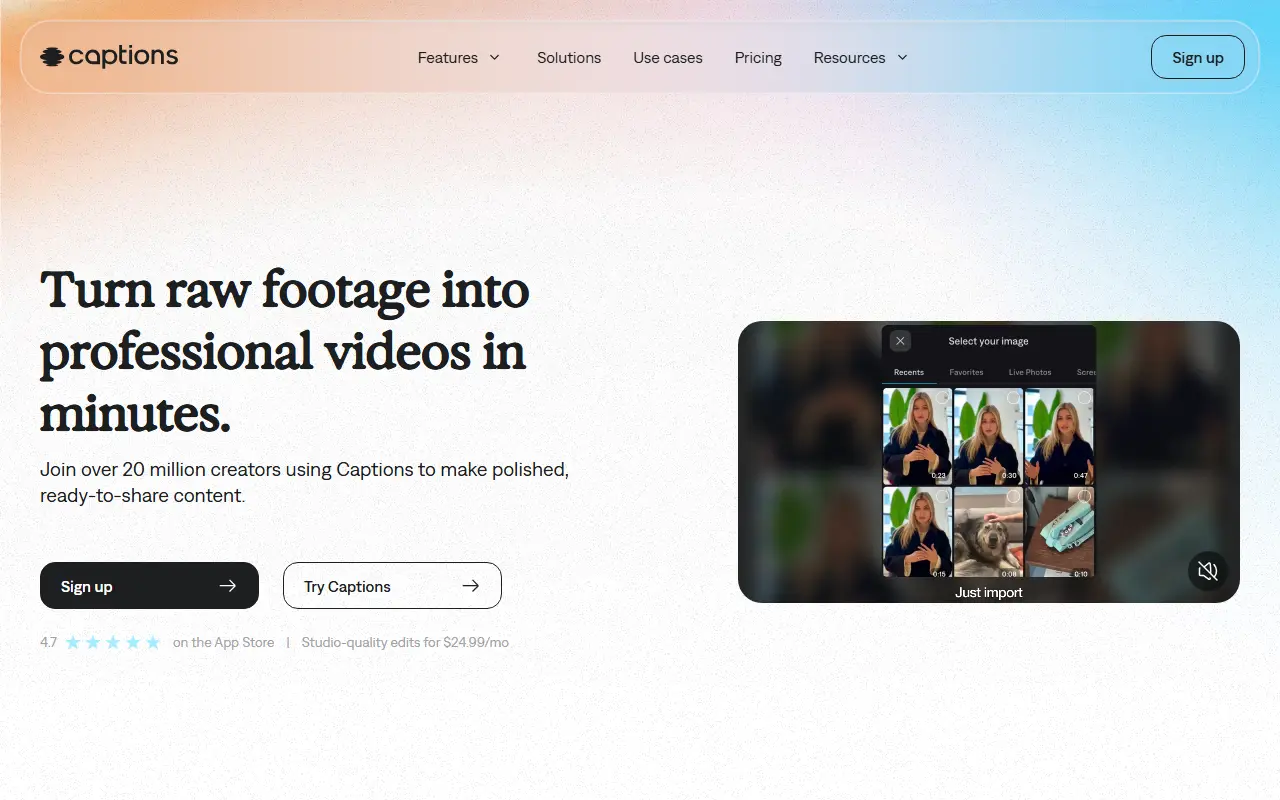
About Captions
Captions is a video creation and editing tool that uses AI to take raw footage to a finished, shareable clip. It is aimed at people who have little editing experience, offering a chat-based editor in which advanced changes can be requested with simple prompts, while still letting users adjust details manually.
Its AI Edit feature processes an entire video at once: the user picks a style and Captions cuts scenes, overlays B-roll and generates captions. Other tools include automatic captions with stylized fonts, translation and subtitles in more than 100 languages, AI avatars including a personal digital twin, automatic correction of eye contact and noise removal. Avatars can be changed with prompts for outfits, backgrounds or product inserts.
Captions is a hosted commercial product with a free sign-up and a pricing page. It suits creators, marketers and small teams making talking-head, social and explainer videos without a dedicated editor.
Key features
- AI Edit that cuts scenes and adds B-roll
- Automatic captions with styled fonts
- Translation and subtitles in many languages
- AI avatars and personal digital twin
- Eye contact correction
- Background noise removal from audio
- Chat-based editing with prompts
Good fit for
- Turning talking-head footage into social clips
- Subtitling videos for international audiences
- Creating avatar presenters for explainers
Captions: questions and answers
- What is Captions used for?
- Captions is an AI video editing app that automatically cuts footage, adds captions and B-roll, translates subtitles and creates avatar-based videos. It is a good fit for turning talking-head footage into social clips, subtitling videos for international audiences and creating avatar presenters for explainers.
- Is Captions free?
- Yes. Captions has a free plan, and paid plans start at $24.99 per seat per month.
- Is Captions open source?
- No. Captions is proprietary (closed-source) software and can't be self-hosted. Open-source alternatives to Captions include Kdenlive, Shotcut and OpenShot.
- What are some alternatives to Captions?
- Captions competes with CapCut, VEED and Descript. For open-source options, see Enlisted's ranked list of open-source Captions alternatives.
Open-source alternatives to Captions
See all
Kdenlive
Video Editing
Free and open source video editor, based on MLT Framework and KDE Frameworks
GPL-3.0vs Adobe Premiere Pro★ 6.1k
Shotcut
Video Editing
cross-platform (Qt), open-source (GPLv3) video editor
GPL-3.0vs Adobe Premiere Pro★ 16k
OpenShot
Video Editing
OpenShot Video Editor is an award-winning free and open-source video editor for Linux, Mac
OSSvs Adobe Premiere Pro★ 6.8k
Buzz
AI Tools
Buzz transcribes and translates audio offline on your personal computer. Powered by OpenAI
MITvs Otter.ai★ 23k
AI YouTube Shorts Generator
AI Tools
Discover top AI YouTube Shorts generators like Vadoo AI, SendShort, and InVideo. Learn how
MITvs Opus Clip★ 6k
Short Video Factory
AI Tools
一键生成产品营销与泛内容短视频,AI批量自动剪辑,高颜值跨平台桌面端工具 One click generation of product marketing and general
AGPL-3.0vs InVideo★ 6.1k
SaaS alternatives to Captions
See all
CapCut
Video Editing
Video editor for short-form clips with templates, effects and auto captions
SaaS
VEED
AI Tools
Browser-based video editor with auto subtitles, AI avatars and screen recording
SaaS
Descript
AI Tools
Edit video and podcasts by editing their transcript, with AI voice and cleanup tools
SaaS
Submagic
Video Editing
AI tool that adds captions and edits to short-form videos
SaaS
Opus Clip
AI Tools
Cuts long videos into short vertical clips with captions for social platforms
SaaS
Kapwing
Video Editing
Browser-based video editor with subtitles, templates and AI tools
SaaS