
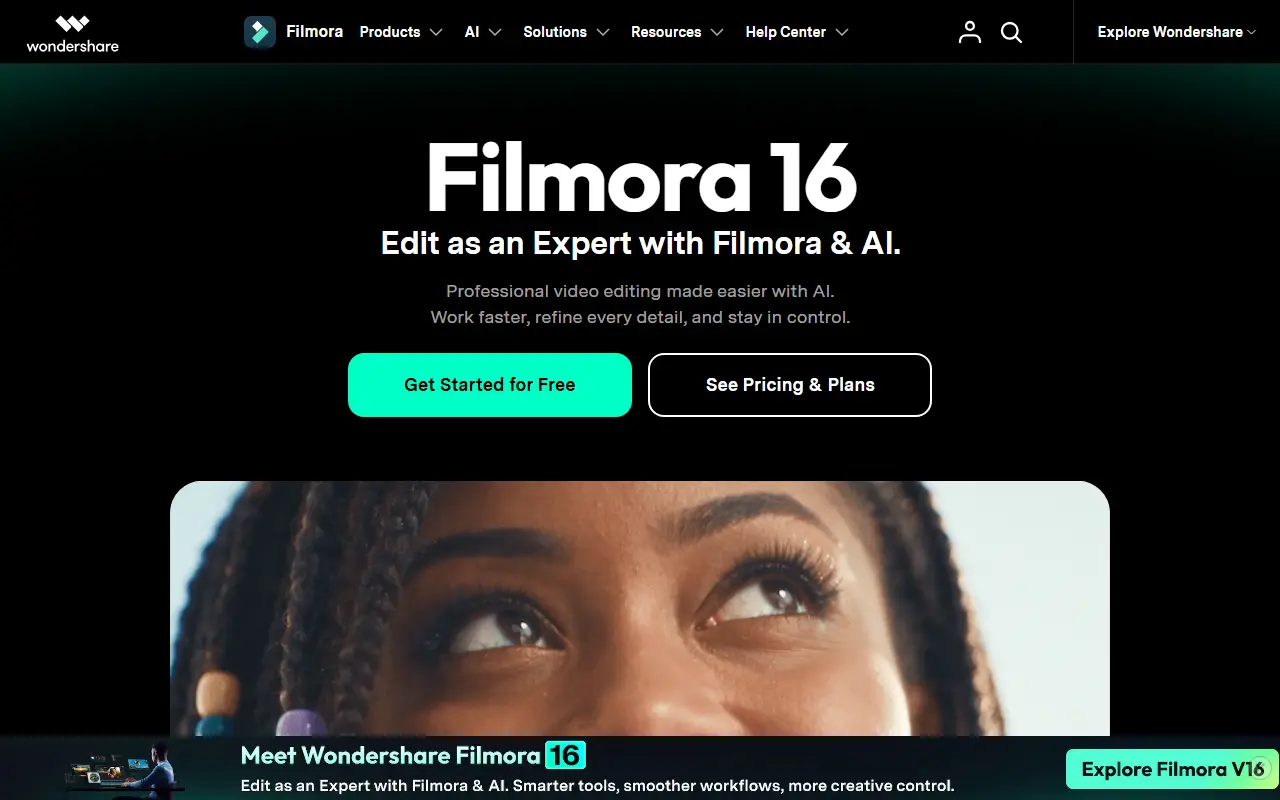
About Wondershare Filmora
Filmora is a video editing application from Wondershare for desktop and mobile. It targets beginners and content creators who want a timeline editor with ready-made effects and titles but without the learning curve of professional post-production suites.
Editing happens on a familiar timeline, and the current version adds AI-assisted features along with effects, captions and audio tools. A companion mobile app lets users edit on a phone, and Wondershare positions Filmora within a wider range of creative products, including AI media generation and conversion tools.
Filmora is commercial software distributed as a download, with licensing handled through the vendor's online store. It suits hobbyists, social media creators and small teams that want quick results from a single editor.
Key features
- Timeline-based video editing
- AI-assisted editing features
- Effects, titles and transitions
- Captions and subtitle tools
- Audio editing tools
- Desktop and mobile apps
Good fit for
- →Social media creators cutting short videos
- →Beginners learning video editing
- →Small teams producing simple marketing clips
- Tags
- video-editing
- ai-video
- beginner-friendly
- desktop
- mobile
- effects
- creator-tools
Wondershare Filmora: questions and answers
- What is Wondershare Filmora used for?
- Wondershare Filmora is a consumer video editor for desktop and mobile with timeline editing, effects, captions and AI tools aimed at beginners and creators. It is a good fit for social media creators cutting short videos, beginners learning video editing and small teams producing simple marketing clips.
- Is Wondershare Filmora free?
- Yes. Wondershare Filmora has a free plan, and paid plans start at $49.99 per seat per year. A free trial is also available.
- Is Wondershare Filmora open source?
- No. Wondershare Filmora is proprietary (closed-source) software. Open-source alternatives to Wondershare Filmora include Kdenlive, OpenCut and Shotcut.
- What are some alternatives to Wondershare Filmora?
- Wondershare Filmora competes with Movavi Video Editor, CyberLink PowerDirector and Adobe Premiere Elements. For open-source options, see Enlisted's ranked list of open-source Wondershare Filmora alternatives.
Open-source alternatives to Wondershare Filmora
See all
Kdenlive
Video Editing
Free and open source video editor, based on MLT Framework and KDE Frameworks
GPL-3.0vs Adobe Premiere Pro★ 5.8k
OpenCut
Video Editing
The open-source CapCut alternative
MITvs CapCut★ 91k
Shotcut
Video Editing
cross-platform (Qt), open-source (GPLv3) video editor
GPL-3.0vs Adobe Premiere Pro★ 15k
OpenShot
Video Editing
OpenShot Video Editor is an award-winning free and open-source video editor for Linux, Mac
OSSvs Adobe Premiere Pro★ 6.6k
OBS Studio
Video Editing
OBS Studio - Free and open source software for live streaming and screen recording
GPL-2.0vs vMix★ 77k
HandBrake
Video Editing
HandBrake's development repository
OSS★ 25k
SaaS alternatives to Wondershare Filmora
See all
Movavi Video Editor
Video Editing
Consumer video editor with templates, effects and screen recording
SaaS
CyberLink PowerDirector
Video Editing
Consumer video editing software with effects, motion tracking and AI tools
SaaS
Adobe Premiere Elements
Video Editing
Consumer video editing software with guided edits and automated tools
SaaS
Camtasia
Video Editing
Screen recorder and video editor for tutorials and training videos
SaaS
CapCut
Video Editing
Video editor for short-form clips with templates, effects and auto captions
SaaSCorel VideoStudio
Video Editing
Consumer video editor from Corel with multi-camera and motion tracking tools
SaaS