
About Camtasia
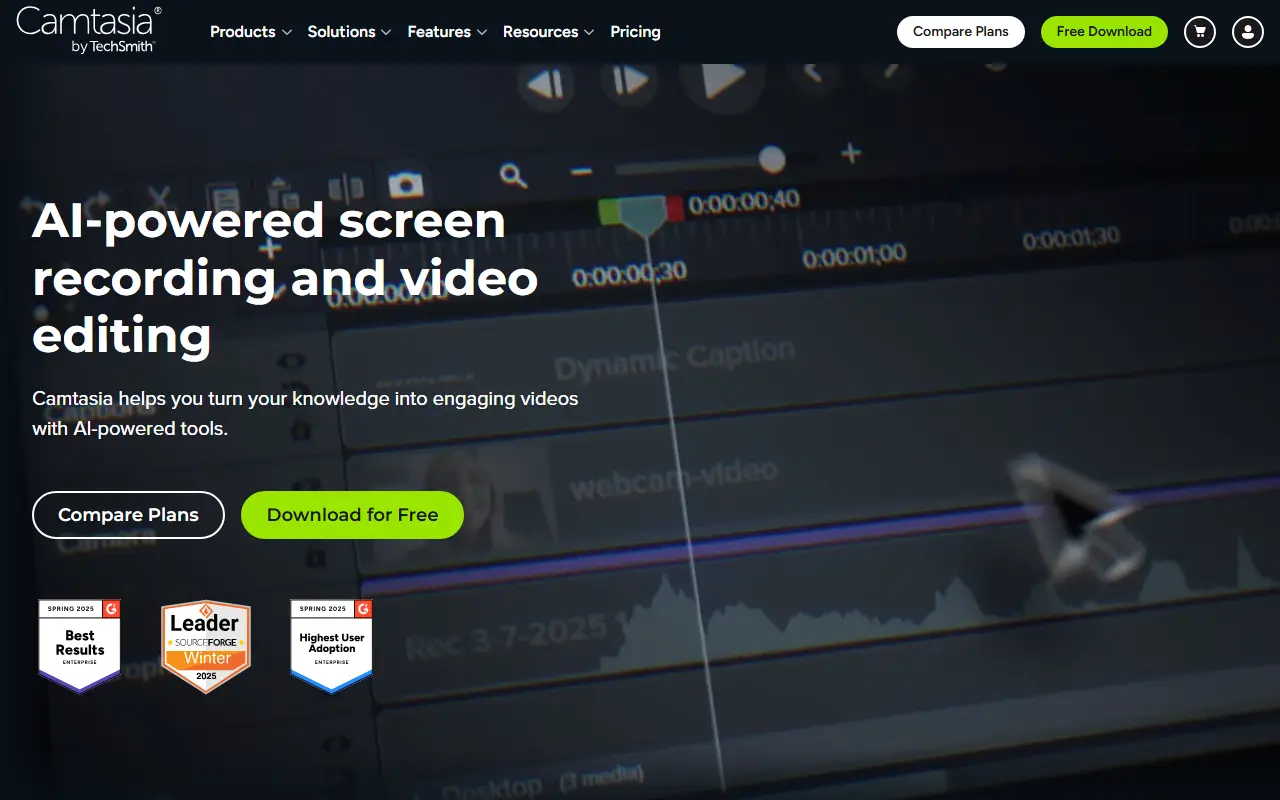
Camtasia is a screen recording and video editing product from TechSmith. It is aimed at people who make tutorials, training videos and software demos, combining the capture of the screen, camera and audio with an editor for polishing the result.
TechSmith sells it as a suite that includes Camtasia Editor, Snagit for image capture and guides, Audiate for avatar generation and editing by text, Camtasia Online for free online screen recording, asset libraries of motion graphics and music, and Screencast for hosting and feedback. Editor features include multi-track recording that captures screen, camera and audio as separate layers, cursor editing after the fact, and video background removal.
Camtasia is a commercial product with downloadable desktop apps and online components, and TechSmith says you can get started for free. It suits corporate trainers, educators, HR and customer-education teams, with an enterprise offering for company-wide deployment.
Key features
- Screen, camera and audio recording
- Multi-track recording as independent layers
- Cursor editing after recording
- Video background removal for webcam footage
- Asset library of music and motion graphics
- Companion tools for screenshots and audio
Good fit for
- →Recording software tutorials
- →Producing corporate training videos
- →Editing meeting recordings
- Tags
- screen-recording
- video-editor
- tutorials
- training
- techsmith
- screencast
Camtasia: questions and answers
- What is Camtasia used for?
- Camtasia is TechSmith's screen recorder and video editor for creating tutorials, training videos and software demos. It is a good fit for recording software tutorials, producing corporate training videos and editing meeting recordings.
- How much does Camtasia cost?
- Paid plans for Camtasia start at $39 per seat per year, and there is no free plan.
- Is Camtasia open source?
- No. Camtasia is proprietary (closed-source) software. Open-source alternatives to Camtasia include Screenity, OBS Studio and ScreenToGif.
- What are some alternatives to Camtasia?
- Camtasia competes with Snagit, Screencastify and Loom. For open-source options, see Enlisted's ranked list of open-source Camtasia alternatives.
Open-source alternatives to Camtasia
See all
Screenity
Video Editing
The free and privacy-friendly screen recorder with no limits 🎥
GPL-3.0vs Screencastify★ 19k
OBS Studio
Video Editing
OBS Studio - Free and open source software for live streaming and screen recording
GPL-2.0vs vMix★ 77k
ScreenToGif
Video Editing
🎬 ScreenToGif allows you to record a selected area of your screen, edit and save it as a
MS-PLvs Snagit★ 28k
BetterShot
Productivity
Screenshot, screen recording, and video editor for macOS. Native SwiftUI app with capture
OSSvs CleanShot X★ 2.4k
ShareX
Productivity
ShareX is a free and open-source application that enables users to capture or record any a
GPL-3.0vs Snagit★ 40k
OpenCut
Video Editing
The open-source CapCut alternative
MITvs CapCut★ 91k
SaaS alternatives to Camtasia
See all
Snagit
Productivity
Screen capture and annotation tool for screenshots and short recordings
SaaS
Screencastify
Video Editing
Chrome-based screen recorder aimed at education and teams
SaaS
Loom
Productivity
Loom is a screen and camera recording tool for sharing asynchronous video messages, with editing, comments, transcripts and AI features.
SaaS
Descript
AI Tools
Edit video and podcasts by editing their transcript, with AI voice and cleanup tools
SaaS
Tella
Video Editing
Screen and camera recorder with editing for demos and tutorials
SaaS
Screen Studio
Video Editing
Mac screen recorder that adds automatic zooms and polished cursor animations
SaaS