
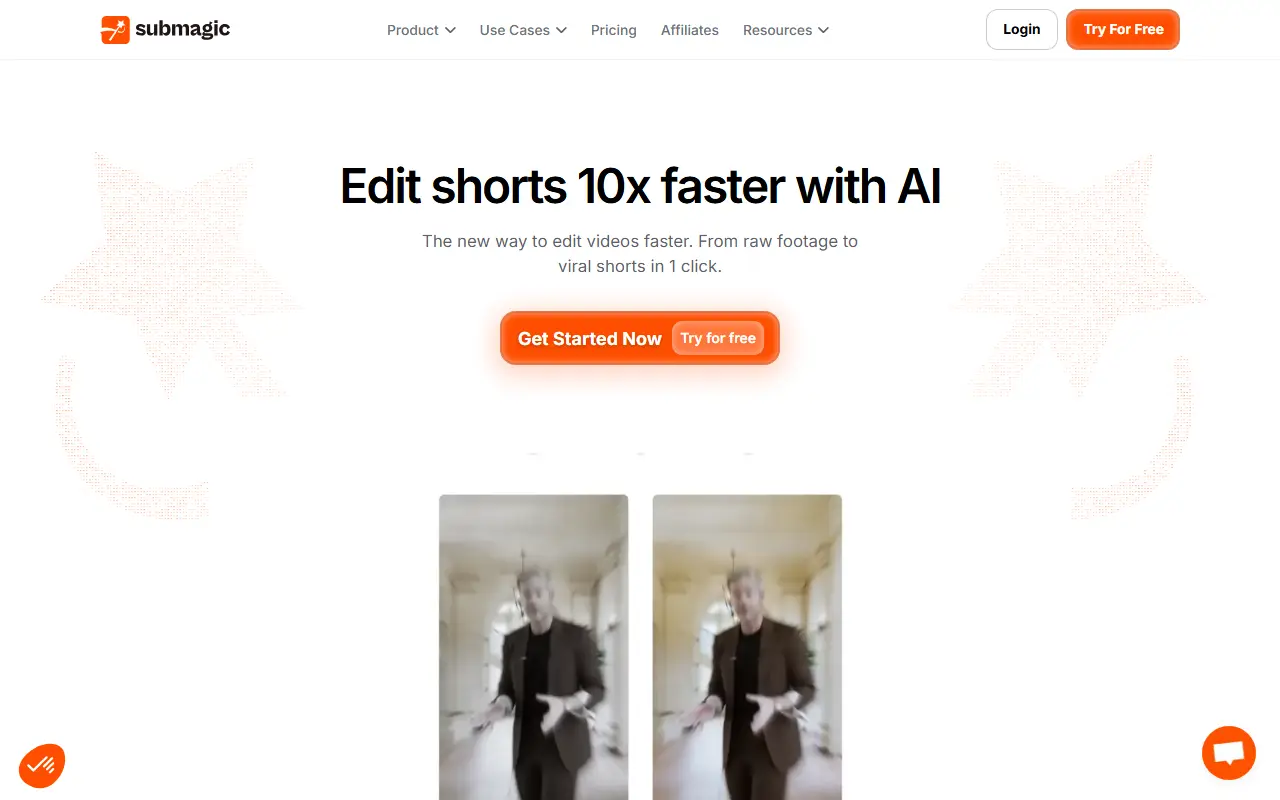
About Submagic
Submagic is a hosted AI video editor tuned for short-form content. Creators upload footage and the tool generates captions, applies smart edits and adds extras so clips are ready for TikTok, Instagram Reels, YouTube Shorts and similar feeds without manual editing in a timeline.
The feature list includes AI captions and a subtitle generator, auto edit, Magic Clips for extracting short clips from longer videos, trimming, AI actors, B-roll, auto-zoom, AI eye contact correction, video translation, transitions, sound effects, background music, images and GIFs. It also provides automatic descriptions, publishing automation and a video editing API.
Submagic is a commercial service sold through plans on the vendor's pricing page. It suits solo creators, agencies, coaches and marketing teams that publish a lot of vertical video and want to speed up captioning and editing.
Key features
- AI captions in multiple styles
- Auto edit with zooms and B-roll
- Magic Clips for extracting short clips
- AI eye contact and video translation
- Sound effects and background music
- Publishing automation and editing API
Good fit for
- →Creators captioning TikTok and Reels videos
- →Agencies producing short clips for clients
- →Podcasters clipping highlights from long episodes
- Tags
- short-form-video
- ai-captions
- ai-video-editor
- b-roll
- clips
- social-media
- video-translation
Submagic: questions and answers
- What is Submagic used for?
- Submagic is an AI editing tool for short-form video that adds captions, B-roll, zooms and other edits to clips for TikTok, Reels and YouTube Shorts. It is a good fit for creators captioning TikTok and Reels videos, agencies producing short clips for clients, and podcasters clipping highlights from long episodes.
- How much does Submagic cost?
- Paid plans for Submagic start at R$79 per seat per month, and there is no free plan. A free trial is available.
- Is Submagic open source?
- No. Submagic is proprietary (closed-source) software and can't be self-hosted. Open-source alternatives to Submagic include AI YouTube Shorts Generator.
- What are some alternatives to Submagic?
- Submagic competes with Opus Clip, Vizard and Klap. For open-source options, see Enlisted's ranked list of open-source Submagic alternatives.
Open-source alternatives to Submagic
See all
AI YouTube Shorts Generator
AI Tools
Open-source alternative to Opus Clip, Vidyo.ai, Klap & SubMagic. Turn long-form YouTube vi
MITvs Opus Clip★ 5.2k
OpenCut
Video Editing
The open-source CapCut alternative
MITvs CapCut★ 91k
OBS Studio
Video Editing
OBS Studio - Free and open source software for live streaming and screen recording
GPL-2.0vs vMix★ 77k
HandBrake
Video Editing
HandBrake's development repository
OSS★ 25k
Cap
Video Editing
Open source Loom alternative. Beautiful, shareable screen recordings.
OSSvs Loom★ 23k
Screenity
Video Editing
The free and privacy-friendly screen recorder with no limits 🎥
GPL-3.0vs Screencastify★ 19k
SaaS alternatives to Submagic
See all
Opus Clip
AI Tools
Cuts long videos into short vertical clips with captions for social platforms
SaaS
Vizard
Video Editing
AI tool that turns long videos into short clips with captions
SaaS
Klap
Video Editing
AI tool that converts long videos into short clips for social media
SaaS
Captions
Video Editing
AI video editing app for captions, dubbing and talking-head content
SaaS
VEED
AI Tools
Browser-based video editor with auto subtitles, AI avatars and screen recording
SaaS
CapCut
Video Editing
Video editor for short-form clips with templates, effects and auto captions
SaaS