
About iRecord
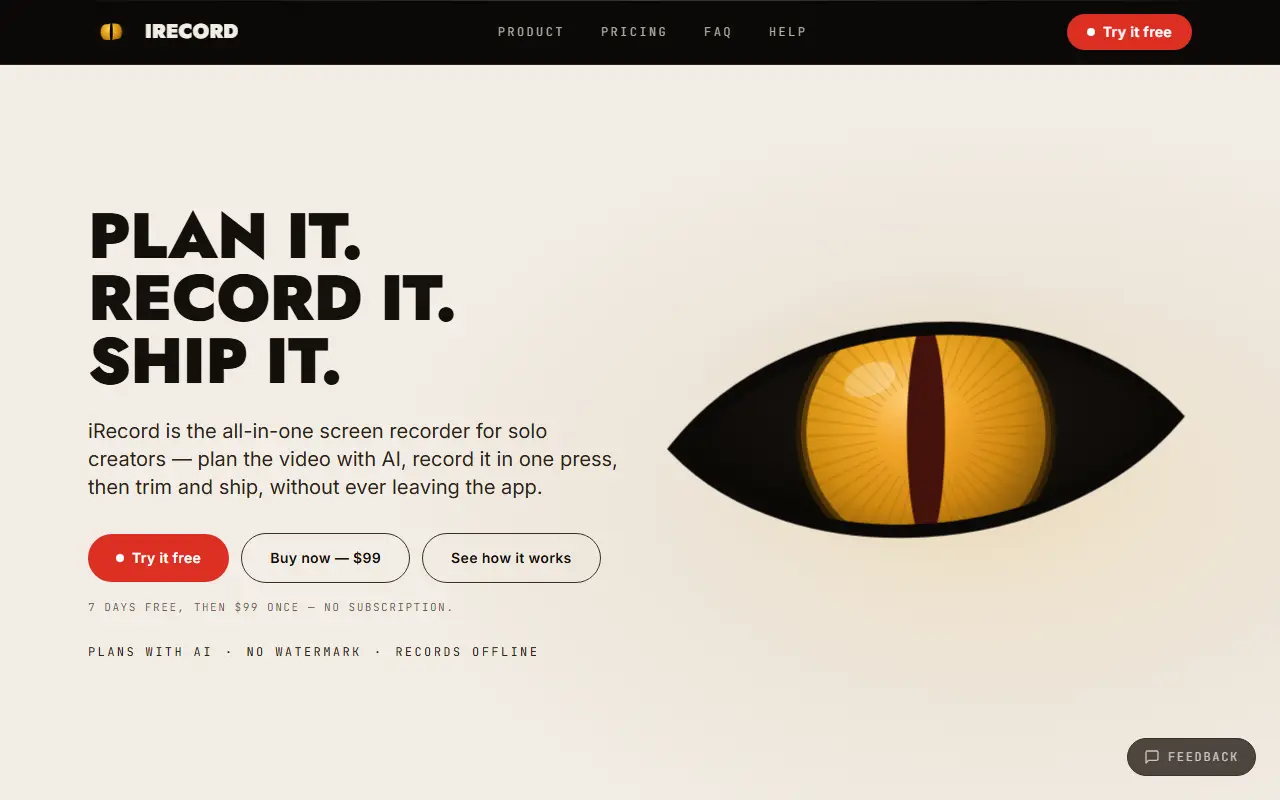
iRecord is a macOS app for people who make screen videos on their own: educators, indie builders and anyone turning a screen into a tutorial, demo or walkthrough. It combines planning, recording and light editing in one native app, so a finished video does not require a separate editor or an export queue.
The workflow has three steps. An AI assistant helps outline what to cover and in what order before recording. A single keystroke, Command-Shift-R, starts a capture from any window in any app, with cursor, voice and webcam recorded in sync. Afterward you trim, zoom and export a finished MP4. The app can record your screen, a camera or an iPhone, and it records offline with nothing uploaded.
Exports carry no watermark. The homepage lists a seven-day free trial followed by a one-time $99 payment with no subscription, noting that the AI planning feature is part of the paid plans. The page describes the app as native to macOS and built around one-person production.
Key features
- Screen, camera and iPhone recording
- One-keystroke capture from any app
- AI planning of what to cover and in what order
- Trim and zoom editing
- MP4 export without a watermark
- Offline recording with nothing uploaded
Good fit for
- Recording lessons or tutorials for students
- Making a product demo on the day a feature ships
- Capturing support answers as short walkthroughs
iRecord: questions and answers
- What is iRecord used for?
- iRecord is a native Mac screen recorder for solo creators that records screen, camera or iPhone, then trims, zooms and exports an MP4 with no watermark. It is a good fit for recording lessons or tutorials for students, making a product demo on the day a feature ships and capturing support answers as short walkthroughs.
- How much does iRecord cost?
- Paid plans for iRecord start at $99 as a one-time payment, and there is no free plan. A free trial is available.
- Is iRecord open source?
- No. iRecord is proprietary (closed-source) software. In the Video Editing category, open-source options include OBS Studio, Cap and Shotcut.
- What are some alternatives to iRecord?
- iRecord competes with ScreenFlow, Camtasia and Screen Studio.
Open-source alternatives to iRecord
See all
OBS Studio
Video Editing
OBS Studio - Free and open source software for live streaming and screen recording
GPL-2.0vs vMix★ 77k
Cap
Video Editing
Open source Loom alternative. Beautiful, shareable screen recordings.
OSSvs Loom★ 23k
Shotcut
Video Editing
cross-platform (Qt), open-source (GPLv3) video editor
GPL-3.0vs Adobe Premiere Pro★ 15k
OpenShot
Video Editing
OpenShot Video Editor is an award-winning free and open-source video editor for Linux, Mac
OSSvs Adobe Premiere Pro★ 6.6k
Kdenlive
Video Editing
Free and open source video editor, based on MLT Framework and KDE Frameworks
GPL-3.0vs Adobe Premiere Pro★ 5.8k
OpenCut
Video Editing
The open-source CapCut alternative
MITvs CapCut★ 93k
SaaS alternatives to iRecord
See all
ScreenFlow
Video Editing
Mac screen recording and video editing software from Telestream
SaaS
Camtasia
Video Editing
Screen recorder and video editor for tutorials and training videos
SaaS
Screen Studio
Video Editing
Mac screen recorder that adds automatic zooms and polished cursor animations
SaaS
CleanShot X
Productivity
Mac screenshot and screen recording utility with annotation and cloud sharing
SaaS
Loom
Productivity
Loom is a screen and camera recording tool for sharing asynchronous video messages, with editing, comments, transcripts and AI features.
SaaS
Snagit
Productivity
Screen capture and annotation tool for screenshots and short recordings
SaaS