
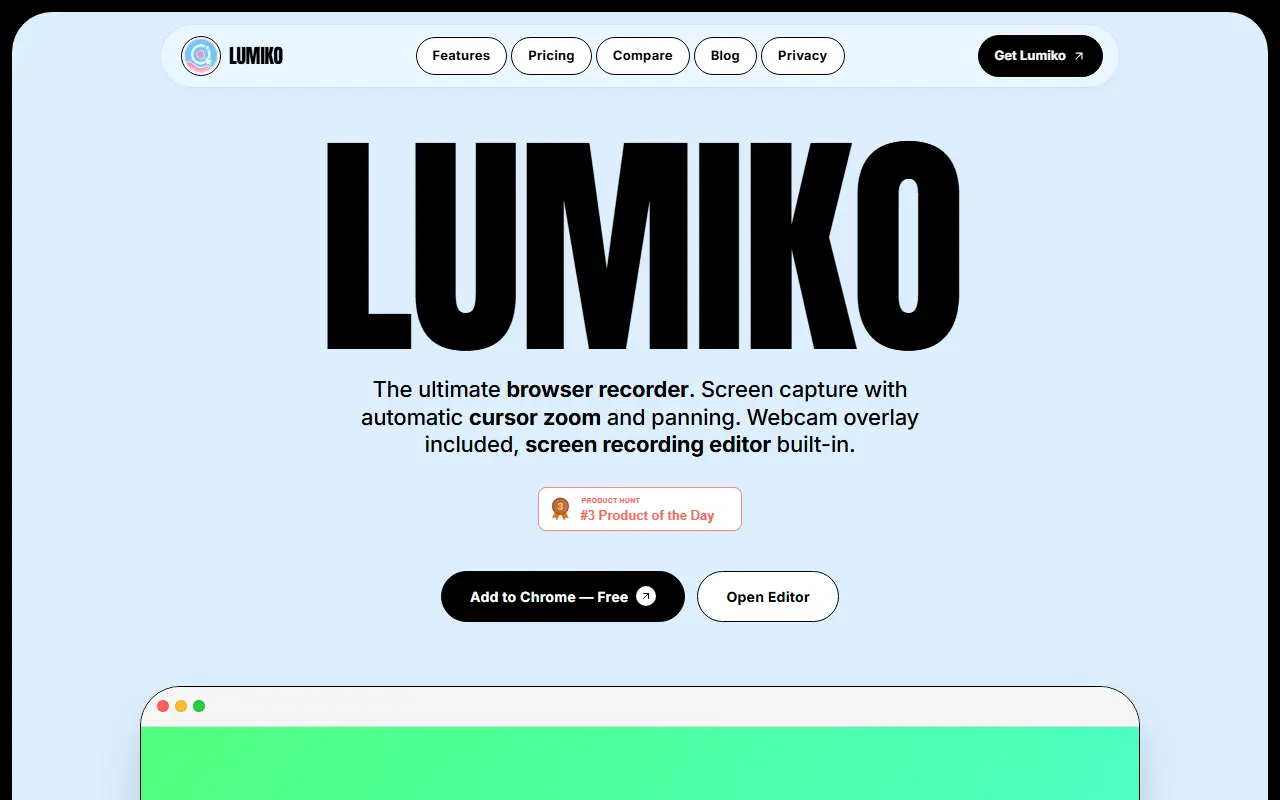
About Lumiko
Lumiko is a Chrome extension for recording the screen. It analyzes your cursor and clicks and applies smooth zoom and panning without manual keyframes, adds click effects such as ripple or orb, offers backgrounds including gradients and your own images and can export the same video in 16:9, 9:16 or 1:1. A built-in timeline editor trims, splits and reorders clips, and rendering is local and hardware accelerated, so the video does not go to the cloud, with output up to 4K.
A webcam overlay provides a draggable circular face camera, and smart blur hides API keys, emails, passwords and other sensitive information by drawing a box. The free tier includes unlimited recording, audio from the system and microphone, automatic zoom, backdrops, basic trimming and click effects.
Pro is a one-time $9 lifetime payment with HD and 4K exports, no watermark, smart blur, webcam overlay and full timeline editing, with no subscription. The site has features, pricing, comparison, blog and privacy pages.
Key features
- Automatic cursor zoom and pan
- Smart blur for sensitive data
- Draggable webcam overlay
- Built-in timeline editor
- Click effects and backgrounds
- Local rendering up to 4K
- Multiple aspect ratios for social formats
- Unlimited recording on the free tier
Good fit for
- Making product demos and tutorials in the browser
- Hiding API keys and emails in screen recordings
Lumiko: questions and answers
- What is Lumiko used for?
- Lumiko is a Chrome screen recorder that adds automatic cursor zoom, smart blur and webcam overlays, with a built-in editor and local 4K rendering. It is a good fit for making product demos and tutorials in the browser, and hiding API keys and emails in screen recordings.
- Is Lumiko free?
- Yes. Lumiko has a free plan, and paid plans start at $9 as a one-time payment.
- Is Lumiko open source?
- No. Lumiko is proprietary (closed-source) software. In the Video Editing category, open-source options include Screenity, ScreenToGif and OpenCut.
- What are some alternatives to Lumiko?
- Lumiko competes with Screen Studio, Tella and Camtasia.
Open-source alternatives to Lumiko
See all
Screenity
Video Editing
The free and privacy-friendly screen recorder with no limits 🎥
GPL-3.0vs Screencastify★ 19k
ScreenToGif
Video Editing
🎬 ScreenToGif allows you to record a selected area of your screen, edit and save it as a
MS-PLvs Snagit★ 28k
OpenCut
Video Editing
The open-source CapCut alternative
MITvs CapCut★ 93k
Cap
Video Editing
Open source Loom alternative. Beautiful, shareable screen recordings.
OSSvs Loom★ 23k
Shotcut
Video Editing
cross-platform (Qt), open-source (GPLv3) video editor
GPL-3.0vs Adobe Premiere Pro★ 15k
OpenShot
Video Editing
OpenShot Video Editor is an award-winning free and open-source video editor for Linux, Mac
OSSvs Adobe Premiere Pro★ 6.6k
SaaS alternatives to Lumiko
See all
Screen Studio
Video Editing
Mac screen recorder that adds automatic zooms and polished cursor animations
SaaS
Tella
Video Editing
Screen and camera recorder with editing for demos and tutorials
SaaS
Camtasia
Video Editing
Screen recorder and video editor for tutorials and training videos
SaaS
ScreenFlow
Video Editing
Mac screen recording and video editing software from Telestream
SaaS
CleanShot X
Productivity
Mac screenshot and screen recording utility with annotation and cloud sharing
SaaS
Loom
Productivity
Loom is a screen and camera recording tool for sharing asynchronous video messages, with editing, comments, transcripts and AI features.
SaaS