
About Kapshot
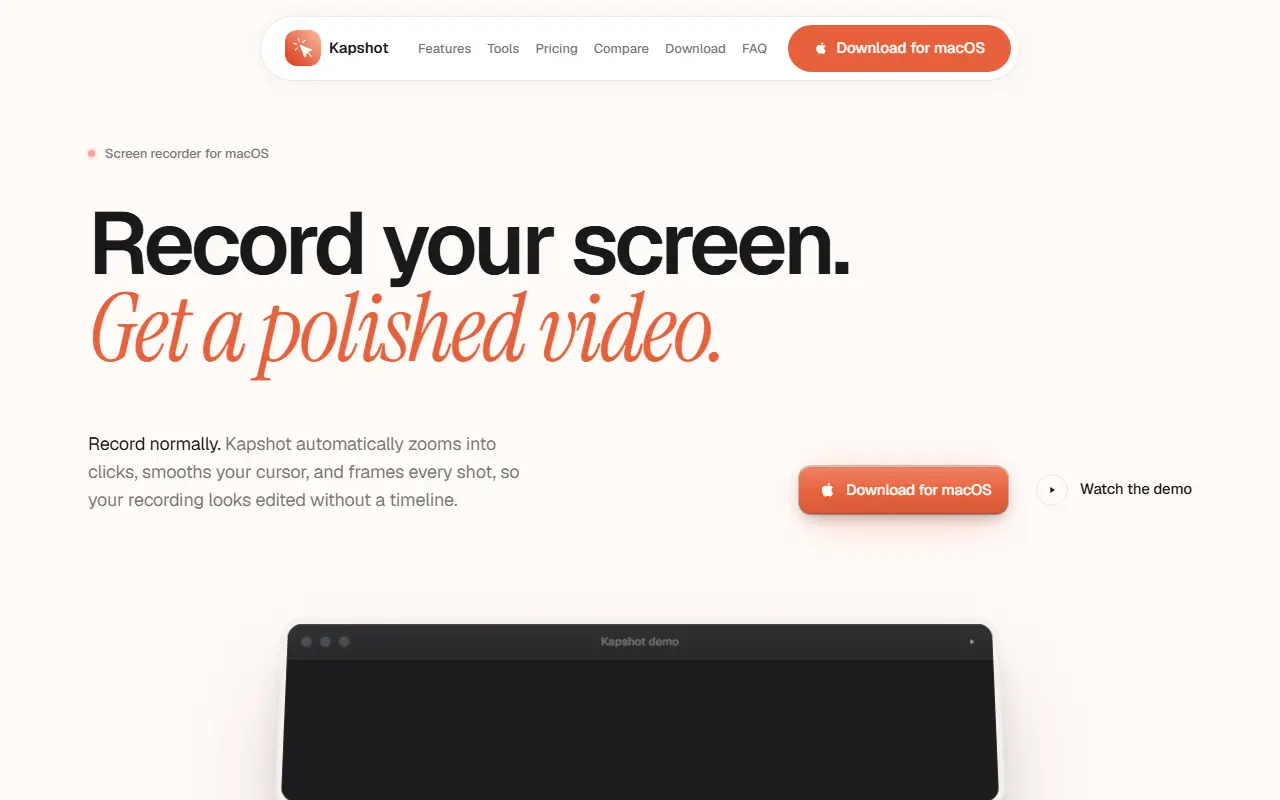
Kapshot records your Mac screen and makes the result look edited without a timeline. You record normally, and it automatically zooms into clicks, replaces the cursor with a smooth one, and frames the recording on a styled canvas. It targets people making demos and tutorials who want a polished video without separate editing software.
Auto-zoom follows clicks, groups rapid clicks into one smooth movement and offers zoom levels from one to four times with cinematic easing. The cursor can be resized and given click ripples. Backgrounds include presets and your own images with padding, rounded corners and shadows. The built-in editor handles trimming, cutting, timeline scrubbing and zoom segment adjustments, with a live preview before export.
Exports are H.264 MP4 files at up to 60 frames per second, produced with one click and no render queue. The site has pages for features, tools, pricing, a comparison and an FAQ, and offers a macOS download.
Key features
- Automatic zoom on clicks
- Cursor smoothing with click ripples
- Styled backgrounds with shadows and rounded corners
- Built-in trim and timeline editor
- 60 fps capture
- One-click H.264 MP4 export
Good fit for
- Recording product demos that look edited
- Making software tutorials
- Producing walkthrough videos without a timeline editor
Kapshot: questions and answers
- What is Kapshot used for?
- Kapshot is a macOS screen recorder that adds auto-zoom, smooth cursor movement and styled backgrounds, with a built-in editor and MP4 export. It is a good fit for recording product demos that look edited, making software tutorials and producing walkthrough videos without a timeline editor.
- How much does Kapshot cost?
- Paid plans for Kapshot start at $19 as a one-time payment, and there is no free plan.
- Is Kapshot open source?
- No. Kapshot is proprietary (closed-source) software. In the Video Editing category, open-source options include OBS Studio, Screenity and HandBrake.
- What are some alternatives to Kapshot?
- Kapshot competes with Screen Studio, Tella and Camtasia.
Open-source alternatives to Kapshot
See all
OBS Studio
Video Editing
OBS Studio - Free and open source software for live streaming and screen recording
GPL-2.0vs vMix★ 77k
Screenity
Video Editing
The free and privacy-friendly screen recorder with no limits 🎥
GPL-3.0vs Screencastify★ 19k
HandBrake
Video Editing
HandBrake's development repository
OSS★ 25k
Cap
Video Editing
Open source Loom alternative. Beautiful, shareable screen recordings.
OSSvs Loom★ 23k
FFmpeg
Video Editing
Mirror of https://git.ffmpeg.org/ffmpeg.git
OSS★ 65k
Nexrender
Video Editing
📹 Data-driven render automation for After Effects
MIT★ 1.9k
SaaS alternatives to Kapshot
See all
Screen Studio
Video Editing
Mac screen recorder that adds automatic zooms and polished cursor animations
SaaS
Tella
Video Editing
Screen and camera recorder with editing for demos and tutorials
SaaS
Camtasia
Video Editing
Screen recorder and video editor for tutorials and training videos
SaaS
ScreenFlow
Video Editing
Mac screen recording and video editing software from Telestream
SaaS
Loom
Productivity
Loom is a screen and camera recording tool for sharing asynchronous video messages, with editing, comments, transcripts and AI features.
SaaS
Screen Charm
Video Editing
macOS screen recording app with built-in zoom effects for polished recordings
SaaS