
About FFmpeg
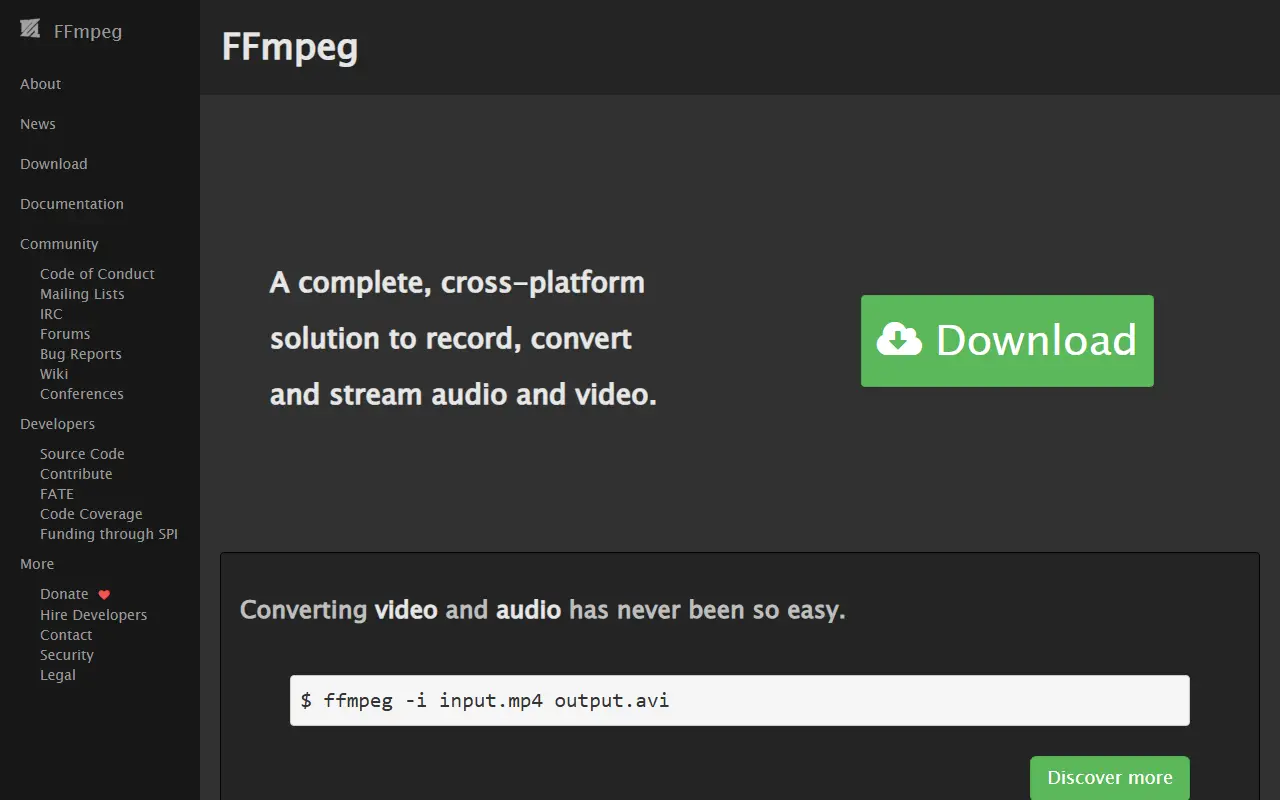
FFmpeg is a set of libraries and command-line tools that process multimedia content, including audio, video, subtitles and associated metadata. It is written in C and widely used as the engine behind media conversion, streaming and playback software. Most of the code is under the LGPL, and some optional components fall under the GPL, so check the LICENSE file for details.
The libraries cover distinct jobs: libavcodec implements a wide range of codecs, libavformat handles streaming protocols and container formats, libavfilter alters decoded audio and video through a graph of connected filters, libavdevice accesses capture and playback devices, libswresample handles audio mixing and resampling, libswscale handles color conversion and scaling, and libavutil provides utility functions.
On the command line, ffmpeg manipulates, converts and streams media, ffplay is a minimalist player and ffprobe inspects content, plus small helpers including qt-faststart, ismindex and aviocat. The GitHub repository is a mirror: patches go to the ffmpeg-devel mailing list rather than through pull requests. It suits developers building media applications and anyone who converts or processes audio and video.
Key features
- Libraries for encoding, decoding and muxing media
- ffmpeg command-line converter and streaming tool
- ffprobe for inspecting media files
- ffplay minimalist media player
- Filter graphs for audio and video processing
- Streaming protocols and container format support
Good fit for
- →Converting between video and audio formats
- →Embedding media processing in applications
- →Streaming and transcoding pipelines
- Built with
- C
- Tags
- multimedia
- video
- audio
- transcoding
- codecs
- streaming
- command-line
- libraries
FFmpeg: questions and answers
- What is FFmpeg used for?
- FFmpeg is a collection of open-source libraries and command-line tools for processing audio, video, subtitles and related metadata, including converting and streaming media. It is a good fit for converting between video and audio formats, embedding media processing in applications, and streaming and transcoding pipelines.
- Is FFmpeg open source?
- Yes. FFmpeg is open source under a custom licence. Its source code is on GitHub at FFmpeg/FFmpeg and is written mainly in C.
- Is FFmpeg free?
- Yes. FFmpeg is open source, so the software itself is free to use under the terms of its own licence.
- What are some alternatives to FFmpeg?
- Similar open-source tools in the Video Editing category include OBS Studio, HandBrake and Nexrender. SaaS products in the same category include CaptionCreator, Compresso and Lightstream.
- Is FFmpeg actively maintained?
- Yes. The most recent commit to FFmpeg was on 2 October 2026. The project has 65k stars on GitHub.
Open-source alternatives to FFmpeg
See all
OBS Studio
Video Editing
OBS Studio - Free and open source software for live streaming and screen recording
GPL-2.0vs vMix★ 77k
HandBrake
Video Editing
HandBrake's development repository
OSS★ 25k
Nexrender
Video Editing
📹 Data-driven render automation for After Effects
MIT★ 1.9k
Screenity
Video Editing
The free and privacy-friendly screen recorder with no limits 🎥
GPL-3.0vs Screencastify★ 19k
OpenCut
Video Editing
The open-source CapCut alternative
MITvs CapCut★ 91k
Cap
Video Editing
Open source Loom alternative. Beautiful, shareable screen recordings.
OSSvs Loom★ 23k
SaaS alternatives to FFmpeg
See all
CaptionCreator
Video Editing
Generates subtitles for videos in 76 languages, with transcription and translation exported as subtitle files or text
SaaS
Compresso
Video Editing
Video and image compression app that reduces file sizes without visible quality loss
SaaS
Lightstream
Video Editing
Cloud-based live streaming studio for creators, businesses and console gamers
SaaS
VEGAS Pro
Video Editing
Professional video editing and audio post-production software for Windows
SaaS
vMix
Video Editing
Windows live video production and streaming software
SaaS5UGC
Video Editing
AI tool that turns a product image and script direction into vertical UGC-style video ads
SaaS