9 open-source alternatives ranked by real activity

Open-source CleanShot X alternatives

A curated, ranked list of the 9 best open-source alternatives to CleanShot X.

The best open-source alternative to CleanShot X is Cap. If that doesn't suit you, other good options are OBS Studio, ShareX, Flameshot and Capso.

Commercial alternatives to CleanShot X include Zight, Screencastify, Tella and Snagit. See all 36.

CleanShot X alternatives are mainly video editing tools, but some are also productivity tools and utilities & system tools. 7 of them shipped code in the last 30 days, 9 can be self-hosted, and 1 uses a permissive licence.

Last updated November 12, 2026 · ranked by GitHub stars, growth and recent commits

Cap

Cap is an open-source screen recorder and Loom alternative with instant share links, local editing, team workspaces and self-hosting.

GitHub stars
25k
Last commit
yesterday
Latest release
cap-v0.6.3
Self-hosted
Yes
Hosted version
Available
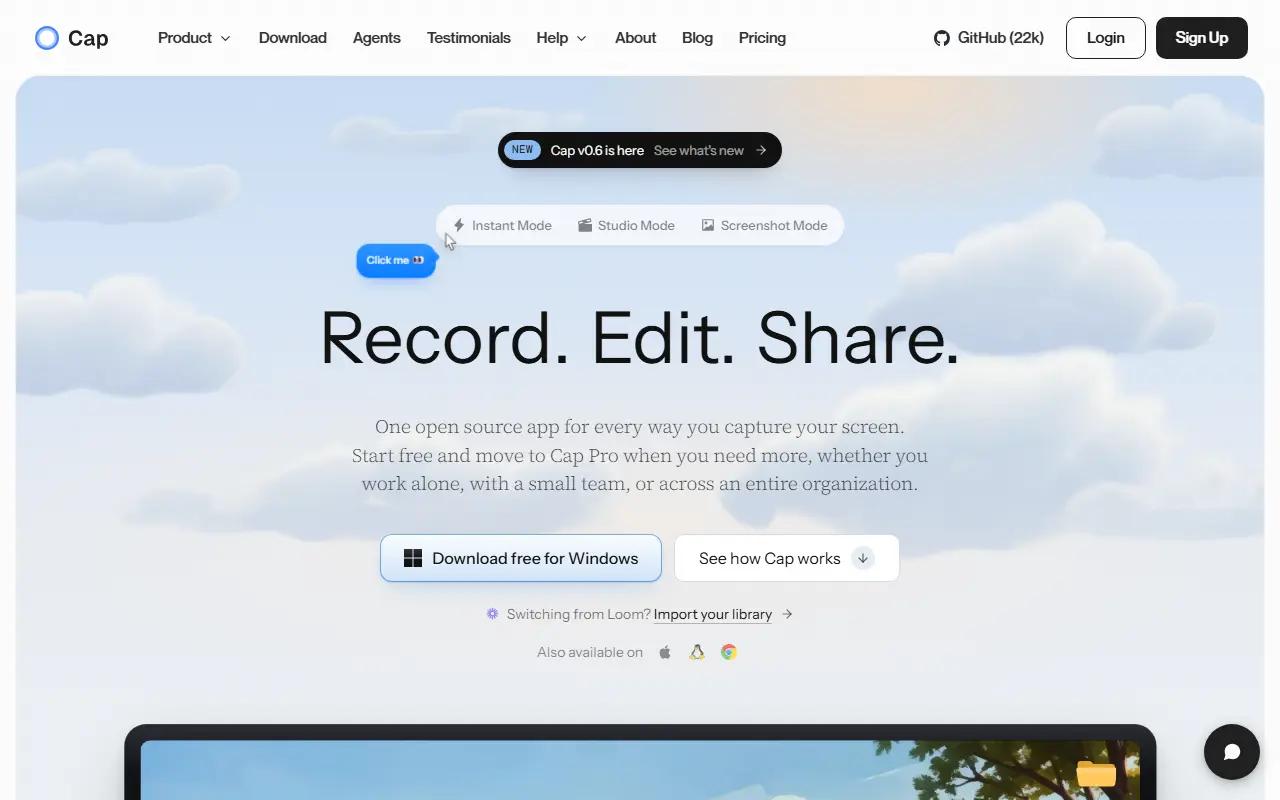
cap.soCap homepage screenshot

Cap is an open-source alternative to Loom for recording and sharing screen videos. You can record the screen, camera and microphone, then send a link or export a finished video. It is built with Rust and Tauri for the desktop apps, plus a Next.js web dashboard, and runs on macOS and Windows. The repository metadata lists the license as Other.

There are two recording modes: Instant Mode uploads while you record so a share link is ready when you stop, and Studio Mode records locally and offers editing with backgrounds, zooms, trimming, captions and export controls. Sharing options include private links, passwords and custom domains, and comments, reactions, transcripts, viewer analytics and team workspaces support async feedback. Storage can be Cap Cloud, your own S3-compatible bucket, local files or a fully self-hosted platform. Cap AI generates titles, summaries, chapters and captions, and Loom videos can be imported.

Key features

  • Screen, camera and microphone recording
  • Instant Mode with immediate share links
  • Studio Mode with local editing and captions
  • Comments, transcripts and viewer analytics
  • Custom domains and S3-compatible storage
  • Import of existing Loom videos

Pricing: Free for personal use. A commercial desktop license costs $29 a year, and Cap Pro with cloud sharing costs $12 per user per month ($8.16 billed annually).

Read more about CapWebsiteGitHub#1 CleanShot X alternative

OBS Studio

Free, open-source program for recording video and streaming live on Windows, macOS and Linux, built around scenes made from multiple sources.

GitHub stars
79k
Last commit
2 days ago
Latest release
33.0.1
Licence
GPL-2.0
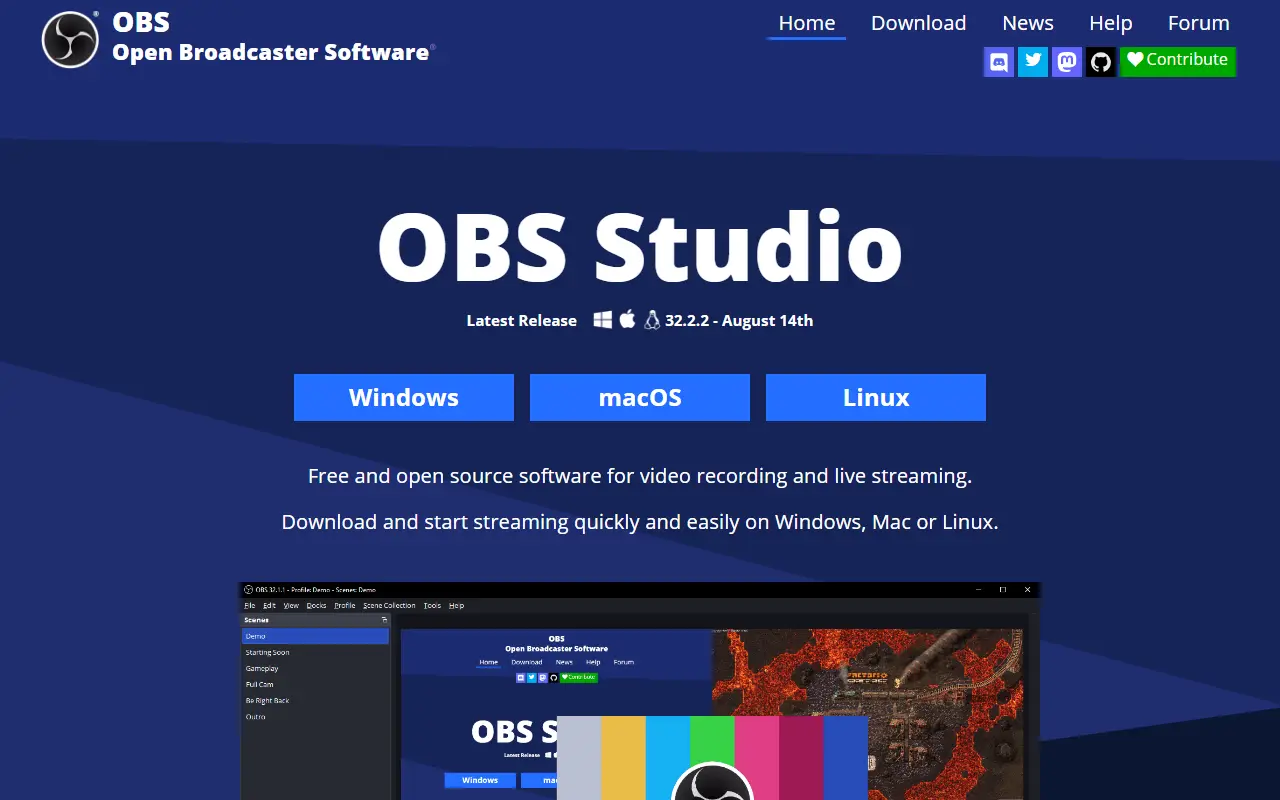
obsproject.comOBS Studio homepage screenshot

OBS Studio, from the Open Broadcaster Software project, is a free, open-source application for recording video and streaming live. It runs on Windows 10 and 11, recent macOS versions and Linux, and it is written mainly in C and C++ under the GPL-2.0 license.

Content is composed as scenes built from multiple sources, such as window captures, images, text, browser windows, webcams and capture cards. You can create as many scenes as you need and switch between them with customizable transitions. An audio mixer provides per-source filters like noise gate, noise suppression and gain, and VST plugins are supported. A modular dock-based interface can be rearranged, and individual docks can be popped out into separate windows.

OBS can stream to Twitch, YouTube and other providers, or record to local files using H.264 video and AAC audio. The project is funded through sponsors and backers. It suits streamers, educators, gamers and anyone producing tutorials or presentations who needs flexible capture and mixing without a license fee.

Key features

  • Real-time video and audio capture and mixing
  • Scenes combining windows, webcams, images and text
  • Custom transitions between scenes
  • Audio mixer with noise suppression and gain
  • VST plugin support
  • Streaming to Twitch, YouTube and other services
  • Recording with H.264 and AAC encoding

Pricing: Free and open source under the GPL-2.0 license.

Read more about OBS StudioWebsiteGitHub#2 CleanShot X alternative

ShareX

A free, open-source Windows tool for screen capture, screen recording, annotation and file sharing, with OCR, hotkeys and custom upload workflows.

GitHub stars
41k
Last commit
yesterday
Latest release
v22.4.0
Licence
GPL-3.0
Self-hosted
Yes
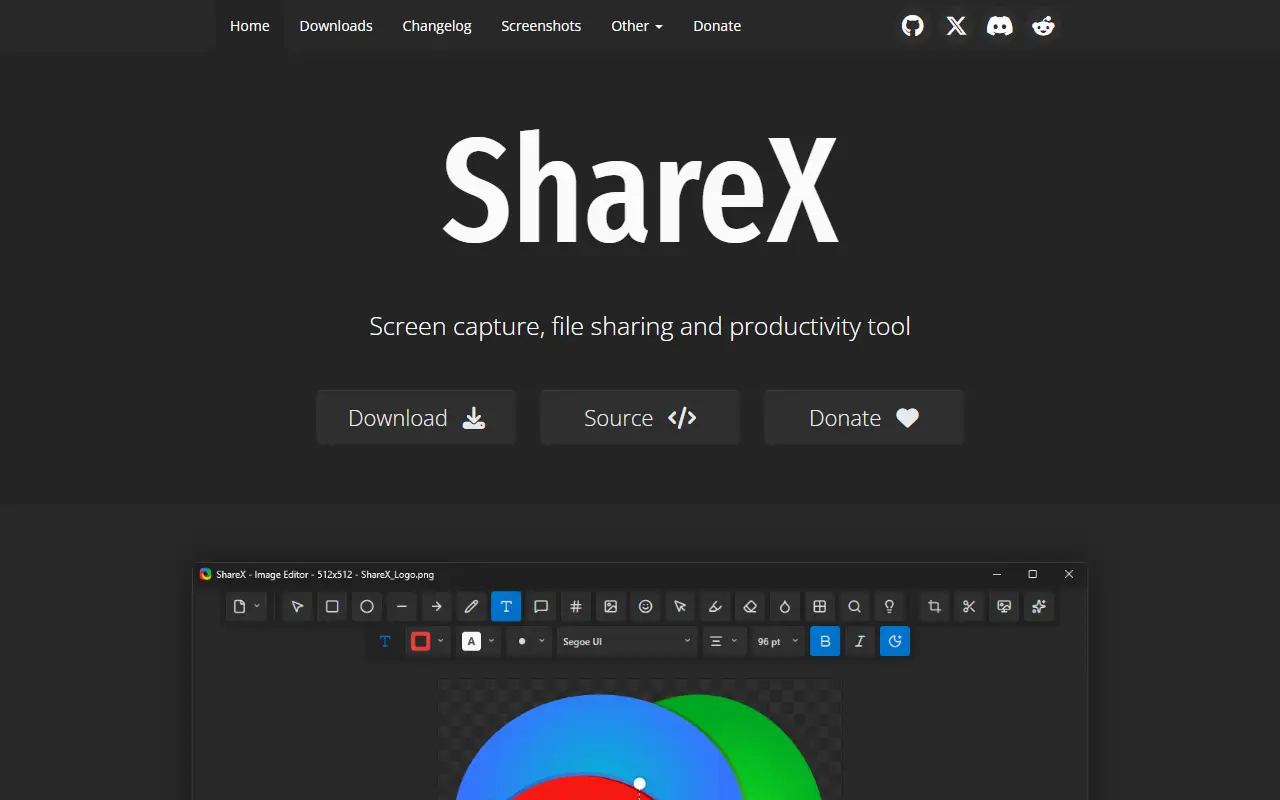
getsharex.comShareX homepage screenshot

ShareX is a free, open-source application for Windows that combines screenshot capture, screen recording, file sharing and productivity utilities. It is built for people who capture and share their screen often and want to do it with a single hotkey and minimal manual steps.

You can capture any region of the screen, record video or GIFs, annotate and edit screenshots, extract text with OCR, scan QR codes and pick colors. Finished captures can be copied, saved, or uploaded to a wide range of destinations such as FTP servers and cloud storage, with shareable links copied for you, and a URL shortener is included. Custom task chains and hotkeys let you build workflows that capture, edit and upload in one go.

ShareX is built on .NET and licensed under GPL-3.0. It runs only on Windows, and as a desktop app there is no hosted service. It is widely used by support staff, developers, educators and content creators who send screenshots and recordings daily and want more control than the built-in Windows tools offer.

Key features

  • Screen capture of any region
  • Screen recording to video or GIF
  • Screenshot annotation and editing
  • OCR text extraction and QR scanning
  • Upload to many destinations with shareable links
  • Hotkeys and custom task workflows

Pricing: Free and open source under the GPL-3.0 license.

Read more about ShareXWebsiteGitHub#3 CleanShot X alternative

Flameshot

Flameshot is a cross-platform screenshot tool with in-app annotation, a command-line interface and optional Imgur uploads.

GitHub stars
32k
Last commit
6 days ago
Latest release
v15.0.0
Licence
GPL-3.0
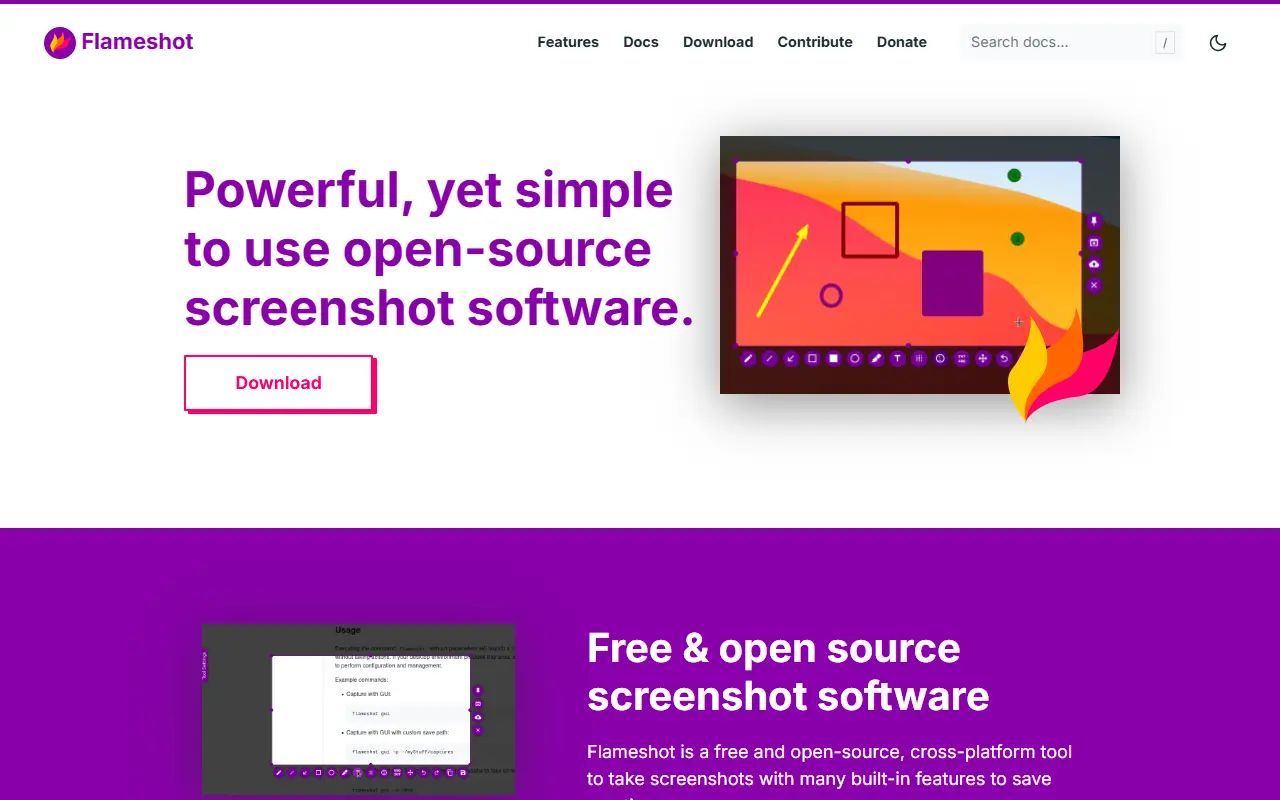
flameshot.orgFlameshot homepage screenshot

Flameshot is screenshot software with a customizable look and an in-app editor, so you can capture an area of the screen and mark it up before saving or sharing. It is built with Qt in C++, runs on Linux, Windows and macOS, and is released under the GPL-3.0 license. The project aims to be easy to use while still offering configuration options.

Running the flameshot command starts a background instance, with a tray icon on desktops that have a tray, and further commands trigger captures. Examples in the README cover GUI captures, delayed captures for hover tooltips, full-screen captures to a custom path, copying to the clipboard, and printing PNG data. A DBus interface and the ability to upload to Imgur are included. The documentation has setup notes for Windows, Hyprland, Sway, minimal X11 window managers and keyboard shortcuts on KDE, GNOME, XFCE and Fluxbox.

Key features

  • Region capture with in-app annotation tools
  • Command-line captures with delays and paths
  • Copy to clipboard or save to a file
  • Upload screenshots to Imgur
  • DBus interface for scripting
  • Tray icon and configurable shortcuts

Pricing: Free and open source under the GPL-3.0 license.

Read more about FlameshotWebsiteGitHub#4 CleanShot X alternative

Capso

Capso is a free, open-source macOS app for capturing screenshots, recording screen video or GIF, annotating, extracting text with OCR, and beautifying screenshots.

GitHub stars
1.5k
Last commit
3 days ago
Latest release
v1.2.8
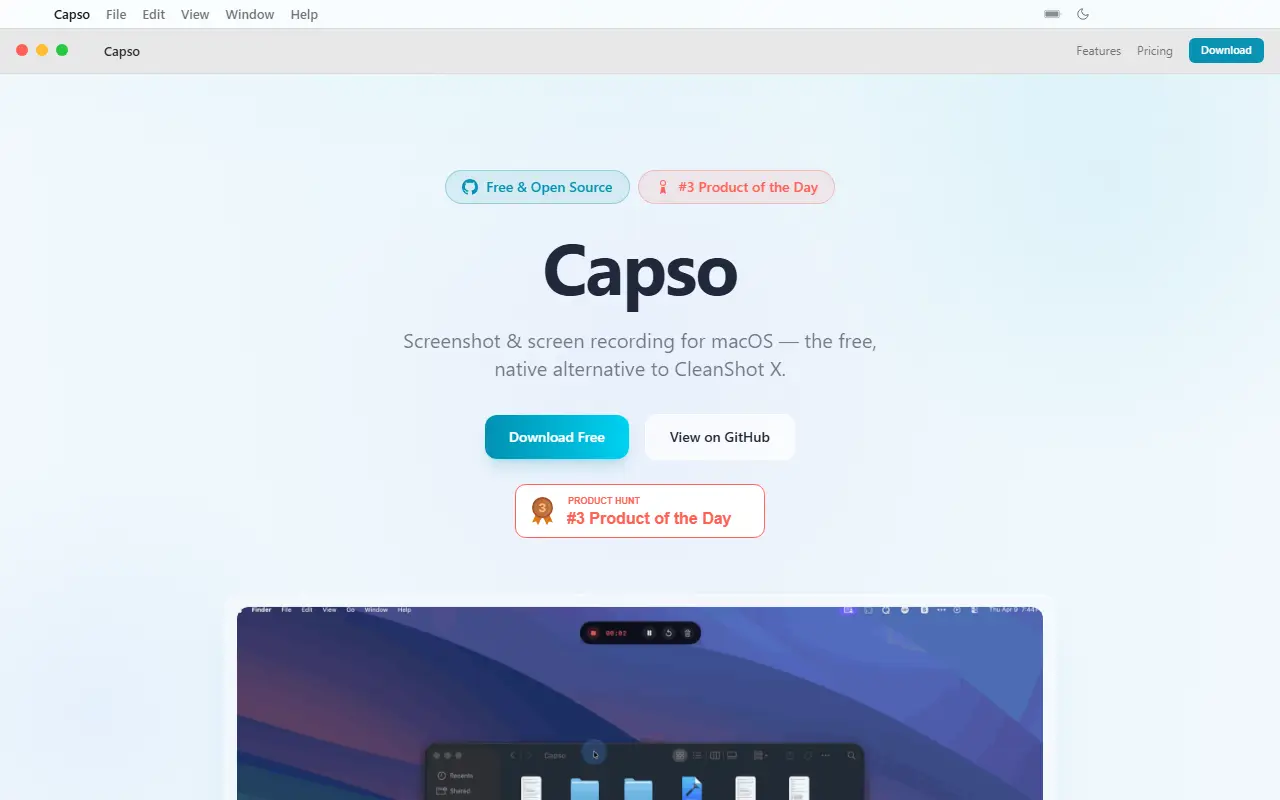
awesomemacapp.comCapso homepage screenshot

Capso is a native macOS application built with Swift 6 and SwiftUI that provides screenshot capture, screen recording, annotation, OCR text recognition, and screenshot beautification. It is offered as a free and open-source alternative to CleanShot X, with no trial, feature gating, or subscription.

Key features

  • Capture area, fullscreen, or window from menu bar or global shortcut with live dimension display
  • Record screen video (MP4) or GIF with system audio and microphone, including 3-2-1 countdown, pause, resume, and restart
  • Annotate captures with arrows, rectangles, ellipses, text, freehand drawing, pixelate/blur, numbered counters, and highlighter
  • Beautify screenshots with background color gradients, padding, rounded corners, drop shadow, and Solid or Liquid Glass style
  • Webcam picture-in-picture overlay during recording with four shapes and snap-to-corner positioning
  • OCR text recognition by selecting an area to copy text, with visual mode highlighting detected text blocks
Read more about CapsoWebsiteGitHub#5 CleanShot X alternative

Screenity

A free, privacy-friendly screen recorder and annotation tool for creating demos, tutorials and presentations, with unlimited recordings of tabs, screens or cameras.

GitHub stars
19k
Last commit
5 days ago
Latest release
v4.7.2
Licence
GPL-3.0
Self-hosted
Yes
Hosted version
Available
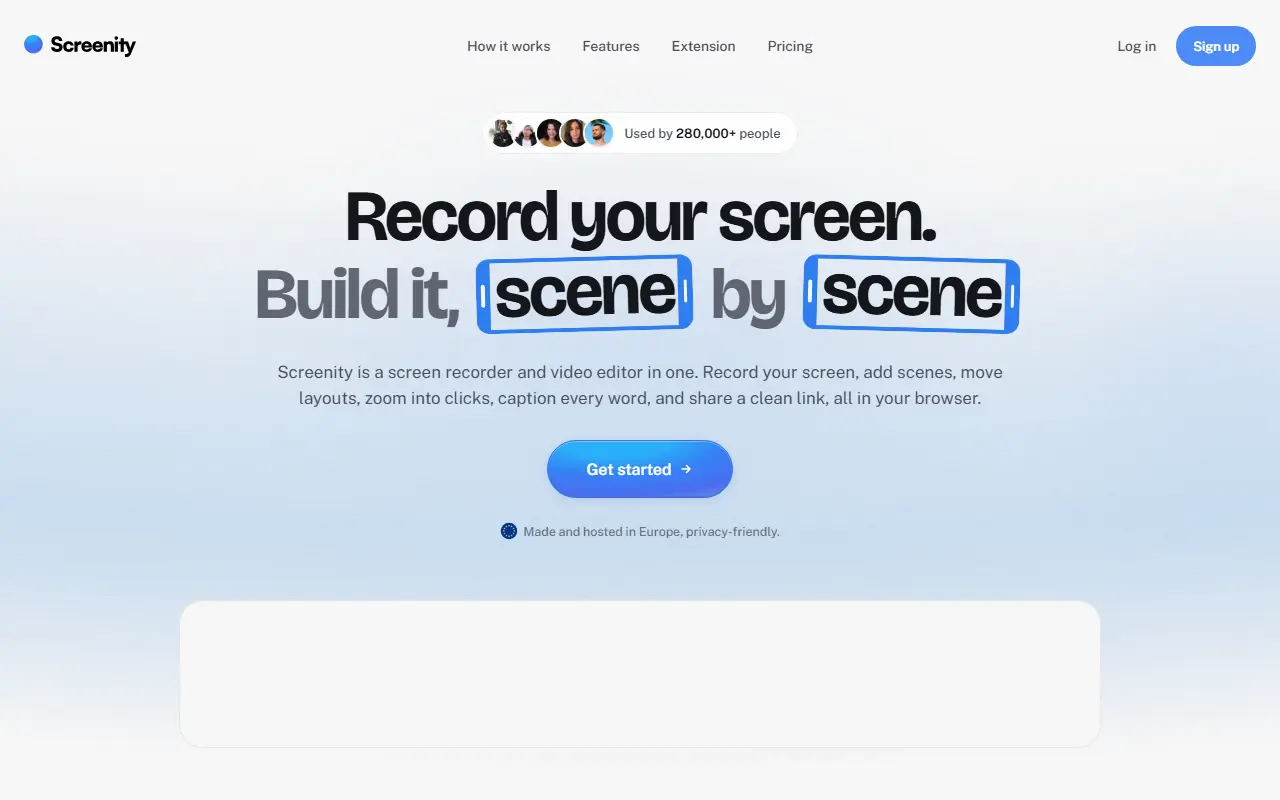
screenity.ioScreenity homepage screenshot

Screenity is a free screen recorder and annotation tool that emphasizes privacy and has no recording limits. It can capture a browser tab, a selected area, the whole desktop, a specific application or a camera, and also records audio, which makes it useful for product demos, tutorials, presentations and feedback videos.

Topics show it runs as a Chrome extension, and it includes annotation tools to draw on screen while recording. The README documents how to create a development version and how to enable saving to Google Drive. The project is funded by sponsorship, with Recall.ai supporting its open-source work, and its creator offers an optional paid tier called Screenity Pro, described as an EU-hosted, privacy-minded platform offering link sharing, multi-scene editing, zoom keyframes and captions.

Screenity is JavaScript and licensed under GPL-3.0. The free extension can be installed from the browser store, and there is a section on self-hosting it. It suits teachers, support staff, designers and developers who regularly record their screen and prefer not to depend on a subscription.

Key features

  • Unlimited screen, tab and camera recordings
  • On-screen annotation while recording
  • Microphone and audio capture
  • Optional save to Google Drive
  • Chrome extension install
  • Optional Screenity Pro hosted platform

Pricing: The recorder extension is free. The paid editor and sharing plan is $10 a month on yearly billing ($120 per year) with a 7-day free trial.

Read more about ScreenityWebsiteGitHub#6 CleanShot X alternative

BetterShot

Native macOS app for screenshots, scrolling captures, screen recording, and video editing, offered as a free open-source alternative to CleanShot X and Loom.

GitHub stars
2.5k
Last commit
20 days ago
Latest release
v0.5.9
Self-hosted
Yes
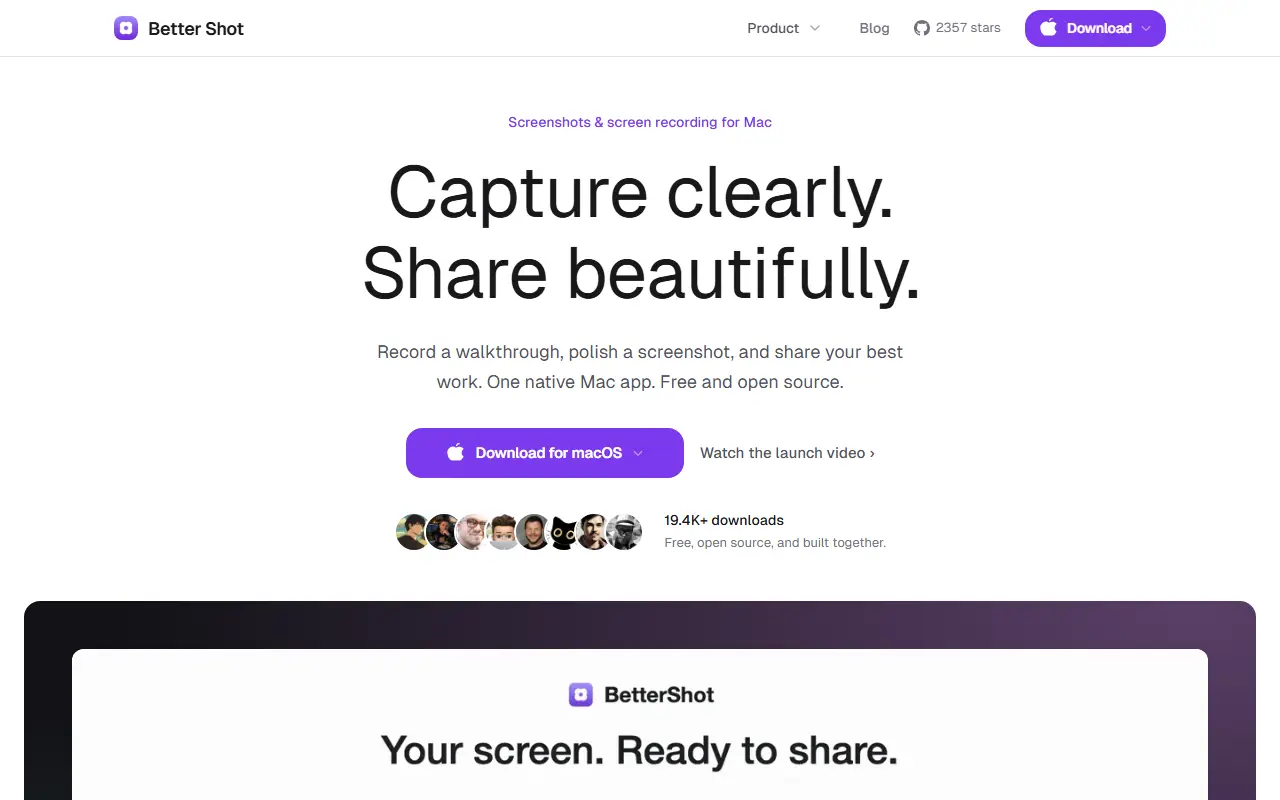
bettershot.siteBetterShot homepage screenshot

BetterShot is a free, open-source Mac app for capturing, editing, and sharing screenshots and screen recordings. It is built natively with SwiftUI and needs no account, subscription, or cloud service. It requires macOS 26 or later and is positioned as an alternative to CleanShot X and Loom. The input lists its license only as other.

Screenshot tools include region, window, fullscreen, and scrolling capture, OCR text extraction, a color picker, and annotation with arrows, shapes, text, numbered markers, highlights, blur, and pixelate. Captures can be framed on a wallpaper or gradient with padding, rounded corners, and shadow. Recording supports a display, window, or area, with optional system audio, microphone, camera, and teleprompter, followed by a video editor for cutting, speed changes, zooms, transitions, captions, and masks.

It also provides customizable shortcuts, URL scheme automation for tools like Raycast, and self-hosted cloud sharing, with Cloudflare R2 among the topics. BetterShot suits Mac users who make tutorials, documentation, and bug reports and prefer a local, privacy-focused tool.

Key features

  • Region, window, fullscreen, and scrolling capture
  • Annotation tools and OCR text extraction
  • Screen recording with audio and camera
  • Built-in video editor with zooms and captions
  • URL scheme automation
  • Self-hosted cloud sharing

Pricing: Better Shot is free and open source, with no trial, no paid tier, no account and no watermark.

Read more about BetterShotWebsiteGitHub#7 CleanShot X alternative

Kap

Open-source screen recorder for macOS built with web technology, exporting GIF, MP4, WebM or APNG and extendable through plugins.

GitHub stars
19k
Last commit
2 yr ago
Latest release
v3.6.0
Licence
MIT
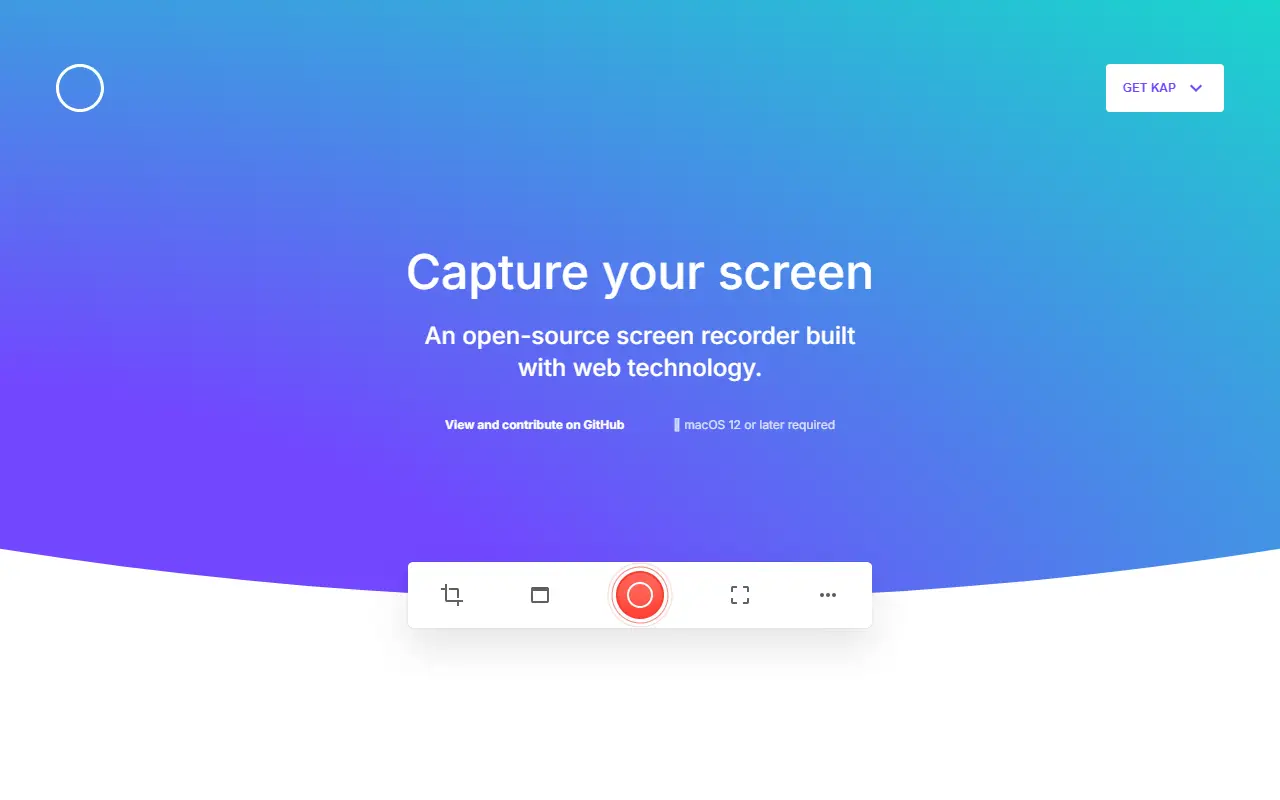
getkap.coKap homepage screenshot

Kap is a screen recorder for the Mac, built with web technology and released under the MIT licence. Recording runs from the menu bar: you click the icon, choose which part of the screen to capture, press record, and click the icon again to stop.

Exports can be GIF, MP4, WebM or APNG, with optional audio, click highlighting and trimming. While recording you can Option-click the menu bar icon to pause, or right-click for more options. Plugins extend what happens after a recording, and the homepage shows sharing to Giphy, deploying with Vercel and uploading to Streamable.

The site states that macOS 12 or later is required, and offers separate downloads for Apple silicon and Intel Macs. You can also install it with Homebrew Cask. Unsupported development builds of any branch are available for testers.

Key features

  • Exports to GIF, MP4, WebM or APNG
  • Recording controlled from the menu bar icon
  • Select the portion of the screen to record
  • Pause by Option-clicking the menu bar icon
  • Plugin system with developer documentation
  • Sharing integrations for Giphy, Vercel and Streamable
  • Install with Homebrew Cask
Read more about KapWebsiteGitHub#8 CleanShot X alternative

LICEcap

LICEcap records an area of the desktop to an animated GIF or its own LCF format on Windows and macOS.

GitHub stars
5.6k
Last commit
3 yr ago
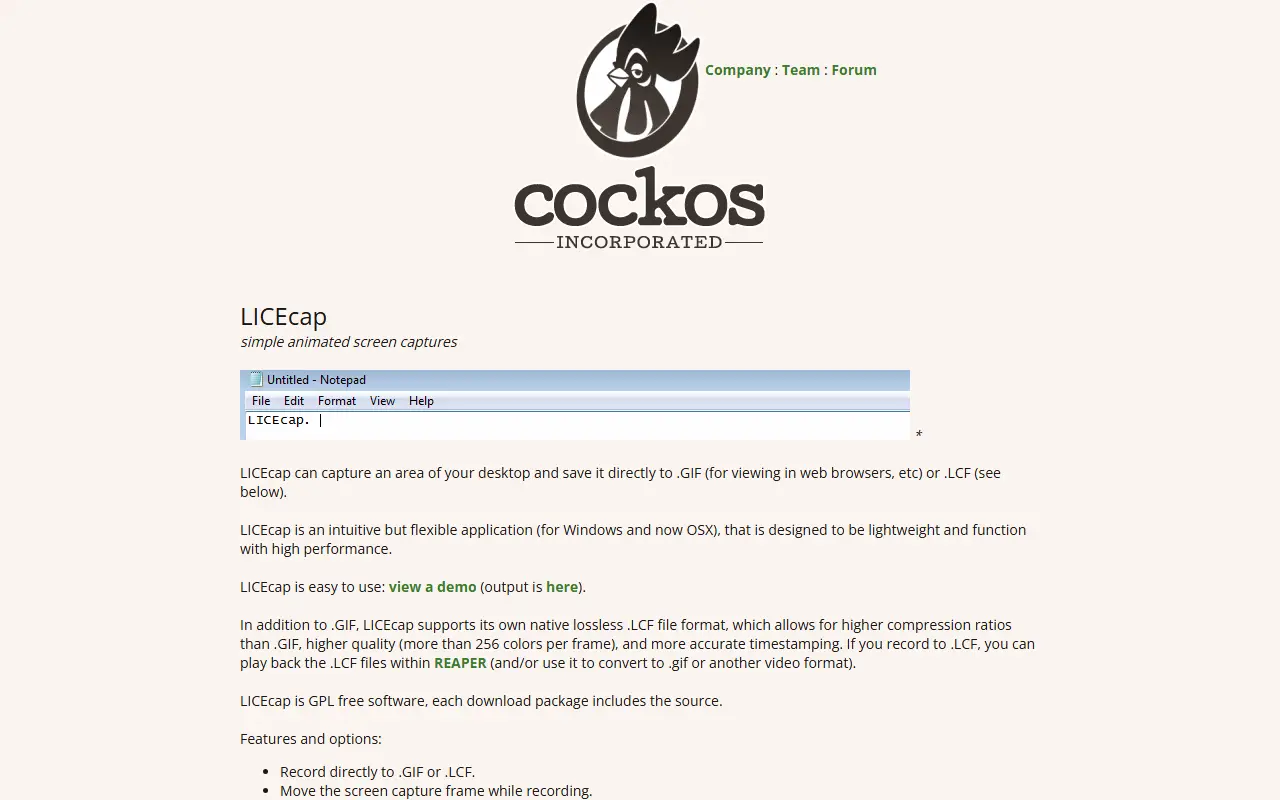
cockos.comLICEcap homepage screenshot

LICEcap captures a rectangular region of your screen and writes it straight to a .GIF file, which browsers can display, or to its own .LCF format. The capture frame can be moved while recording, and recording can be paused and resumed with optional text messages inserted.

The LCF format is lossless, allows higher compression than GIF and more than 256 colours per frame, and records more accurate timestamps. LCF files can be played back in REAPER, which can also convert them to GIF or another video format.

Installers exist for Windows and macOS, and the source ships inside each download package under the GPL. The site says it also seems to work on Linux through WINE.

Key features

  • Saves screen regions as GIF or LCF
  • Native lossless LCF format
  • Pause and resume with inserted text messages
  • Global hotkey toggles pausing
  • Frame rate cap to limit CPU load
  • Shows mouse clicks and elapsed time
Read more about LICEcapWebsiteGitHub#9 CleanShot X alternative

Commercial CleanShot X alternatives

Hosted, closed-source products that compete with CleanShot X. Showing 12 of 36.

See every CleanShot X alternative on its tool page

CleanShot X alternatives: questions

What is the best open-source alternative to CleanShot X?
Cap is the top-ranked open-source alternative to CleanShot X on Enlisted: Cap is an open-source screen recorder and Loom alternative with instant share links, local editing, team workspaces and self-hosting. Other strong options are OBS Studio, ShareX, Flameshot and Capso.
What are the best commercial alternatives to CleanShot X?
Zight, Screencastify, Tella, Snagit and Screen Studio are among the hosted, closed-source alternatives to CleanShot X listed on Enlisted, which lists 36 in total. Compare their pricing and features on each tool page.
Are these CleanShot X alternatives free?
All 9 are open source, so the code is free to use under its licence, and all of them can be self-hosted on your own server or computer. 2 also offer a paid or managed cloud version if you'd rather not host it yourself.
How is this list of CleanShot X alternatives ranked?
By a score built from GitHub stars, star growth over the last 30 days and how recently the code changed. 7 of these projects shipped code in the last 30 days. Data is refreshed daily, and nobody can pay to move up.

People also look for alternatives to…

View all