6 open-source alternatives ranked by real activity

Open-source Parsec alternatives

A curated, ranked list of the 6 best open-source alternatives to Parsec.

The best open-source alternative to Parsec is RustDesk. If that doesn't suit you, other good options are OBS Studio, Sunshine, Xpra and Apache Guacamole.

Commercial alternatives to Parsec include Chrome Remote Desktop, ConnectWise ScreenConnect, Tuple and Splashtop. See all 16.

Parsec alternatives are mainly networking & VPN tools, but some are also video editing tools and gaming & emulation tools. 5 of them shipped code in the last 30 days, 6 can be self-hosted, and 1 uses a permissive licence.

Last updated November 12, 2026 · ranked by GitHub stars, growth and recent commits

RustDesk

An open-source remote desktop application written in Rust, designed for self-hosting and positioned as an alternative to TeamViewer.

GitHub stars
129k
Last commit
yesterday
Latest release
1.5.3
Licence
AGPL-3.0
Self-hosted
Yes
Hosted version
Available
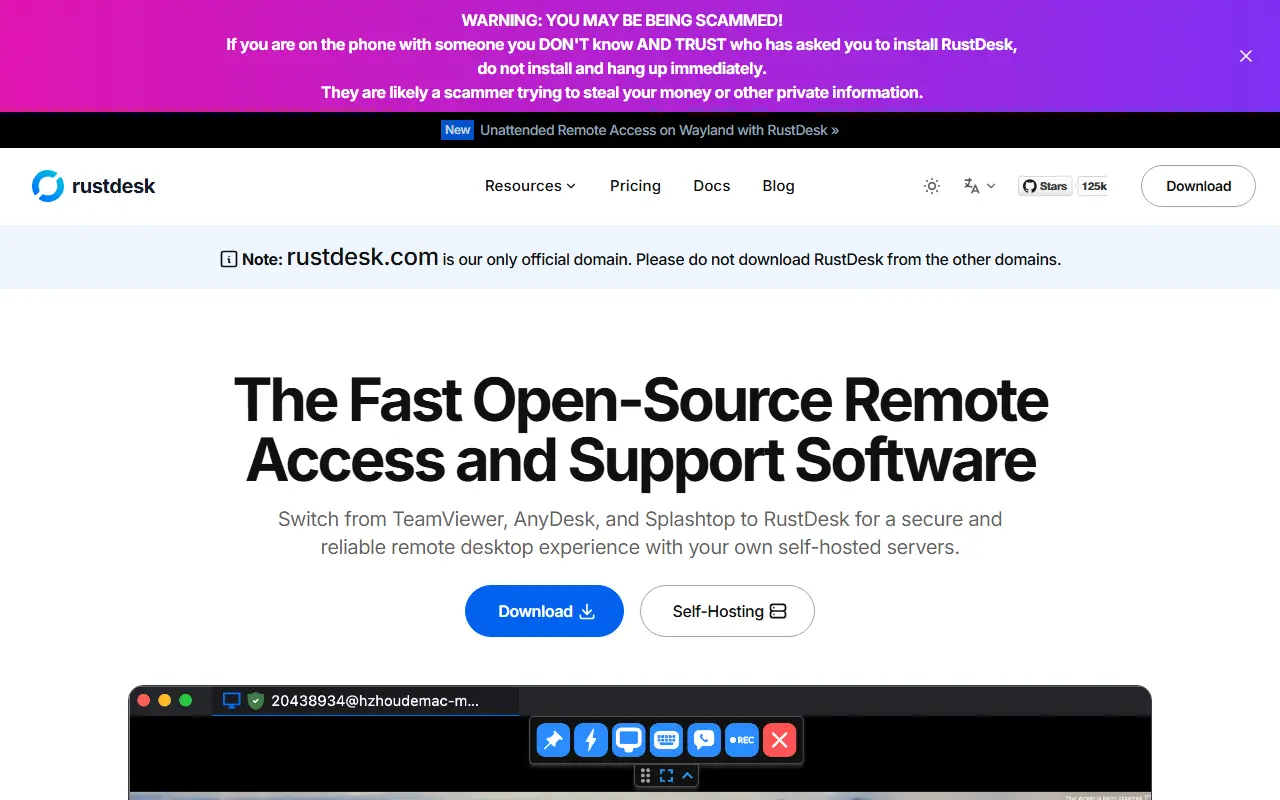
rustdesk.comRustDesk homepage screenshot

RustDesk is a remote desktop application that lets you view and control another computer over the network. It is written in Rust with a Flutter interface, released under AGPL-3.0, and designed for self-hosting, making it an open-source alternative to TeamViewer. The project says no setup is needed to get started.

You decide where connection brokering happens: use the project's rendezvous and relay servers, run your own, or write a custom one. Clients exist for Windows, macOS, Linux, Android and iOS, with Wayland support on Linux, and the codebase includes peer-to-peer connection support. Because you can host the servers yourself, you keep control of your data.

Desktop builds use Flutter for the interface, while the older Sciter interface is deprecated. The README includes a misuse disclaimer stating that the developers do not support unauthorized access or privacy invasion. It suits IT teams, support staff and individuals who want remote access without relying entirely on a third-party service.

Key features

  • Remote desktop viewing and control
  • Self-hostable rendezvous and relay servers
  • Clients for desktop and mobile platforms
  • Peer-to-peer connection mode
  • Flutter-based cross-platform interface
  • Usable immediately with no setup

Pricing: Free self-hosting plan. Paid self-hosted Pro plans cost $11.88 (Individual) and $23.88 (Basic and Customized) per month billed annually; only annual payment is offered. This is not a SaaS subscription.

OBS Studio

Free, open-source program for recording video and streaming live on Windows, macOS and Linux, built around scenes made from multiple sources.

GitHub stars
79k
Last commit
2 days ago
Latest release
33.0.1
Licence
GPL-2.0
obsproject.comOBS Studio homepage screenshot

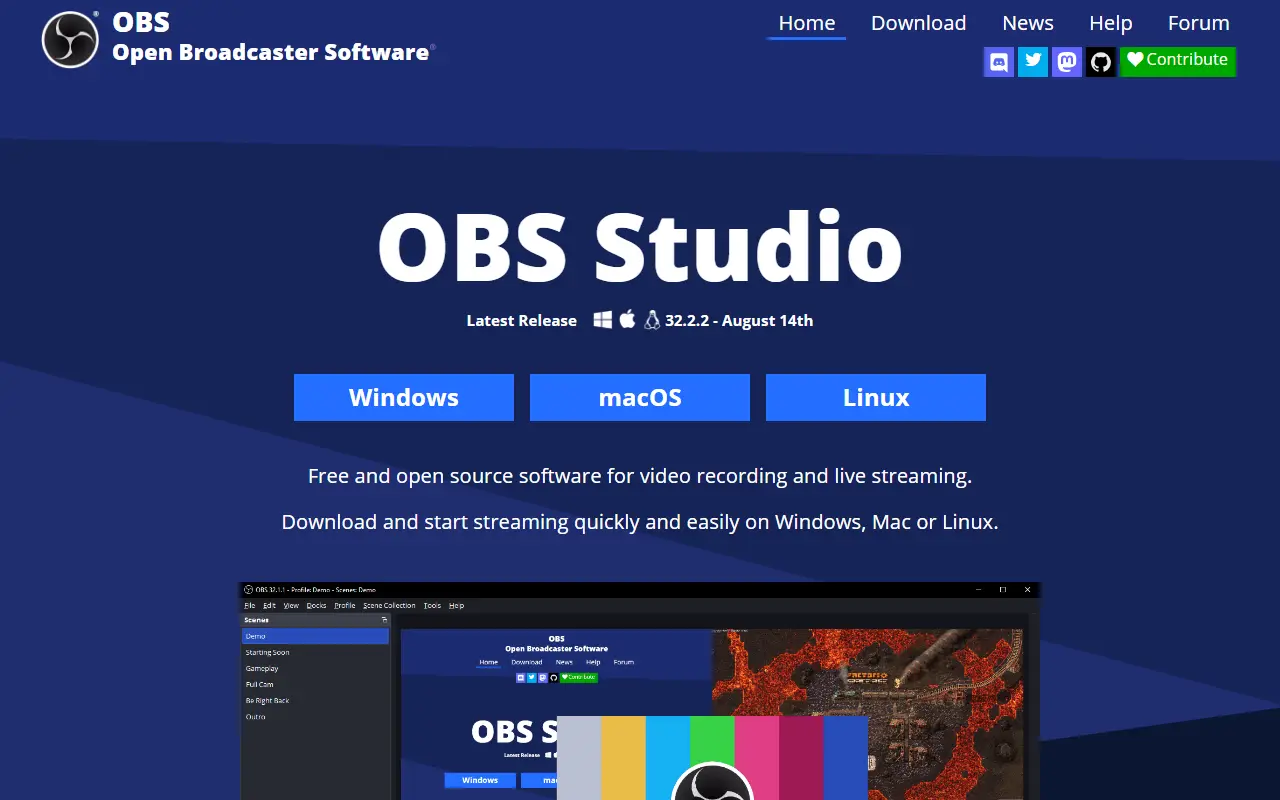
OBS Studio, from the Open Broadcaster Software project, is a free, open-source application for recording video and streaming live. It runs on Windows 10 and 11, recent macOS versions and Linux, and it is written mainly in C and C++ under the GPL-2.0 license.

Content is composed as scenes built from multiple sources, such as window captures, images, text, browser windows, webcams and capture cards. You can create as many scenes as you need and switch between them with customizable transitions. An audio mixer provides per-source filters like noise gate, noise suppression and gain, and VST plugins are supported. A modular dock-based interface can be rearranged, and individual docks can be popped out into separate windows.

OBS can stream to Twitch, YouTube and other providers, or record to local files using H.264 video and AAC audio. The project is funded through sponsors and backers. It suits streamers, educators, gamers and anyone producing tutorials or presentations who needs flexible capture and mixing without a license fee.

Key features

  • Real-time video and audio capture and mixing
  • Scenes combining windows, webcams, images and text
  • Custom transitions between scenes
  • Audio mixer with noise suppression and gain
  • VST plugin support
  • Streaming to Twitch, YouTube and other services
  • Recording with H.264 and AAC encoding

Pricing: Free and open source under the GPL-2.0 license.

Sunshine

A game streaming host you run yourself for Moonlight clients, with low-latency streaming, GPU hardware encoding, a web UI and gamepad emulation.

GitHub stars
43k
Last commit
yesterday
Latest release
v2026.914.233613
Licence
GPL-3.0
Self-hosted
Yes
app.lizardbyte.devSunshine homepage screenshot

Sunshine is a streaming host for PC games that you run on your own machine, built to work with Moonlight clients. It provides low-latency, cloud-gaming-style streaming from your own computer, with hardware encoding on AMD, Intel and Nvidia GPUs and a software encoding fallback. It is written in C++, released under the GPL-3.0 license and developed by LizardByte.

You connect from any Moonlight client on a range of devices. A web interface lets you configure the host and pair clients from a browser, whether from the local server or from a mobile device. The documentation includes a feature compatibility table showing which gamepad types can be emulated on FreeBSD, Linux, macOS and Windows, including generic, DualShock 4, DualSense, Switch Pro and several Xbox controllers.

Packaging topics reference Docker, winget, Homebrew, Flathub and pacman. Full documentation is hosted on Read the Docs for stable and beta releases. Sunshine suits gamers who want to play PC games on other screens at home or remotely, and users who prefer an open-source host over a proprietary streaming service.

Key features

  • Low-latency game streaming to Moonlight clients
  • Hardware encoding on AMD, Intel and Nvidia GPUs
  • Software encoding fallback
  • Web UI for configuration and client pairing
  • Gamepad emulation including DualShock and Xbox
  • Linux, macOS, Windows and FreeBSD support

Pricing: Free and open source under the GPL-3.0 license.

Xpra

Xpra is known as screen for X: it runs graphical Linux applications on a remote host and lets you detach and reattach without losing state.

GitHub stars
3.1k
Last commit
yesterday
Latest release
v6.5.6
Licence
GPL-2.0
Self-hosted
Yes
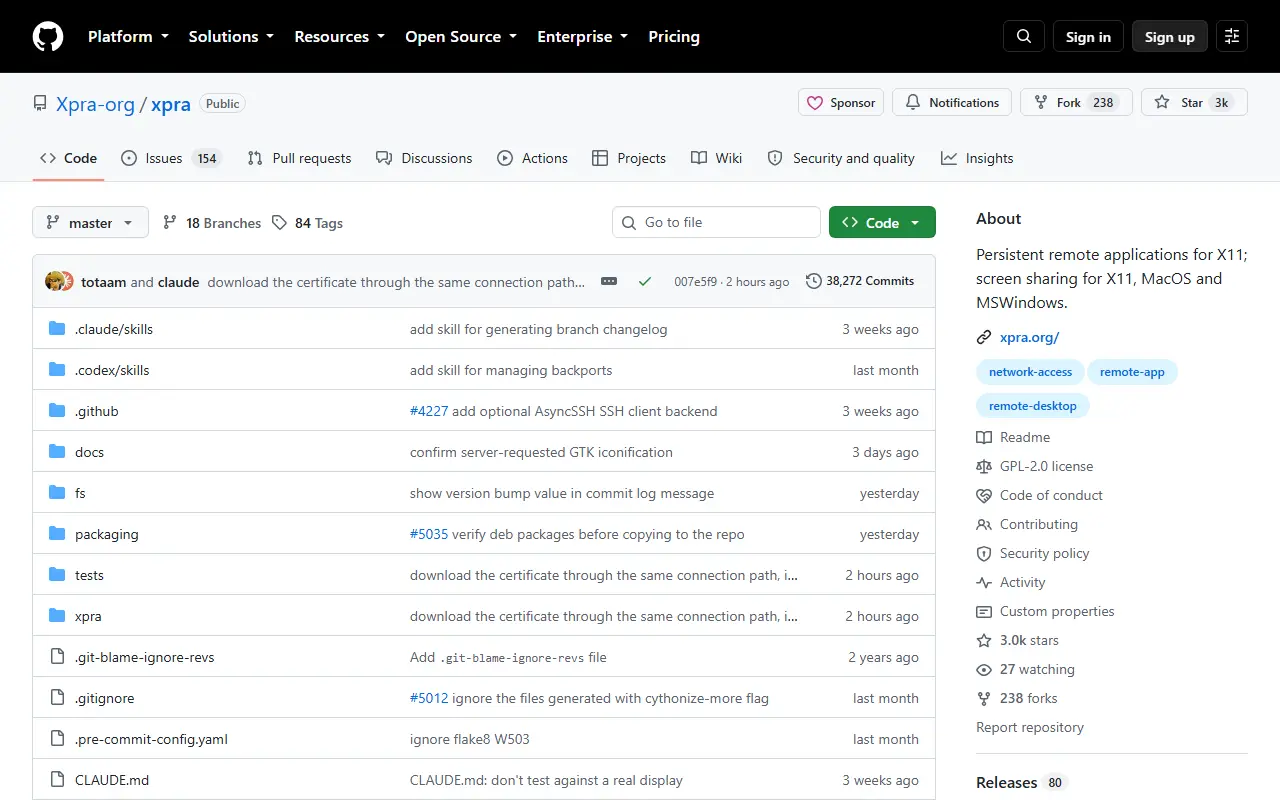
xpra.orgXpra homepage screenshot

Xpra is an open-source tool, nicknamed screen for X, that lets you run X11 programs on a remote machine while displaying them on your local one. In its seamless mode, individual application windows appear alongside your local windows. You can disconnect, then reconnect later from the same or a different computer, and the applications keep running with their state intact.

Beyond single applications, Xpra can attach to existing desktop sessions and start remote desktops, and it can share screens on X11, macOS and Windows. It forwards audio input and output, printers, the clipboard, system trays, notifications and webcams so remote programs blend into the local desktop. It can also open documents and URLs remotely, show high bit depth content and respect the display DPI.

Clients exist for many platforms, and the server includes a built-in HTML5 client that works in a browser. Xpra adapts to different network conditions and protocols. Signed packages are offered for Windows, macOS and Linux, with LTS and beta builds as well. It is written in Python and licensed under GPL-2.0 or later.

Key features

  • Seamless remote windows for X11 applications
  • Disconnect and reattach without losing state
  • Built-in HTML5 browser client
  • Audio, clipboard, printer and webcam forwarding
  • Remote desktop and shadow sessions
  • Signed packages for Windows, macOS and Linux

Pricing: Free and open source under GPL-2.0 or later.

Apache Guacamole

The server-side components of Apache Guacamole, a clientless remote desktop gateway that provides VNC, RDP and SSH access through a web browser.

GitHub stars
4k
Last commit
10 days ago
Licence
Apache-2.0
Self-hosted
Yes
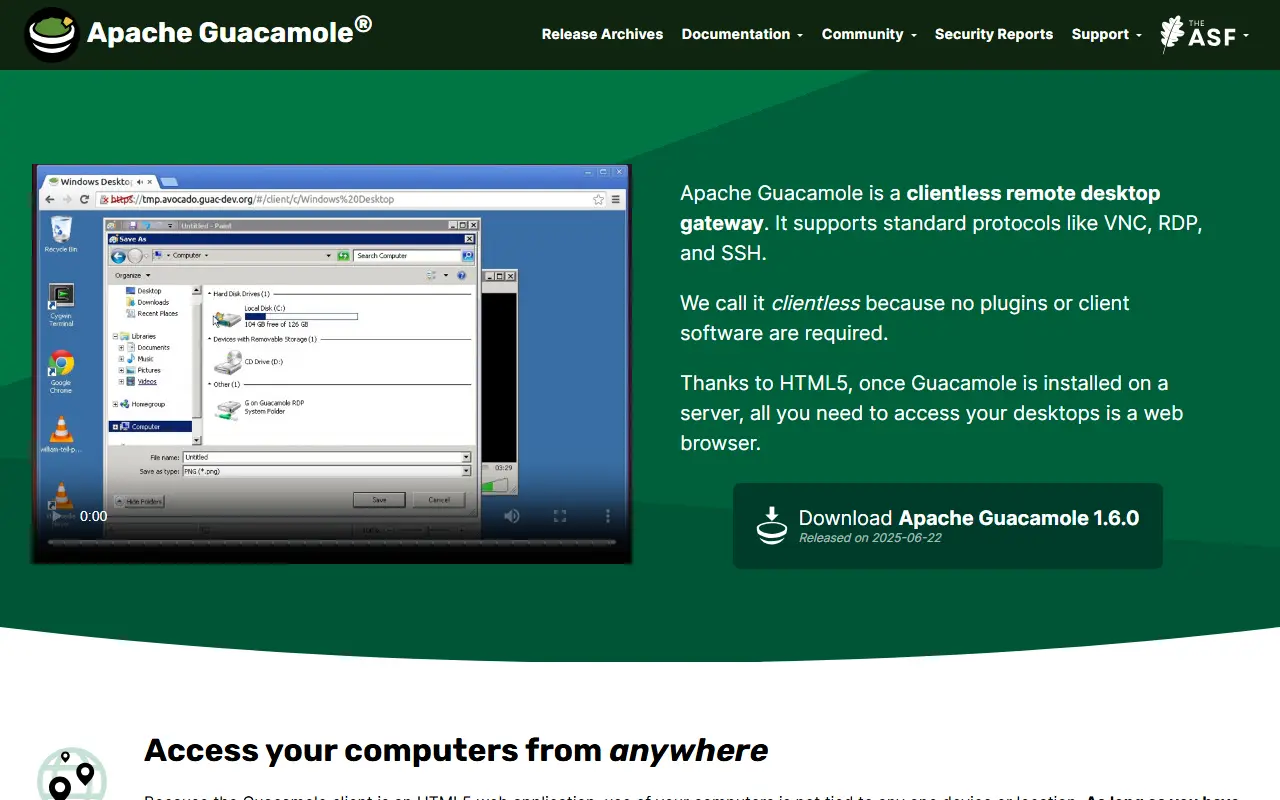
guacamole.apache.orgApache Guacamole homepage screenshot

This repository holds the server-side parts of Apache Guacamole: the guacd proxy daemon, the libguac C API and protocol support. Guacamole itself is a clientless remote desktop gateway that supports standard protocols such as VNC, RDP and SSH.

It is called clientless because no plugins or client software are needed. Once Guacamole is installed on a server, a web browser is all that is required to reach your desktops, since the client is an HTML5 web application. That frees access from any one device or location, and the desktops can even be virtual machines hosted in the cloud.

Guacamole is built on its own documented stack of core APIs, with tutorials and conceptual overviews in the online manual. It is a project of the Apache Software Foundation, licensed under Apache-2.0, and the codebase combines C, Java and JavaScript. The project provides release archives, mailing lists, an issue tracker and commercial support options.

Key features

  • Clientless remote desktop gateway
  • VNC, RDP and SSH protocol support
  • HTML5 browser client
  • guacd proxy daemon
  • libguac C API
  • Documented core APIs

Pricing: Free and open source under the Apache-2.0 licence.

Remmina

GTK remote desktop client for Linux that connects to other computers over RDP, VNC, SPICE, X2Go, SSH and more.

GitHub stars
2.6k
Last commit
9 mo ago
Latest release
v1.2.30
Licence
GPL-2.0
remmina.orgRemmina homepage screenshot

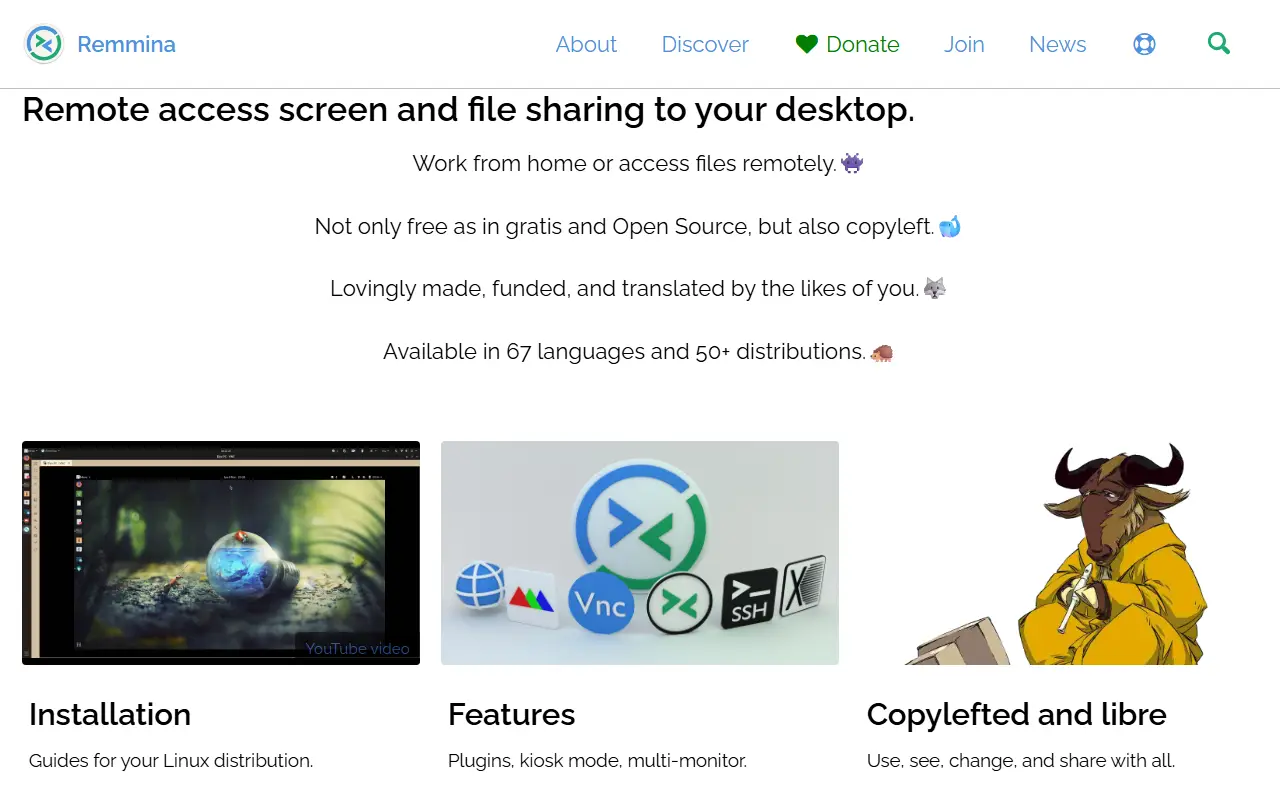
Remmina is a remote desktop client written in GTK that lets you use other computers from a small screen or a large monitor. It supports RDP, VNC, SPICE, X2Go, SSH, WWW (HTTP) and EXEC connection types, so a single tool can reach Windows machines, Linux desktops, virtual machines and shell sessions.

The software ships as the main remmina program plus a separate remmina-plugins package that provides the protocol support. Connections can be set up from the graphical interface, or by working with the files in the user's config directory. A port to Qt is described as underway. Installation steps are kept on the project wiki.

Remmina is copylefted free software, licensed under GPL version 2 or later, and was first developed by Vic Lee. It is now maintained by a small team of volunteers, with community chat on IRC and Matrix. The GitHub repository is a mirror of the official GitLab project.

Key features

  • Remote desktop over RDP, VNC and SPICE
  • SSH and X2Go session support
  • HTTP and command-based connection types
  • Configuration through a graphical interface
  • Plugin package for protocol support

Pricing: Free and open source under GPL-2.0 or later; donations are accepted.

Commercial Parsec alternatives

Hosted, closed-source products that compete with Parsec. Showing 12 of 16.

See every Parsec alternative on its tool page

Parsec alternatives: questions

What is the best open-source alternative to Parsec?
RustDesk is the top-ranked open-source alternative to Parsec on Enlisted: An open-source remote desktop application written in Rust, designed for self-hosting and positioned as an alternative to TeamViewer. Other strong options are OBS Studio, Sunshine, Xpra and Apache Guacamole.
What are the best commercial alternatives to Parsec?
Chrome Remote Desktop, ConnectWise ScreenConnect, Tuple, Splashtop and RealVNC are among the hosted, closed-source alternatives to Parsec listed on Enlisted, which lists 16 in total. Compare their pricing and features on each tool page.
Are these Parsec alternatives free?
All 6 are open source, so the code is free to use under its licence, and all of them can be self-hosted on your own server or computer. 1 also offers a paid or managed cloud version if you'd rather not host it yourself.
How is this list of Parsec alternatives ranked?
By a score built from GitHub stars, star growth over the last 30 days and how recently the code changed. 5 of these projects shipped code in the last 30 days. Data is refreshed daily, and nobody can pay to move up.

People also look for alternatives to…

View all