
 NinjaOne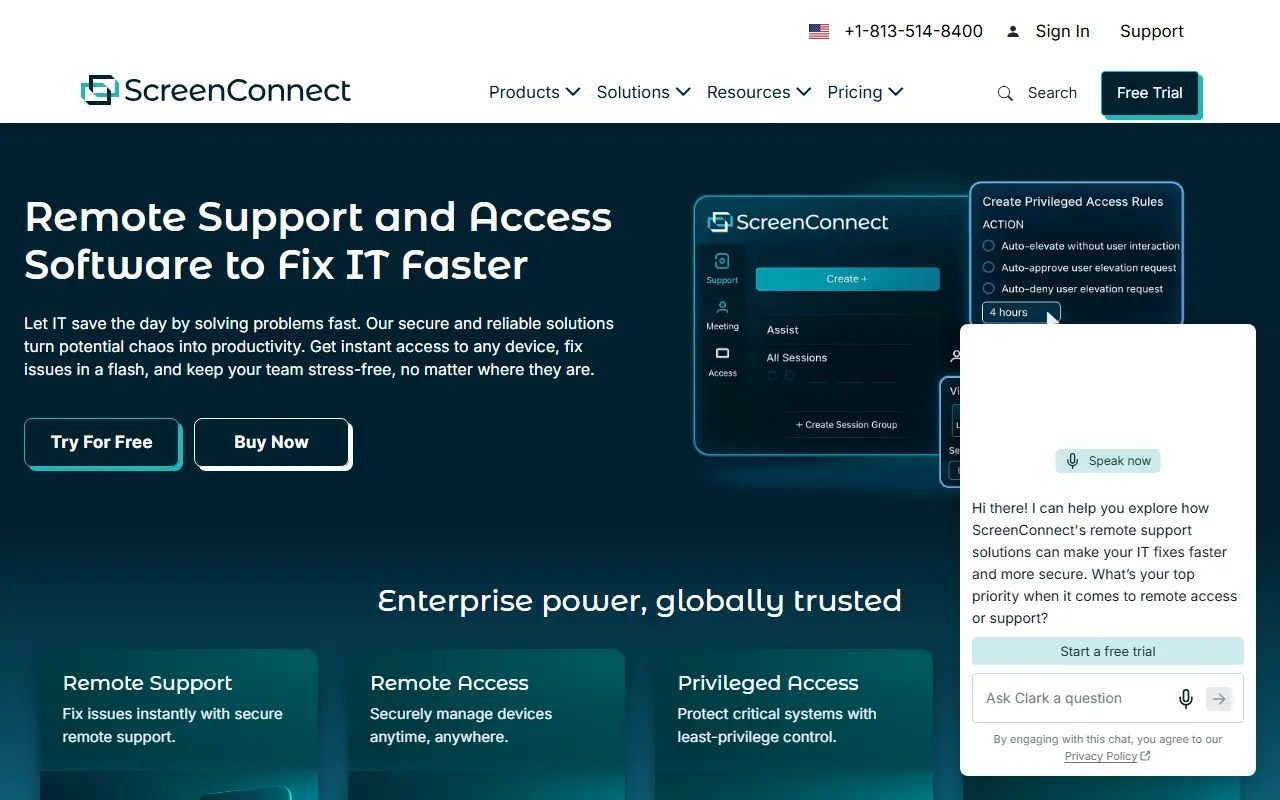
About ConnectWise ScreenConnect
ConnectWise ScreenConnect is a remote support and access product used by IT departments and managed service providers. Technicians can start on-demand sessions to help users on any device, or set up unattended access so that they can reach and manage endpoints at any time.
The product line covers remote support, remote access and privileged access management, with features for mobile device support, remote camera sharing, endpoint management and patching, and integrations with popular IT tools. Its privileged access offering aims to remove shared credentials through zero-trust policies.
ScreenConnect is a commercial product with a free trial and separate pricing pages for remote support and remote access. The vendor lists an on-premises option alongside its cloud offering, which suits organizations with data residency or network restrictions.
Key features
- On-demand remote support sessions
- Unattended access to managed endpoints
- Privileged access management with zero-trust policies
- Mobile device support and camera sharing
- Endpoint management and patching
- Integrations with popular IT tools
Good fit for
- →Help desks fixing problems on user devices
- →MSPs maintaining customer endpoints around the clock
- →Controlling privileged access for administrators
- Tags
- remote-support
- remote-access
- it-support
- msp
- privileged-access
- on-premises
ConnectWise ScreenConnect: questions and answers
- What is ConnectWise ScreenConnect used for?
- ConnectWise ScreenConnect is remote support, access and meeting software for IT teams and MSPs, available as cloud or on-premises. It is a good fit for help desks fixing problems on user devices, MSPs maintaining customer endpoints around the clock and controlling privileged access for administrators.
- How much does ConnectWise ScreenConnect cost?
- Paid plans for ConnectWise ScreenConnect start at $30 per month, and there is no free plan.
- Is ConnectWise ScreenConnect open source?
- No. ConnectWise ScreenConnect is proprietary (closed-source) software. Open-source alternatives to ConnectWise ScreenConnect include RustDesk, MeshCentral and Apache Guacamole.
- Can I self-host ConnectWise ScreenConnect?
- Yes. Although ConnectWise ScreenConnect is closed source, it can be self-hosted on your own servers, and the vendor also offers a hosted version.
- What are some alternatives to ConnectWise ScreenConnect?
- ConnectWise ScreenConnect competes with TeamViewer, AnyDesk and Splashtop. For open-source options, see Enlisted's ranked list of open-source ConnectWise ScreenConnect alternatives.
Open-source alternatives to ConnectWise ScreenConnect
See all
RustDesk
Networking & VPN
RustDesk is the best open-source remote desktop software. Secure alternative to TeamViewer
AGPL-3.0vs TeamViewer★ 125k
MeshCentral
Networking & VPN
A complete web-based remote monitoring and management web site. Once setup you can install
Apache-2.0vs TeamViewer★ 7.3k
Apache Guacamole
Networking & VPN
The Apache Guacamole proxy daemon (guacd), C API (libguac), and protocol support.
Apache-2.0vs TeamViewer★ 4k
TigerVNC
Networking & VPN
High performance, multi-platform VNC client and server
GPL-2.0vs TeamViewer★ 7.5k
Remmina
Networking & VPN
Mirror of https://gitlab.com/Remmina/Remmina The GTK+ Remmina Remote Desktop Client
GPL-2.0vs TeamViewer★ 2.6k
Pangolin
Networking & VPN
Open-source SASE platform providing secure access and connectivity to apps, infrastructure
OSSvs Cloudflare Tunnel★ 23k
SaaS alternatives to ConnectWise ScreenConnect
See all
TeamViewer
Networking & VPN
Remote access and support software for desktops, servers and mobile devices
SaaS
AnyDesk
Networking & VPN
Remote desktop software for support, administration and file transfer
SaaS
Splashtop
Networking & VPN
Remote access and remote support software for desktops and IT teams
SaaS
GoTo Resolve
Networking & VPN
IT support and remote access tool with help desk features
SaaS
Zoho Assist
Networking & VPN
Remote support and unattended remote access software
SaaS
RealVNC
Networking & VPN
Remote access software built on the VNC protocol
SaaS