
About Tuple
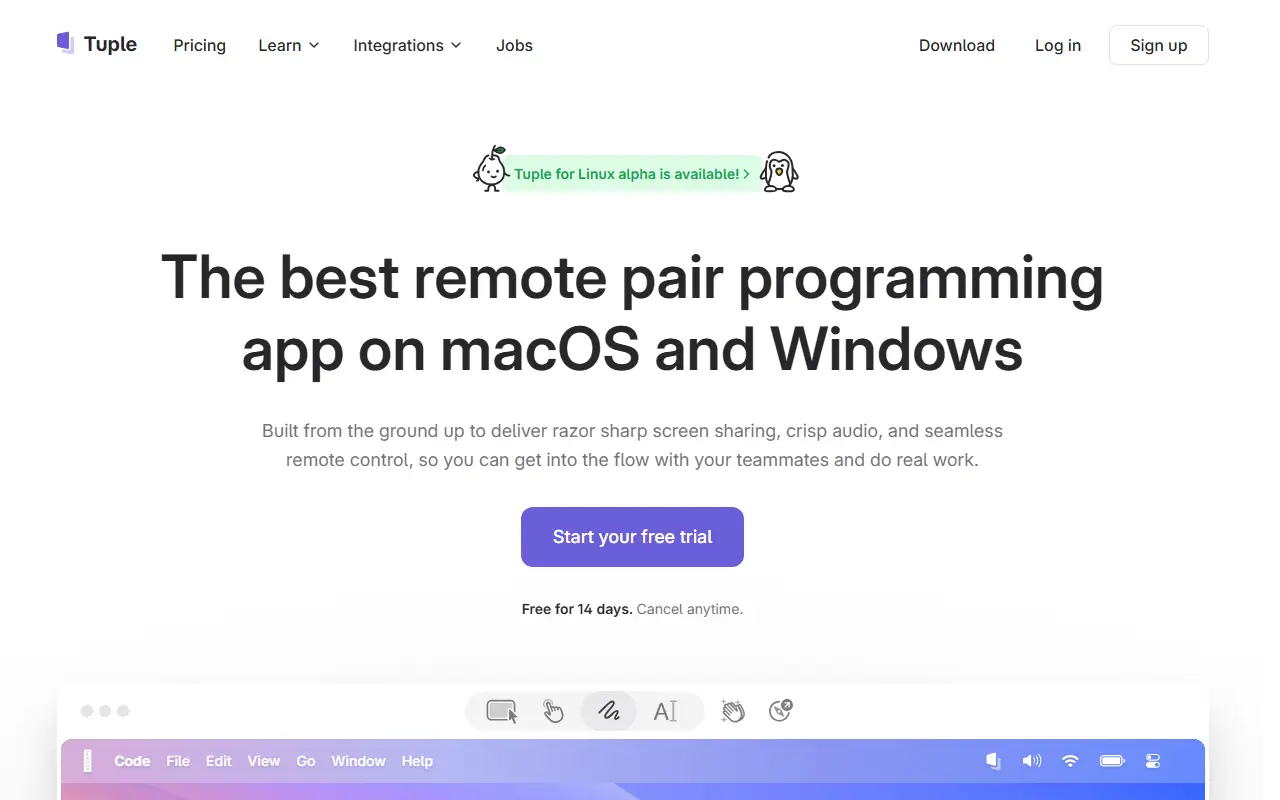
Tuple is a commercial application built specifically for remote pair programming. Rather than adapting a general video call tool, it was designed around the needs of developers working side by side, with sharp screen sharing, clear audio and the ability for a partner to take control of the shared machine.
It runs on macOS and Windows, and the vendor says a Linux version is available in alpha. Calls can be started from Slack, and call links can be added to Google Calendar or Apple Calendar events. For teams that want to automate things, a Triggers API lets them run their own code in response to Tuple events. The site also publishes documentation, a changelog, a pair programming guide and a podcast.
Tuple is a proprietary product with a pricing page and a downloadable app. It suits software teams that pair regularly across locations and find generic screen sharing laggy or awkward for working in an editor or terminal together.
Key features
- Low-latency screen sharing for developers
- Remote control of a partner's machine
- Clear audio tuned for pairing
- Starts calls directly from Slack
- Calendar links for Google and Apple Calendar
- Triggers API for custom automation
- Apps for macOS and Windows
Good fit for
- →Remote pair programming sessions
- →Code review walkthroughs on a shared screen
- →Onboarding new developers remotely
- Tags
- pair-programming
- screen-sharing
- remote-work
- developer-tools
- macos
- windows
Tuple: questions and answers
- What is Tuple used for?
- Tuple is a desktop app for remote pair programming that focuses on low-latency screen sharing, clear audio and remote control between developers. It is a good fit for remote pair programming sessions, code review walkthroughs on a shared screen and onboarding new developers remotely.
- How much does Tuple cost?
- Paid plans for Tuple start at $30 per seat per month, and there is no free plan. A free trial is available.
- Is Tuple open source?
- No. Tuple is proprietary (closed-source) software and can't be self-hosted. Open-source alternatives to Tuple include Screego.
- What are some alternatives to Tuple?
- Tuple competes with Zoom, Google Meet and Whereby. For open-source options, see Enlisted's ranked list of open-source Tuple alternatives.
Open-source alternatives to Tuple
See all
Screego
Video Conferencing
Screego - screen sharing for developers
GPL-3.0vs Zoom★ 11k
SkyOffice
Video Conferencing
Immersive virtual office built with Phaser, React, Redux, PeerJS, and Colyseus.
MITvs Gather★ 1.3k
MiroTalk
Video Conferencing
🚀 Open-source, self-hosted P2P WebRTC video conferencing for fast, private real-time comm
AGPL-3.0vs Zoom★ 4.8k
MiroTalk SFU
Video Conferencing
🏆 Self-hosted, open-source WebRTC video conferencing platform for real-time communication
AGPL-3.0vs Zoom★ 3.1k
edumeet
Video Conferencing
edumeet - multiparty web-meetings using mediasoup and WebRTC
MITvs Zoom★ 1.3k
MiroTalk C2C
Video Conferencing
📹 Open-source, self-hosted WebRTC 1-to-1 video calling for private real-time communicatio
AGPL-3.0vs Zoom★ 513
SaaS alternatives to Tuple
See all
Zoom
Video Conferencing
Zoom is a communications platform for video meetings, team chat, phone, webinars, whiteboards and events, with apps for desktop and mobile.
SaaS
Google Meet
Video Conferencing
Google Meet is Google's video meeting service, used through browsers and mobile apps and integrated with Google Calendar and Workspace.
SaaS
Whereby
Video Conferencing
Browser-based video meetings with persistent rooms and no downloads
SaaS
Discord
Team Chat
Discord is a group chat and voice platform for gaming and community servers, with text channels, voice rooms and video.
SaaS
Microsoft Teams
Team Chat
Microsoft Teams is Microsoft's workspace for chat, video meetings and file collaboration, closely tied to Microsoft 365.
SaaS
GoTo Meeting
Video Conferencing
Online meeting software with screen sharing and dial-in numbers
SaaS