#1
Free, open-source program for recording video and streaming live on Windows, macOS and Linux, built around scenes made from multiple sources.
- GitHub stars
- 79k
- Last commit
- 2 days ago
- Latest release
- 33.0.1
- Licence
- GPL-2.0
obsproject.com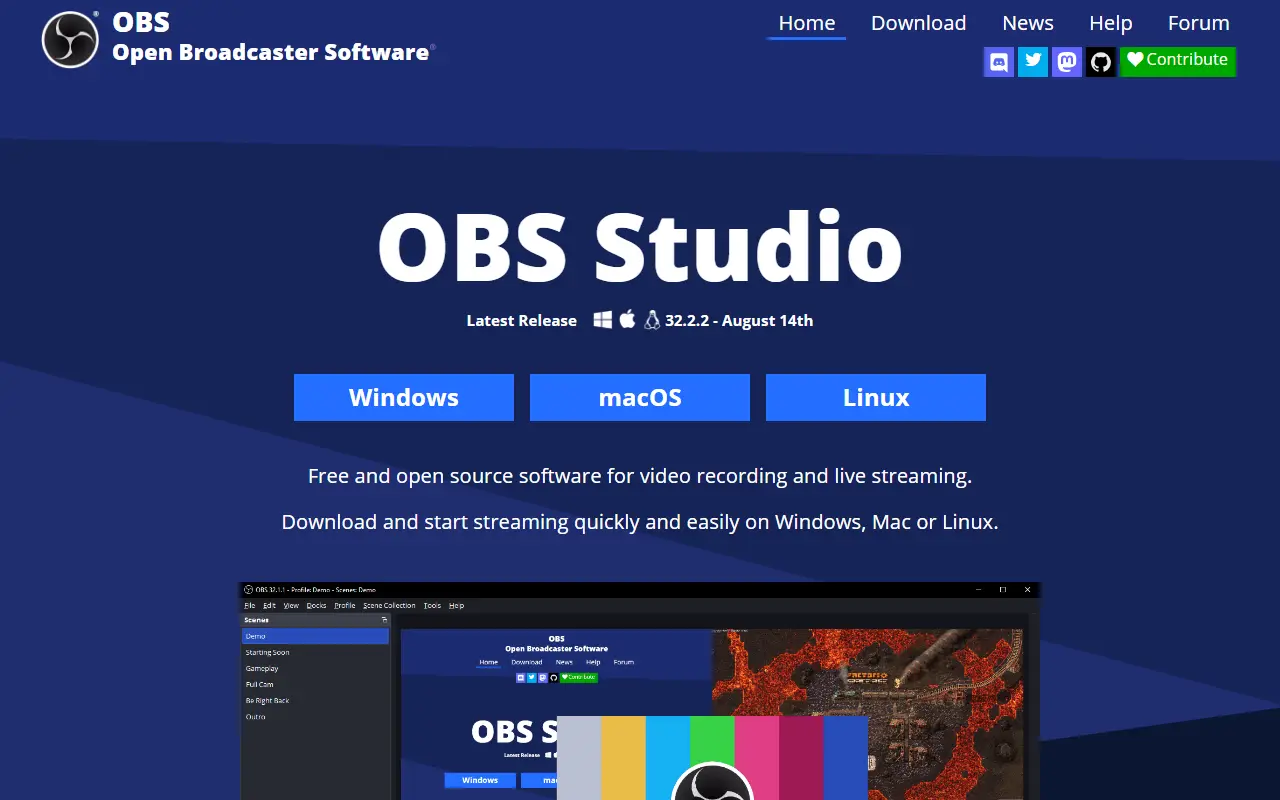
OBS Studio, from the Open Broadcaster Software project, is a free, open-source application for recording video and streaming live. It runs on Windows 10 and 11, recent macOS versions and Linux, and it is written mainly in C and C++ under the GPL-2.0 license.
Content is composed as scenes built from multiple sources, such as window captures, images, text, browser windows, webcams and capture cards. You can create as many scenes as you need and switch between them with customizable transitions. An audio mixer provides per-source filters like noise gate, noise suppression and gain, and VST plugins are supported. A modular dock-based interface can be rearranged, and individual docks can be popped out into separate windows.
OBS can stream to Twitch, YouTube and other providers, or record to local files using H.264 video and AAC audio. The project is funded through sponsors and backers. It suits streamers, educators, gamers and anyone producing tutorials or presentations who needs flexible capture and mixing without a license fee.
Key features
- Real-time video and audio capture and mixing
- Scenes combining windows, webcams, images and text
- Custom transitions between scenes
- Audio mixer with noise suppression and gain
- VST plugin support
- Streaming to Twitch, YouTube and other services
- Recording with H.264 and AAC encoding
Pricing: Free and open source under the GPL-2.0 license.
#2
A free, open-source Windows tool for screen capture, screen recording, annotation and file sharing, with OCR, hotkeys and custom upload workflows.
- GitHub stars
- 41k
- Last commit
- yesterday
- Latest release
- v22.4.0
- Licence
- GPL-3.0
- Self-hosted
- Yes
getsharex.com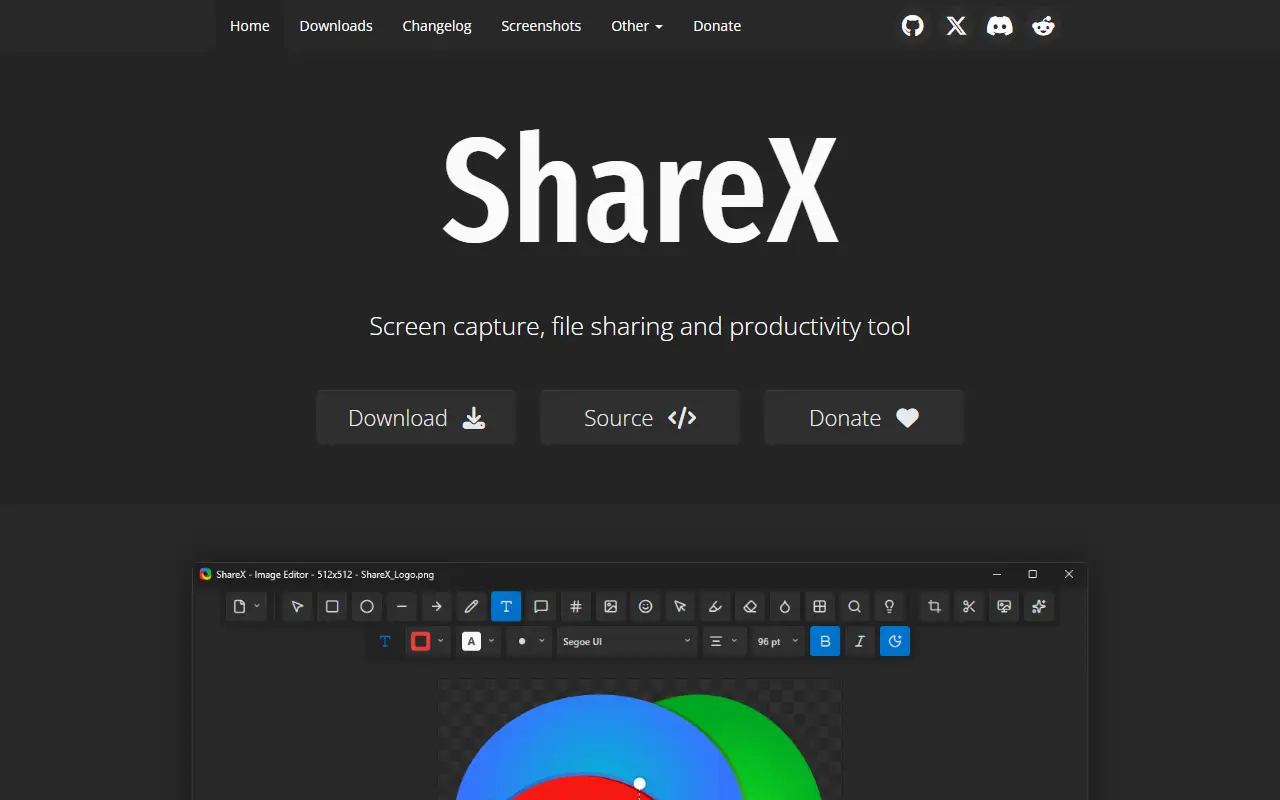
ShareX is a free, open-source application for Windows that combines screenshot capture, screen recording, file sharing and productivity utilities. It is built for people who capture and share their screen often and want to do it with a single hotkey and minimal manual steps.
You can capture any region of the screen, record video or GIFs, annotate and edit screenshots, extract text with OCR, scan QR codes and pick colors. Finished captures can be copied, saved, or uploaded to a wide range of destinations such as FTP servers and cloud storage, with shareable links copied for you, and a URL shortener is included. Custom task chains and hotkeys let you build workflows that capture, edit and upload in one go.
ShareX is built on .NET and licensed under GPL-3.0. It runs only on Windows, and as a desktop app there is no hosted service. It is widely used by support staff, developers, educators and content creators who send screenshots and recordings daily and want more control than the built-in Windows tools offer.
Key features
- Screen capture of any region
- Screen recording to video or GIF
- Screenshot annotation and editing
- OCR text extraction and QR scanning
- Upload to many destinations with shareable links
- Hotkeys and custom task workflows
Pricing: Free and open source under the GPL-3.0 license.
#3
Flameshot is a cross-platform screenshot tool with in-app annotation, a command-line interface and optional Imgur uploads.
- GitHub stars
- 32k
- Last commit
- 6 days ago
- Latest release
- v15.0.0
- Licence
- GPL-3.0
flameshot.org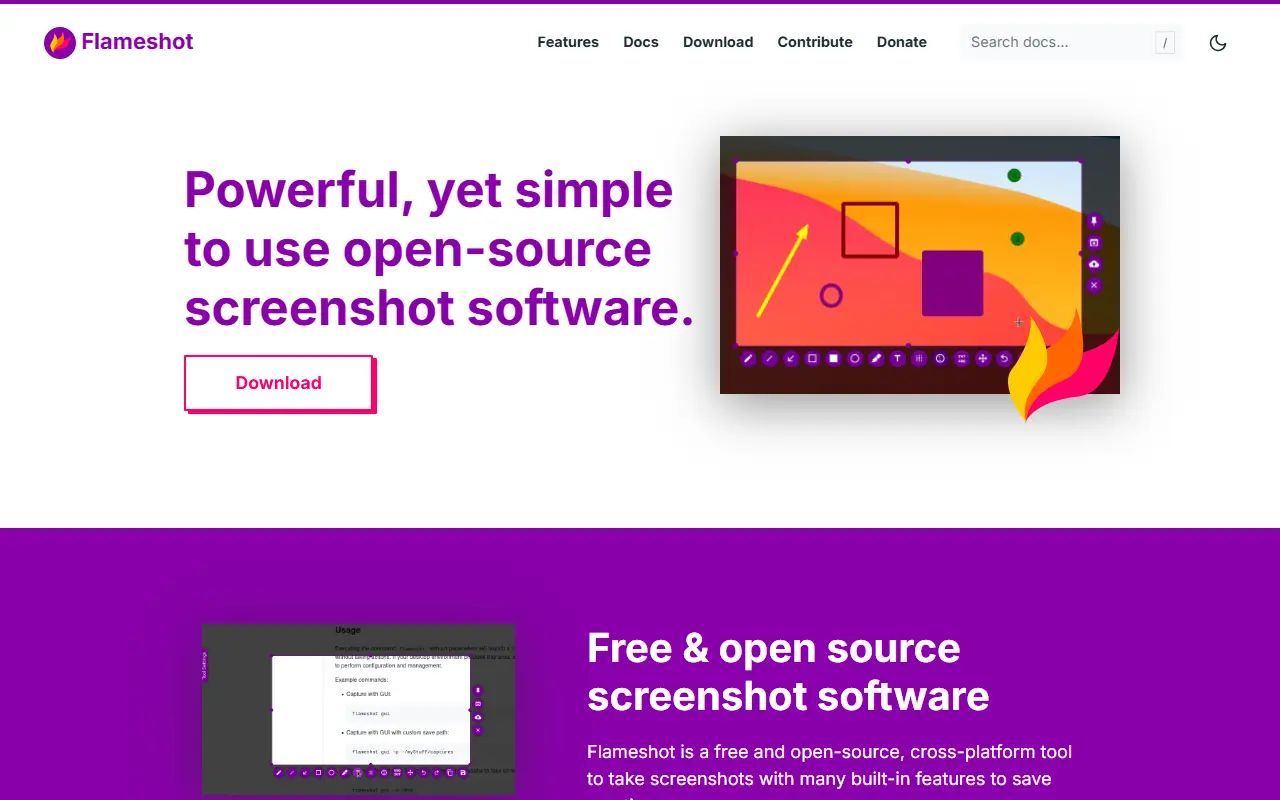
Flameshot is screenshot software with a customizable look and an in-app editor, so you can capture an area of the screen and mark it up before saving or sharing. It is built with Qt in C++, runs on Linux, Windows and macOS, and is released under the GPL-3.0 license. The project aims to be easy to use while still offering configuration options.
Running the flameshot command starts a background instance, with a tray icon on desktops that have a tray, and further commands trigger captures. Examples in the README cover GUI captures, delayed captures for hover tooltips, full-screen captures to a custom path, copying to the clipboard, and printing PNG data. A DBus interface and the ability to upload to Imgur are included. The documentation has setup notes for Windows, Hyprland, Sway, minimal X11 window managers and keyboard shortcuts on KDE, GNOME, XFCE and Fluxbox.
Key features
- Region capture with in-app annotation tools
- Command-line captures with delays and paths
- Copy to clipboard or save to a file
- Upload screenshots to Imgur
- DBus interface for scripting
- Tray icon and configurable shortcuts
Pricing: Free and open source under the GPL-3.0 license.
#4
Greenshot is a free, open-source screenshot tool for Windows that captures regions, windows, fullscreen, and scrolling web pages, with annotation and export features.
- GitHub stars
- 5.3k
- Last commit
- yesterday
- Latest release
- v1.3.328
- Licence
- GPL-3.0
getgreenshot.org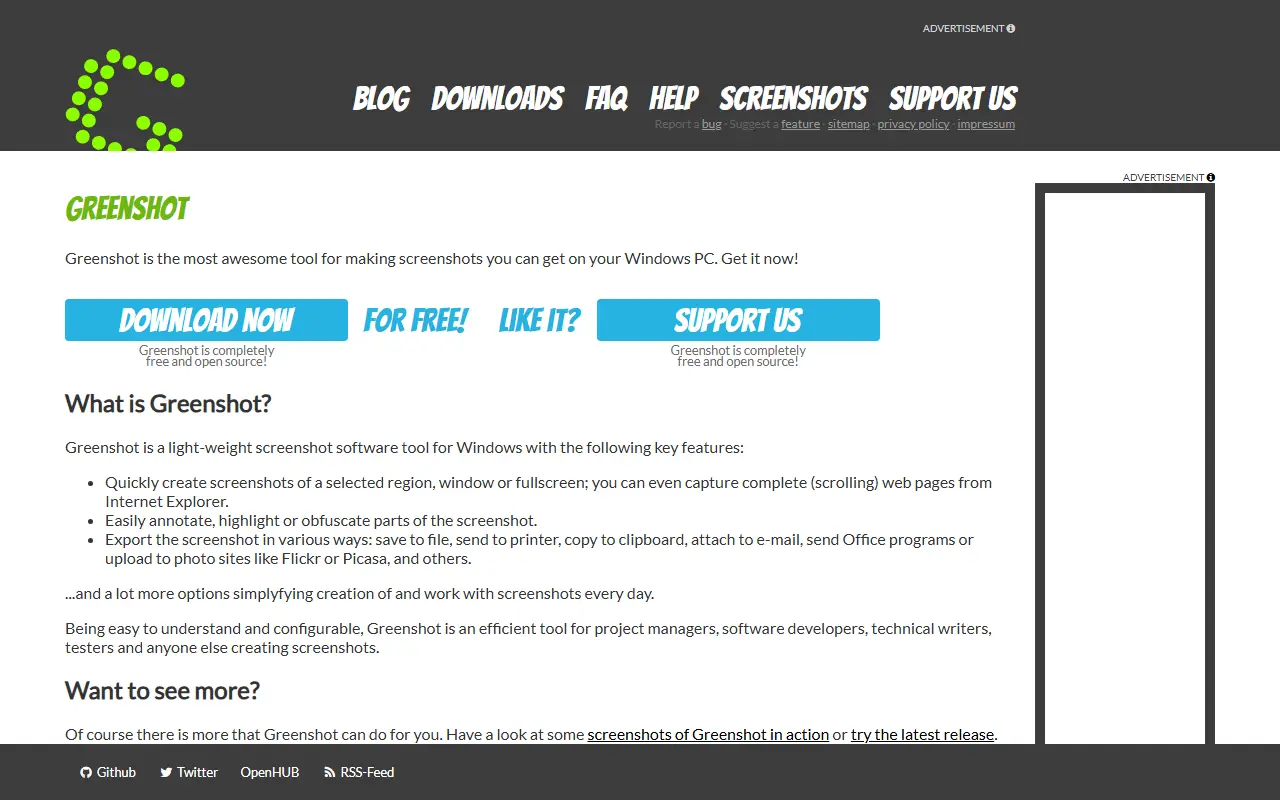
Greenshot is a lightweight screenshot software for Windows. It allows users to quickly capture a selected region, a window, or the full screen, and can also capture complete scrolling web pages from Internet Explorer.
The tool supports annotating, highlighting, or obfuscating parts of screenshots. It offers various export options including saving to file, printing, copying to clipboard, attaching to email, sending to Office programs, or uploading to photo sites like Flickr or Picasa. It is designed to be easy to understand and configurable, suitable for project managers, software developers, technical writers, testers, and others who create screenshots.
Key features
- Capture selected region, window, or fullscreen
- Capture complete scrolling web pages from Internet Explorer
- Annotate, highlight, or obfuscate parts of screenshots
- Export to file, printer, clipboard, email, Office programs, or photo sites
- Configurable and easy to understand

Self-hosted file upload server built around ShareX, with short URLs, folders, tags, and sharing controls for people who want to run their own screenshot and file host.
- GitHub stars
- 3.5k
- Last commit
- 4 days ago
- Latest release
- v4.8.3
- Licence
- MIT
- Self-hosted
- Yes
zipline.diced.sh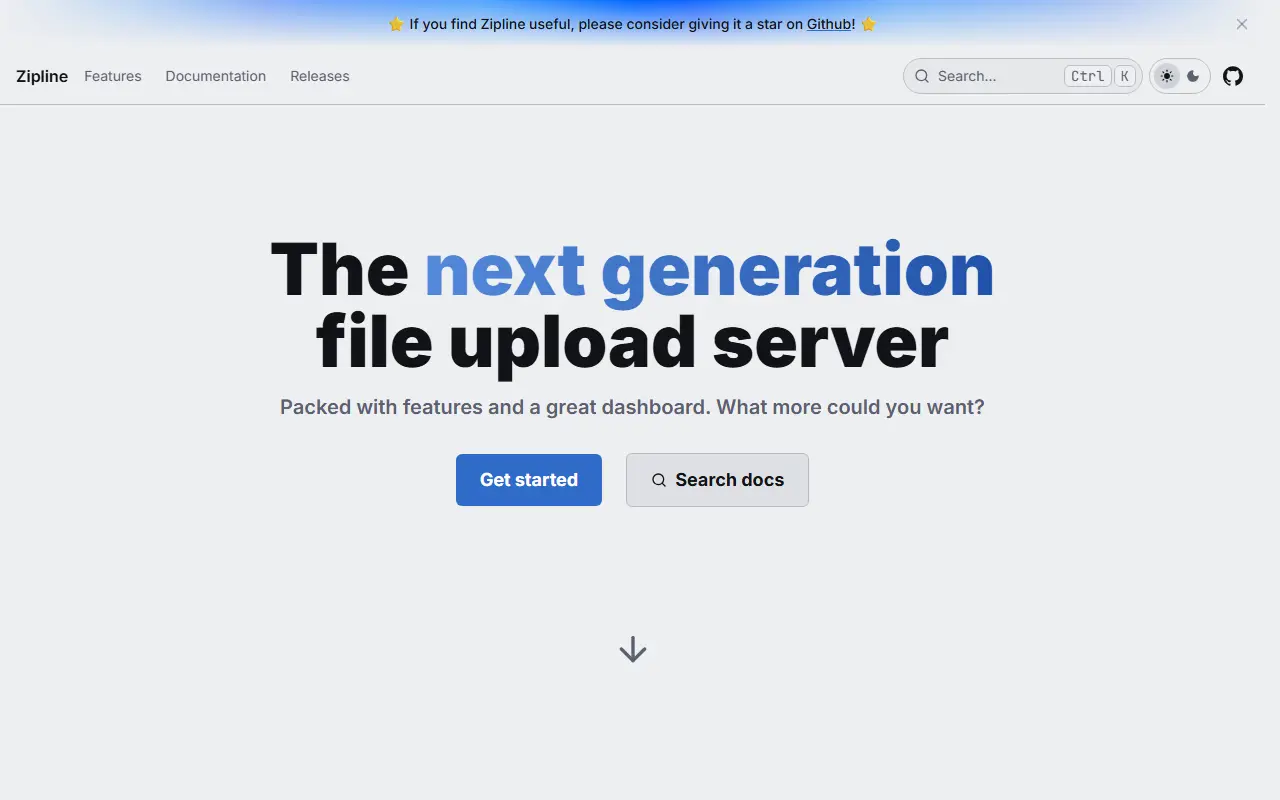
Zipline is an open-source file upload server that you run yourself. It began as a destination for ShareX screenshot and file uploads and has grown into a general personal or team file host with a web interface, an API, and a gallery view for uploaded media. It is released under the MIT license.
Uploads can be organized into folders and tags, shortened into compact URLs, and shared with embeds that preview cleanly in chat apps. Access can be tightened with password-protected links, invite-only registration, per-user quotas, OAuth2 sign-in, two-factor authentication, and passkeys. Image compression, video thumbnails, and partial uploads help with larger files, and webhooks can notify Discord or any HTTP endpoint.
Deployment is Docker-based: you mount volumes for uploads, public assets, and custom themes, and set a secret value before the first start. The host CPU must support AVX instructions, because the project does not publish builds for older processors. Zipline suits individuals, communities, and small teams who want a private alternative to public image and file hosts.
Key features
- ShareX-compatible upload endpoint
- Folders and tags for organizing uploads
- URL shortening for shared files
- Password-protected links and invite-only signups
- OAuth2, two-factor authentication, and passkeys
- Image compression and video thumbnails
- Discord and HTTP webhooks
- Custom themes and per-user quotas
Pricing: Free and open source under the MIT license; you run it on your own server.
#6
Chibisafe is a self-hosted file uploader written in TypeScript that returns shareable links, with albums, quotas and S3 storage.
- GitHub stars
- 2.8k
- Last commit
- 22 days ago
- Latest release
- v6.7.0
- Licence
- MIT
- Self-hosted
- Yes
chibisafe.app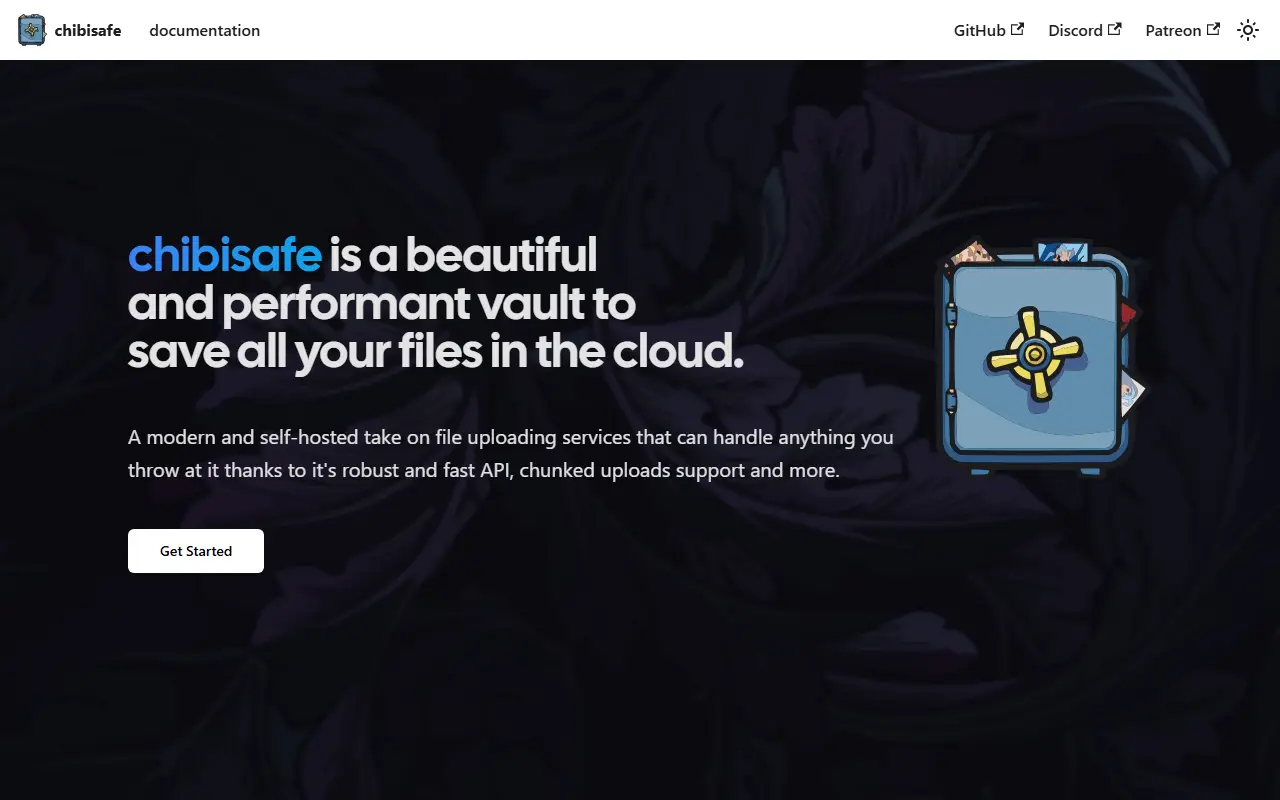
Chibisafe is a file uploader service written in TypeScript. You send it files, photos or documents and it gives back a shareable link. It is described as easy to use and deploy, and it can run in public mode, user accounts mode or invite-only mode, depending on how open you want your instance to be.
Large files are uploaded in chunks to reduce failures from network problems, and users can create API keys to use the service programmatically. An admin dashboard exposes most instance settings, including the name, rate limit, maximum file size and accepted extensions, so you rarely need to edit configuration files by hand.
Version 6 adds S3 storage support, a masonry layout for browsing media, albums and folders with direct links, snippets, file management and tagging, user management with quotas and a built-in URL shortener. ShareX support, an iOS shortcut and a browser extension help with uploading from desktops, phones and websites. It is open source under the MIT license, runs without ads, and logs IP addresses of requests.
Key features
- Shareable links for uploaded files
- Public, accounts or invite-only modes
- Chunked uploads for large files
- Albums, folders and snippets
- S3 storage and user quotas
- Admin dashboard for instance settings
- ShareX, iOS shortcut and browser extension
Pricing: Free and open source under the MIT license.
#7
A tiny self-hosted paste bin, file-sharing and URL shortening web app written in Rust, shipped as a single executable with optional encryption.
- GitHub stars
- 4.6k
- Last commit
- 2 mo ago
- Latest release
- v2.1.0
- Licence
- BSD-3-Clause
- Self-hosted
- Yes
microbin.eu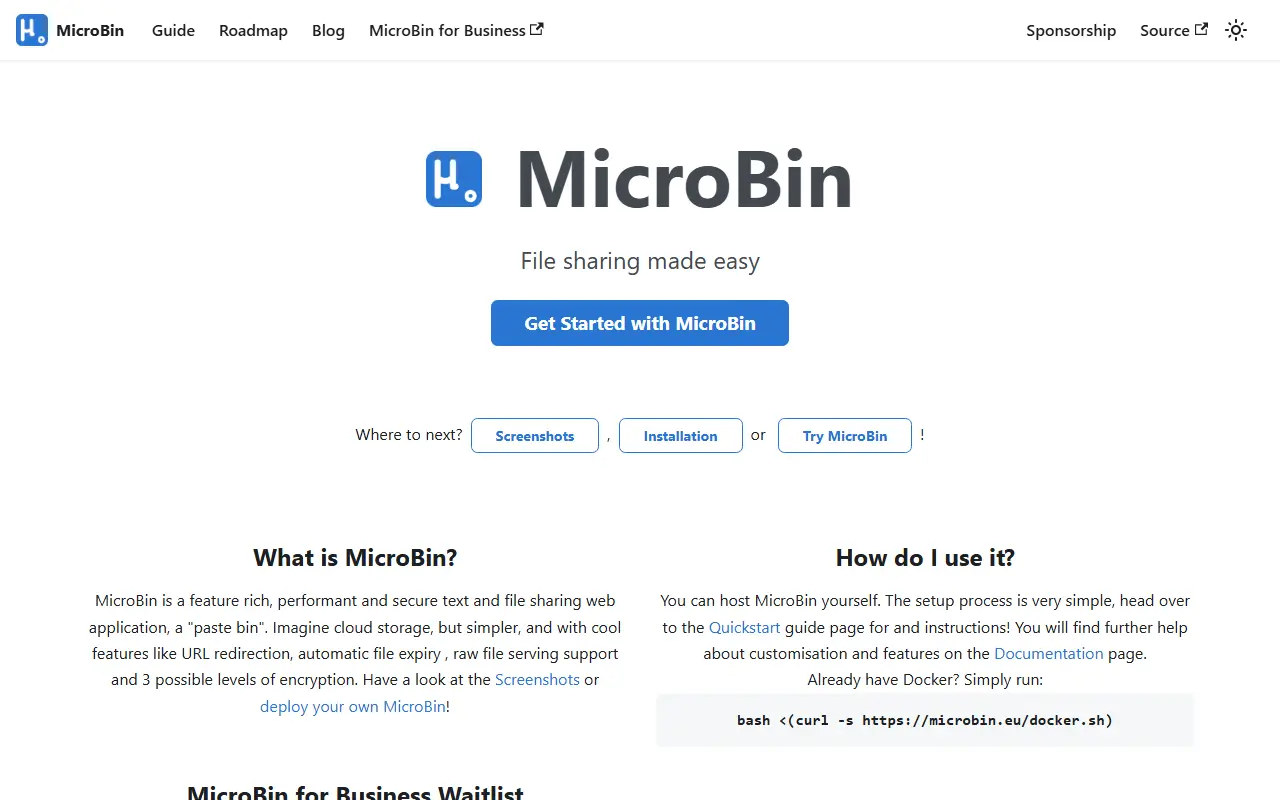
MicroBin is a small, self-contained and self-hosted paste bin web application written in Rust. It is quick to set up and needs only a few megabytes of memory and disk storage, and it ships as a single executable file.
An upload can be a pasted text, one or more attached files, or a URL redirection. Uploads can be private or public, editable or read-only, and set to expire automatically or never. Other features include server-side and client-side end-to-end encryption, QR code support, raw text serving, animal names as upload identifiers, automatic dark mode, and SQLite or JSON storage.
People use it to send long texts or large files, share sensitive documents, shorten URLs and serve configuration files or images through its raw endpoint. It can be installed through a Docker setup script or from Cargo, and is licensed under BSD-3-Clause. The project website offers screenshots, documentation and a roadmap.
Key features
- Paste bin for text and code
- File uploads with multiple attachments
- URL shortening and redirection
- Server-side and client-side E2E encryption
- Expiring and non-expiring uploads
- QR code support
- SQLite and JSON database support
- Single self-contained executable
Pricing: Free and open source under the BSD-3-Clause licence.
#8
Lightweight PHP file host for quick temporary or permanent uploads, with drag-and-drop, an upload API, rate limiting and file-type controls.
- GitHub stars
- 1.2k
- Last commit
- 8 days ago
- Latest release
- v.2.0.0
- Licence
- GPL-3.0
- Self-hosted
- Yes
- Hosted version
- Available
uguu.se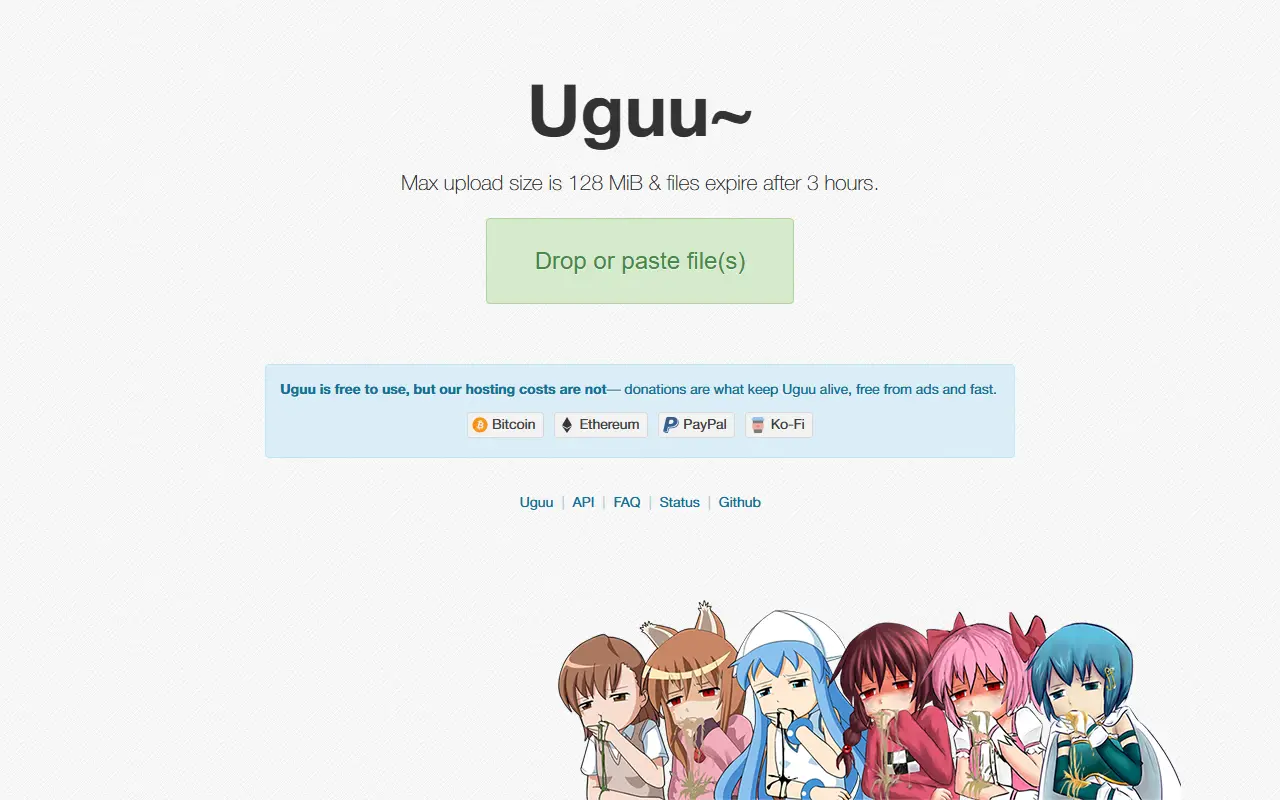
Uguu is a simple, lightweight platform for temporary file hosting and sharing that can also serve as a permanent file host. Uploading takes one click and needs no registration, and the web interface is minimal and modern, supporting drag and drop, paste and click-to-select. It is aimed at anyone who wants to run their own quick-share service, and a public instance runs at uguu.se.
An upload API can return responses in JSON, HTML, plain text or CSV, and the service works with ShareX and other screenshot tools. Administrators can restrict files by extension or MIME type with black or whitelists, apply upload rate limiting, and blacklist files by hash. The README lists tested requirements of Nginx with PHP 8.3 and SQLite, MySQL or PostgreSQL; Bun is used to compile front-end assets before the app runs on PHP.
Installation and configuration are covered in the project documentation. Uguu is based on the earlier Pomf project, follows the PSR-12 coding standard enforced with PHPCS, and is licensed under GPL-3.0.
Key features
- One-click uploads without registration
- Drag and drop and clipboard paste
- Upload API with JSON, HTML, text and CSV responses
- ShareX support
- Extension and MIME allow and block lists
- Rate limiting and file hash blacklisting
Pricing: Free and open source under the GPL-3.0 license.
#9
A minimal, self-hosted file upload, pastebin and URL shortening service written in Rust that stores files on the filesystem with no database.
- GitHub stars
- 1.2k
- Last commit
- 2 days ago
- Latest release
- v0.18.2
- Licence
- MIT
- Self-hosted
- Yes
blog.orhun.dev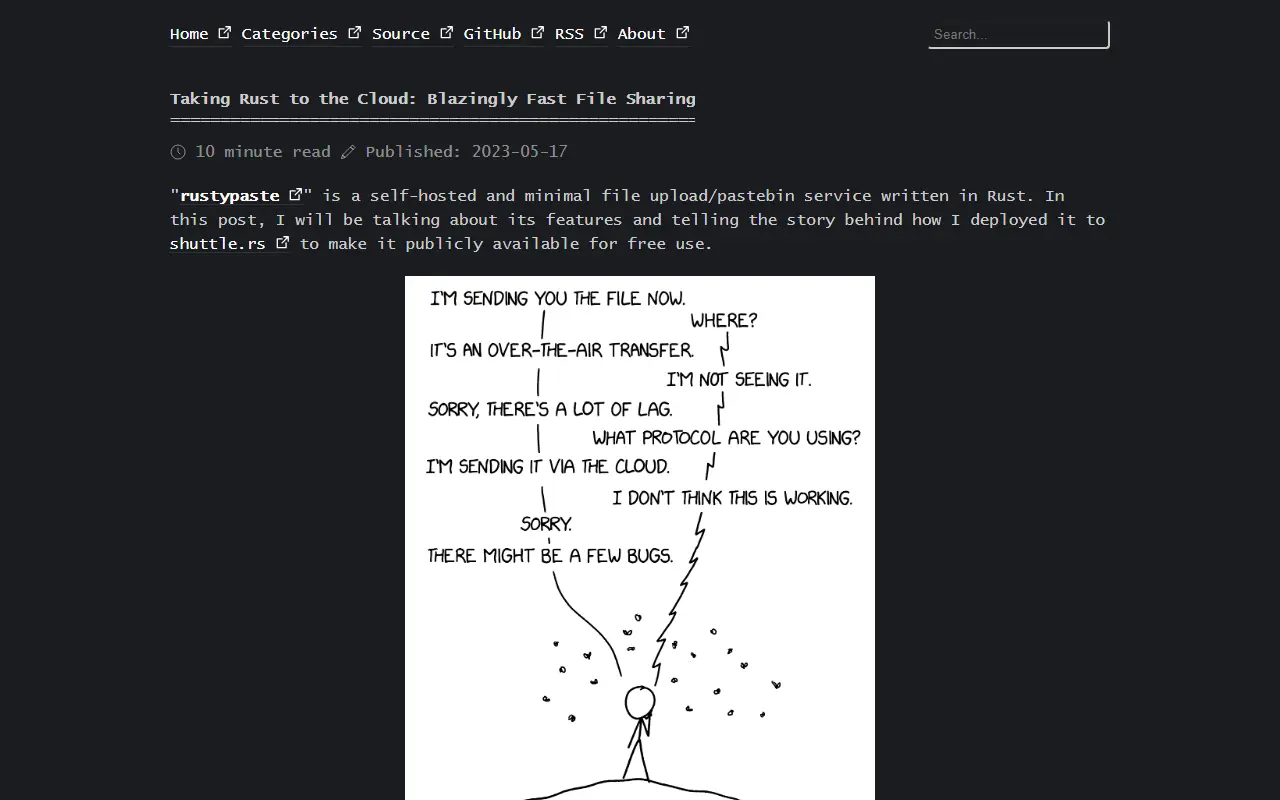
Rustypaste is a minimal file upload and pastebin service. You send files, text or URLs to the server with simple HTTP requests, and it returns a link, which makes it convenient from the command line, scripts and tools that can issue a POST request. It also supports URL shortening and uploading a file from a remote URL.
Options include random file names in several styles, expiring links and automatic deletion of expired files, one-shot files and URLs that can only be viewed once, password-protected files hashed with Argon2id, MIME type guessing, forced downloads, duplicate prevention, listing and deleting files, and a custom landing page. Configuration is simple and supports hot reloading, and basic HTTP authentication is available.
Rustypaste is a single binary written in Rust, uses the filesystem rather than a database, and is licensed under MIT. It can be installed from crates.io, distribution packages, binary releases or Docker, and third-party clients exist. It is run on your own server, so it suits individuals and teams who want a private alternative to public pastebins and file hosts.
Key features
- File upload, pastebin, and URL shortening
- Expiring and one-shot links
- Password-protected files
- Random or custom file names
- No database, filesystem storage
- Single binary with Docker images
Pricing: Free and open source under the MIT licence.
#10
Open-source screen recorder for macOS built with web technology, exporting GIF, MP4, WebM or APNG and extendable through plugins.
- GitHub stars
- 19k
- Last commit
- 2 yr ago
- Latest release
- v3.6.0
- Licence
- MIT
getkap.co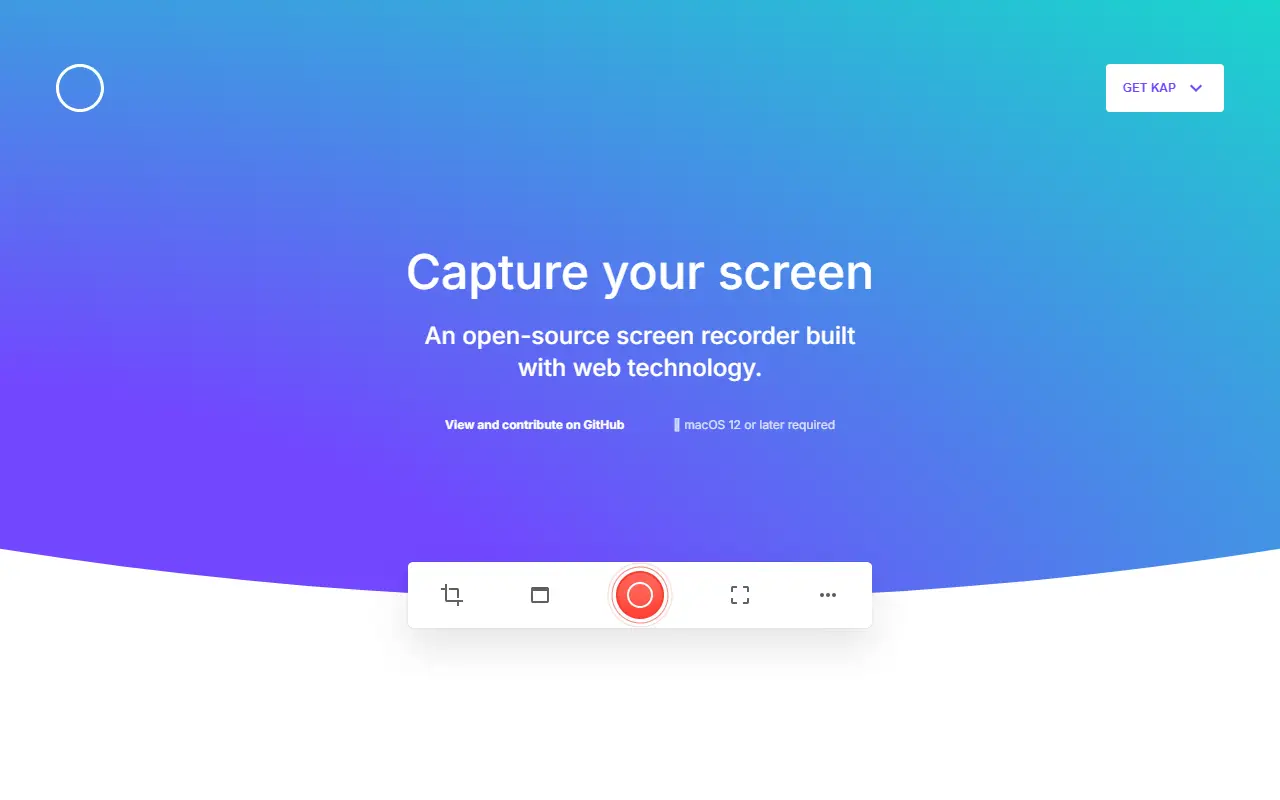
Kap is a screen recorder for the Mac, built with web technology and released under the MIT licence. Recording runs from the menu bar: you click the icon, choose which part of the screen to capture, press record, and click the icon again to stop.
Exports can be GIF, MP4, WebM or APNG, with optional audio, click highlighting and trimming. While recording you can Option-click the menu bar icon to pause, or right-click for more options. Plugins extend what happens after a recording, and the homepage shows sharing to Giphy, deploying with Vercel and uploading to Streamable.
The site states that macOS 12 or later is required, and offers separate downloads for Apple silicon and Intel Macs. You can also install it with Homebrew Cask. Unsupported development builds of any branch are available for testers.
Key features
- Exports to GIF, MP4, WebM or APNG
- Recording controlled from the menu bar icon
- Select the portion of the screen to record
- Pause by Option-clicking the menu bar icon
- Plugin system with developer documentation
- Sharing integrations for Giphy, Vercel and Streamable
- Install with Homebrew Cask
Commercial Droplr alternatives
Hosted, closed-source products that compete with Droplr. Showing 12 of 23.
- View tool

Screen Studio
Video Editing
Mac screen recorder that adds automatic zooms and polished cursor animations
SaaS
- View tool
Mac screenshot and screen recording utility with annotation and cloud sharing
SaaS
- View tool
Mac screen recording and video editing software from Telestream
SaaS
- View tool
Screen recording and screenshot sharing tool, formerly CloudApp
SaaS
- View tool

Screencastify
Video Editing
Chrome-based screen recorder aimed at education and teams
SaaS
- View tool
Screen recording, screenshot annotation, GIF creation, and meeting recording tool
SaaS
- View tool
Loom is a screen and camera recording tool for sharing asynchronous video messages, with editing, comments, transcripts and AI features.
SaaS
- View tool
Screen recorder and video editor for tutorials and training videos
SaaS
- View tool
Captures and organizes full-page website screenshots with OCR text search, PDF export and team workspaces
SaaS
- View tool
Screenshot markup tool for sharing work in progress
SaaS
- View tool
Screenshot tool for macOS
SaaS
- View tool
Screenshot tool for Windows and Mac that adds backgrounds, shadows, borders and redactions
SaaS
See every Droplr alternative on its tool page
Droplr alternatives: questions
- What is the best open-source alternative to Droplr?
- OBS Studio is the top-ranked open-source alternative to Droplr on Enlisted: Free, open-source program for recording video and streaming live on Windows, macOS and Linux, built around scenes made from multiple sources. Other strong options are ShareX, Flameshot, Greenshot and Zipline.
- What are the best commercial alternatives to Droplr?
- Screen Studio, CleanShot X, ScreenFlow, Zight and Screencastify are among the hosted, closed-source alternatives to Droplr listed on Enlisted, which lists 23 in total. Compare their pricing and features on each tool page.
- Are these Droplr alternatives free?
- All 10 are open source, so the code is free to use under its licence, and all of them can be self-hosted on your own server or computer. 1 also offers a paid or managed cloud version if you'd rather not host it yourself.
- How is this list of Droplr alternatives ranked?
- By a score built from GitHub stars, star growth over the last 30 days and how recently the code changed. 8 of these projects shipped code in the last 30 days. Data is refreshed daily, and nobody can pay to move up.
 TrackMedia
 TrackRev