
About iShot
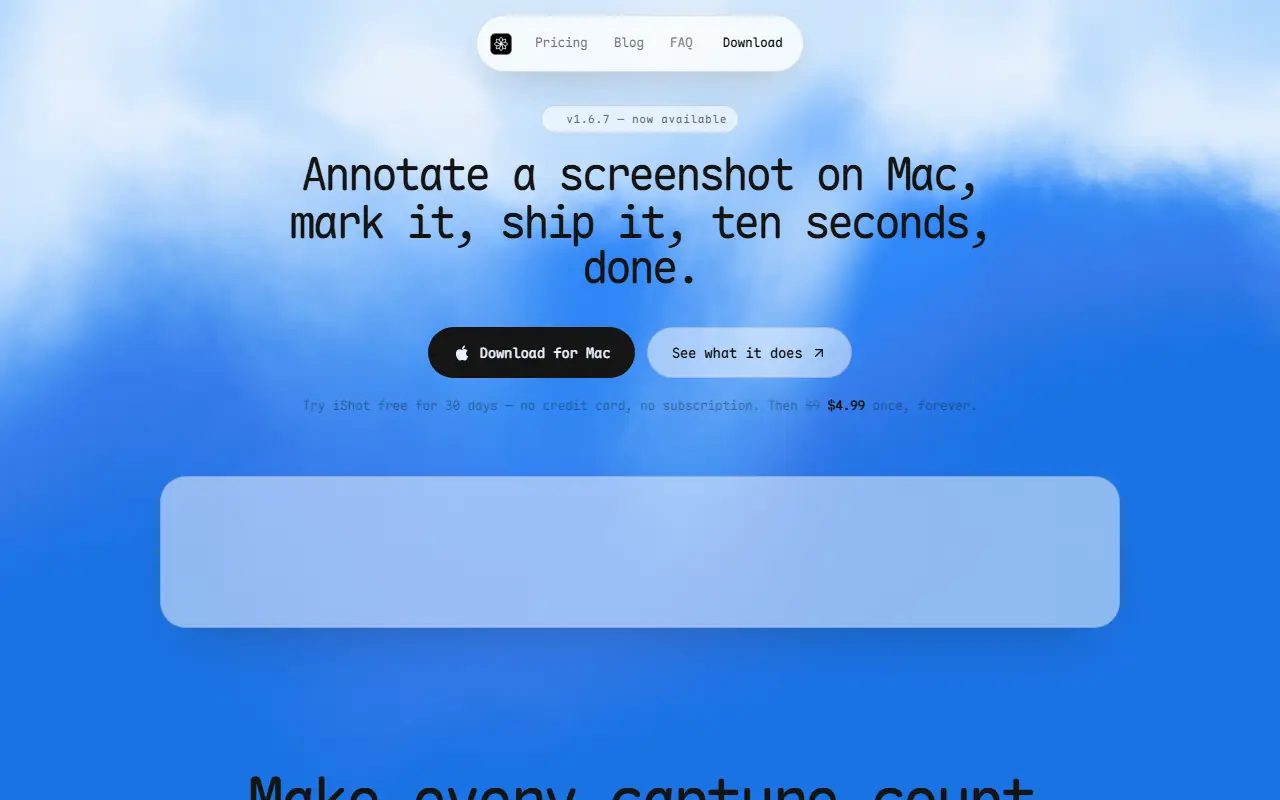
iShot is a macOS screenshot app that goes beyond the built-in capture tools. It can copy text straight from the pixels using on-device OCR in multiple languages, decode QR codes and barcodes from the same scan, and translate on-screen text into more than a dozen languages. The aim is to avoid retyping and switching between apps.
For sharing, it offers annotation with arrows, highlights and callouts, blur and redaction for private information, and backgrounds with shadows and rounded corners. It records the screen with a microphone and a round camera bubble, then trims the result. Scroll capture stitches long pages, chats and design flows into one image, clipboard history is searchable, and a capture can be pinned on top of other windows.
An AI chat answers questions about a capture, and it connects through your own API key for GPT, Claude or another OpenAI-compatible service. There is a 30-day free trial with no credit card, after which the app costs a one-time $4.99.
Key features
- On-device OCR to copy text from screenshots
- QR code and barcode decoding
- AI translation of on-screen text
- Annotation, blur and redaction tools
- Scroll capture for long pages
- Screen recording with camera bubble
- Searchable clipboard history
Good fit for
- Copying text out of an image or video frame
- Capturing a long document or chat as one image
- Redacting private details before sharing a screenshot
iShot: questions and answers
- What is iShot used for?
- iShot is a Mac screenshot tool with on-device text copying, scroll capture, annotation, redaction, screen recording and AI chat about captures. It is a good fit for copying text out of an image or video frame, capturing a long document or chat as one image and redacting private details before sharing a screenshot.
- How much does iShot cost?
- Paid plans for iShot start at $4.99 as a one-time payment, and there is no free plan. A free trial is available.
- Is iShot open source?
- No. iShot is proprietary (closed-source) software. In the Productivity category, open-source options include BetterShot, ShareX and Flameshot.
- What are some alternatives to iShot?
- iShot competes with CleanShot X, Snagit and Zight.
Open-source alternatives to iShot
See all
BetterShot
Productivity
Screenshot, screen recording, and video editor for macOS. Native SwiftUI app with capture
OSSvs CleanShot X★ 2.4k
ShareX
Productivity
ShareX is a free and open-source application that enables users to capture or record any a
GPL-3.0vs Snagit★ 40k
Flameshot
Productivity
Powerful yet simple to use screenshot software :desktop_computer: :camera_flash:
GPL-3.0vs Snagit★ 31k
Stirling PDF
Productivity
A free, private PDF editor you can run on any infrastructure.
OSSvs Adobe Acrobat★ 94k
Stats
Productivity
macOS system monitor in your menu bar
MIT★ 42k
Rectangle
Productivity
Move and resize windows on macOS with keyboard shortcuts and snap areas
OSSvs BetterTouchTool★ 30k
SaaS alternatives to iShot
See all
CleanShot X
Productivity
Mac screenshot and screen recording utility with annotation and cloud sharing
SaaS
Snagit
Productivity
Screen capture and annotation tool for screenshots and short recordings
SaaS
Zight
Productivity
Screen recording and screenshot sharing tool, formerly CloudApp
SaaS
Droplr
Productivity
Screenshot, screen recording and file sharing tool with instant links for teams
SaaS
Savvyshot
Productivity
Screenshot tool for Windows and Mac that adds backgrounds, shadows, borders and redactions
SaaSCaptriq
Productivity
Captures and organizes full-page website screenshots with OCR text search, PDF export and team workspaces
SaaS